You don't feel workplace sprawl until a board member asks what the office footprint costs, which spaces are actually used, and which leases are worth renewing. Then the answer lives in five systems and three spreadsheets - and nobody owns the number.
The global IWMS market was valued at US$3.47 billion in 2025 and is projected to reach US$8.87 billion by 2034, according to The Insight Partners (2026). That growth reflects one persistent problem: Workplace, facilities, real estate, and maintenance data remain disconnected long after companies have outgrown the spreadsheet era.
For a Series B company managing multiple locations, the question isn't whether to consolidate. It's which workflow is breaking first, and which platform fixes that without adding a year of implementation overhead.
This guide compares 11 IWMS software platforms on the market in 2026, with verified pricing and G2 ratings, to help you build a shortlist worth showing to a COO or workplace leader.
What's inside
This guide covers 11 integrated workplace management system software platforms for 2026. It's written for founders, COOs, facilities leaders, finance leads, and workplace operators who need a practical shortlist rather than a category overview.
Tools were chosen based on:
- IWMS category fit: Coverage of real estate, facilities, maintenance, space, and lease workflows
- Market presence: Enterprise adoption, analyst recognition, and verifiable G2 data
- Pricing transparency: What drives cost and how vendors structure quotes
- Fit variety: Platforms that serve different dominant workflows, from lease accounting to hybrid work
Pricing and G2 ratings reflect data verified against vendor pages and live review listings at time of publication.
TL;DR
- Best for enterprise IWMS depth: IBM TRIRIGA fits complex portfolios with real estate, lease, capital project, and facilities needs
- Best for hybrid workplace and space planning: Eptura Workplace fits teams managing desk booking, utilization, and workplace services
- Best for global real estate operations: Planon fits organizations needing mature IWMS across properties, facilities, maintenance, and sustainability
- Best for maintenance-heavy teams: Accruent IWMS fits organizations where assets, facilities, and work orders drive the buying case
- Best for ServiceNow shops: ServiceNow Workplace Service Delivery and Nuvolo Connected Workplace fit companies standardized on that platform
- Advice for founders: Don't buy a full IWMS because the category sounds strategic. Buy it when leases, space, assets, and facilities reporting are already slowing decisions
What is integrated workplace management system software?
An integrated workplace management system, or IWMS, is software that centralizes workplace, facilities, real estate, maintenance, space, lease, capital project, and sustainability data into one operational system.
IWMS meaning originates from the idea of replacing fragmented point tools - CAFM for facilities, CMMS for maintenance, and ERP modules for lease accounting - with a connected layer where these domains share data. According to CBRE (2025), 90% of organizations already use CAFM or IWMS systems to manage space data, but most still struggle to connect space data with maintenance, leases, and sustainability reporting.
The five major functional areas that define the category:
- Real estate and lease management: Portfolio administration, lease accounting (ASC 842, IFRS 16), renewal tracking, and contract data
- Facilities and space management: Floor plans, occupancy tracking, desk and room booking, neighborhood planning, and move management
- Operations and maintenance: Work orders, preventive maintenance, asset condition tracking, and service request routing
- Capital project management: Project planning, cost controls, budget variance, and construction lifecycle management
- Sustainability and energy management: Energy consumption tracking, emissions reporting, and regulatory compliance data
Common IWMS capabilities across platforms include:
- Portfolio and lease administration
- Space planning and occupancy analytics
- Maintenance work orders and asset records
- Capital project planning and cost management
- Energy and sustainability reporting
- Workplace service request workflows
- Analytics dashboards and scenario planning
- Integrations with ERP, HRIS, IoT sensors, and BI platforms
How IWMS differs from adjacent systems:
CAFM (computer-aided facilities management) focuses primarily on facilities, floor plans, and space. CMMS (computerized maintenance management system) focuses on maintenance work orders and asset uptime. ERP handles broader business processes: Finance, HR, supply chain. IWMS connects these workplace-specific domains into one system where data flows between them without manual export.
When to use integrated workplace management system software
Consolidate workplace data before decisions slow down
IWMS earns its place when leaders can't answer basic questions about leases, space utilization, work orders, and facilities costs without manual data stitching. A single office at 40 employees probably doesn't need it. A multi-location footprint with fragmented reporting, delayed lease renewals, and no occupancy baseline changes the math. The trigger is usually a board question that takes two weeks to answer.
Manage hybrid work with occupancy data
Hybrid work turned "how much space do we need?" from an annual facilities question into a recurring operating decision. Desk booking, floor plan accuracy, neighborhood planning, utilization rates, and employee workplace services now require a live data layer rather than a once-a-year occupancy survey. IWMS platforms with workplace experience modules connect employee behavior to space planning in ways spreadsheets can't.
Connect maintenance, assets, and sustainability reporting
Maintenance schedules, asset condition records, energy consumption data, and emissions reporting become board-level concerns when facilities cost and carbon risk affect budget and risk planning. When those workflows are siloed across ticketing tools, spreadsheets, and BMS exports, an IWMS creates one source of truth for capital planning decisions.
Integrated workplace management system software comparison
The table below covers all 11 IWMS platforms in this guide. Pricing reflects vendor-published information as of November 2026; most enterprise IWMS vendors require a custom quote. G2 ratings are drawn from live G2 listings at time of publication.
| # | Product | Best for | Key differentiator | Pricing | G2 rating |
|---|---|---|---|---|---|
| 1 | IBM TRIRIGA | Enterprise real estate portfolios | Lease, capital project, and facilities depth in one platform | Custom pricing | 3.8/5 |
| 2 | Eptura Workplace | Hybrid workplace and space planning | Space, moves, utilization, and workplace services combined | Custom pricing | 4.3/5 |
| 3 | Planon | Global IWMS maturity | Broad IWMS with real estate, facilities, maintenance, and sustainability | Custom pricing | 4.0/5 |
| 4 | Accruent IWMS | Asset-intensive facilities teams | Facilities, assets, leases, and energy in one connected suite | Custom pricing | N/A |
| 5 | ServiceNow Workplace Service Delivery | ServiceNow-standardized organizations | Workplace services and reservations inside existing ServiceNow workflows | Custom pricing | 4.5/5 |
| 6 | Nuvolo Connected Workplace | ServiceNow-native enterprise operations | Full IWMS built natively on ServiceNow | Custom pricing | 4.1/5 |
| 7 | FMS:Workplace | Space and facilities portfolio management | Modular IWMS now part of OpenBlue Workplace | Custom pricing | 4.2/5 |
| 8 | Spacewell Workplace | Smart building and occupancy analytics | IoT-connected space management with occupancy and indoor-air-quality data | Custom pricing | 4.5/5 |
| 9 | SAP Cloud for Real Estate | SAP-centric real estate and finance teams | Real estate portfolio and workspace management inside SAP | Custom pricing | N/A |
| 10 | Oracle Primavera Unifier Facilities and Asset Management | Capital projects and asset-heavy programs | Capital planning, facilities, and assets connected in Oracle Cloud | Custom pricing | 4.3/5 |
| 11 | QFM | Facilities and maintenance management | Modular CAFM with strong maintenance and mobile field support | Custom pricing | 5.0/5 |
Best integrated workplace management system software for 2026
1. IBM TRIRIGA
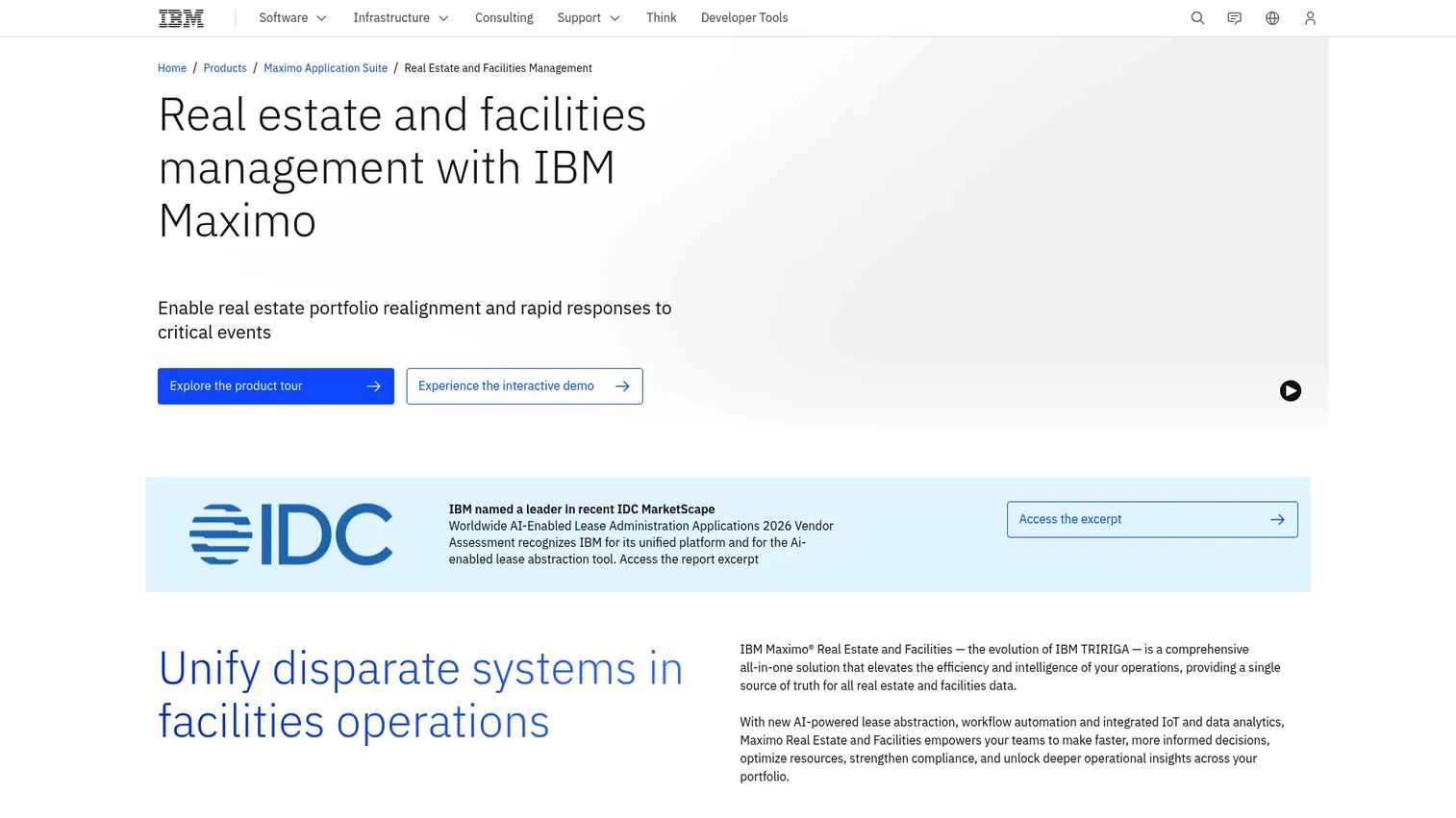
IBM TRIRIGA, now marketed under the IBM Maximo Real Estate and Facilities umbrella, is one of the most established IWMS platforms for enterprise organizations. It covers real estate portfolio management, lease accounting, capital project controls, facilities operations, space management, and environmental tracking in a single system. The platform is built for organizations with dedicated real estate, facilities, IT, and finance stakeholders who need governance across a complex portfolio.
Best for: Global enterprises managing complex real estate portfolios with formal workplace governance requirements.
Key features
- Lease administration and accounting (ASC 842, IFRS 16 support)
- Space management and workplace optimization
- Capital planning and project management
- Maintenance and facilities operations
- Environmental and energy management
Why choose IBM TRIRIGA: This is not a quick-start tool. The depth of its lease accounting and capital project controls makes it the right fit when portfolio governance, audit-readiness, and enterprise integrations matter more than time-to-value. For a founder, this is typically a later-stage or enterprise-grade decision.
IBM TRIRIGA pricing: IBM TRIRIGA requires a custom quote. Cost drivers include the number of modules selected, portfolio size, user count, implementation scope, and enterprise integrations. Contact IBM directly for current pricing.
G2 rating: 3.8/5
2. Eptura Workplace
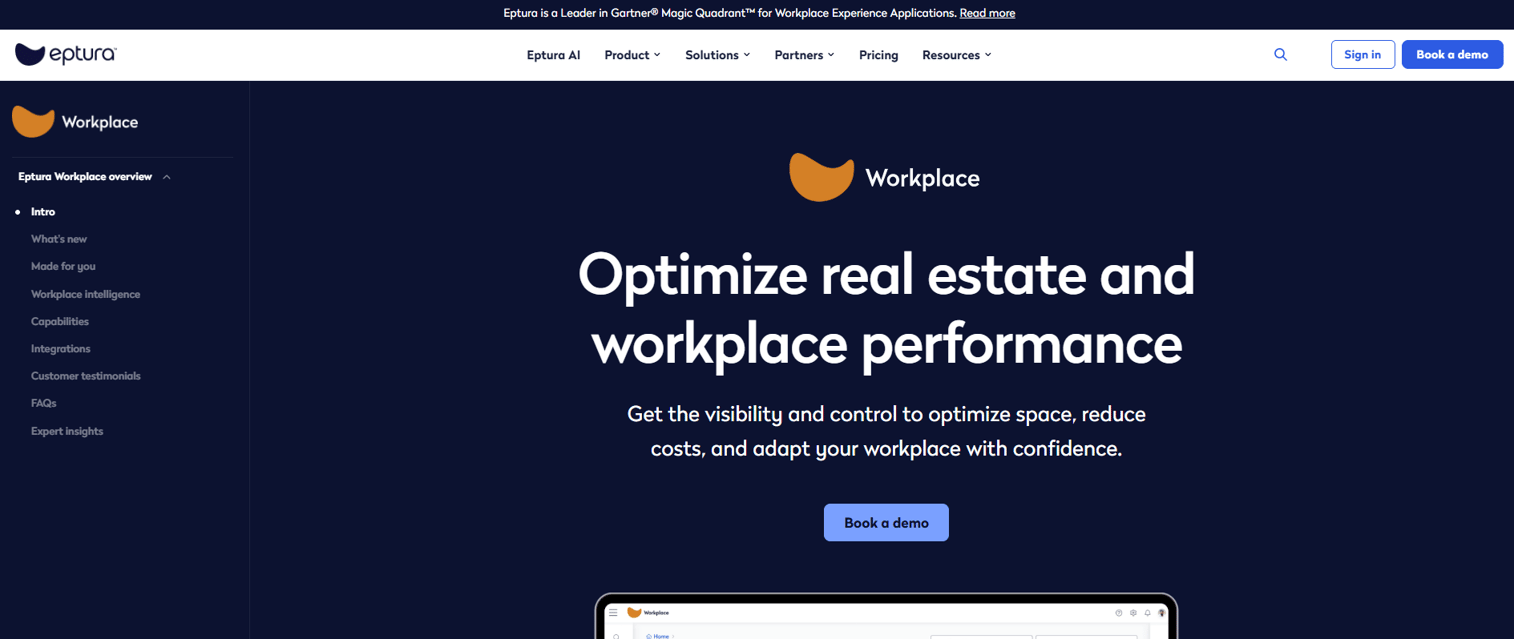
Eptura Workplace is a workplace management platform built for organizations navigating hybrid work at scale. Its core strength is connecting space planning, desk and room booking, move management, utilization analytics, and workplace service requests into a single operational layer. Organizations typically reach for it when the problem is not just portfolio management but also getting employees, workplace teams, and facilities teams into the same data rhythm.
Best for: Teams managing hybrid work, desk booking, space utilization, and workplace services across multiple locations.
Key features
- Space planning with floor plans and block-and-stack tools
- Move management for coordinating people, spaces, and tasks
- Utilization insights using occupancy data and analytics
- Integrated workplace service request management
- Mailroom and copy room operations
Why choose Eptura Workplace: It's the strongest pick when the dominant operational problem is hybrid work execution rather than lease accounting or capital project management. If your COO needs to know which floors are underutilized and how to right-size without a full facilities overhaul, Eptura handles that well.
Eptura Workplace pricing: Contact Eptura sales for a quote. Cost drivers include locations, seat count, modules, and analytics needs.
G2 rating: 4.3/5
3. Planon
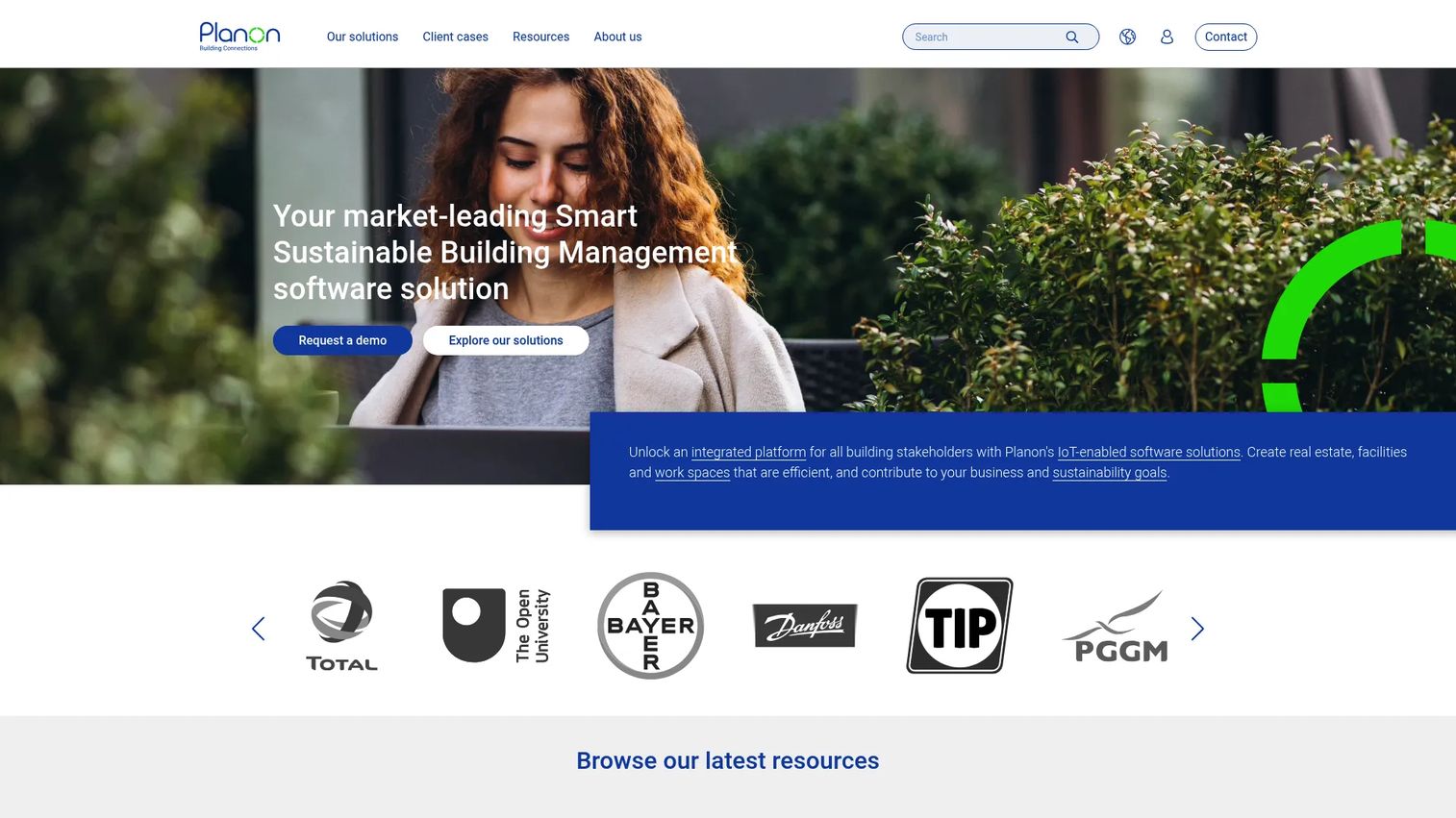
Planon is a long-standing IWMS and smart building platform serving large organizations, campuses, property owners, and service providers. It covers real estate management, facilities service management, maintenance operations, space planning, energy management, room and desk booking, and workplace analytics across occupancy, utilization, people flow, and indoor air quality. Planon structures its Space and Workplace Services Management offering across Core, Advanced, and Enterprise tiers.
Best for: Large organizations that need broad IWMS coverage across multiple workplace domains with mature facilities operations.
Key features
- Real estate management
- Facilities service management
- Maintenance and asset management
- Space planning with occupancy and utilization analytics
- Energy and sustainability management
Why choose Planon: Choose it when the team needs one connected workplace operations layer rather than separate point tools for leases, spaces, and maintenance. The breadth of the platform means it can serve corporate real estate, facilities, and sustainability teams without requiring multiple vendors. A free 14-day trial is available for the Planon Workplace App.
Planon pricing: Planon requires a custom quote across all tiers. Cost drivers include real estate footprint, modules selected, user count, implementation partner requirements, smart-building integrations, and reporting complexity. Contact Planon for current pricing.
G2 rating: 4.0/5
4. Accruent IWMS
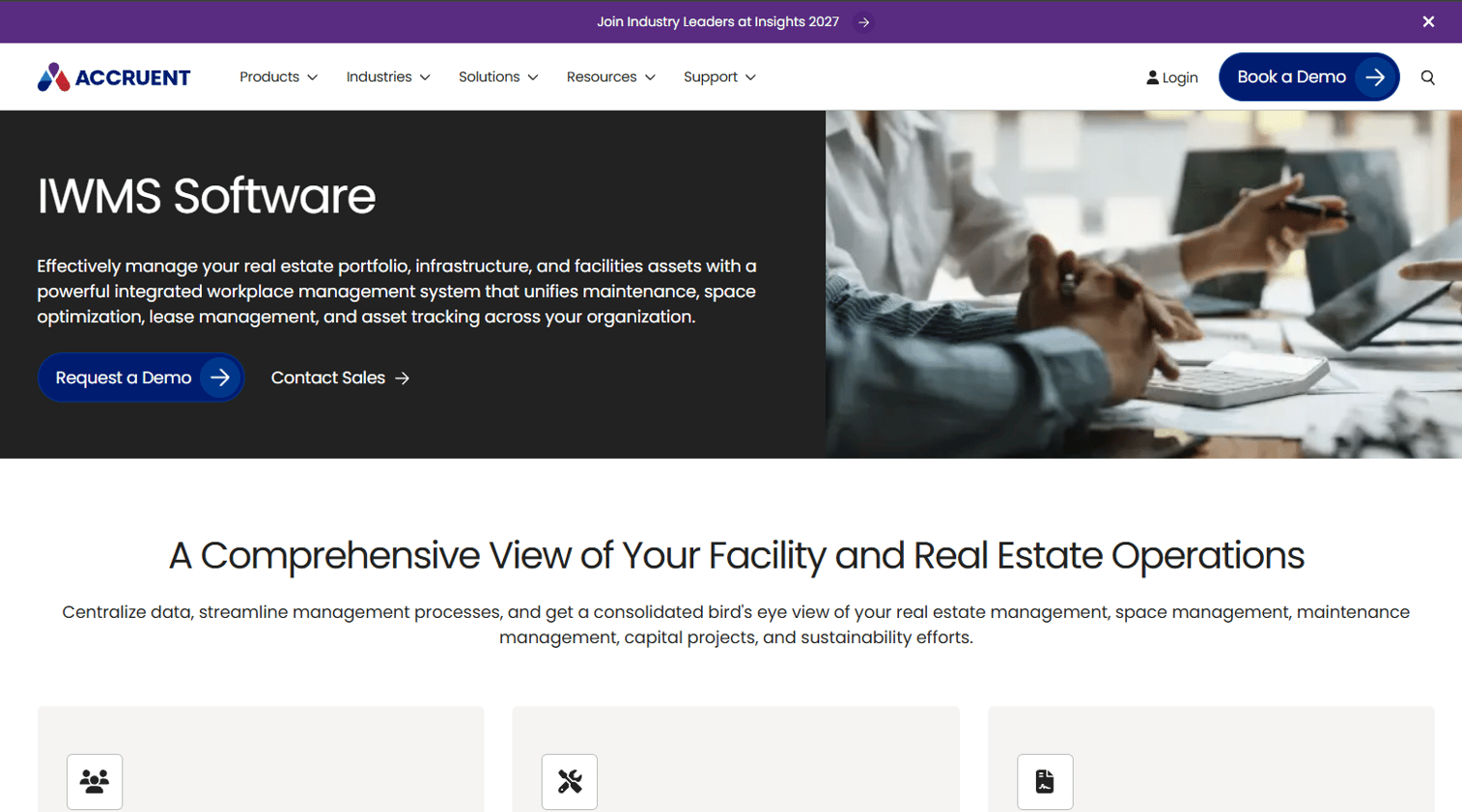
Accruent IWMS is a connected workplace management suite covering real estate, space, maintenance, capital projects, lease administration, and energy management. The platform is built for organizations where building assets, uptime, and facility operations sit at the center of the business case, including healthcare, education, retail, government, and multi-site enterprises.
Best for: Facilities teams that need stronger visibility across asset management, maintenance, lease administration, and space utilization.
Key features
- Space management and utilization planning
- Facility maintenance and work order management
- Lease management and accounting
- Capital project management
- Energy and sustainability management
Why choose Accruent IWMS: The fit is strongest when facilities data needs to support budgeting, compliance, and capital decisions simultaneously. If the dominant pain is work orders and asset condition records rather than desk booking or HR-side workplace experience, Accruent's depth in those areas is worth evaluating.
Accruent IWMS pricing: Accruent directs prospects to request a demo or cost estimate rather than publishing prices. Cost drivers include portfolio size, modules, maintenance scope, integrations, and support tier. Reach out to Accruent for a current quote.
5. ServiceNow Workplace Service Delivery
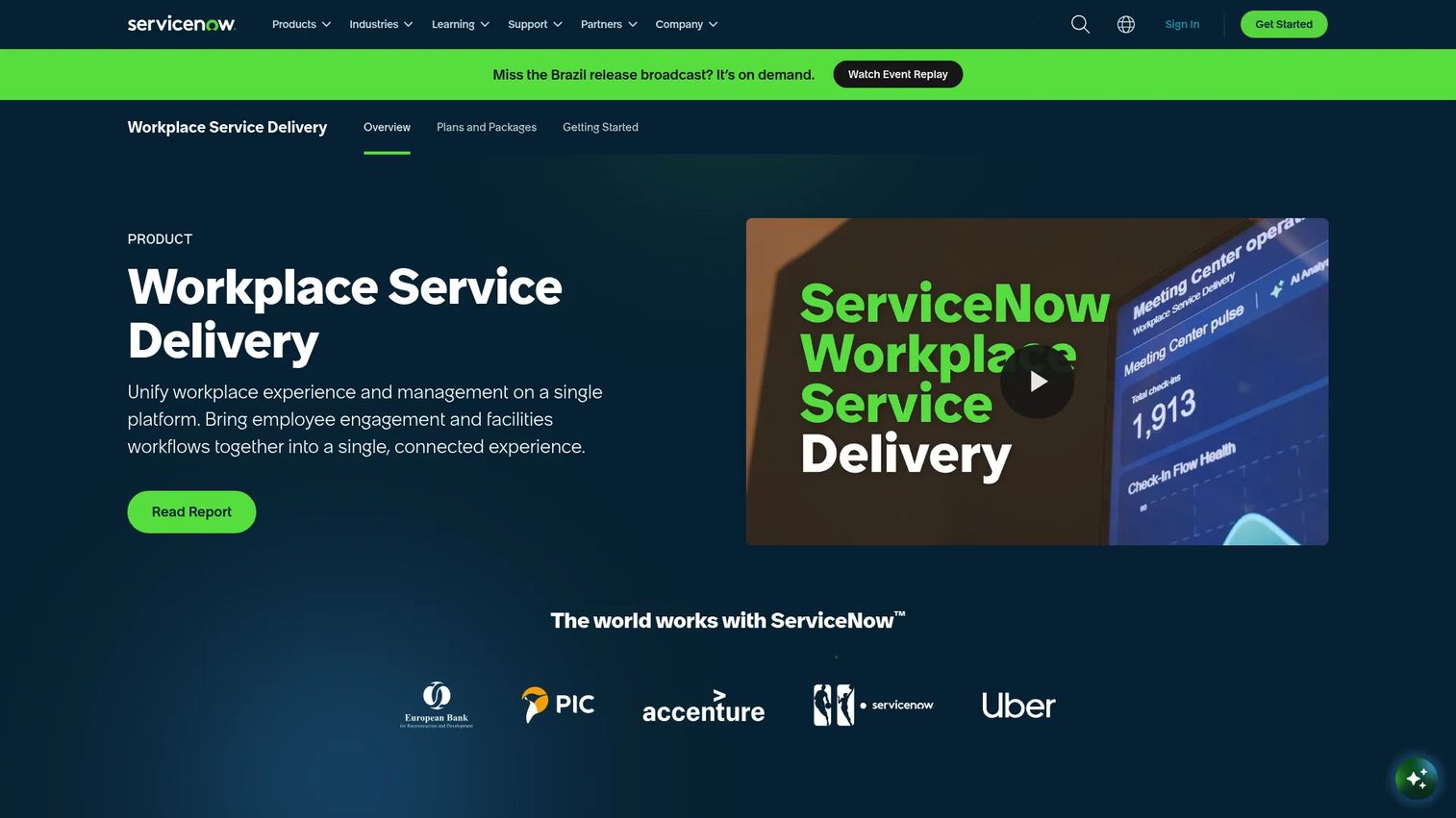
ServiceNow Workplace Service Delivery is not a traditional IWMS in the facilities-first sense. It's a workplace platform built on the ServiceNow infrastructure, covering workplace case management, desk and room reservations, visitor management, indoor mapping and wayfinding, space planning, and maintenance management. ServiceNow lists Foundation, Advanced, and Prime packages for the product.
Best for: Organizations already standardized on ServiceNow that want workplace services, reservations, and space workflows inside the same employee experience layer.
Key features
- Workplace case management and automated request routing
- Desk, meeting room, parking, and equipment reservations
- Workplace visitor management
- Indoor mapping and wayfinding
- Space planning, management, and optimization
Why choose ServiceNow Workplace Service Delivery: The strongest fit is workflow alignment. If HR, IT, facilities, and employee services already operate on ServiceNow, adding workplace requests and space reservations into that environment removes the need for a separate system. The tradeoff is depth: It handles the service and reservation layer well but doesn't replace a dedicated IWMS for lease accounting or capital project management.
ServiceNow Workplace Service Delivery pricing: All three packages (Foundation, Advanced, Prime) require a custom quote. Cost drivers include the existing ServiceNow footprint, employee count, workflow complexity, and selected modules. Contact ServiceNow sales for current pricing.
G2 rating: 4.5/5
6. Nuvolo Connected Workplace
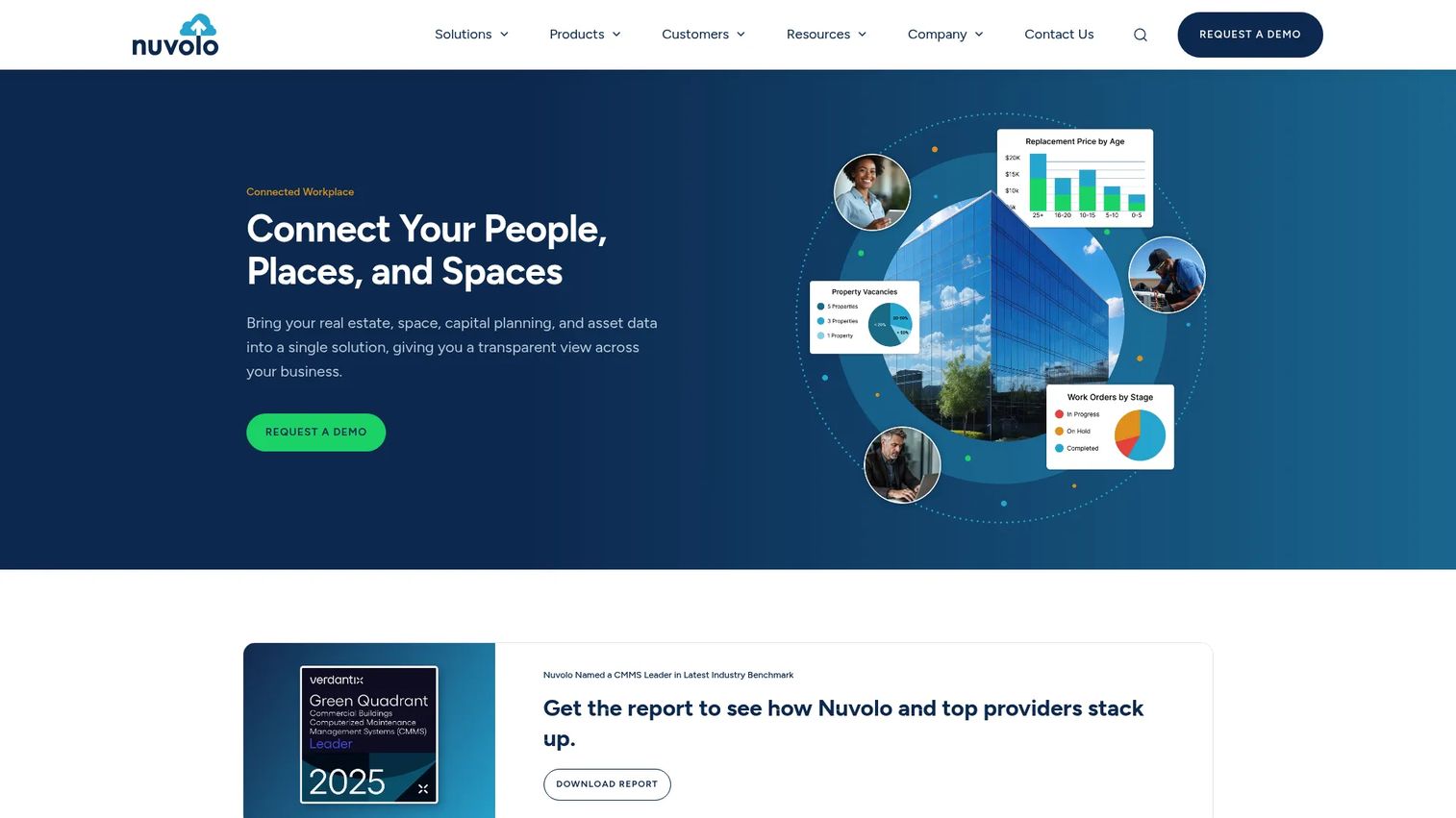
Nuvolo Connected Workplace is a full IWMS built natively on the ServiceNow platform, covering asset management, real estate and portfolio management, space and workplace management, capital planning, and sustainability and energy management. Because it runs on ServiceNow, it inherits the platform's enterprise security, workflow engine, and integration capabilities rather than building them separately.
Best for: Teams wanting a complete IWMS for facilities, real estate, assets, and operations that connects directly to enterprise service management workflows.
Key features
- Asset and maintenance management
- Real estate and portfolio management
- Space and workplace management
- Capital planning and project management
- Sustainability and energy management
Why choose Nuvolo Connected Workplace: It's the right choice when an organization wants full IWMS depth rather than just workplace services, and the ServiceNow environment is already in place. For regulated or asset-heavy environments where data governance and audit trails matter, the ServiceNow-native architecture adds infrastructure value that standalone IWMS platforms require more effort to replicate.
Nuvolo Connected Workplace pricing: Nuvolo requires a custom quote. Cost drivers include the existing ServiceNow environment, modules, facilities footprint, asset count, and implementation scope. Contact Nuvolo directly for pricing.
G2 rating: 4.1/5
7. FMS:Workplace
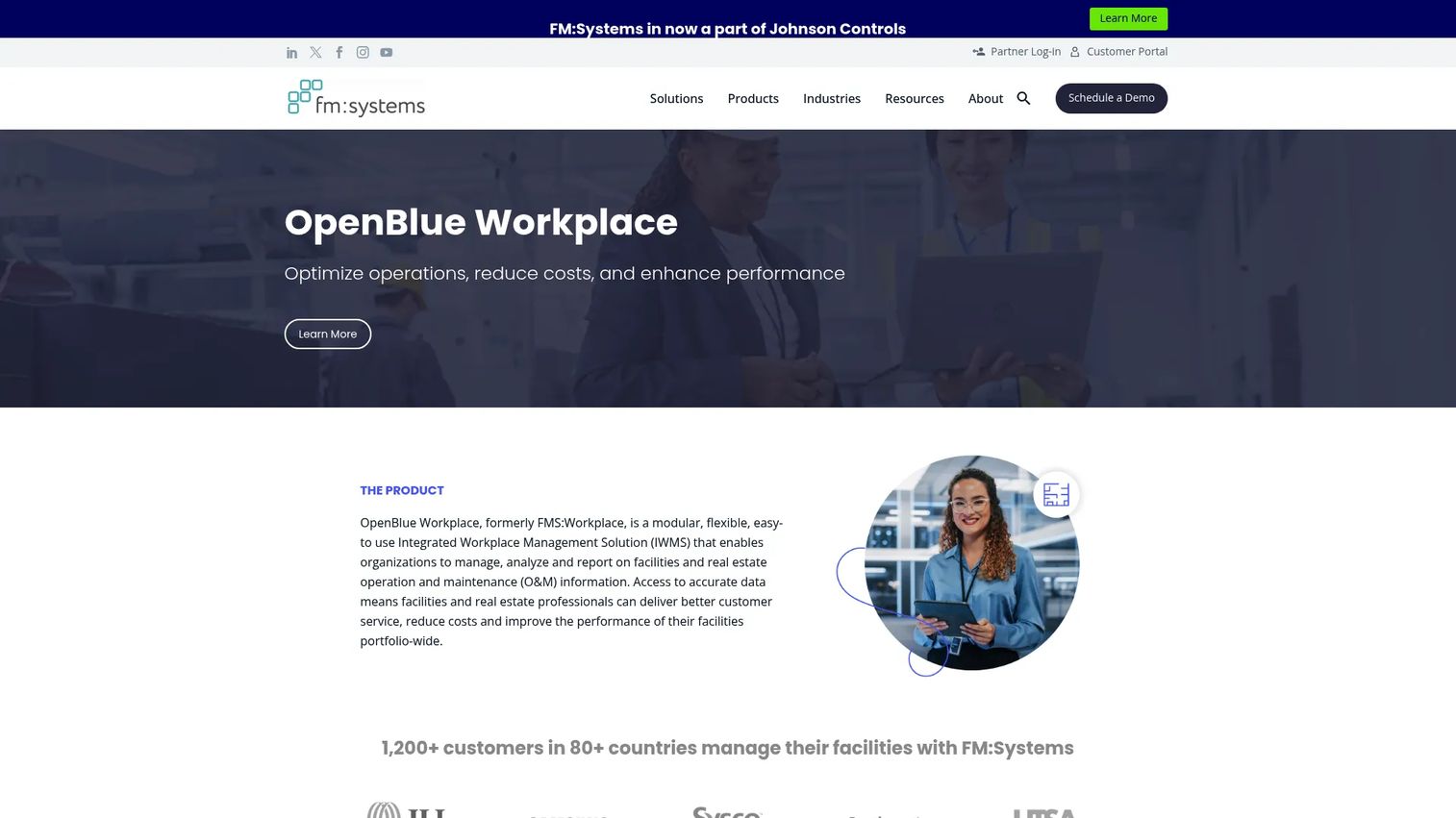
FMS:Workplace, from FM:Systems, is now part of the OpenBlue Workplace platform. It's a modular IWMS for enterprise facilities, real estate, and workplace teams, covering space management, occupancy planning, move management, floor plan data, facility maintenance, sustainability reporting, asset management, lease management, and project management. The product is built for organizations that need accurate floor plans and reliable utilization data as the foundation for wider portfolio decisions.
Best for: Facilities and workplace teams prioritizing space accuracy, occupancy planning, and portfolio insight across a complex estate.
Key features
- Space management and occupancy visibility
- Workplace analytics across utilization data
- Facility maintenance management
- Move management
- Lease and real estate management
Why choose FMS:Workplace: It's strong when floor plan accuracy and utilization data are the primary bottleneck. If the team needs to understand who sits where, how spaces are used, and how to plan future footprint changes, FMS:Workplace provides that layer with broad IWMS coverage built in. No free trial is offered; pricing requires a custom quote.
FMS:Workplace pricing: Pricing is custom and driven by portfolio size, managed resources, integrations, and hardware requirements. Contact FM:Systems for current quote information.
G2 rating: 4.2/5
8. Spacewell Workplace
Spacewell Workplace is a workplace management platform that connects space and floorplan management, reservations, maintenance, and occupancy analytics with IoT sensor data and indoor air quality monitoring. Its differentiator is utilization intelligence: Pairing space management with real sensor data rather than relying solely on booking systems or badge data. Spacewell offers Entry, Advanced, and Ultimate plans.
Best for: Organizations using sensor-driven occupancy data to manage hybrid work and right-size their space footprint.
Key features
- Space and floor plan management with 2D/3D floor plans and CAD integration
- IoT occupancy tracking and indoor air quality monitoring
- Reservations with calendar sync, visitor management, and room displays
- Service requests and QR-code issue reporting
- Space simulations for scenario planning
Why choose Spacewell Workplace: It fits when the organization is asking whether the workplace footprint matches how employees actually use the office, and wants sensor data to answer that question rather than occupancy surveys. The smart building integration layer differentiates it from space management tools that rely on manual inputs.
Spacewell Workplace pricing: All three plans require contacting Spacewell experts or sales for a quote. Cost drivers include locations, sensor integrations, analytics depth, and user count.
G2 rating: 4.5/5
9. SAP Cloud for Real Estate
SAP Cloud for Real Estate manages real estate objects, locations, workspace and occupancy data, and portfolio analytics inside the SAP environment. It's positioned for organizations that need real estate portfolio management and workspace data connected directly to SAP's financial management and ERP infrastructure. Note: SAP documentation indicates this product is in a discontinuation phase; SAP directs affected customers to their SAP Account Executive for guidance.
Best for: SAP customers who need real estate portfolio management and workspace occupancy connected to existing SAP financial systems.
Key features
- Manage real estate objects and locations
- Workspace and occupancy management
- Real estate portfolio analytics
- Data import and application integration
- Customization and extensibility
Why choose SAP Cloud for Real Estate: The fit is narrow but specific. If the organization runs SAP and needs real estate and workspace data integrated with financial management rather than maintained in a separate IWMS, this avoids a parallel data layer. Given the product's status, evaluate this alongside SAP's roadmap guidance before committing.
SAP Cloud for Real Estate pricing: Contact your SAP Account Executive for current availability and pricing details.
10. Oracle Primavera Unifier Facilities and Asset Management
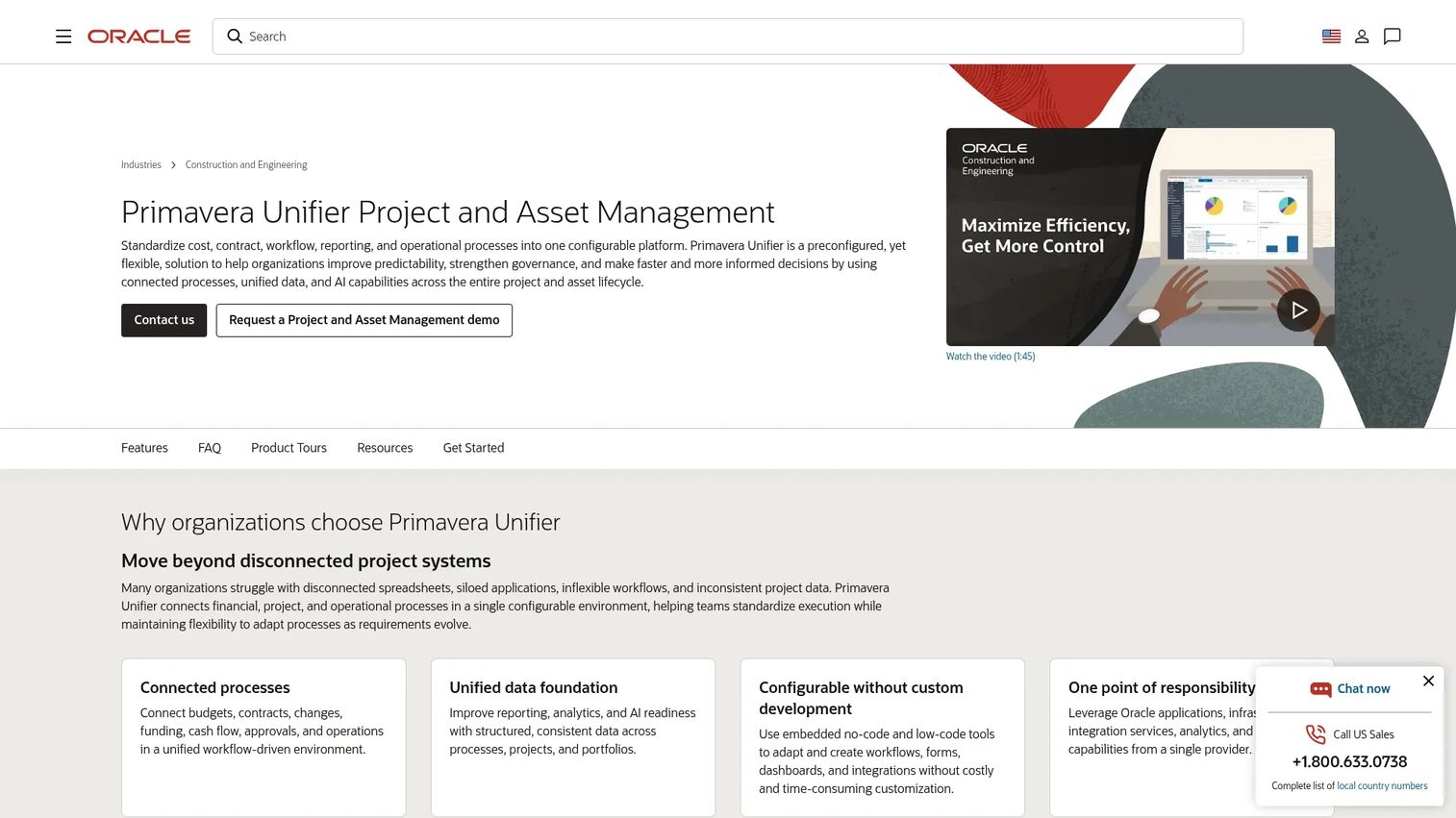
Oracle Primavera Unifier Facilities and Asset Management connects capital planning, project execution, financial controls, facilities operations, and asset lifecycle management in a single configurable platform. It covers preventive and corrective maintenance, work orders, inspections, facility condition assessments, space and lease management, warranty tracking, and mobile field support. Oracle describes a Primavera Unifier Accelerator as a no-cost preconfigured base configuration.
Best for: Large organizations where capital projects, asset programs, and facilities management overlap in complex, multi-stakeholder programs.
Key features
- Preventive and corrective maintenance, service requests, and work orders
- Inspections, facility condition assessments, and asset tracking
- Space and lease management
- Capital project controls and cost management
- Mobile support for field users
Why choose Oracle Primavera Unifier Facilities and Asset Management: The platform is built for organizations where workplace and facilities decisions connect directly to capital planning and project governance. It may be heavier than necessary if the buyer's primary need is desk booking or basic space analytics, but it's the right fit when capital project variance and asset lifecycle data must connect to facilities decisions.
Oracle Primavera Unifier Facilities and Asset Management pricing: Oracle describes the Accelerator base configuration as no-cost, but subscription pricing requires a direct conversation with Oracle sales. Cost drivers include modules, user count, project volume, and Oracle Cloud Infrastructure.
G2 rating: 4.3/5
11. QFM
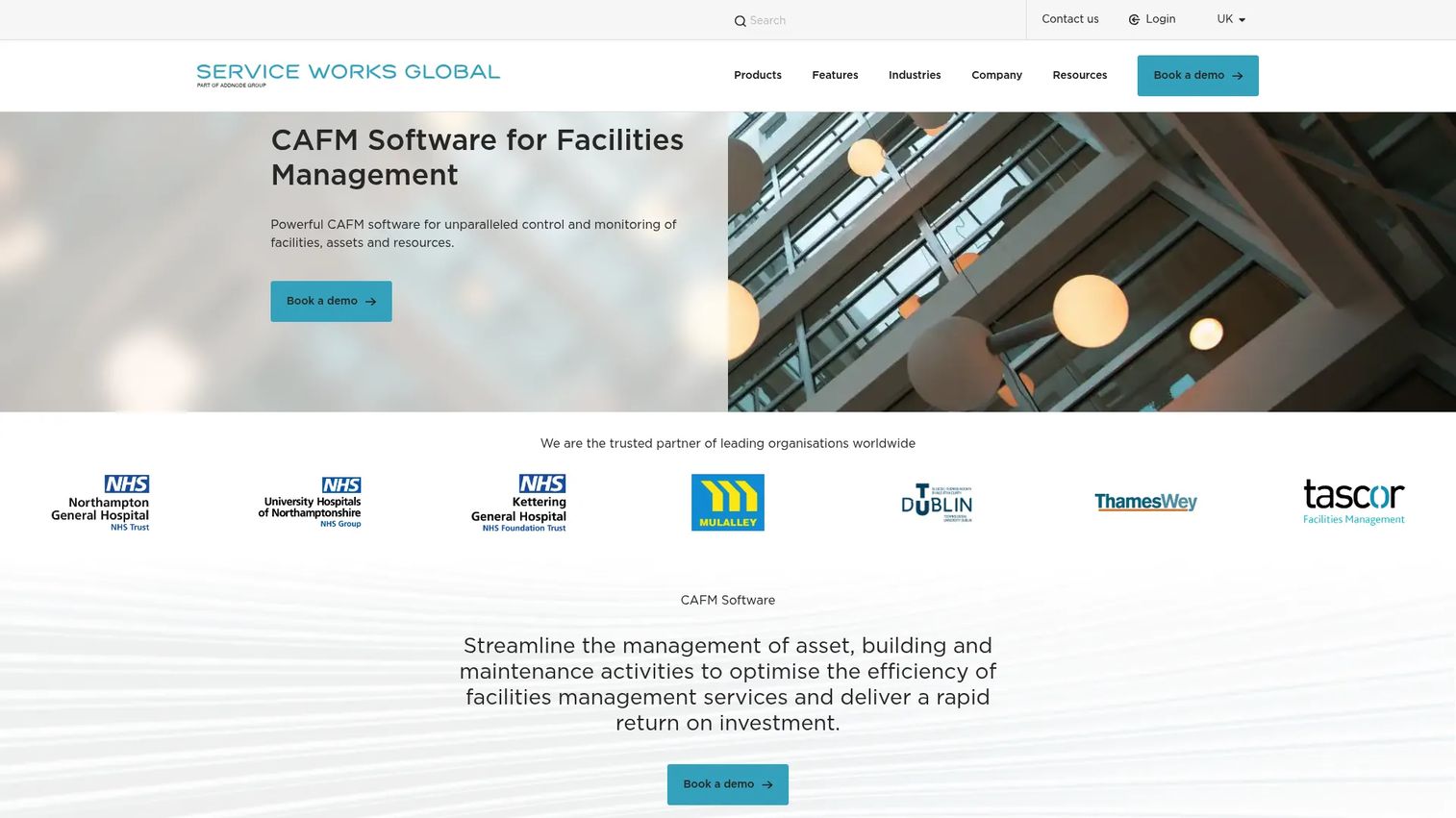
QFM, from Service Works Global, is a modular CAFM platform for managing facilities, assets, maintenance activities, and resources. It covers service requests, planned preventative maintenance, work order assignment and tracking, asset lifecycle management, mobile field operations with offline functionality, stock and inventory management, health and safety inspections, SLA and contract management, and built-in reporting. QFM integrates with QFM Space, QFM BIMi, and Senslinc for extended capabilities.
Best for: Facilities teams needing practical, modular coverage across maintenance, assets, help desk, space management, and reporting in one platform.
Key features
- Service requests, maintenance, and planned preventative maintenance scheduling
- Work order assignment and tracking for in-house teams and contractors
- Asset lifecycle management and monitoring
- Mobile facilities management with offline functionality
- Health and safety, inspections, and SLA management
Why choose QFM: It's the right pick for buyers whose primary operational pain is facilities service management and maintenance execution rather than corporate real estate transformation. The modular structure means organizations can start with the workflows that matter most and add coverage over time.
QFM pricing: Contact Service Works Global for a quote. Cost drivers include modules selected, number of sites, user count, and implementation support requirements.
G2 rating: 5.0/5
Considerations when choosing integrated workplace management system software
Start with the workflow that is already breaking
Don't buy a platform because IWMS sounds strategic. If the pain is lease renewals slipping through spreadsheets, start with a platform that leads on lease administration. If occupancy is the problem, prioritize space data and utilization analytics. If maintenance backlogs are driving facilities cost overruns, work order and asset management depth matters more than any other capability. Match the platform to the dominant broken loop, not the category name.
Check whether you need IWMS or a narrower system
Some buyers only need CMMS, CAFM, room booking software, visitor management, or lease management software rather than a full IWMS. IWMS earns its place when several of those workflows must share data and produce a unified operational picture for leadership. Buying a full platform for one isolated workflow adds implementation cost and maintenance overhead without proportional return.
Plan for implementation, not just licensing
The software license is the beginning, not the decision. Floor plan accuracy, lease data cleanup, asset record quality, HRIS and ERP integrations, user training, and change management all determine whether the platform delivers ROI. Many IWMS implementations run six to eighteen months before delivering reliable data. Factor that timeline into the resource plan before shortlisting, especially if you've recently hired a new COO or workplace leader who needs signal quickly.
Verify integrations before procurement
Check the actual integration documentation rather than a marketing list. The systems that matter most include ERP, HRIS, identity providers, IoT sensors, access control, finance and BI platforms, and sustainability reporting tools. A platform with a clean ServiceNow or SAP integration may save months of data pipeline work if your stack already runs on those rails.
Define the board-level metric before you buy
Connect the platform evaluation to a specific number the board can track. Examples include cost per occupied seat, lease renewal risk as a dollar figure, maintenance backlog reduction, energy use per location, space utilization rate, capital project variance, or workplace service response time. IWMS platforms generate a lot of data; the ones worth buying surface the metric your leadership team already wants to see.
Conclusion
The right IWMS depends less on feature volume and more on which data loop is currently broken.
For enterprise depth across real estate, leases, and capital projects: IBM TRIRIGA, Planon, and Accruent IWMS all offer broad IWMS coverage built for large portfolios.
For hybrid workplace and space planning: Eptura Workplace, Spacewell Workplace, and FMS:Workplace each approach the utilization and space management problem with different strengths. Spacewell leads on sensor-driven intelligence; Eptura on employee workplace services; FMS:Workplace on floor plan accuracy and portfolio analytics.
For teams already running ServiceNow: ServiceNow Workplace Service Delivery handles the service and reservation layer well. Nuvolo Connected Workplace adds full IWMS depth on the same infrastructure.
For finance, real estate, and capital alignment: SAP Cloud for Real Estate connects to existing SAP financial systems, though its current product status warrants a direct conversation with SAP before committing. Oracle Primavera Unifier is the right fit when capital projects and facilities management must connect at the enterprise level.
For modular or facilities-first needs: QFM offers practical coverage for organizations that need facilities and maintenance depth without the complexity of a full enterprise IWMS rollout.
Build a shortlist of three vendors based on the dominant workflow that needs to change, the implementation capacity your team has available, and the enterprise stack you're already running.
Start your journey with Guideflow today!
FAQs
An integrated workplace management system (IWMS) is software that centralizes real estate, facilities, space, maintenance, capital project, lease, and sustainability data into one operational platform. It replaces fragmented point tools with a connected layer where these domains share data and produce a unified operational picture for leadership.
IWMS stands for integrated workplace management system. The terms IWMS software and IWMS platform refer to the same category. The name reflects the goal: Integrating distinct workplace-related operational domains into one system rather than managing each in a separate tool.
CAFM (computer-aided facilities management) focuses primarily on facilities operations, floor plans, space management, and related workflows. IWMS is broader: It includes real estate portfolio management, lease accounting, capital project controls, sustainability reporting, and cross-functional analytics that span multiple operational departments. Most CAFM tools address a subset of what a full IWMS covers.
CMMS (computerized maintenance management system) focuses on maintenance work orders, asset records, preventive maintenance scheduling, and repair workflows. An IWMS may include CMMS-equivalent maintenance capabilities, but it also connects those workflows to space planning, real estate, lease data, and broader workplace operations. The distinction matters when the buying case spans multiple departments rather than just facilities maintenance.
ERP (enterprise resource planning) handles broader business processes such as finance, HR, procurement, and supply chain. IWMS focuses specifically on workplace, facilities, real estate, and space operations. The two systems frequently integrate: IWMS platforms pull financial data from ERP and push lease and capital project cost data back. ERP and IWMS serve different masters but share data in mature enterprise environments.
The primary users span corporate real estate, facilities management, workplace operations, finance, sustainability, IT, and maintenance teams. For a Series B company, the evaluation is typically owned by a COO, Head of Real Estate, or Head of Workplace Operations, with finance and IT involved in procurement and integration decisions.
Most enterprise IWMS vendors price by custom quote rather than publishing standard rates. Cost depends on the modules selected, user count, number of locations, square footage managed, integration requirements, implementation scope, and ongoing support tier. Total cost of ownership often runs significantly higher than the software license alone once implementation, training, and data migration are accounted for. Compare full program cost across vendors, not just the subscription line.
No. These are different categories. Workplace management software covers offices, facilities, space planning, leases, and building operations. Workforce management software covers employee scheduling, labor planning, time and attendance tracking, and staffing optimization. The terms are frequently confused, particularly in job descriptions and procurement documents. If you're evaluating an absence management software or labor planning tool, that belongs to workforce management, not workplace management.
If the team's immediate pain is maintenance backlogs, work order visibility, and asset condition tracking, a CMMS may be the right starting point without full IWMS complexity. CMMS platforms are typically faster to implement and more focused on the maintenance execution layer. IWMS makes more sense when facilities, space, and real estate data all need to inform the same decisions, and when the buying committee spans more than one department.