The books close on time, but only because two people know the workarounds. Every budget cycle adds another spreadsheet layer. Finance, procurement, and HR each run separate data models, and audit prep starts with a phone call to whoever built the legacy system a decade ago.
This is the shape of most public-sector ERP problems in 2026. The government ERP market now stands at $5.68 billion, projected to reach $10.13 billion by 2031, according to Mordor Intelligence (2026). Cloud ERP accounted for 42% of that market in 2025, a signal that modernization pressure is real and accelerating. The shortlisting question is rarely features alone. It is whether the vendor survives procurement, implementation, audit, and department-by-department adoption.
If you sell into government, ERP is often the system your product must coexist with. If you are evaluating ERP for your own agency or advising a public-sector client, the wrong choice costs far more than the license fee. Which systems deserve a place on the shortlist in 2026?
What's inside
This guide compares 15 government ERP systems across finance, procurement, HR, budgeting, reporting, and modernization readiness.
- Who this is for: Public-sector buyers, consultants, and software leaders mapping the government ERP market
- How tools were chosen: Public-sector relevance, category presence, use-case fit, and review availability
- What we compare: Best fit, key use case, pricing, and G2 rating per tool
- What to verify before purchase: Implementation scope, procurement fit, security, integrations, and reporting depth
TL;DR
- Best overall shortlist for large public-sector ERP: Infor CloudSuite Public Sector, Oracle Fusion Cloud ERP, Workday Platform, Tyler Enterprise ERP, and SAP Cloud ERP anchor the first evaluation pass
- Best for local and municipal government: Tyler Enterprise ERP, CentralSquare Finance Enterprise, Cayenta ERP, and CitySuite fit municipal workflows better than general-purpose ERPs
- Best for government finance and accounting teams: Sage Intacct and CGI Advantage lead for fund accounting, budgeting, and compliance reporting
- Best for government contractors: Deltek Costpoint is the specialist when contract accounting, timekeeping, and cost controls drive the requirement
- Best flexible option for smaller teams: Odoo can work when implementation discipline is strong and government-specific requirements are limited
- Biggest buying risk: Implementation governance usually decides outcomes more than any feature comparison does
What is government ERP software?
Government ERP software is an integrated system that helps public-sector organizations manage finance, budgeting, procurement, HR, payroll, grants, reporting, compliance, and department operations from a shared data model.
Government ERP differs from commercial ERP in several structural ways. Public-sector organizations operate under fund accounting rules rather than standard profit-and-loss accounting. Appropriations, budget controls, grant tracking, and auditability are non-negotiable. Procurement follows public rules, transparency requirements, and council or board oversight. Reporting must serve elected officials, auditors, and department heads simultaneously.
These constraints shape what "ERP fit" means in government. A platform built for manufacturing or retail rarely adapts cleanly to fund accounting or public procurement without significant customization. That customization debt is often what kills implementation timelines.
Key capabilities to evaluate in government ERP:
- Fund accounting and general ledger with appropriation controls
- Budget planning, control, and amendment workflows
- Procurement and vendor management from requisition through payment
- Grants and project accounting with compliance tracking
- HR, payroll, and workforce management
- Permitting, licensing, and citizen-facing workflows (for local governments)
- Audit trails, compliance reporting, and year-end close support
- Integration APIs and data governance
- Cybersecurity controls and access management
- Analytics, dashboards, and performance reporting
Government ERP is broader than accounting software. Accounting handles the books and reporting layer. ERP connects finance to procurement, HR, payroll, and service delivery. That integration is exactly where public-sector operations break down when systems stay siloed. If you are researching adjacent categories, our guides on accounting and finance software and budgeting and forecasting software cover the finance stack in more depth.
When to use government ERP software
Replace a legacy finance system before it becomes a liability
Agencies outgrow legacy ERP when manual close processes dominate, vendor support lapses, or institutional knowledge concentrates in a small group of long-tenured staff. Cyber risk, audit pressure, and the departure of key people accelerate this timeline. A platform that looks expensive can still be cheaper than a failed migration or a security incident on an unsupported system.
Connect departments around shared data
ERP reduces duplicate data entry across finance, procurement, HR, payroll, grants, and operations. Better data does not happen automatically. Governance, clean role assignments, and process redesign have to accompany the technical implementation. Expect this work to take longer than the software configuration itself.
Modernize procurement, reporting, and compliance controls
Cloud ERP for government supports purchasing controls, contract visibility, audit trails, and reporting transparency. These capabilities matter when council or board scrutiny increases, when grant compliance requires documentation, or when a new finance director inherits a system they cannot explain to an auditor.
Government ERP software comparison
Pricing and ratings in the table below reflect verified vendor pages and G2 listings. Many government ERP vendors price by quote, since implementation scope, module count, user volume, and agency size all drive the final number. Use this table as a shortlist starting point, not a final decision.
| # | Product | Best for | Key use case | Pricing | G2 rating |
|---|---|---|---|---|---|
| 1 | Infor CloudSuite Public Sector | Large public agencies | Integrated finance, HR, and operations | Custom pricing | N/A |
| 2 | Oracle Fusion Cloud ERP | Enterprise and large agencies | Finance, procurement, and performance management | From $625/month (10-user minimum) | N/A |
| 3 | Workday Platform | Workforce-heavy government organizations | HR, finance, and planning in one platform | Custom pricing | 4.2/5 |
| 4 | Tyler Enterprise ERP | Local governments and school districts | Municipal finance and administrative operations | Custom pricing | 4.8/5 |
| 5 | SAP Cloud ERP | Large agencies with complex operations | Finance and supply chain management | From $295/user/month | 4.4/5 |
| 6 | CGI Advantage | State and local government | Fund accounting, budgeting, and procurement | From $1,899,205/year | N/A |
| 7 | Microsoft Dynamics 365 | Microsoft-invested government entities | Finance, field service, and operations | From $65/user/month | N/A |
| 8 | Sage Intacct | Finance-first public-sector organizations | Multi-entity accounting and reporting | Custom pricing | 4.3/5 |
| 9 | Unit4 ERP | Public-sector and nonprofit-style organizations | Finance, HR, and project-based operations | Custom pricing | N/A |
| 10 | CentralSquare Finance Enterprise | Large local government agencies | Municipal finance, HR, and payroll | Custom pricing | N/A |
| 11 | Odoo | Smaller teams with flexible requirements | Modular ERP across accounting, HR, and purchasing | Free plan; from $24.90/user/month | 4.2/5 |
| 12 | IFS Cloud | Asset-intensive public entities | Asset management, field service, and operations | Custom pricing | 4.0/5 |
| 13 | Deltek Costpoint | Government contractors | Project accounting and contract compliance | From $800/month | 4.2/5 |
| 14 | Cayenta ERP | Utilities and municipalities | Utility billing, finance, and work management | Custom pricing | N/A |
| 15 | CitySuite | Small to midsize municipalities | Municipal finance and citizen services | Custom pricing | N/A |
Best 15 government ERP software tools for 2026
1. Infor CloudSuite Public Sector
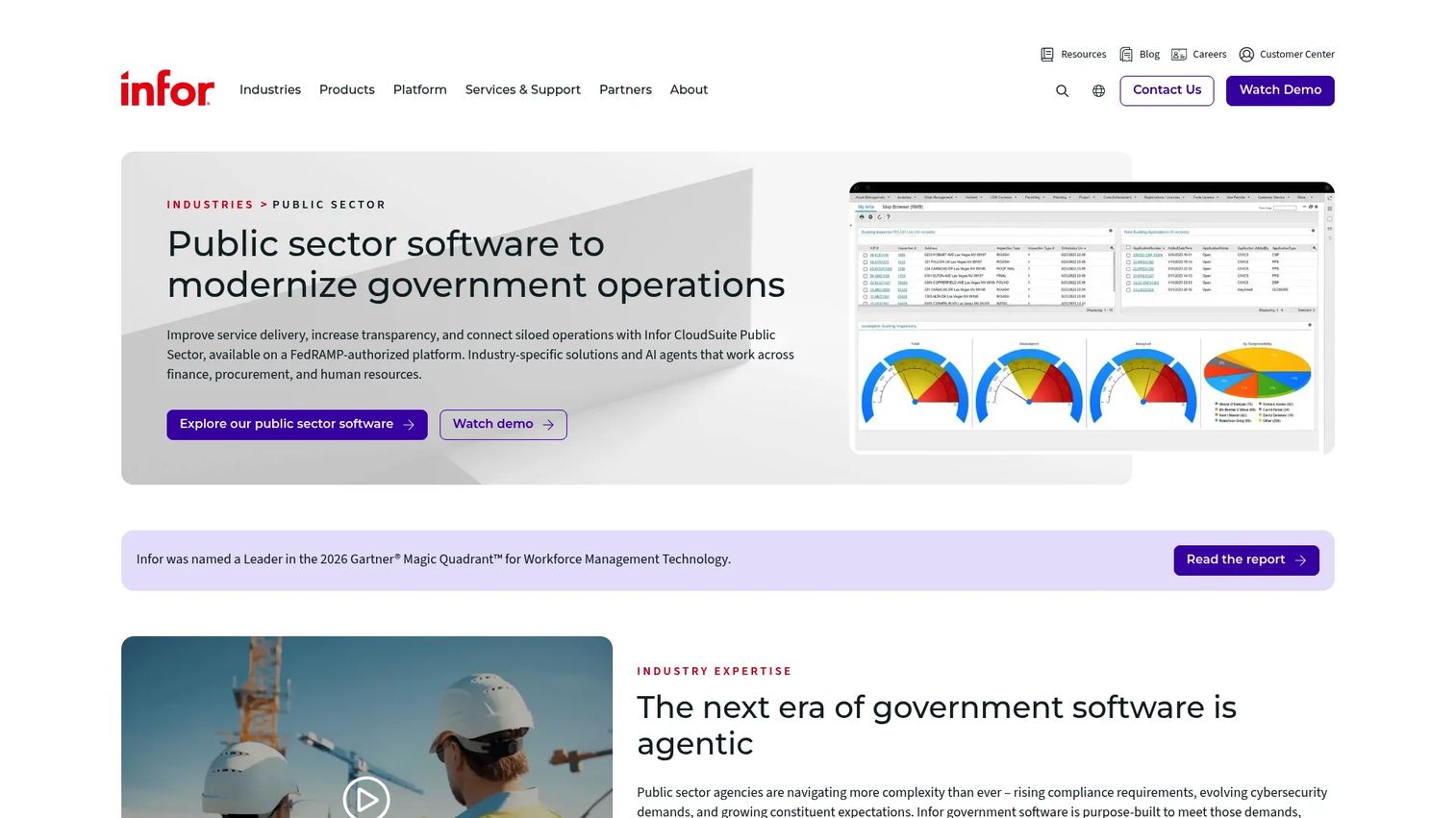
Infor CloudSuite Public Sector is a cloud-based ERP suite built specifically for government organizations. It covers financial management, procurement, HR, payroll, workforce scheduling, permitting, asset management, and constituent services in a single platform. Unlike commercial ERP platforms adapted for public use, Infor builds its government modules around fund accounting and public-sector operational requirements from the ground up.
Best for: Large government agencies modernizing complex back-office systems across finance, workforce, and operations.
Key features
- Financial management, procurement, and fund accounting
- HR, payroll, benefits, and workforce scheduling
- Permitting, licensing, zoning, and work order management
- Utility billing and asset lifecycle management
- AI-powered analytics and anomaly detection
Why choose Infor CloudSuite Public Sector: The platform suits agencies that need a purpose-built government ERP rather than a commercial system customized after the fact. If you sell SaaS into the public sector, this is one of the ERP environments you are most likely to encounter.
Infor CloudSuite Public Sector pricing: Infor prices by quote based on agency size, modules, and implementation scope. Contact Infor directly for a proposal.
2. Oracle Fusion Cloud ERP
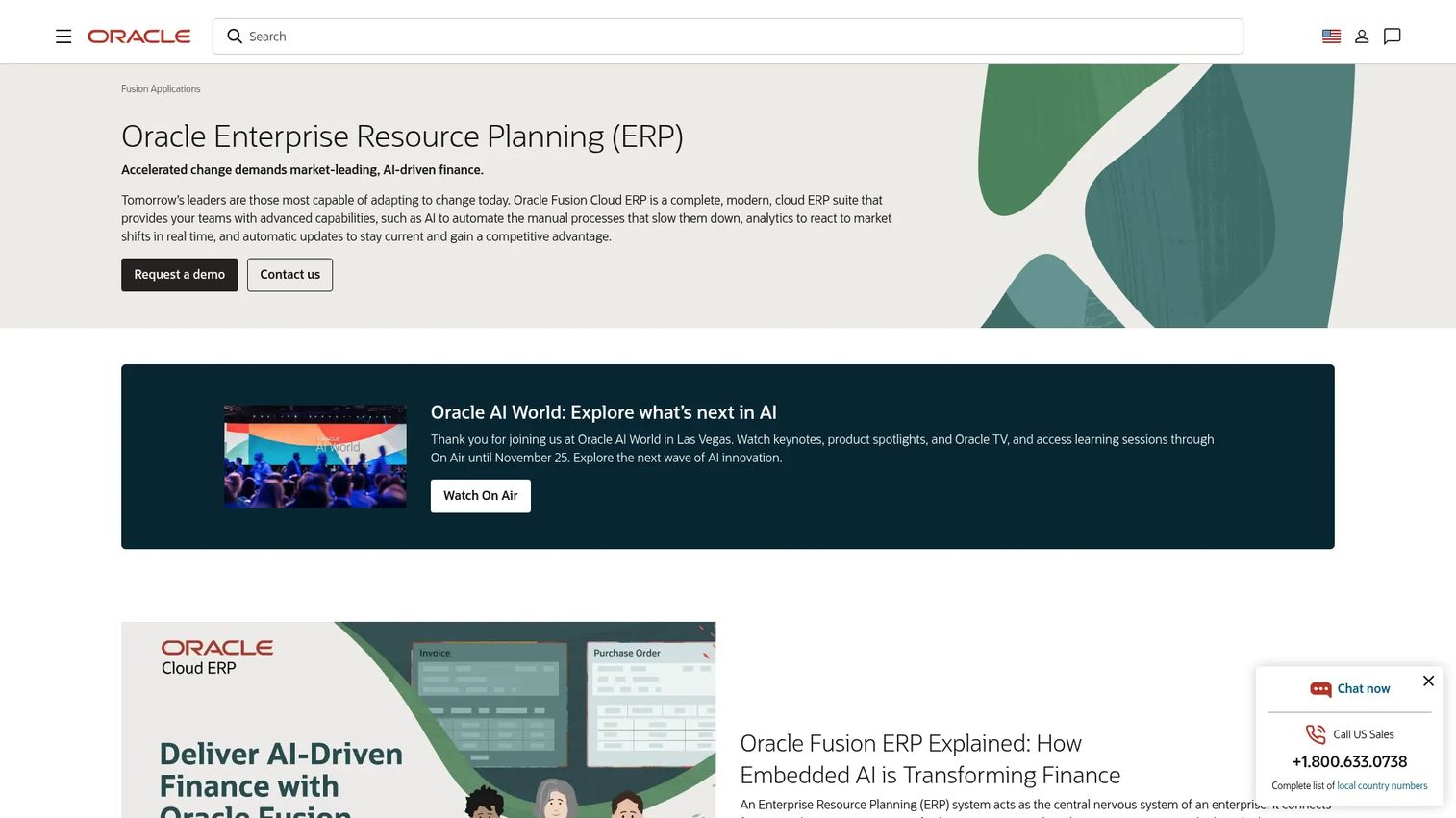
Oracle Fusion Cloud ERP is a broad enterprise platform used by large organizations, including government entities, for finance, procurement, project management, enterprise performance management, and analytics. Oracle's government deployments typically involve large-scale modernization efforts, often replacing older Oracle or SAP installations. The platform includes embedded AI automation, real-time analytics, and automatic cloud updates.
Best for: Large agencies and public-sector organizations operating in Oracle-heavy environments or running complex multi-module finance operations.
Key features
- Financial management and accounts payable/receivable
- Procurement and supplier management
- Project accounting and cost tracking
- Enterprise performance management
- Embedded analytics and reporting
Why choose Oracle Fusion Cloud ERP: Oracle's depth in finance and procurement makes it a strong candidate for large agencies with high transaction volumes. Implementation planning and systems integration are significant investments, so this fits organizations with dedicated IT resources.
Oracle Fusion Cloud ERP pricing: Oracle's official price list shows the standard ERP Cloud Service at $625/month per hosted named user, with a minimum of 10 users, billed monthly on a standard three-year subscription term. The Self Service tier runs $20/month per user with a 100-user minimum. Enterprise deployments often involve module-by-module contracts.
3. Workday Platform
Workday Platform serves government and education organizations with HR, finance, workforce planning, and analytics. Its architecture unifies people data and financial data, which is a meaningful advantage when HR-driven costs like overtime, benefits, and pension liabilities directly affect budget controls. Workday also supports low-code/no-code app development and native integrations.
Best for: Government and education organizations where workforce complexity, payroll, and financial planning need to move together.
Key features
- Human capital management and payroll integrations
- Financial management and general ledger
- Adaptive planning and budgeting
- Workforce analytics and reporting dashboards
- Low-code/no-code extensibility through Workday Build
Why choose Workday Platform: Choose Workday when HR, finance, and workforce planning are tightly coupled in your organization. It is a strong fit for state agencies, public universities, and large counties where headcount drives the budget conversation.
Workday Platform pricing: Workday uses subscription pricing based on employee count, user volume, and usage. Contact Workday sales for a quote specific to your agency size.
G2 rating: 4.2/5
4. Tyler Enterprise ERP
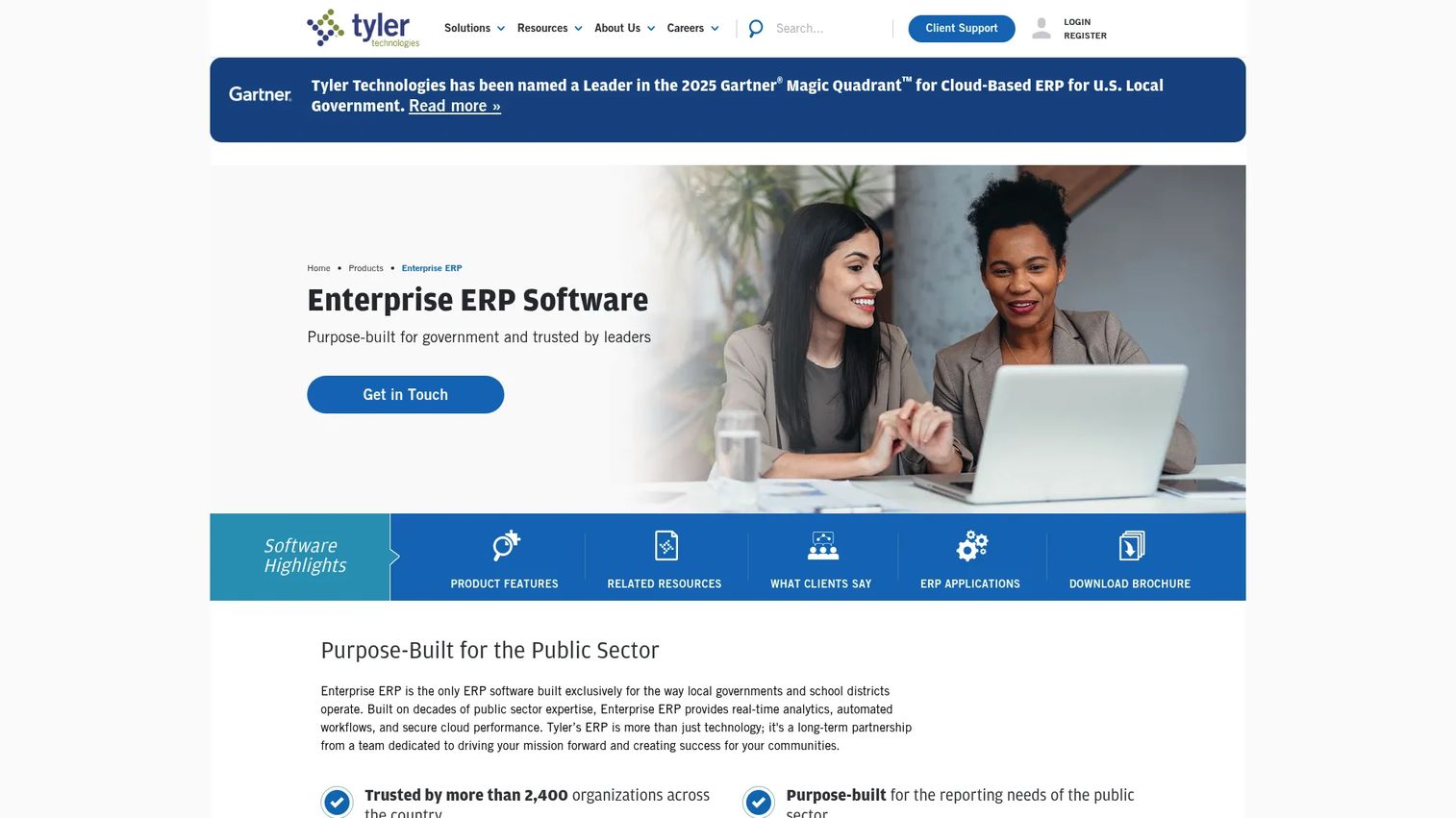
Tyler Enterprise ERP is built for local governments and school districts. It covers accounting, budgeting, procurement, payroll, accounts payable, accounts receivable, cash management, project and grant accounting, revenue management, utility billing, permitting, licensing, and payment processing. Tyler connects to other Tyler products, so agencies already in the Tyler ecosystem gain additional integration depth.
Best for: Cities, counties, school districts, and special districts that need municipal finance and administrative workflows from day one.
Key features
- Government accounting with fund control and budgeting
- Payroll and HR management
- Procurement from requisition through payment
- Revenue management, utility billing, and permitting
- Real-time analytics, dashboards, and third-party integrations
Why choose Tyler Enterprise ERP: Tyler is one of the most government-native options available for local agencies. The platform's local government focus means less customization overhead compared to general-purpose enterprise ERPs adapted for public use.
Tyler Enterprise ERP pricing: Tyler prices by quote. Contact Tyler to request a proposal.
G2 rating: 4.8/5
5. SAP Cloud ERP
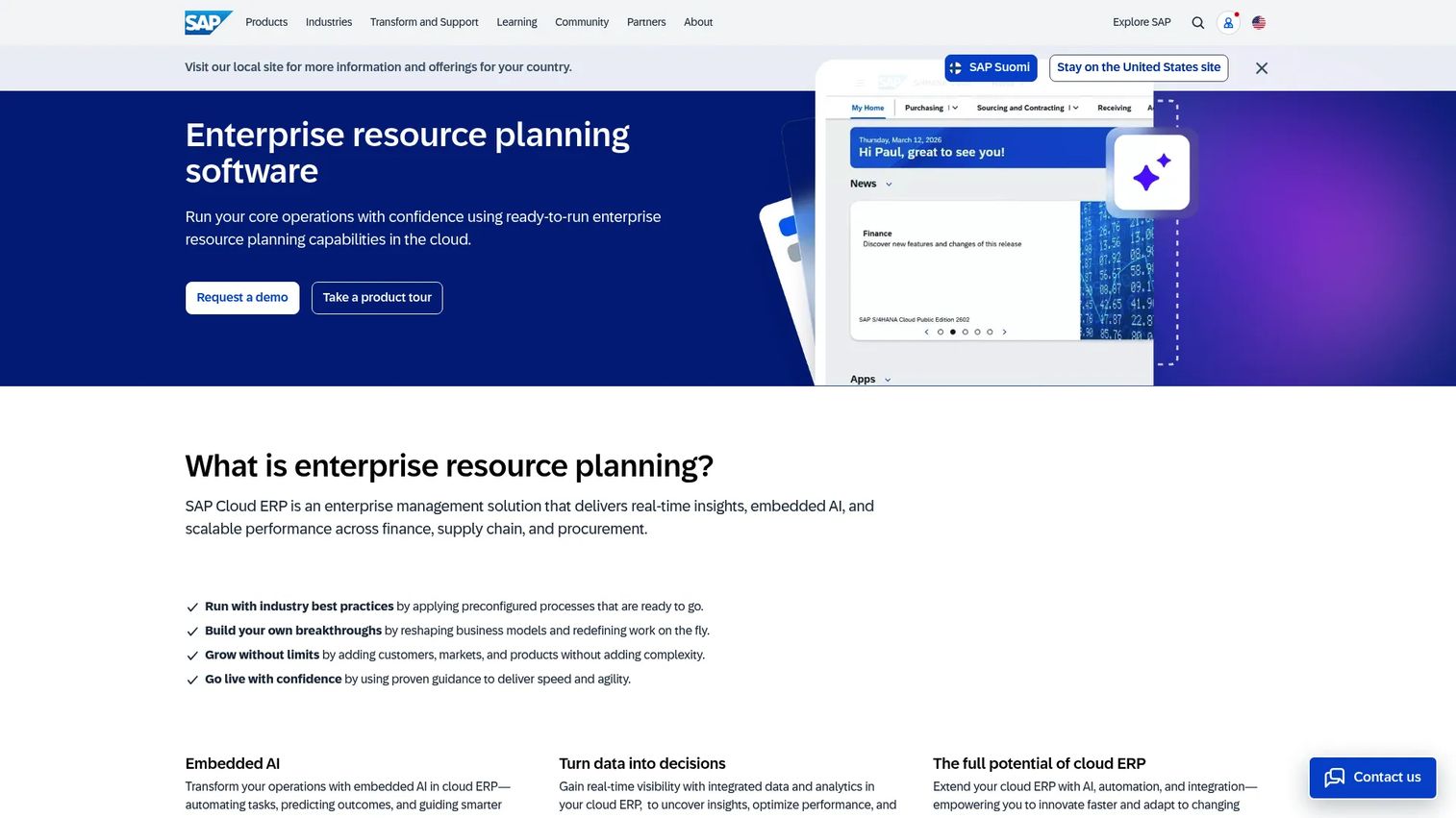
SAP Cloud ERP supports enterprise finance, supply chain, procurement, asset management, and operations. Large public-sector organizations and quasi-government entities with complex process requirements use SAP when their operations overlap significantly with enterprise-scale workflows. SAP's embedded AI and real-time analytics serve organizations that need operational insight at scale.
Best for: Large agencies and quasi-government entities with complex enterprise operations and existing SAP investments.
Key features
- Finance and accounting management
- Procurement and vendor management
- Asset management and maintenance
- Supply chain and inventory operations
- Embedded analytics and reporting
Why choose SAP Cloud ERP: SAP fits when public-sector ERP overlaps with large-scale enterprise processes, particularly in agencies that already run SAP infrastructure or manage significant physical assets. Implementation complexity is real, so plan for it.
SAP Cloud ERP pricing: SAP publishes modular pricing. The Finance Base package starts at $295/user/month for 25 to 39 users (minimum 15 users). Finance Premium is $403/user/month. Supply Chain modules follow the same structure. Some HR packages and add-ons are priced on request.
G2 rating: 4.4/5
6. CGI Advantage
CGI Advantage is a government-specific ERP platform focused on state and local government financial management, procurement, budgeting, grants, HR, payroll, and performance reporting. CGI designs the platform around public-sector administrative requirements, including appropriation controls, budget amendments, grants management, and compliance reporting.
Best for: State and local governments that want an ERP suite designed around government financial and administrative operations.
Key features
- Financial management and fund accounting
- Performance budgeting and forecasting
- Procurement and vendor management
- Grants management and compliance tracking
- HR, payroll, and case management
Why choose CGI Advantage: CGI Advantage is a specialist for public-sector back-office operations. Agencies that need government-specific compliance controls and grants management with minimal customization will find it a closer fit than general-purpose platforms.
CGI Advantage pricing: CGI publishes subscription pricing for its cloud full suite on state procurement vehicles. The Advantage Full Suite runs from $1,899,205/year for agencies with up to 1,500 FTEs, rising to $2,080,605/year for agencies between 1,501 and 4,500 FTEs. Pricing covers modules, hosting, maintenance, and support under a minimum three-year contract.
7. Microsoft Dynamics 365
Microsoft Dynamics 365 is a modular suite of business applications covering finance, supply chain, field service, customer service, and operations. Government entities already invested in Microsoft infrastructure often evaluate Dynamics 365 because of its native integration with Azure, Power BI, and existing identity infrastructure. The platform includes AI-powered Copilot capabilities across modules.
Best for: Government entities with deep Microsoft infrastructure investment seeking integrated finance, field service, and operational applications.
Key features
- Finance and accounting operations
- Supply chain and inventory management
- Field service management and scheduling
- Power Platform integration for custom apps and analytics
- AI Copilot and autonomous agent capabilities
Why choose Microsoft Dynamics 365: Choose Dynamics 365 when ecosystem fit matters more than government-specific specialization. An agency already running Azure and Microsoft 365 reduces integration friction significantly. Dynamics 365 Finance starts at $210/user/month, billed annually.
Microsoft Dynamics 365 pricing: Dynamics 365 Finance is $210/user/month, billed annually. Finance Premium is $300/user/month. Sales Professional starts at $65/user/month. A free trial is available for most modules.
8. Sage Intacct
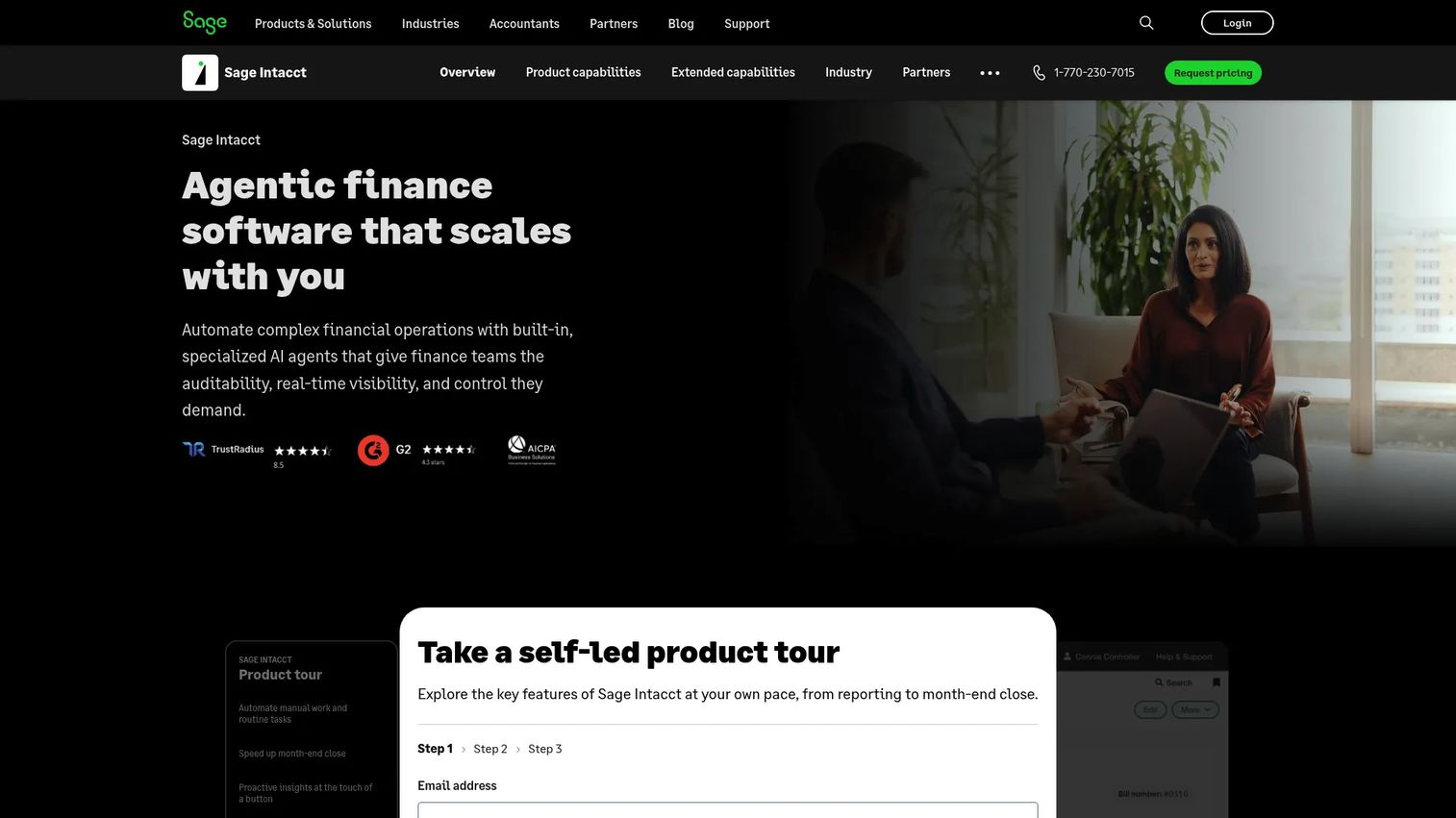
Sage Intacct is a cloud financial management platform used by nonprofits, special districts, and government-adjacent organizations that prioritize accounting depth, multi-entity reporting, and budget visibility. It is not a full municipal ERP in the citizen-services or permitting sense. Agencies needing comprehensive departmental workflows beyond finance will typically need additional systems alongside it.
Best for: Finance-led public-sector and nonprofit-adjacent organizations where accounting, reporting, and grant tracking are the primary requirements.
Key features
- Core financials and accounts payable/receivable automation
- Multi-entity consolidation and multi-currency management
- Real-time dashboards and multidimensional reporting
- Grant tracking and project accounting
- AI agents for close automation and financial assurance
Why choose Sage Intacct: Sage Intacct excels when the finance director's requirements drive the selection. It earns a 4.3/5 on G2 across more than 4,500 reviews, which reflects strong satisfaction in its core accounting and reporting use cases. If broader municipal ERP functionality matters, evaluate it alongside a complementary platform.
Sage Intacct pricing: Sage customizes pricing based on organization size, modules, and functionality. Contact Sage for a quote.
G2 rating: 4.3/5 (4,531 reviews)
9. Unit4 ERP
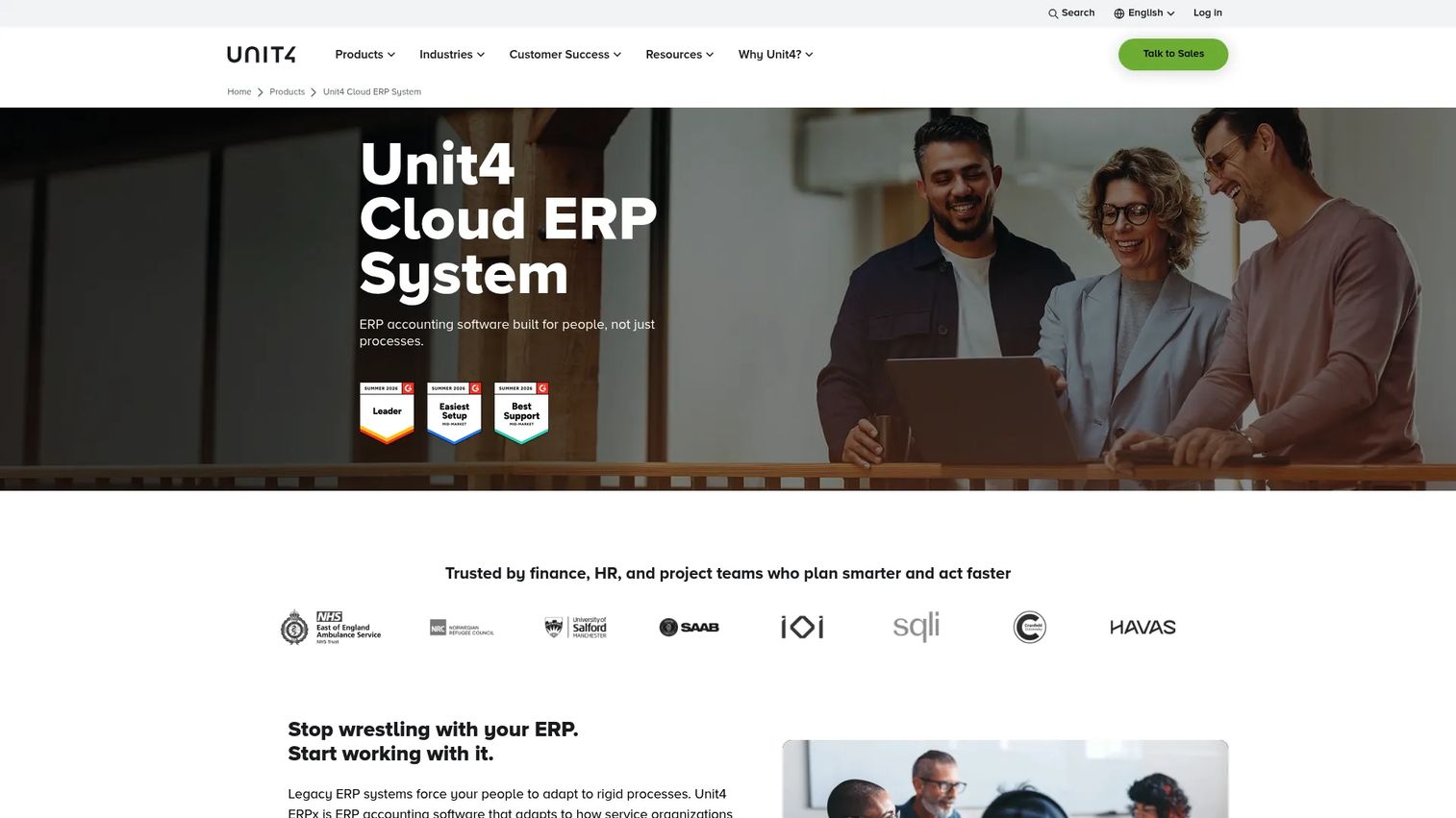
Unit4 ERP targets people-centric organizations including public sector, education, nonprofit, and professional services. The platform covers financial management, procurement, HR, payroll, project accounting, and planning. Its data model centers on people and projects rather than manufacturing or retail workflows, which maps better to public-sector operations.
Best for: Public-sector and nonprofit-style organizations where workforce, project delivery, and financial management need to operate from shared data.
Key features
- Financial management with multi-entity consolidation and multi-currency support
- Project accounting: Budgeting, resource planning, and billing
- HR, payroll, and procurement automation
- Planning with rolling forecasts
- AI-assisted anomaly detection and reporting
Why choose Unit4 ERP: Unit4 is a strong candidate when workforce complexity and project-based delivery sit alongside finance requirements. It suits public-sector organizations that look more like a professional services firm than a traditional municipal government.
Unit4 ERP pricing: Unit4 prices by quote. Contact Unit4 to discuss agency size and module requirements.
10. CentralSquare Finance Enterprise
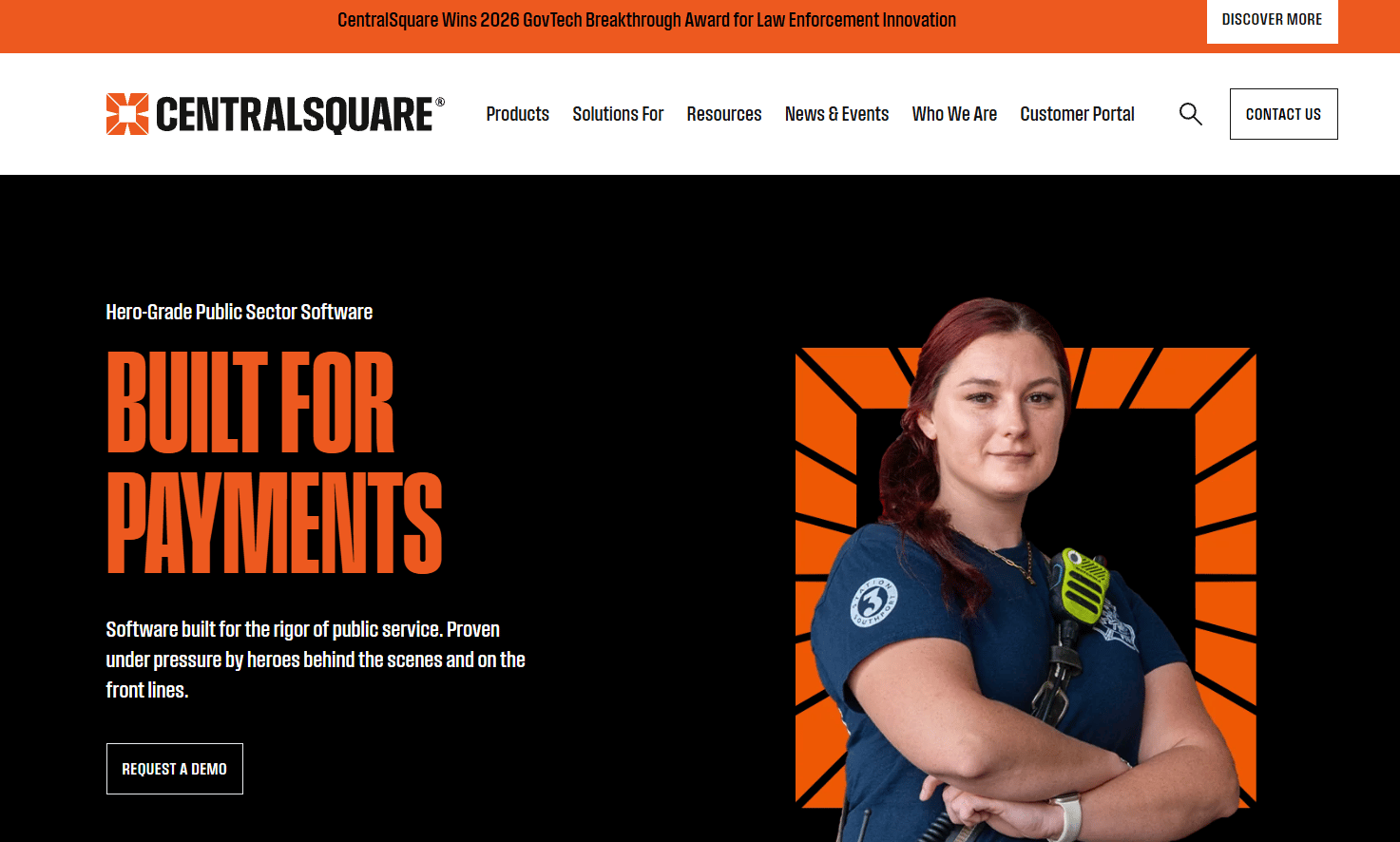
CentralSquare Finance Enterprise is a cloud-based financial management platform designed for large public-sector agencies. It integrates finance, HR, and payroll with automated approval workflows, grant management, asset tracking, and real-time reporting. CentralSquare focuses on local government and public safety organizations, so its development roadmap reflects government operational priorities.
Best for: Large local government agencies that need an integrated finance, HR, and payroll platform built around government workflows.
Key features
- Municipal finance and fund accounting
- Budget control and amendment management
- Purchasing and accounts payable
- Payroll and HR management
- Real-time dashboards and analytics
Why choose CentralSquare Finance Enterprise: CentralSquare suits agencies that want municipal finance workflows without adapting a general enterprise ERP. It fits local governments with significant headcount and complex fund structures.
CentralSquare Finance Enterprise pricing: CentralSquare prices by quote. Book a demo through the CentralSquare website to begin the evaluation.
11. Odoo
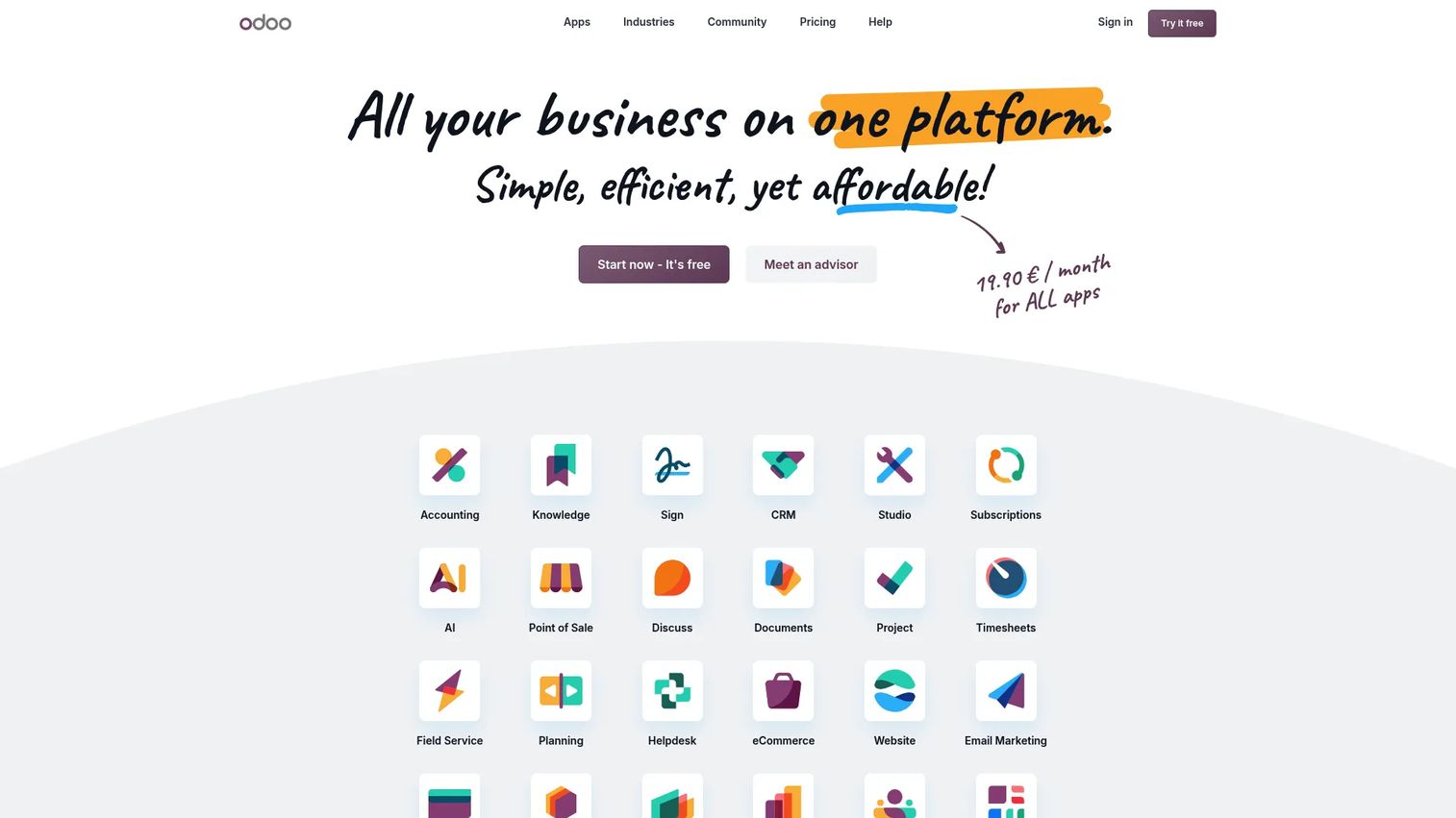
Odoo is an open-source modular ERP platform with apps for accounting, inventory, HR, purchasing, project management, and operations. It is not government-specific, so agencies need to build or configure public-sector workflows through Odoo's development framework. For smaller organizations with strong implementation discipline and limited government-specific requirements, Odoo can deliver broad ERP coverage at a lower total cost than specialist platforms.
Best for: Smaller public-sector or government-adjacent organizations with straightforward requirements and experienced implementation support.
Key features
- Modular app structure: Accounting, purchasing, HR, inventory
- Open-source flexibility and community extensions
- CRM, project management, and website builder included
- One App Free tier for limited deployments
- API access on the Custom plan
Why choose Odoo: Odoo rewards teams that commit to implementation rigor. The platform's breadth is real, but government-specific fund accounting and compliance controls require custom development. Use it when cost sensitivity and flexibility outrank out-of-the-box government specialization.
Odoo pricing: One App Free (unlimited users, one app). Standard plan is $24.90/user/month billed annually. Custom plan is $49/user/month billed annually, adding multi-company, Odoo Studio, and API access.
G2 rating: 4.2/5
12. IFS Cloud
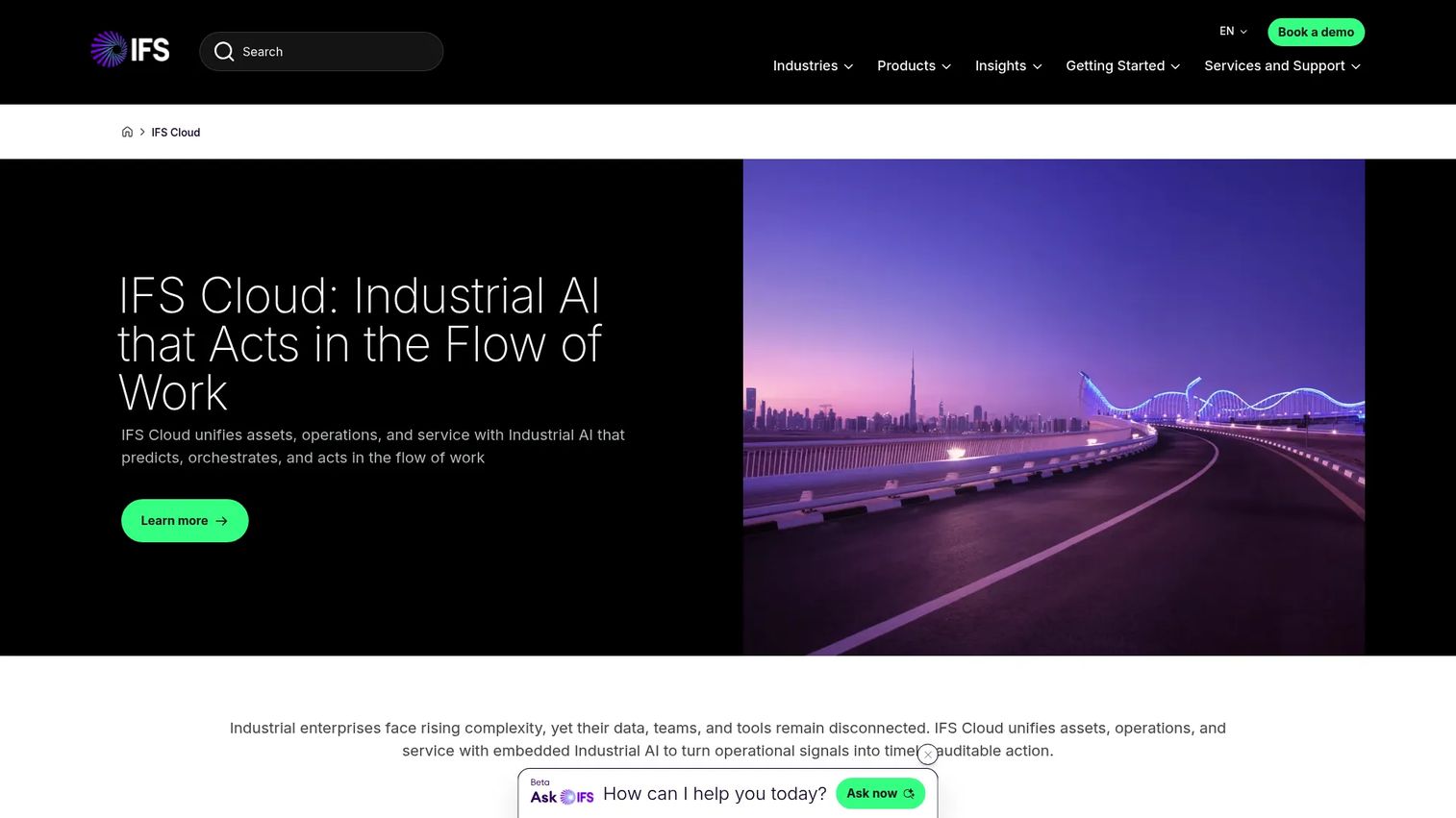
IFS Cloud is an enterprise platform spanning ERP, enterprise asset management, field service management, and supply chain. Public-sector organizations with infrastructure-heavy or service-delivery-intensive operations use IFS when assets, maintenance, and field operations sit at the center of their ERP requirement. Industrial AI is embedded across asset management and service scheduling.
Best for: Public-sector entities with asset-intensive operations, infrastructure management, or complex field service delivery.
Key features
- Enterprise asset management with predictive maintenance
- Field service management and mobile execution
- Supply chain, procurement, and inventory
- Financial management and project accounting
- Embedded Industrial AI for scheduling and optimization
Why choose IFS Cloud: IFS Cloud is the strongest option when physical assets, infrastructure, and field teams are the primary operational concern. Utilities, transit authorities, and government entities managing large asset portfolios fit this profile.
IFS Cloud pricing: IFS prices by quote. Contact IFS to discuss scope and deployment options.
G2 rating: 4.0/5
13. Deltek Costpoint
Deltek Costpoint is built for government contractors, defense contractors, and project-based firms serving public-sector clients. It covers project accounting, contract management, FAR and DFARS compliance, timekeeping, expense tracking, procurement, and AI-powered reporting through its Command Center dashboards.
Best for: Government contractors and defense contractors that need project accounting, contract compliance, and audit-ready reporting.
Key features
- Project-based financial management and cost accounting
- Contract management with FAR/DFARS compliance controls
- Time, expense, and workforce management
- Procurement and supply chain operations
- AI-powered reporting and Smart Summary dashboards
Why choose Deltek Costpoint: Costpoint is the category specialist for government contractors. Its compliance controls are purpose-built for cost-reimbursable and fixed-price government contracts. If you work in aerospace, defense, or project-based government services, evaluate it before any general-purpose ERP.
Deltek Costpoint pricing: Costpoint Essentials, designed for small and growing government contractors, starts at $800/month for 10 users. Larger enterprise deployments are priced by quote.
G2 rating: 4.2/5
14. Cayenta ERP
Cayenta ERP serves utilities and local governments with an integrated platform covering customer information, billing, financial management, work management, and HR. Its billing and customer service capabilities are particularly well developed for public utilities and municipalities with utility operations.
Best for: Utilities and municipalities where customer billing, work management, and finance need to operate from a single system.
Key features
- Customer information and utility billing management
- Financial management, accounting, and reporting
- Work orders and cost tracking
- HR, employee management, and time entry
- Cloud or on-premises deployment options
Why choose Cayenta ERP: Cayenta fits public utilities and municipalities that run billing, customer service, and finance together. It is a narrower fit than a full municipal ERP, but the depth in billing and customer management can outweigh breadth for the right organization.
Cayenta ERP pricing: Cayenta prices by quote. Contact Cayenta to begin the evaluation.
15. CitySuite
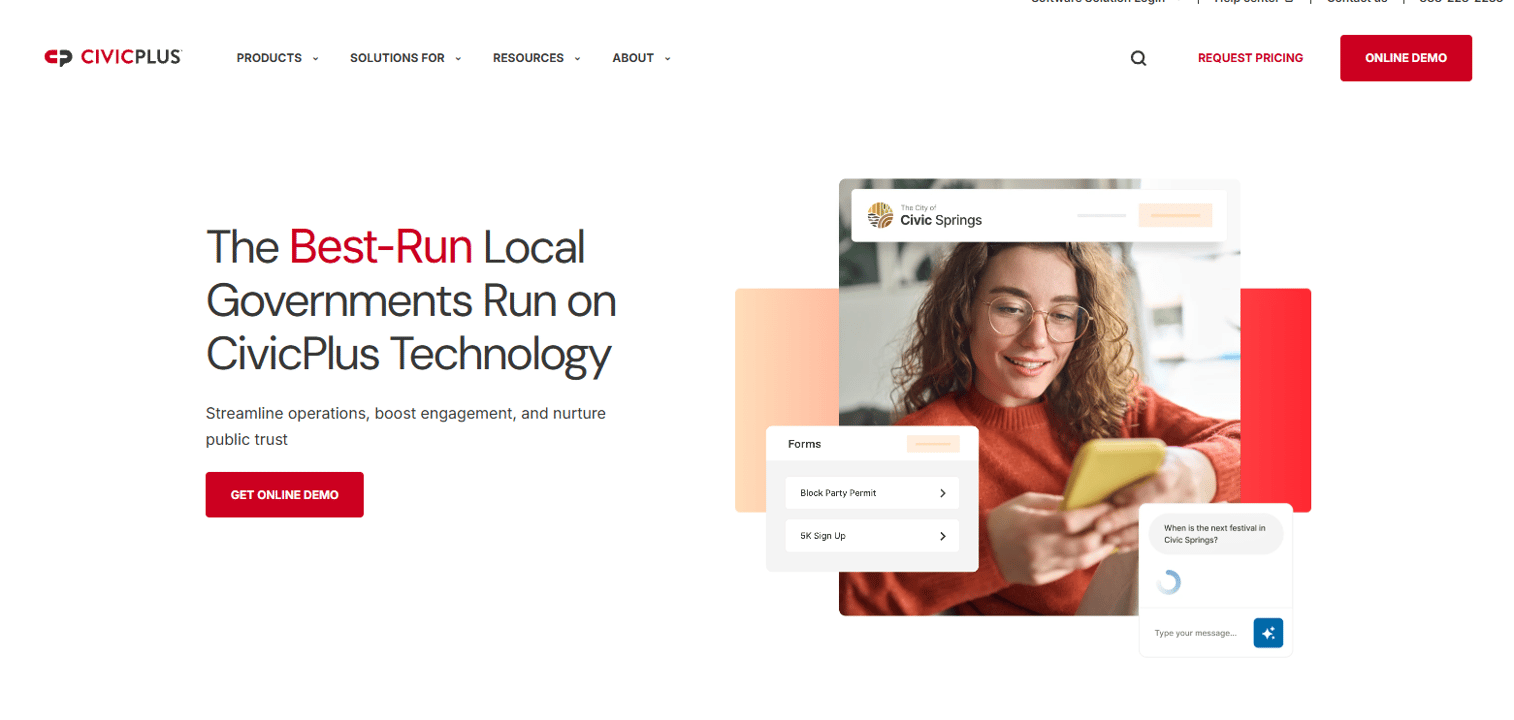
CitySuite is a municipal software suite from CivicPlus for local government operations including finance, permitting, licensing, utility billing, taxes, and citizen services. It targets small to midsize municipalities that need city-specific administrative workflows rather than a broad enterprise ERP.
Best for: Small to midsize municipalities that need city administration workflows covering finance, permitting, and citizen services.
Key features
- Municipal finance and fund accounting
- Permitting and licensing management
- Utility billing and tax management
- Citizen services and self-service portals
- Administrative workflow automation
Why choose CitySuite: CitySuite suits municipalities where the primary requirement is city administration, not enterprise-scale back-office operations. It is a sharper fit for smaller cities than a broad ERP built for large agencies.
CitySuite pricing: CivicPlus prices by quote. Contact CivicPlus to discuss your municipality's requirements.
Considerations when choosing government ERP software
Match the ERP to your government model
State agencies, local governments, federal entities, special districts, utilities, school districts, and contractors evaluate ERP differently. A county sheriff's office has different fund structures than a water authority. Build your evaluation criteria around your specific operating model, not a generic public-sector checklist. For example, grants management matters most for agencies that run federal funding programs; utility billing depth matters most for municipalities with water or power operations.
Check finance depth before feature breadth
Fund accounting, budget controls, audit trails, and year-end close capabilities matter more than a long module list. Ask vendors to walk you through real scenarios: How does the system handle a mid-year budget amendment? How does it manage a grant drawdown with matching requirements? A system that handles those scenarios cleanly is more valuable than one with 40 modules you will never configure.
Treat implementation governance as a selection criterion
ERP projects fail when ownership is vague. Identify a steering committee, data migration owner, process mapping leads, and department champions before you sign a contract. Phased rollout reduces risk, but only when the phase boundaries are agreed before go-live. The vendor's implementation track record in your agency type is as important as the software itself. Check references from similar agencies, not just named customers.
Verify procurement, security, and compliance fit early
Government buyers cannot treat security review and procurement as late-stage tasks. Confirm that the vendor is on your state or federal procurement vehicle, or that you have a clear path to sole-source or competitive bid. Evaluate access controls, audit log depth, data residency requirements, and cybersecurity posture documentation before you invest evaluation time in a vendor that cannot clear procurement.
Test reporting with actual users
Reports must serve finance directors, department heads, auditors, elected officials, and executives. Ask vendors for a live reporting demonstration using scenarios from your own budget or audit history. Screenshots of dashboards rarely reveal whether the report builder can produce what your CFO needs at year-end.
Conclusion
The government ERP market in 2026 is clearer than it was a decade ago, but the selection risk has not decreased. Every agency type has a different right answer.
For large-scale public-sector modernization, Infor, Oracle, Workday, and SAP anchor the enterprise shortlist. Tyler, CentralSquare, Cayenta, and CitySuite fit local and municipal government more directly. CGI Advantage covers state and local government administrative operations with government-specific depth. Sage Intacct leads for finance-first requirements. Deltek Costpoint is the clear specialist for government contractors. Microsoft Dynamics 365 earns its place when Microsoft infrastructure already dominates the environment. Odoo fits smaller teams willing to invest in implementation discipline.
Start by defining the type of government operation you are solving for. Then build a shortlist of three to five vendors, write evaluation scenarios tied to real workflows, and score implementation risk as heavily as product capability. A platform that looks expensive can still be cheaper than a failed migration.
Start your journey with Guideflow today!
FAQs
Government ERP software is an integrated platform that helps public-sector organizations manage finance, budgeting, procurement, HR, payroll, grants, compliance, and reporting from a shared data model. It differs from commercial ERP by incorporating fund accounting, appropriation controls, audit trail requirements, and public procurement rules as core capabilities rather than add-ons.
Commercial ERP is built around profit-and-loss accounting, inventory, and customer management. Government ERP is built around fund accounting, appropriations, budget controls, grants management, public procurement rules, and reporting to elected officials and auditors. These structural differences mean that adapting a commercial ERP for public-sector use requires significant customization, which adds cost and implementation risk.
No single platform wins across all local government types. Cities and counties should evaluate Tyler Enterprise ERP, CentralSquare Finance Enterprise, Cayenta ERP, and CitySuite based on their specific finance, permitting, utility billing, and reporting requirements. Tyler and CentralSquare suit larger municipal operations. Cayenta fits utilities and municipalities with billing-heavy workflows. CitySuite targets smaller municipalities with city administration needs.
Cost varies by modules, user count, implementation scope, data migration complexity, integrations, training, and support. Odoo starts at $24.90/user/month on its Standard plan. SAP's Finance Base runs $295/user/month. Oracle's standard ERP tier starts at $625/month per user. Most government-specific platforms, including Infor, Tyler, Workday, and CGI Advantage, price by quote because implementation and agency size drive the final number significantly. CGI Advantage's published pricing for state procurement starts at approximately $1.9 million annually for agencies up to 1,500 FTEs.
Implementation timelines vary by agency size, data quality, number of modules, integration complexity, and procurement process. Smaller municipalities with limited module scope may complete a core finance implementation in six to twelve months. Large agencies modernizing multiple departments, including finance, HR, procurement, and citizen services, often run multi-year phased rollouts. Procurement itself can add months before implementation begins. Plan conservatively and define phase milestones in the contract.
Evaluate cybersecurity posture and vendor support status of the current system first, since these drive urgency. Then assess fund accounting depth, budget control capabilities, reporting, and procurement fit in candidate systems. Data migration quality, stakeholder readiness, and implementation governance capacity within your agency matter as much as software features. Run structured scenario testing with your finance director, procurement lead, and IT team before shortlisting.
Cloud ERP can support strong security controls, but agencies must evaluate each vendor's specific posture. Review access controls, audit log retention, data residency options, incident response documentation, and third-party certifications relevant to your jurisdiction. FedRAMP authorization matters for federal deployments. State and local agencies should check alignment with their own cybersecurity frameworks and confirm that procurement rules allow cloud deployment before signing.
Deltek Costpoint is the category specialist for government contractors. It is built around project accounting, FAR and DFARS compliance, cost-reimbursable contract management, timekeeping, and audit-ready reporting. Costpoint Essentials starts at $800/month for small and growing contractors. Contractors should compare it against their contract mix and accounting requirements before evaluating general-purpose ERP alternatives.