A customer's security team sends over a questionnaire. Your VP Engineering is heads-down on the roadmap. Leadership needs an answer before the deal stalls, and nobody can quickly explain what controls are actually in place.
That is the moment firewall decisions become board-level problems. According to the Cisco Cybersecurity Readiness Index (2025), 69% of companies rely on firewalls as a primary security layer, yet many Series B teams are still running on whatever shipped with the cloud platform. That gap shows up in security reviews, enterprise sales cycles, and due diligence conversations.
Firewall software is not one buying decision. It is a stack decision. A free Windows firewall, an enterprise next-generation firewall, a cloud-native rule set, and a web application firewall all solve different problems. Buying the wrong category wastes money and still leaves you exposed.
This guide routes you to the right type, then the right tool.
What's inside
This guide compares 17 firewall software options across five categories for 2026. It is written for SaaS founders and operators who need to delegate intelligently to a CTO, VP Engineering, IT lead, or security consultant.
Tools were selected based on:
- Deployment model: Does it fit cloud, on-premises, hybrid, or personal Windows use?
- Security depth: Stateful inspection, application control, intrusion prevention, threat intelligence
- Operational ownership: Who runs it, and how much ongoing effort does it require?
- Pricing transparency: What can you verify before you talk to sales?
You will not find admin tutorials or firewall rule syntax here. The goal is a clear shortlist you can hand to the right person with the right context.
TL;DR
- Best overall enterprise NGFW: FortiGate NGFW. Strong coverage across hybrid and distributed environments with centralized management.
- Best for complex enterprise security teams: Palo Alto Networks Next-Generation Firewall. Deep application visibility and mature policy control for dedicated security programs.
- Best open-source firewall: pfSense. Free community edition with flexible routing, VPN, and extensible packages.
- Best cloud firewall for Microsoft-heavy stacks: Microsoft Azure Firewall. Managed, scalable protection that fits natively inside Azure virtual networks.
- Best WAF for SaaS web apps: Cloudflare WAF. Edge-based application protection with a free tier and clear paid upgrade path.
- Best free personal firewall: ZoneAlarm Free Firewall. Free Windows firewall with two-way traffic monitoring for individual devices.
What is firewall software?
Firewall software monitors and controls network traffic based on security rules, helping block unauthorized access while allowing approved communication.
Modern firewalls go well beyond simple port blocking. Depending on the product category, they can inspect the contents of encrypted connections, identify which application is generating traffic, detect intrusion attempts, and log every policy decision for audits.
Common capabilities in modern firewall platforms:
- Stateful inspection: Tracks active connections and allows only traffic that matches a known session
- Application control: Identifies and filters traffic by application, not just port or protocol
- Intrusion detection and prevention (IDS/IPS): Flags and blocks traffic patterns that match known attack signatures
- Malware and botnet protection: Scans files and connections against threat intelligence feeds
- VPN access: Provides encrypted tunnels for remote users and site-to-site connectivity
- Traffic filtering and logging: Records what was allowed or blocked and routes alerts to SIEM tools
- Web application protection: Inspects HTTP and API traffic for attacks like SQL injection and cross-site scripting
The five firewall categories this guide covers:
- Personal firewall software: Runs on a Windows device, monitors inbound and outbound connections
- Network firewall software: Controls traffic between network segments, offices, or cloud environments
- Next-generation firewall (NGFW): Adds application control, threat intelligence, and deep packet inspection on top of traditional rules
- Cloud firewall: Runs natively inside a cloud platform (Azure, AWS, Google Cloud) or is delivered as a cloud service
- Web application firewall (WAF): Sits in front of web apps and APIs, filtering application-layer attacks
A Series B SaaS company selling to enterprise accounts typically needs more than a device-level firewall. Enterprise customers expect evidence of network segmentation, cloud infrastructure controls, and application-layer protection. Those expectations show up in security questionnaires, SOC 2 audits, and procurement reviews.
When to use firewall software
Protect employee devices and office networks
Personal and small-business firewalls make sense for protecting individual Windows machines or small office networks. Free tools handle inbound and outbound monitoring for individual users. They are not a substitute for the network and cloud controls that enterprise accounts expect to see during vendor due diligence.
Segment cloud infrastructure and production systems
Cloud firewalls protect virtual networks by controlling what traffic enters and leaves your production environment. VPC-level rules, inbound controls, and outbound egress policies reduce the blast radius if one service is compromised. This is where AWS, Azure, Google Cloud, and Zscaler fit, and where most Series B SaaS teams have the most urgent gap.
Defend customer-facing applications
Web application firewalls block malicious HTTP traffic, protect login pages, shield APIs, and enforce application-layer policy at the edge. A WAF catches attacks that network firewalls do not see. Cloudflare and Imperva are built for this job. A WAF complements network and cloud firewall controls rather than replacing them.
Firewall software comparison
The table below covers all 17 tools in this guide. Tools are sorted by relevance, starting with enterprise-grade NGFWs, moving through cloud firewalls and WAFs, and ending with free personal firewall downloads for individual Windows devices.
| # | Product | Best for | Key differentiator | Pricing | G2 rating |
|---|---|---|---|---|---|
| 1 | FortiGate NGFW | Broad enterprise firewall coverage | Security fabric and ASIC-backed performance | Contact sales | N/A |
| 2 | Cisco Secure Firewall | Cisco-heavy enterprise environments | Snort-based IPS and deep Cisco ecosystem integration | Contact sales | 4.2/5 |
| 3 | Palo Alto Networks NGFW | Large security teams | App-ID, WildFire, and centralized Panorama management | Contact sales | 4.5/5 |
| 4 | Check Point Quantum | Policy-heavy enterprise security | Unified security management and sandboxing | Contact sales | 4.4/5 |
| 5 | Sophos Firewall | Mid-market teams | Synchronized Security with endpoint coordination | Contact sales | 4.7/5 |
| 6 | SonicWall | SMBs and distributed offices | Appliance-based firewall with strong SMB footprint | Contact sales | 4.1/5 |
| 7 | pfSense | Open-source firewall and routing | Free CE edition; Plus from $129/yr with support | Free / $129/yr+ | N/A |
| 8 | WatchGuard Firebox | Branch offices and distributed teams | Unified threat management appliances | Contact sales | 4.7/5 |
| 9 | Zscaler Cloud Firewall | Remote-first SaaS teams | Zero trust cloud firewall with identity-aware policies | Contact sales | 4.4/5 |
| 10 | Barracuda CloudGen Firewall | SD-WAN and cloud-connected sites | Firewall plus SD-WAN and WAN optimization | Contact sales | 4.5/5 |
| 11 | Cloudflare WAF | SaaS web applications | Edge WAF with DDoS protection and free tier | Free / $20/mo+ | 4.5/5 |
| 12 | Imperva WAF | App and API protection | Managed rules with ML-based attack analytics | Contact sales | 4.7/5 |
| 13 | Microsoft Azure Firewall | Azure-native environments | Managed firewall for Azure virtual networks | Usage-based | N/A |
| 14 | AWS Network Firewall | AWS-native environments | Stateful VPC firewall with Suricata-compatible rules | $0.395/hr + $0.065/GB | N/A |
| 15 | Google Cloud Firewall | Google Cloud workloads | Cloud NGFW with free Essentials tier | Free / usage-based | 4.6/5 |
| 16 | ZoneAlarm Free Firewall | Personal Windows users | Free two-way firewall protection with anti-bot | Free | 4.2/5 |
| 17 | Comodo Free Firewall | Personal Windows users | Default-deny protection with application sandboxing | Free | 4.0/5 |
Best 17 firewall software tools for 2026
1. FortiGate NGFW
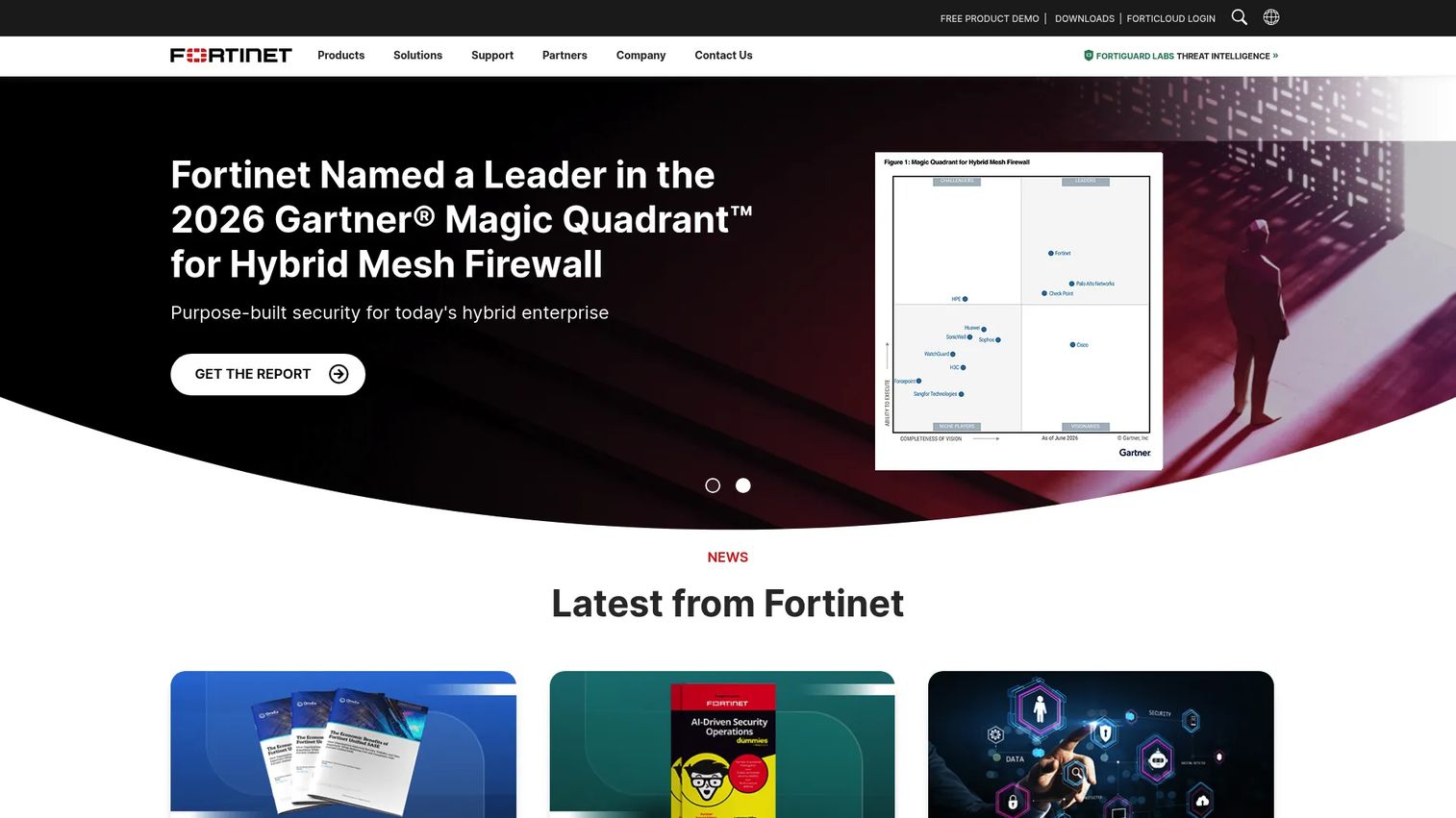
FortiGate NGFW is Fortinet's unified next-generation firewall platform, available as physical appliances, virtual machines, cloud instances, and a hardware-as-a-service model called FortiGate-as-a-Service. It consolidates firewall policy, intrusion prevention, SD-WAN, VPN, and threat intelligence under one security architecture. Organizations use it across branch offices, campus networks, data centers, and hybrid cloud environments.
Best for: Organizations needing scalable network security across multiple sites and infrastructure types.
Key features
- AI/ML-powered threat protection with antivirus, URL filtering, and sandboxing
- Intrusion prevention system and application control
- Secure SD-WAN for distributed connectivity
- Zero-trust network access controls
- Centralized management across hybrid environments
Why choose FortiGate NGFW: Strong pick when a company has office networks, hybrid infrastructure, or enterprise customers asking for mature network security controls. It is likely more than a team needs if the only requirement is protecting a cloud-native SaaS app.
FortiGate NGFW pricing: Fortinet offers appliance, virtual, and FortiGate-as-a-Service options. Pricing goes through Fortinet or authorized resellers. Ask for appliance cost, FortiGuard subscription terms, and renewal rates in the same quote.
2. Cisco Secure Firewall
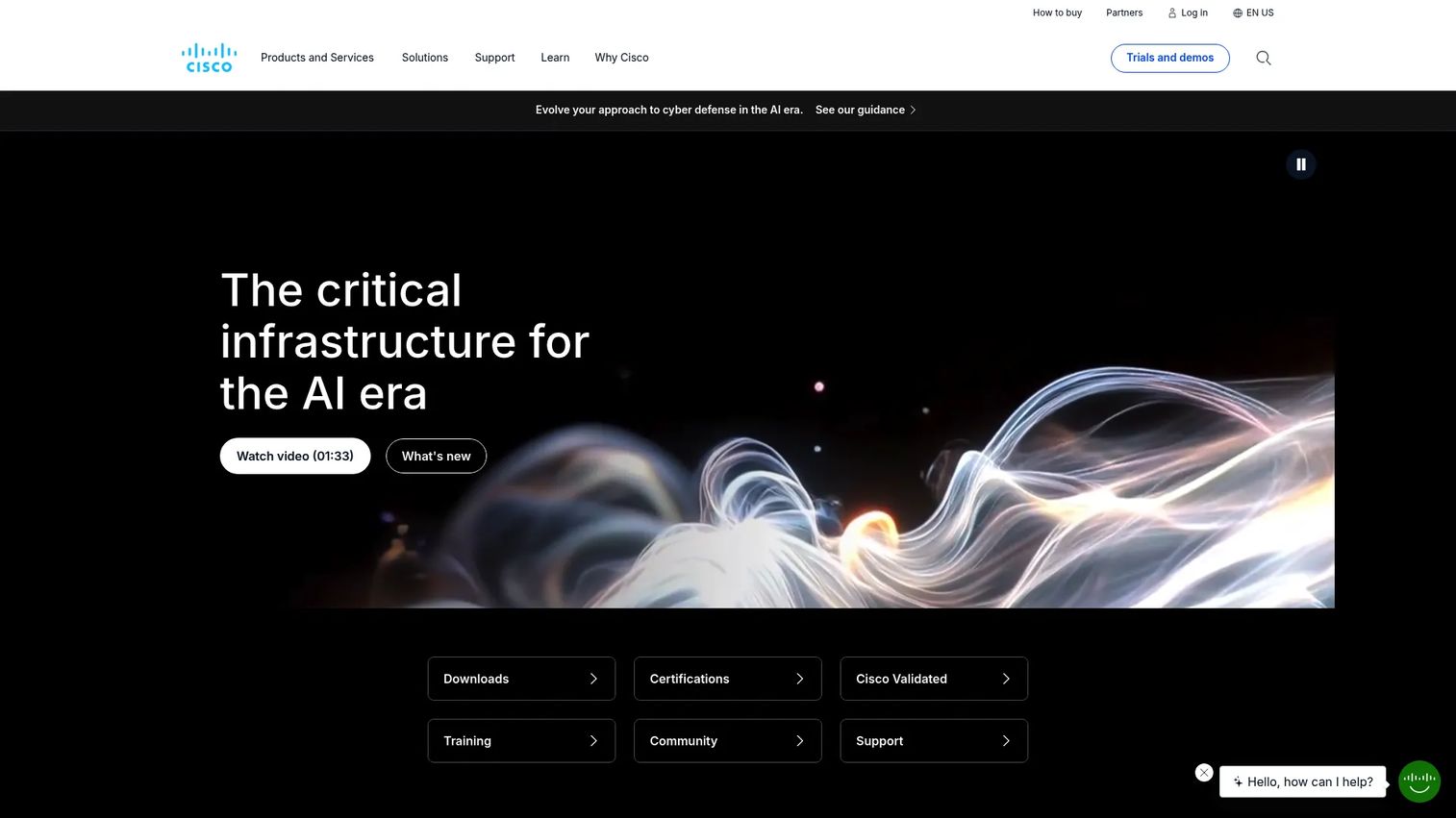
Cisco Secure Firewall is an enterprise firewall platform for data center, cloud, campus, branch, and IoT environments. It provides advanced threat protection, application visibility, SSL/TLS decryption, and centralized policy management. The intrusion prevention engine runs on Snort, Cisco's open-source IPS ruleset, and threat intelligence feeds from Cisco Talos inform detection.
Best for: Large and mid-sized organizations already running Cisco network and security infrastructure.
Key features
- Snort-based intrusion prevention system
- Application visibility and control
- SSL/TLS decryption and encrypted-traffic visibility
- File and malware protection
- Centralized policy enforcement with VPN support
Why choose Cisco Secure Firewall: The natural fit is a company whose networking stack is already Cisco. Teams without an existing Cisco footprint should evaluate whether the management overhead is justified compared to simpler cloud-native alternatives.
Cisco Secure Firewall pricing: Cisco prices enterprise firewall deployments through sales and channel partners. Request a quote that covers hardware, software licenses, Talos threat intelligence subscriptions, and multi-year support.
G2 rating: 4.2/5
3. Palo Alto Networks Next-Generation Firewall
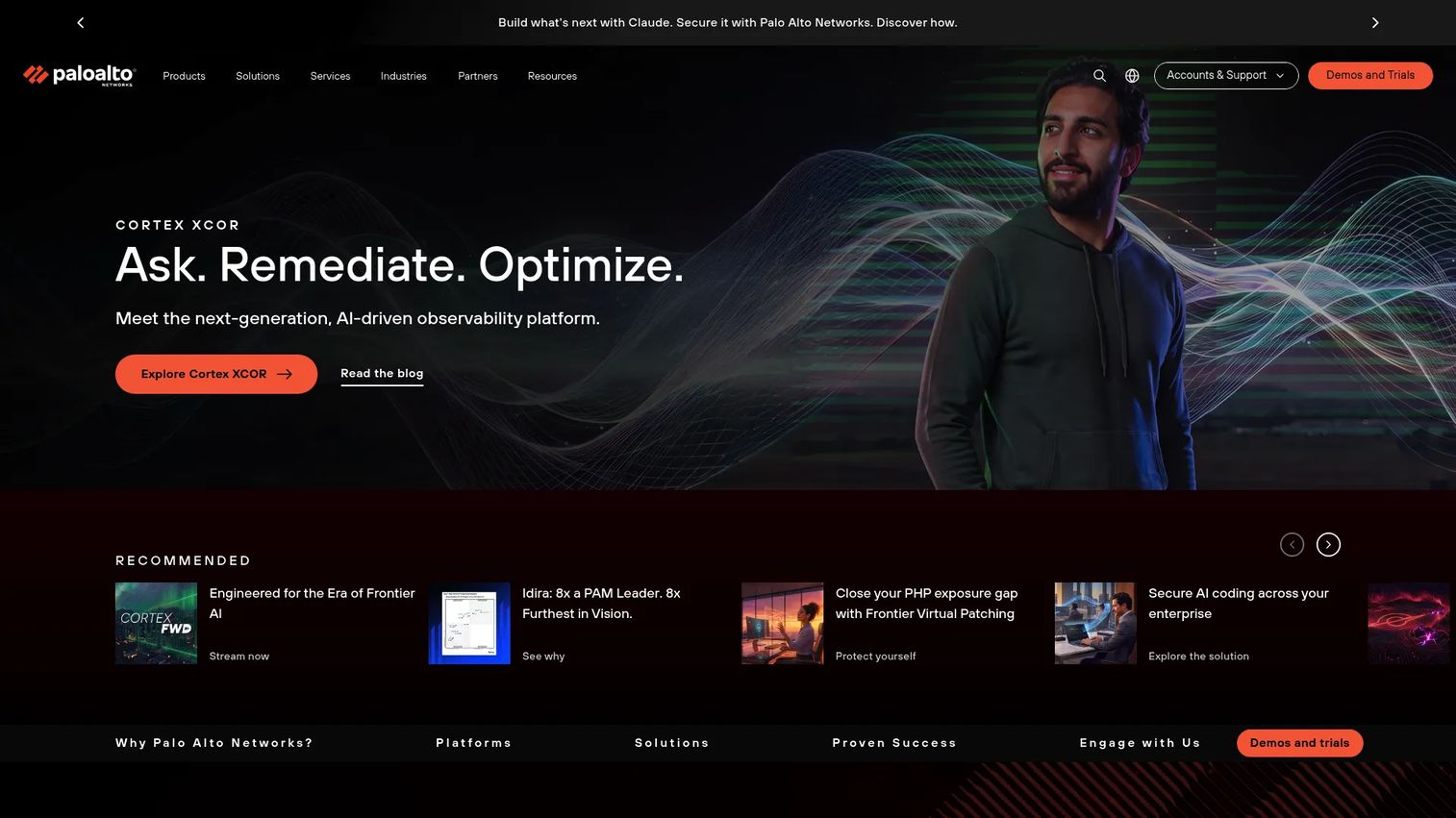
Palo Alto Networks Next-Generation Firewall is a machine-learning-powered network security platform covering branch, campus, data center, cloud, and container environments. Its App-ID technology identifies applications by behavior rather than port alone, and WildFire provides cloud-based malware analysis for unknown threats. Centralized management runs through Panorama or Strata Cloud Manager.
Best for: Enterprises with a dedicated security team that needs granular application visibility and threat prevention at scale.
Key features
- App-ID application identification and policy enforcement
- User-ID user- and group-based policy controls
- Inline deep learning for zero-day and unknown threats
- Advanced threat prevention with URL filtering and DNS security
- WildFire malware analysis and centralized Panorama management
Why choose Palo Alto Networks NGFW: The right choice for a mature security program that needs deep control and visibility. Teams without dedicated security leadership will find the platform's depth underutilized.
Palo Alto Networks NGFW pricing: Pricing is handled through Palo Alto sales or channel partners. Request hardware or virtual appliance pricing, threat prevention subscriptions, and Panorama management licensing separately.
G2 rating: 4.5/5
4. Check Point Quantum

Check Point Quantum is an enterprise network security gateway family providing scalable threat prevention, centralized policy management, and protection across networks, cloud environments, data centers, and remote users. The platform combines next-generation firewall capabilities with sandboxing, anti-bot controls, and zero-phishing protection under a unified management console.
Best for: Mid-market and enterprise organizations that need policy consistency across distributed environments with strong compliance requirements.
Key features
- Next-generation firewall with unified policy management
- Intrusion prevention, antivirus, and anti-bot protection
- Advanced DNS security and application filtering
- Sandboxing with file sanitization
- Centralized management console
Why choose Check Point Quantum: Good choice when policy consistency across multiple sites and compliance reporting are the primary drivers. Validate implementation effort and admin capacity before committing, as the management platform has a learning curve.
Check Point Quantum pricing: Check Point prices Quantum gateways through sales and authorized partners. Request gateway hardware or virtual appliance pricing alongside software blade subscriptions and support contracts.
G2 rating: 4.4/5
5. Sophos Firewall

Sophos Firewall is a next-generation firewall platform for business networks. Its Synchronized Security feature coordinates firewall and endpoint protection, so the two products share threat intelligence automatically. Centralized management runs through Sophos Central, covering policy, logging, and reporting without requiring a separate on-premises management server.
Best for: Mid-market teams that want strong firewall protection coordinated with endpoint security and managed through a single cloud console.
Key features
- Deep packet inspection with IPS, antivirus, and web protection
- TLS 1.3 inspection and encrypted-traffic analysis
- Zero-day protection with machine learning and cloud sandboxing
- Synchronized Security and Active Threat Response with endpoint coordination
- Remote-access and site-to-site VPN with Sophos Central management
Why choose Sophos Firewall: Useful for lean security teams that want firewall and endpoint signals in one dashboard. The endpoint coordination removes manual correlation work that otherwise falls on the person running security part-time.
Sophos Firewall pricing: Sophos offers Base License, Standard Appliance Bundle, and Xstream Appliance Bundle tiers. All pricing requires a request through Sophos or a partner. Ask for appliance size, subscription term, and renewal pricing in the same conversation.
G2 rating: 4.7/5
6. SonicWall
SonicWall provides network security products spanning firewalls, endpoint protection, cloud security, and managed threat detection. Its firewall appliances are widely deployed by small and mid-sized businesses, managed service providers, and distributed enterprises with multiple office locations. The product line is designed for practical administration without large in-house security teams.
Best for: SMBs, distributed offices, and MSP-managed environments needing appliance-based firewall with centralized management.
Key features
- Next-generation firewall appliances with threat prevention and encrypted-traffic inspection
- Unified management with policies, reporting, and analytics
- Endpoint security with next-generation antivirus and EDR capabilities
- Intrusion prevention and malware analysis
- VPN connectivity for remote and site-to-site access
Why choose SonicWall: Practical when physical office locations need straightforward firewall appliances. Teams running fully cloud-native infrastructure should evaluate whether a cloud firewall service fits better before committing to appliance hardware.
SonicWall pricing: SonicWall prices through sales and authorized resellers. Request appliance cost, threat-prevention subscription, and multi-year support pricing together to get a realistic 36-month view.
G2 rating: 4.1/5
7. pfSense
pfSense is an open-source firewall and router platform based on FreeBSD. The Community Edition (pfSense CE) is free to download and deploy on compatible hardware. The commercial distribution, pfSense Plus, runs on Netgate appliances and third-party hardware, with paid annual support tiers through Netgate. Cloud marketplace installations are also available on an hourly basis.
Best for: Technically capable teams needing flexible, customizable firewall and routing infrastructure with full control over configuration.
Key features
- Open-source firewall and routing engine
- VPN connectivity (IPsec, OpenVPN, WireGuard)
- Multi-WAN support with failover and load balancing
- High availability for redundant deployments
- Extensible package system for DNS, proxy, and additional services
Why choose pfSense: The right fit when the team has network expertise and wants full control. It is not the default for a company without a dedicated person who owns firewall configuration, patching, and incident response.
pfSense pricing: pfSense CE is free. pfSense Plus with TAC Lite support runs $129/year; TAC Pro is $399/year; TAC Enterprise is $799/year. Cloud marketplace installations start at $0.08/hour. Netgate appliances include pfSense Plus software at no separate charge.
8. WatchGuard Firebox
WatchGuard Firebox is a network security firewall appliance line for small businesses, branch offices, and distributed organizations. Firebox appliances run WatchGuard's unified threat management services, including intrusion prevention, gateway antivirus, web blocking, and application control. Cloud-based management and reporting are available through WatchGuard Cloud.
Best for: Small businesses and distributed teams needing centrally managed appliance-based protection with unified threat services.
Key features
- Firewall policy management with VPN and built-in SD-WAN
- Intrusion Prevention Service, Gateway AntiVirus, and WebBlocker
- Application control and APT Blocker for advanced threat detection
- Cloud-based management, monitoring, and reporting
- DNSWatch and IntelligentAV on higher license tiers
Why choose WatchGuard Firebox: Useful for companies with multiple office locations that want appliance-based security without enterprise-level complexity. Compare against cloud-delivered firewall alternatives if most of the team works remotely.
WatchGuard Firebox pricing: WatchGuard offers Standard Support, Basic Security Suite, Prime Security Suite, and Total Security Suite license options. Pricing requires a quote through WatchGuard or a reseller. Ask for per-appliance cost, subscription services, and renewal rates separately.
G2 rating: 4.7/5
9. Zscaler Cloud Firewall
Zscaler Cloud Firewall is a cloud-native firewall delivered as part of Zscaler's zero trust exchange. Rather than routing traffic through a central appliance, Zscaler inspects traffic in the cloud, enforcing user- and application-aware policies regardless of where employees are working. It covers both web and non-web traffic with TLS/SSL decryption and cloud IPS.
Best for: Remote-first and hybrid SaaS teams that want firewall controls without backhauling traffic through office appliances.
Key features
- 100% traffic inspection with TLS/SSL decryption
- Centralized user- and application-aware policy management
- Cloud IPS with custom signatures
- DNS filtering, security, and tunneling protection
- Bandwidth control and secure internet breakouts
Why choose Zscaler Cloud Firewall: Fits companies that have already committed to a zero trust access model and want firewall policy that follows users, not network paths. Requires a broader zero trust strategy to get the full benefit from the platform.
Zscaler Cloud Firewall pricing: Zscaler offers Zero Trust Firewall Standard and Advanced tiers. Standard comes with eligible platform licenses; Advanced requires an additional firewall license. All pricing is sales-led through Zscaler or partners.
G2 rating: 4.4/5
10. Barracuda CloudGen Firewall
Barracuda CloudGen Firewall is a cloud and hybrid firewall designed for distributed environments. It combines network security with SD-WAN capabilities, letting organizations manage branch connectivity and firewall policy from a central console. Deployment options span physical appliances, virtual appliances, and cloud platforms.
Best for: Organizations connecting multiple branches, cloud environments, and hybrid infrastructure under a single firewall and WAN management layer.
Key features
- Next-generation firewall with IDS/IPS and advanced threat protection
- Secure SD-WAN with application-based routing and link balancing
- SSL/TLS interception and web filtering
- VPN, MFA, and zero trust network access
- Centralized management and real-time reporting
Why choose Barracuda CloudGen Firewall: Strong fit when distributed connectivity is as important as packet filtering. Teams running primarily in one cloud provider should compare carefully against that provider's native firewall service before choosing a third-party appliance.
Barracuda CloudGen Firewall pricing: Barracuda prices CloudGen Firewall through its sales team and MSP partners. Request a quote that covers hardware or virtual instance sizing, subscription services, and support terms.
G2 rating: 4.5/5 (per G2, 54 reviews).
11. Cloudflare WAF

Cloudflare WAF is a web application firewall that runs at Cloudflare's edge network, filtering HTTP and API requests before they reach your origin server. It applies managed rulesets covering zero-day vulnerabilities and OWASP Top 10 attacks, plus custom rules you write against request properties like IP address, URL path, and headers. DDoS mitigation and bot management are layered into the same platform.
Best for: SaaS companies protecting customer-facing web applications and APIs against application-layer attacks.
Key features
- Managed WAF rulesets for OWASP Top 10 and zero-day threats
- Custom rules using request properties (IP, URL, headers, body content)
- Rate limiting for traffic throttling and abuse prevention
- API protection and bot mitigation at the edge
- Security Events dashboard for traffic monitoring
Why choose Cloudflare WAF: A practical starting point for SaaS founders who need application-layer protection in front of web properties without buying a separate network appliance. Pair it with cloud firewall rules at the infrastructure layer for complete coverage.
Cloudflare WAF pricing: Cloudflare's Free plan includes basic WAF capabilities. Pro is $20/month billed annually ($25/month billed monthly). Business is $200/month billed annually ($250/month billed monthly). Enterprise contracts are custom-priced.
G2 rating: 4.5/5
12. Imperva WAF
Imperva WAF protects web applications and APIs across cloud, hybrid, and on-premises environments. Its managed rules cover SQL injection, XSS, and OWASP Top 10 threats, while a machine-learning engine correlates security events into incident narratives rather than raw alert lists. Deployment options include cloud, public/private cloud, and on-premises.
Best for: Organizations with high-risk web applications or complex API surfaces needing deep application-layer protection with managed threat analysis.
Key features
- Managed rules for SQL injection, XSS, and OWASP Top 10
- Machine-learning attack analytics that correlates alerts into incident narratives
- DDoS protection and bot management
- API security controls
- Cloud, hybrid, and on-premises deployment options
Why choose Imperva WAF: Useful when application-layer threats are a top risk and the team needs managed analysis rather than raw rule management. A WAF does not replace network or cloud firewall controls for infrastructure-level segmentation.
Imperva WAF pricing: The product page offers a free trial and demo request. Contact Imperva sales for plan names, included features, and contract terms.
G2 rating: 4.7/5
13. Microsoft Azure Firewall
Microsoft Azure Firewall is a managed, cloud-based network security service that protects Azure Virtual Network resources. It provides inbound and outbound traffic filtering, application and network rules, threat intelligence-based filtering, and TLS inspection through the Premium SKU. High availability and cloud scaling are built in with no appliance to manage.
Best for: SaaS companies running production workloads in Azure that want firewall policy inside their existing cloud operating model.
Key features
- Azure-native deployment with built-in high availability
- Inbound and outbound traffic filtering with application and network rules
- Threat intelligence-based filtering for known malicious IPs and domains
- TLS inspection and advanced threat protection (Premium SKU)
- Central logging and policy management via Azure Firewall Manager
Why choose Azure Firewall: The natural choice when Azure is the primary infrastructure platform. Teams running multi-cloud workloads should evaluate whether centralized policy across providers is better served by a third-party tool.
Azure Firewall pricing: Azure Firewall uses usage-based billing across Basic, Standard, and Premium SKUs. Pricing covers deployment hours, data processed, and optional capacity units. Use the Azure pricing calculator for a workload-specific estimate, as Microsoft's pricing page does not display fixed rates.
14. AWS Network Firewall
AWS Network Firewall is a fully managed, stateful network firewall and intrusion prevention service for protecting Amazon VPC traffic. It supports Suricata-compatible rules for custom detection logic, managed AWS rule groups for active threat defense, geographic IP filtering, TLS inspection, and centralized management through AWS Firewall Manager. It scales automatically with traffic.
Best for: SaaS companies with core infrastructure on AWS that need stateful VPC perimeter protection and intrusion prevention without managing appliances.
Key features
- Stateful inspection and deep packet inspection
- Suricata-compatible rules and AWS-managed rule groups
- Web filtering, TLS inspection, and geographic IP filtering
- Active threat defense with AWS threat intelligence
- Centralized management via AWS Firewall Manager
Why choose AWS Network Firewall: Direct fit when AWS is the core infrastructure platform and the team wants managed firewall rules inside the same console they already use. Someone still needs to own rule design, logging review, and change control.
AWS Network Firewall pricing: Firewall endpoints cost $0.395/hour per endpoint per Availability Zone. Data processing costs $0.065/GB. Advanced Inspection runs approximately $0.489/hour in documented US examples. Regional rates may vary.
15. Google Cloud Firewall
Google Cloud Firewall is a distributed, cloud-native firewall service for securing Google Cloud workloads. It operates across three feature tiers: Essentials (free, covering basic VPC rules and hierarchical policies), Standard (adds FQDN objects, geolocation filtering, and Google Threat Intelligence), and Enterprise (adds intrusion prevention, TLS inspection, advanced malware sandbox, and URL filtering). Policy applies globally or regionally across VPCs.
Best for: Organizations running workloads on Google Cloud that need centralized firewall policies with optional advanced threat inspection.
Key features
- Stateful inspection and global or regional firewall policies
- Hierarchical firewall policies and IAM-governed secure tags for micro-segmentation
- FQDN objects, geolocation filtering, and Google Threat Intelligence
- Enterprise intrusion prevention, TLS inspection, advanced malware sandbox, and URL filtering
Why choose Google Cloud Firewall: The practical choice when Google Cloud is the primary infrastructure platform. The Essentials tier costs nothing, making it the default starting point for any GCP workload. Standard and Enterprise tiers add depth as security requirements grow.
Google Cloud Firewall pricing: Cloud NGFW Essentials is free. Standard charges $0.0193 per GiB evaluated. Enterprise charges $0.0193 per GiB inspected plus $1.75 per firewall endpoint hour. Hierarchical firewall policies cost $0.001369863 to $0.002054795 per VM per hour based on policy attributes.
G2 rating: 4.6/5 (per G2, six reviews).
16. ZoneAlarm Free Firewall
ZoneAlarm Free Firewall is a free personal firewall for Windows 10 and Windows 11. It monitors both inbound and outbound connections, blocks access from unauthorized programs, and includes Wi-Fi PC Protection, anti-bot controls, and early boot protection. No license fee applies to the core firewall product.
Best for: Individual Windows users who want more configurable traffic control than the default Windows Defender firewall provides.
Key features
- Two-way firewall traffic monitoring (inbound and outbound)
- Wi-Fi PC Protection for public network use
- Advanced-Access Protection and Early Boot Protection
- Anti-bot protection for personal devices
- Application-level controls and traffic settings
Why choose ZoneAlarm Free Firewall: A solid free option for personal Windows devices. It is not an appropriate primary firewall strategy for a Series B SaaS company's production environment or company-wide security posture.
ZoneAlarm Free Firewall pricing: The firewall is free for Windows 10 and 11. ZoneAlarm also offers paid security suites with additional antivirus and identity protection features; check the ZoneAlarm website for current pricing on those upgrades.
G2 rating: 4.2/5
17. Comodo Free Firewall
Comodo Free Firewall is a free Windows firewall with a default-deny architecture. Rather than blocking only known bad traffic, it asks users to approve unknown programs before they access the network. Auto Sandbox technology runs unrecognized applications in an isolated environment, and cloud-based behavior analysis checks programs against Comodo's whitelist.
Best for: Windows users who want stricter application control and sandboxing beyond basic port-level filtering.
Key features
- Default Deny Protection: Blocks unknown programs until approved
- Auto Sandbox technology for untrusted application isolation
- Cloud-based behavior analysis and whitelist
- Monitors inbound and outbound network traffic
- Personalized alerts and game mode for minimal interruption
Why choose Comodo Free Firewall: A good fit for individual users who want prevention-focused controls without paying for a subscription. Founders should route company-wide firewall decisions to business-grade tooling, not personal firewall downloads.
Comodo Free Firewall pricing: The core firewall is free. Comodo also offers paid Internet Security packages; check the Comodo website for current pricing on those products.
G2 rating: 4.0/5
Considerations when choosing firewall software
Match the firewall type to the actual risk
A WAF protects web application traffic. A cloud firewall controls virtual network traffic. A desktop firewall protects one endpoint. Buying the wrong category leaves the actual risk layer unprotected. Before evaluating vendors, name the specific risk you are addressing, such as protecting a login page versus segmenting a production VPC.
Decide who will operate it before you buy
Security controls only work when someone owns them. Name the owner before signing: IT, DevOps, infrastructure, a managed service provider, or the cloud platform team. Enterprise NGFWs require ongoing rule management, log review, and policy updates. If that ownership is unclear, start with a cloud-native firewall that the existing team can operate.
Get a 12-month and 36-month cost view
Firewall cost extends past the first purchase. Add appliance hardware, annual subscriptions, threat intelligence feeds, data processing charges, professional services, and support contracts. For enterprise tools, renewal prices often differ from initial pricing. Ask for both time horizons before approving a purchase.
Validate logging and reporting before you commit
Security controls matter most when you can prove they work. During a customer security review or SOC 2 audit, you will need logs, alert routing, policy-change history, and reporting. Check whether the product provides SIEM integration, what log retention looks like, and whether the reporting format meets what your auditors expect.
Check stack fit before closing the deal
A firewall should work with your identity provider, endpoint security tools, observability stack, and incident response workflow. Avoid tools that create a parallel security operating model that your team has to maintain separately from everything else.
Conclusion
Firewall software is not one market. It is several distinct control layers, and the right pick depends on where the risk actually lives.
Route by operating model:
- Enterprise network: FortiGate, Cisco Secure Firewall, Palo Alto Networks NGFW, Check Point Quantum
- Mid-market or distributed offices: Sophos Firewall, SonicWall, WatchGuard Firebox
- Open source: pfSense
- Cloud-native infrastructure: Azure Firewall (Azure), AWS Network Firewall (AWS), Google Cloud Firewall (GCP), Zscaler for distributed remote teams
- Customer-facing web applications: Cloudflare WAF or Imperva WAF
- Individual Windows devices: ZoneAlarm or Comodo
The next step is not picking a vendor. It is defining which risk layer you are addressing, naming the person who will own it, and shortlisting two or three products from the right category. That conversation with your security lead, CTO, or IT partner will move faster with a clear category in hand than with a 17-tool comparison list.
Cloud firewall costs caught 63% of surveyed U.S. organizations off guard in the past year, according to Aviatrix (2025). Get the 36-month number before you commit, not after the first renewal.
FAQs about firewall software
Firewall software monitors and controls network traffic based on security rules, blocking unauthorized access while allowing approved communication. It runs on endpoints, servers, cloud environments, virtual appliances, or dedicated network hardware, depending on the category.
Firewalls inspect inbound and outbound traffic against a set of rules that define what gets allowed, blocked, or logged. Modern firewalls also apply stateful inspection (tracking active connections), application identification, and threat intelligence feeds to make more context-aware decisions than simple port rules allow.
Firewalls control network traffic at the connection level. Antivirus tools detect and remove malware on devices or in files. Many security suites combine both, but they address different attack surfaces. A firewall does not replace antivirus protection, and antivirus does not replace network traffic controls.
For individual employee devices, free tools provide a useful baseline. A business running cloud infrastructure, handling sensitive customer data, or selling to enterprise accounts needs centralized policy management, logging, support, and cloud or network-level controls. Free consumer tools do not provide those capabilities.
Software firewalls run as applications, cloud services, or virtual appliances. Hardware firewalls run on dedicated physical appliances. Modern enterprise platforms often combine all three: A physical or virtual appliance running firewall software that integrates with cloud-delivered threat intelligence and management. The distinction matters less than matching the deployment model to your infrastructure.
A next-generation firewall adds capabilities beyond basic port and protocol filtering. Those additions include application control (identifying traffic by application, not just port), intrusion prevention, threat intelligence-based blocking, SSL/TLS decryption, and malware inspection. FortiGate, Cisco Secure Firewall, Palo Alto Networks NGFW, and Check Point Quantum are all NGFWs.
Yes, when the company runs customer-facing web applications, login pages, or APIs. A WAF filters application-layer attacks, including SQL injection, cross-site scripting, and API abuse, that network firewalls do not inspect. It complements network and cloud firewall controls rather than replacing them. Cloudflare WAF's free tier is a reasonable starting point for many SaaS teams.
Start by identifying which risk layer is unprotected: An individual device, a production VPC, a customer-facing web app, or an office network. Name the person who will own the tool before shortlisting vendors. Check pricing across 12 and 36 months, including subscriptions, support, and renewal terms. Verify that the tool generates logs and reports in a format that works for customer security reviews and audit conversations. Finally, confirm it fits your existing cloud, identity, and endpoint security stack without requiring a parallel operating model.
Application security software covers tools that protect applications through code scanning, vulnerability testing, runtime protection, and application-layer controls. Firewalls, particularly WAFs, are one layer of application security. A complete application security program typically combines a WAF with application security testing software that identifies vulnerabilities before they reach production.
Endpoint protection software secures individual devices through antivirus, EDR, and behavioral monitoring. Firewall software controls network traffic between devices, services, and the internet. The two layers address different attack vectors. Sophos Firewall's Synchronized Security feature is one example of a product designed to coordinate signals between both layers for faster threat response.