
A bug gets reported in a Slack thread. Someone screenshots it. Someone else pastes it into a spreadsheet that three people maintain and nobody trusts. By the time an engineer sees it, the reporter has moved on, the reproduction steps are gone, and the fix ships two releases late. If that sounds like your week, you already know why bug tracking software exists.
The category is growing because the pain is real. The global bug tracking software market reached USD 433 million in 2025 and is projected to hit USD 851.2 million by 2034 at a 7.57% CAGR, according to IMARC Group (2025). North America alone holds over 36.5% of that market, driven by complex software ecosystems and the pressure to resolve issues in real time. Teams are buying because scattered reports quietly bleed velocity.
But here is the part most roundups skip. The best bug tracking system is not the one with the longest feature list. It is the one your engineers will actually open, your PMs can trust for release decisions, and your support team can contribute to without training. Adoption beats depth every time. A powerful defect tracking tool nobody updates is just a slower spreadsheet.
This guide evaluates eight bug tracking tools through a product manager lens: workflow fit, integrations, deployment posture, and whether the tool improves release velocity instead of adding overhead. If you also compare adjacent categories, our roundups on contract management software tools and marketing automation software tools follow the same evaluation approach, and our audit management software guide covers the governance angle that overlaps with defect traceability.
What's inside
This guide is for product managers, engineering leads, QA owners, and product ops teams shortlisting a bug tracker they will live inside every day. We picked tools that span the real spectrum of team needs, from workflow-heavy enterprise trackers to lightweight developer-native options and self-hosted open source projects.
We evaluated each tool on five criteria:
- Usability for the whole team, not just engineers
- Workflow customization for statuses, fields, and assignments
- Integration depth across GitHub, Slack, CI/CD, and support tools
- Deployment options, including SaaS, self-hosted, and hybrid
- Pricing clarity, including free tiers and trials
TL;DR
- Best for deep workflow automation and ecosystem breadth: Jira, if your team needs configurable issue lifecycles and cross-team planning.
- Best for modern speed and clarity: Linear, for product and engineering teams that want fast triage and clean cycle planning.
- Best for developer-native teams: GitHub Issues, when your work already lives next to your code.
- Best for Microsoft-centered orgs: Azure DevOps Boards, for backlog and work-item tracking inside a DevOps pipeline.
- Best open source bug tracking: Bugzilla, MantisBT, and Redmine, for teams that want self-hosting and full control.
- Best for flexible querying and customization: YouTrack, for teams that live in search and custom workflows.
What is bug tracking software?
Bug tracking software is a system that captures, organizes, prioritizes, assigns, and tracks software defects through a visible workflow until they are verified and released. It turns random reports into an auditable record of what is broken, who owns it, and where it stands.
Most people use "bug tracking software," "issue tracking software," and "defect tracking software" interchangeably, and in practice they overlap heavily. The distinction is scope: issue tracking tools often handle any unit of work, while a dedicated bug tracker focuses on defects. The lifecycle is the same either way: capture, triage, prioritize, assign, fix, verify, release.
A capable bug management software tool covers these core capabilities:
- Workflow states you can shape to match your release process
- Notifications so the right people see the right issue at the right time
- Search and filtering that scales past a few hundred open issues
- Reporting and dashboards for open, blocked, fixed, and shipped work
- Integrations with your repo, chat, CI/CD, and support stack
- Permissions and access control for cross-functional contributors
- Workflow automation for triage, routing, and status updates
For product managers, this category matters because it is where release confidence lives. When a stakeholder asks "is this fixed and shipped?", the answer should come from one system, not a reconstruction across five tools. Good issue management software gives PMs the visibility to prioritize against real data and the traceability to defend release decisions.
When to use bug tracking software
Centralize incoming bug reports
Scattered reporting breaks down the moment more than one channel feeds it. Support relays customer bugs, QA files regressions, and internal users drop findings in chat. Without a single intake point, issues get duplicated, lost, or silently deprioritized. Bug reporting tools give every source one place to file, so nothing depends on someone remembering a Slack message from Tuesday. The workflow is simple: capture the report with reproduction steps, tag the source, and route it into triage automatically.
Manage release-critical issues with traceability
When a defect can block a release, you need to connect it to a version, a milestone, and a fix. Bug tracking helps product and engineering teams tie each issue to the release it affects and the commit that resolves it. That traceability turns a chaotic release workflow into a reviewable one: you can see which blockers remain, which fixes are verified, and whether you are clear to ship. This is where a bug tracking system earns its place in planning, not just in firefighting.
Standardize triage across teams
When multiple teams report bugs, priorities drift. One team's critical is another team's backlog. A shared tracker with consistent severity levels, ownership rules, and triage cadence keeps prioritization honest across the org. It also improves collaboration: PMs, engineers, QA, and support all read the same status and argue from the same data. Standardized triage is the difference between a queue people trust and one they route around.
Comparison table
Here is a scannable view of all eight tools, sorted by relevance to most product and engineering teams. Pricing and G2 ratings reflect verified values at the time of writing.
| # | Product | Intent | Key differentiation | Pricing | G2 rating |
|---|---|---|---|---|---|
| 1 | Jira | Workflow-heavy tracking at scale | Configurable issue lifecycles, automation, cross-team planning | Free up to 10 users; Standard from $7.91/user/mo | 4.3/5 |
| 2 | Linear | Modern, fast issue tracking | Keyboard-driven speed, clean cycle planning | Free; Basic $10/user/mo (billed yearly) | Not listed |
| 3 | GitHub Issues | Developer-native tracking | Lives next to code, PR linkage | Free; Team $4/user/mo | 4.7/5 |
| 4 | Azure DevOps Boards | Microsoft-centered DevOps | Work-item tracking in the DevOps pipeline | 5 users free, then $6/user/mo | 4.4/5 |
| 5 | Bugzilla | Self-hosted open source | Mature defect workflows, full control | Free, open source | 3.9/5 |
| 6 | YouTrack | Flexible querying and workflows | Powerful search, agile views, automation | Free tier available | Not listed |
| 7 | MantisBT | Simple self-hosted tracking | Lightweight, plugin ecosystem | Free, open source | 4.0/5 |
| 8 | Redmine | Tracking plus project management | Issues, wiki, and PM in one | Free, open source | 4.0/5 |
1. Jira
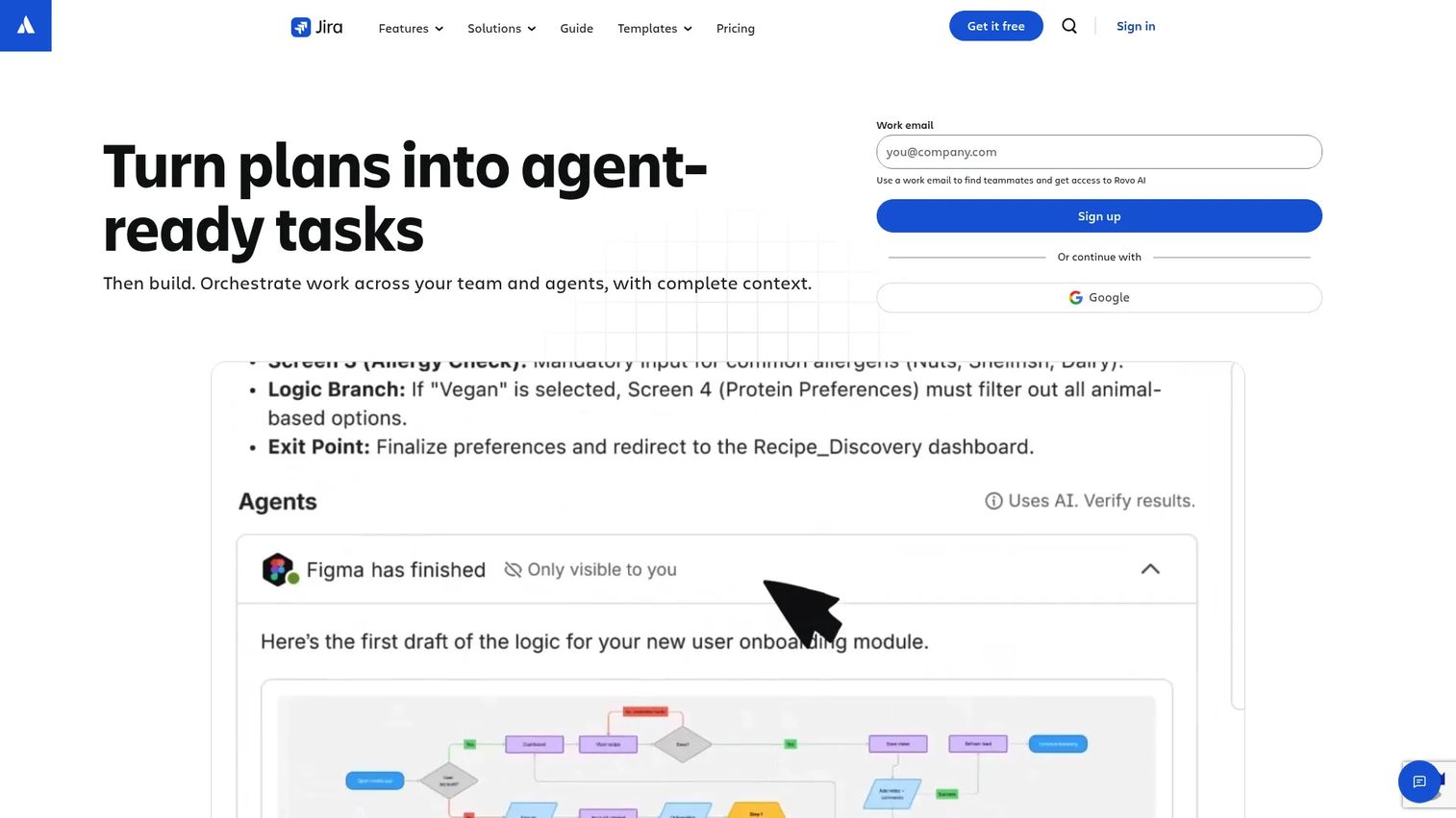
Jira, built by Atlassian, is the most established workflow-heavy option for bug tracking at scale. It is work management and project tracking software that most B2B software teams have either used or evaluated. For defect management specifically, Jira bug tracking gives you configurable issue lifecycles, custom fields, and the reporting depth to run release decisions off one board.
PMs choose Jira when they need control over the entire issue lifecycle. You can shape statuses to match your exact release process, add custom fields for severity and environment, and use backlog, board, timeline, and calendar views to see work from different angles. Its workflow automation handles triage routing, status transitions, and cross-team notifications without manual policing.
Best for: Teams needing configurable agile project tracking and cross-functional work management at scale.
Key strengths
- Configurable workflows: Shape issue lifecycles, statuses, and custom fields around your release process.
- Automation and reporting: Build automation rules, dashboards, and cross-team planning on higher plans.
- Ecosystem breadth: Deep integrations across development, chat, CI/CD, and the wider Atlassian stack.
Why choose Jira: Jira fits teams that want depth and are willing to configure for it. The tradeoff is real: the flexibility that makes Jira powerful also means setup and administration take intent. If your team has an owner for the configuration and needs granular control over how bugs move, Jira rewards that investment with visibility few other trackers match.
Jira pricing: Jira offers a Free plan for up to 10 users with unlimited goals, projects, tasks, and forms. Standard starts at $7.91 per user per month, and Premium is $14.54 per user per month, both billed monthly. Enterprise pricing is available through Atlassian sales on annual billing. Integrations, automation depth, and reporting expand as you move up tiers.
2. Linear
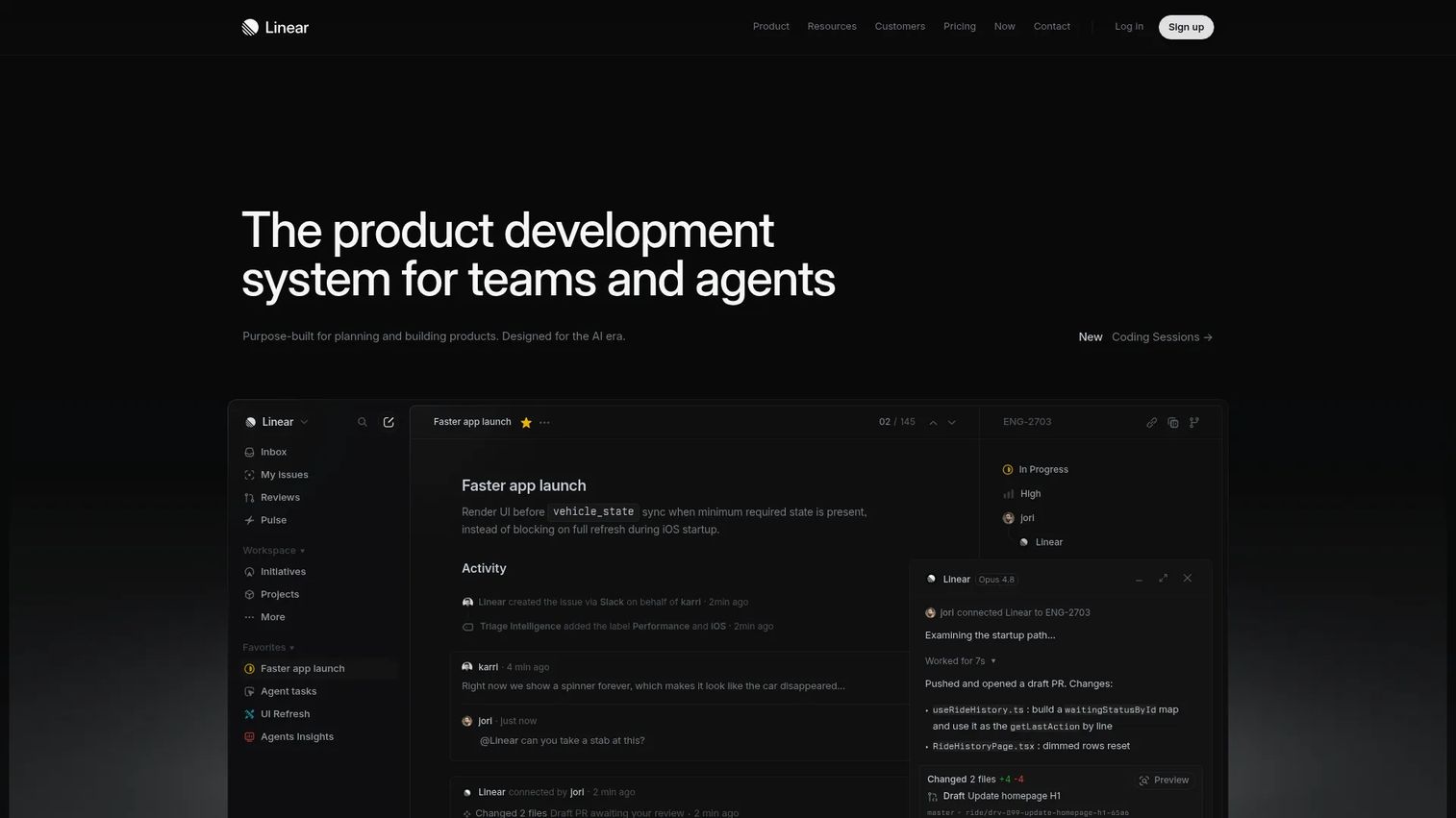
Linear is the modern, fast, keyboard-driven option for teams that want speed and clarity over configuration surface. It is a system for modern product development and issue tracking, and it has become the default for product and engineering teams who value a clean daily experience. Bug triage feels immediate: you file, tag, and route in seconds without hunting through menus.
Linear centers the day-to-day workflow around cycles, projects, and roadmaps. Issues break into sub-issues, cycle planning keeps work honest, and the interface stays quiet enough that engineers actually keep it updated. That last point matters more than any feature list, because a tracker only works if the team maintains it.
Best for: Product and engineering teams managing issues, projects, and roadmap execution with a premium on speed.
Key strengths
- Speed-first UX: Keyboard-driven navigation makes filing and triaging bugs nearly frictionless.
- Cycle planning: Projects, documents, initiatives, and roadmaps keep execution aligned.
- AI and agent workflows: Built-in AI features, including Linear Agent, assist with triage and workflow actions.
Why choose Linear: Linear fits teams that want a tracker engineers open by choice. Where a deeply configurable enterprise workflow with heavy governance matters most, larger orgs sometimes pair it with a more configuration-heavy system. For most product teams, though, Linear's clarity drives the adoption that makes bug tracking actually work.
Linear pricing: Linear offers a Free plan. Basic is $10 per user per month and Business is $16 per user per month, both billed yearly. Enterprise is custom and available on annual billing only. Paid plans expand collaboration, integrations, and workflow capabilities.
3. GitHub Issues
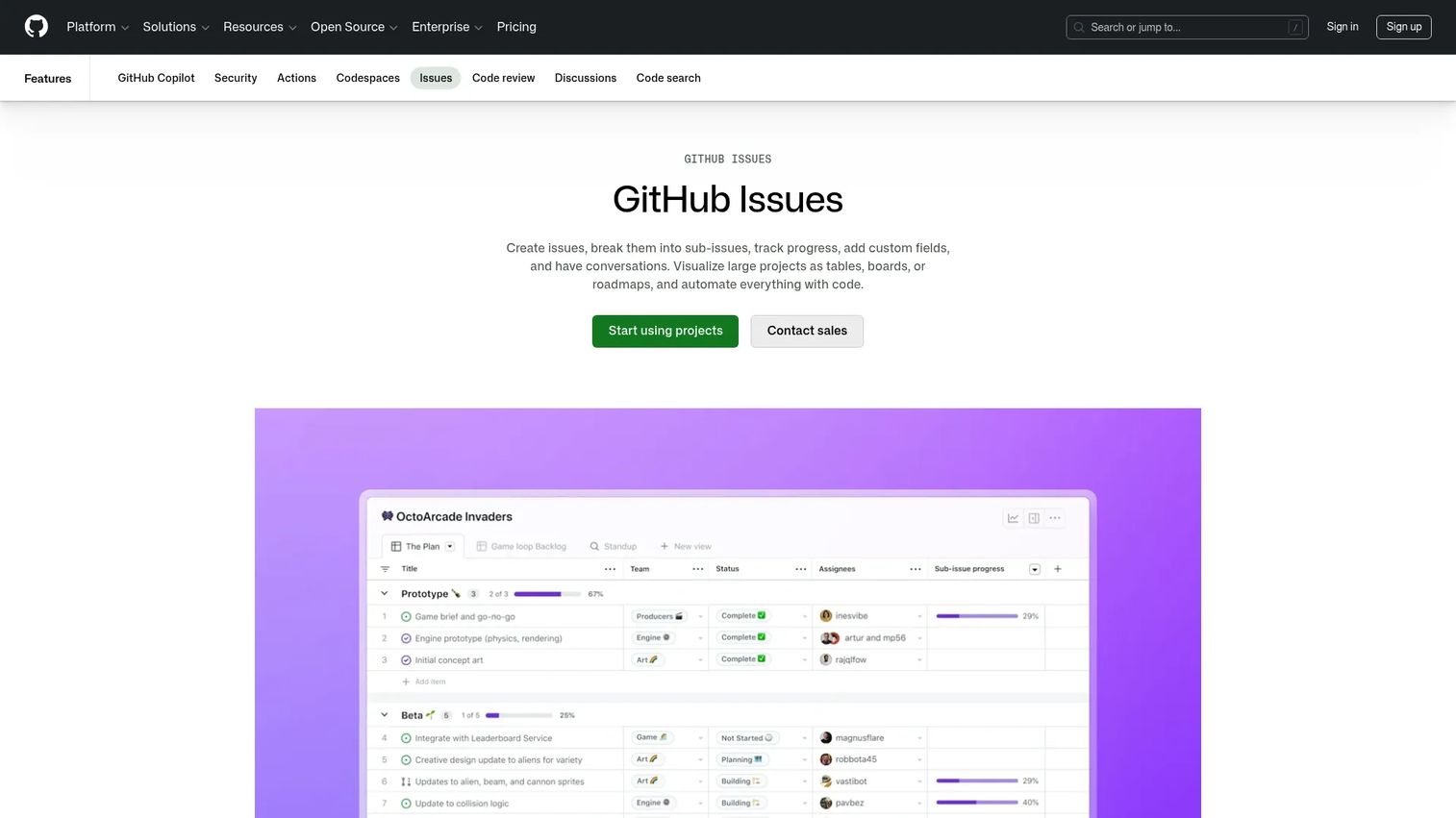
GitHub Issues is the developer-native choice for engineering teams already living in GitHub. It is GitHub's built-in issue tracking and project planning feature, and its biggest advantage is proximity: bugs live next to the code, pull requests, and commits that fix them. For developer-first teams, that closeness removes the context-switching tax of a separate tracker.
You can create issues, break them into sub-issues, and track progress with tables, boards, and roadmaps. PR linkage is the standout: reference an issue in a commit or pull request and the workflow connects automatically, so a fix and its bug stay tied together. Automation can triage and route work, keeping lightweight issue management close to the codebase.
Best for: Teams that want issue tracking and lightweight project planning close to their codebase.
Key strengths
- Code-adjacent tracking: Issues live beside code, PRs, and commits for tight traceability.
- Flexible views: Track progress with tables, boards, and roadmaps.
- Workflow automation: Automate triage and routing actions without leaving GitHub.
Why choose GitHub Issues: GitHub Issues fits engineering-led teams that want the tracker where the work already happens. It leans developer-first, so PMs and support may want to pair it with reporting layers for release visibility. If your team's center of gravity is the repo, though, the reduced friction is hard to beat.
GitHub Issues pricing: Issues and Projects are included in the Free plan at $0 per month. The Team plan is $4 per user per month for the first 12 months, and Enterprise is $21 per user per month for the first 12 months, both adding collaboration and enterprise features. Pricing reflects GitHub overall, since Issues is bundled rather than sold standalone.
4. Azure DevOps (Boards)

Azure DevOps Boards delivers agile work tracking and planning inside Microsoft's DevOps ecosystem. For organizations already running on Azure and the broader Microsoft stack, Boards keeps backlog management, work-item tracking, and sprint planning connected to the same pipeline that builds and ships the code. That end-to-end continuity is the reason Microsoft-centered teams standardize on it.
Boards gives you Kanban boards, backlogs, team dashboards, and custom reporting, plus customizable workflows to match how your teams plan. Its workflow automation and native GitHub and Azure integration mean bugs flow from report to build without jumping tools. For a release workflow that already lives in Azure Pipelines, that integration is the payoff.
Best for: Teams that want agile planning and work-item tracking inside Microsoft's DevOps ecosystem.
Key strengths
- Agile planning: Kanban boards, backlogs, team dashboards, and custom reporting in one place.
- Customizable workflows: Shape work-item states and dashboards to your process.
- Ecosystem integration: Native GitHub and Azure connections tie tracking to CI/CD.
Why choose Azure DevOps Boards: Boards fits Microsoft-centered engineering orgs that want tracking, pipelines, and repos under one roof. Teams outside the Azure ecosystem may find less pull toward it. Inside that ecosystem, the integrations and continuity make it a natural default.
Azure DevOps Boards pricing: Azure Boards is included in Azure DevOps services. The Stakeholder tier is free, the Basic tier gives you the first 5 users free and then $6 per user per month, and Basic plus Test Plans is $52 per user per month. Boards does not carry standalone pricing separate from Azure DevOps.
5. Bugzilla
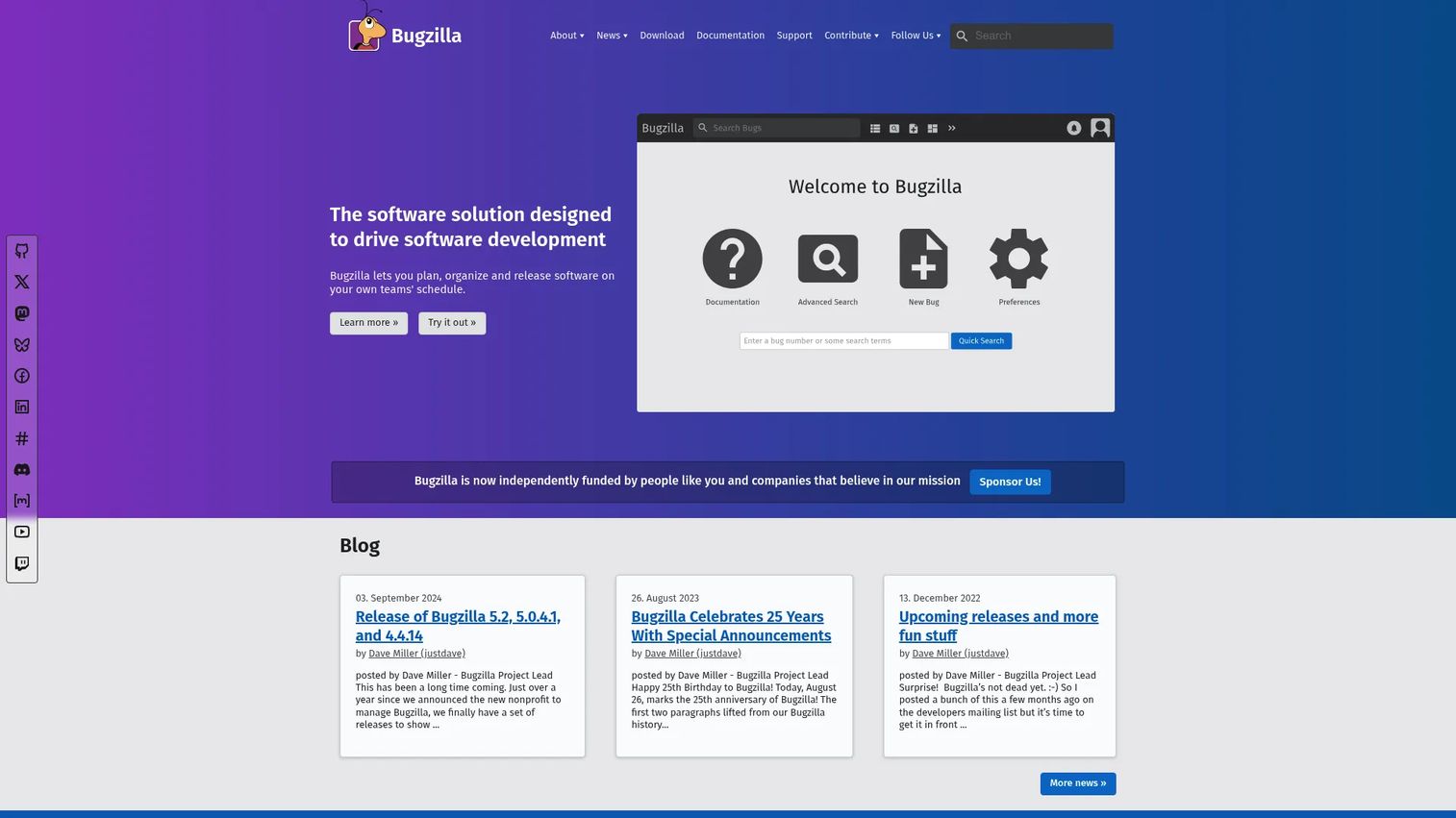
Bugzilla is the classic open source bug tracking system with deep roots in serious defect management. It has tracked bugs for major open source projects for decades, and that maturity shows in its configurable workflows and durable feature set. For teams that prioritize control and self-hosting, Bugzilla is a proven option that answers to no vendor roadmap.
Bugzilla's strengths sit in the fundamentals: advanced search, email notifications, and custom fields with configurable workflow. Self-hosted bug tracking means your defect data stays on your infrastructure, which matters for teams with strict security and compliance or data residency requirements. It is not flashy, but it is dependable, and dependable is what a bug tracker needs to be.
Best for: Teams needing a self-hosted bug tracker with configurable workflows and full data control.
Key strengths
- Advanced search: Query large defect datasets with precision.
- Configurable workflow: Custom fields and workflow states adapt to your process.
- Self-hosted control: Run it on your own infrastructure with no vendor lock-in.
Why choose Bugzilla: Bugzilla fits teams that value control and mature issue workflows over a modern interface. Self-hosting means you own the maintenance, which is a fair trade for teams that need data residency and full governance. If control is your priority, Bugzilla has earned its longevity.
Bugzilla pricing: Bugzilla is free and open source, described by the project as free both in price and in license. There is no commercial pricing table; your cost is the infrastructure and admin time to host and maintain it.
6. YouTrack
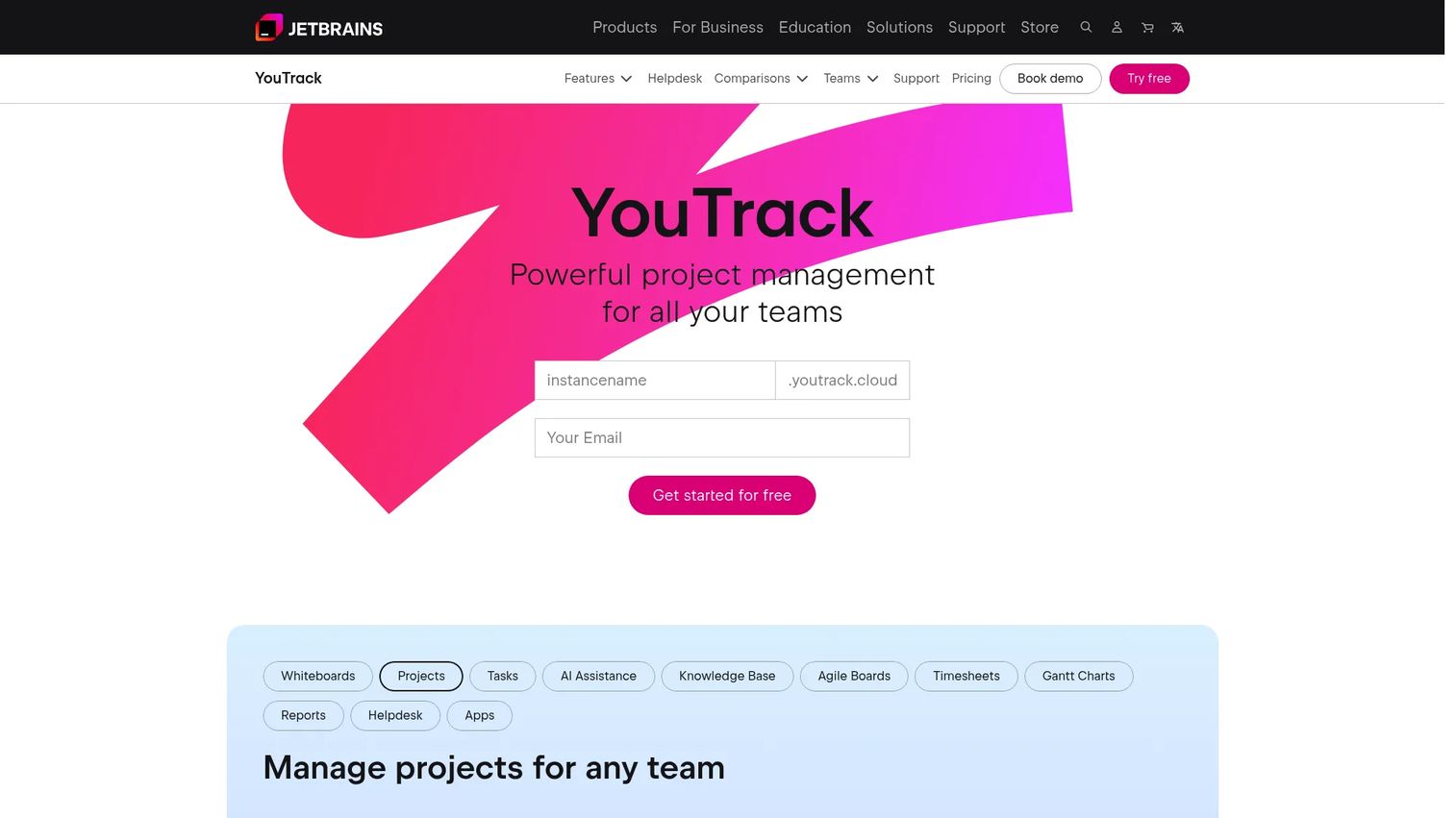
YouTrack, from JetBrains, is built for teams that want a flexible tracker with strong querying and deep customization. Its query language is the differentiator: if you live in search and want to slice issues by any field, YouTrack rewards that habit. It suits teams whose triage and reporting depend on precise, repeatable filters.
Beyond search, YouTrack supports agile boards, customizable issue workflows, and workflow automation for routing and status changes. That combination lets teams shape the tracker around their process rather than the other way around. For product teams that want both structure and flexibility, it strikes a useful balance.
Best for: Teams that want a flexible tracker with powerful querying, agile views, and custom workflows.
Key strengths
- Powerful querying: A rich search syntax to filter and report on issues precisely.
- Agile views: Boards and sprint tooling for planning alongside defect tracking.
- Workflow automation: Automate triage, routing, and status transitions.
Why choose YouTrack: YouTrack fits teams that want customization without building everything from scratch. Its query depth pays off for anyone who reports heavily on issue data. For teams that want a configurable tracker with modern agile tooling, it is a strong contender.
YouTrack pricing: YouTrack offers a free tier for smaller teams, with paid plans scaling by user count for larger teams and additional capabilities. JetBrains also offers cloud and self-hosted options, so you can choose the deployment that fits your security posture. Trials are available to test the workflow before committing.
7. MantisBT
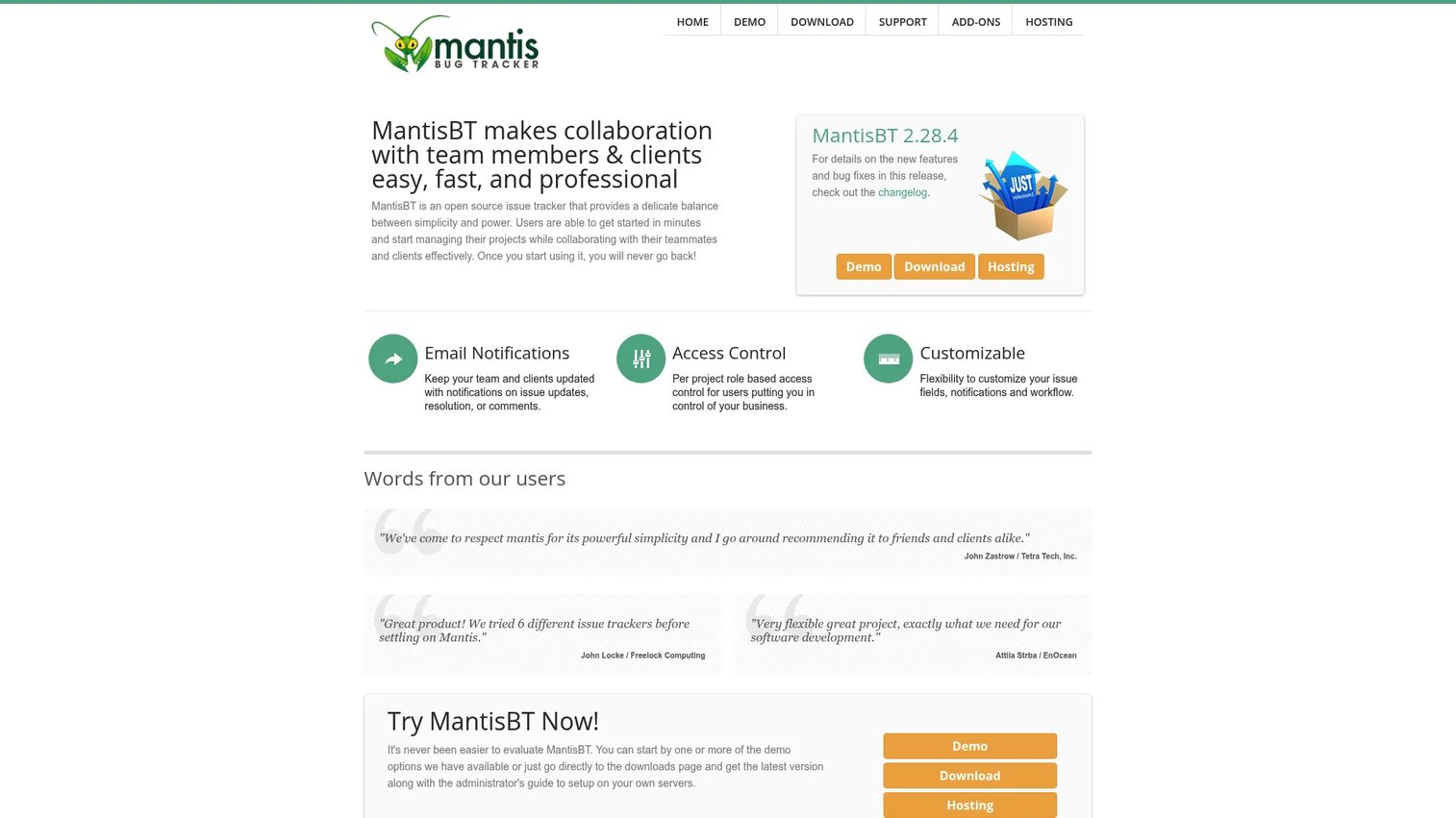
MantisBT is a practical open source bug tracker for teams that want simplicity and control without a heavy footprint. It is a web-based bug and issue tracking system that has stayed lean on purpose, which makes it a good fit for smaller teams or technical administrators who want to run their own instance without a steep operational cost.
MantisBT covers straightforward bug and issue tracking with a customizable plugin system that lets you extend it as needs grow. It supports multiple databases, including MySQL, MS SQL, and PostgreSQL, so it slots into most existing infrastructure. Permissions and access control keep contributions organized when support, QA, and engineering all file issues.
Best for: Teams needing a free, customizable bug tracker they can self-host and extend.
Key strengths
- Lightweight tracking: Focused bug and issue tracking without unnecessary complexity.
- Plugin ecosystem: Extend functionality with a customizable plugin system.
- Flexible database support: Runs on MySQL, MS SQL, or PostgreSQL.
Why choose MantisBT: MantisBT fits smaller teams and technical admins who want a self-hosted tracker that stays out of the way. You own the hosting and maintenance, which is a reasonable trade for a free, extensible tool. If you want open source bug tracking without heavy overhead, MantisBT is a sensible pick.
MantisBT pricing: MantisBT is free and open source under the GPL, with no public paid pricing. Your cost is the self-hosting infrastructure and the admin time to configure and maintain it.
8. Redmine
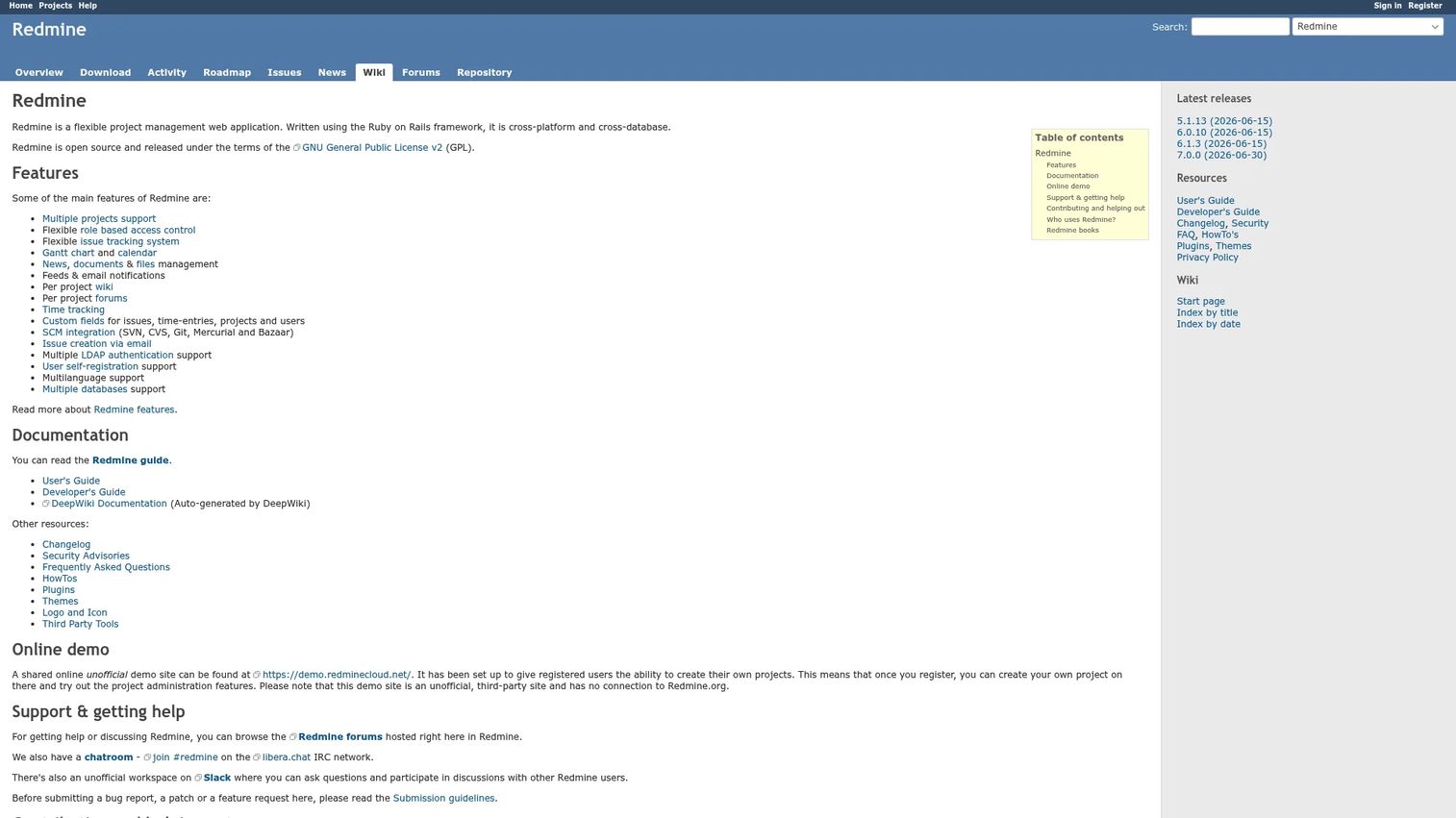
Redmine is a flexible open source project management and issue tracking tool that bundles bug tracking with broader project workflows. For teams that want defect management alongside project planning, a wiki, and repository browsing in one place, Redmine consolidates several tools into a single self-hosted system.
Redmine handles multiple projects and subprojects, flexible issue tracking with custom workflows, and a set of project features that reach past bugs: Gantt charts, calendars, wikis, forums, and a repository browser. That breadth makes it appealing when you want issue tracking and project management to share one home rather than fragmenting across apps.
Best for: Teams that want a self-hosted, customizable issue tracker and project management tool in one.
Key strengths
- Multi-project support: Manage multiple projects and subprojects from one instance.
- Custom workflows: Flexible issue tracking that adapts to your process.
- Built-in project tools: Gantt charts, calendar, wiki, forums, and repository browser.
Why choose Redmine: Redmine fits teams that want bug tracking and project management together, on their own infrastructure. Self-hosting means you take on deployment and maintenance, which is worthwhile when consolidation is the goal. For teams that value flexibility and control, Redmine covers a lot of ground.
Redmine pricing: Redmine is open source under the GNU GPL v2 with no public paid tiers. As with other self-hosted options, your investment is the hosting and the ongoing maintenance rather than a license fee.
Considerations
Before you commit, run every shortlisted tool through this checklist. The right bug management software is the one that fits your team's real workflow, not the one with the best demo.
Workflow customization
Evaluate how easily you can shape statuses, fields, and assignments around your actual release process. You want enough flexibility to match how your team really works, without creating admin debt that only one person can maintain. The sweet spot is a workflow your team understands and an owner who keeps it clean.
Integrations and ecosystem fit
Check the connections that matter: GitHub, Slack, CI/CD, documentation, and support tools. The best bug tracker sits inside your existing workflow rather than beside it. If your team has to leave the tools they already use to file or update a bug, adoption suffers and issues go stale.
Security and deployment
Compare SaaS, self-hosted, and hybrid options against your requirements. Self-hosted bug tracking gives you data residency and full control, while SaaS reduces operational load. Weigh security and compliance needs, access control, and where your defect data is allowed to live before you decide.
Reporting and visibility
Assess whether the tool answers the questions that drive planning: what is open, what is blocked, what is fixed, and what has shipped. Strong reporting ties bug tracking directly to release confidence. If a PM cannot get a clear release readout in one view, the tool is costing you more than it saves.
Ease of adoption
Check that engineers, QA, support, and PMs can all use the tool without training overhead. Adoption matters more than feature depth, because a tracker nobody updates gives you a false picture of reality. Pick the tool your whole team will actually maintain.
Conclusion
The best bug tracking software depends on your team's shape. Jira suits teams that need deep workflow automation and cross-functional planning. Linear wins on speed and clarity for product and engineering teams. GitHub Issues fits developer-native teams whose work lives in the repo, and Azure DevOps Boards is the natural default inside the Microsoft ecosystem. YouTrack rewards teams that live in search and custom workflows, while Bugzilla, MantisBT, and Redmine give you open source bug tracking with full self-hosting control.
The real takeaway is simpler: the best bug tracker is the one your team will actually maintain. A powerful tool nobody updates is worse than a modest one everyone trusts.
Your next step is practical. Shortlist two or three tools, run a real bug through each from report to resolution, and compare how quickly your team can triage, assign, and verify. The tool that keeps your engineers, QA, support, and PMs on the same page is the one worth buying.
If you also need to show your product to buyers, users, or partners without a live environment, Guideflow helps teams build interactive demos, sandboxes, and demo centers that support onboarding, sales enablement, customer education, and partner training. You can capture a flow in a few clicks, personalize it for different audiences, share it anywhere, and analyze engagement in real time.
Start your journey with Guideflow today!
FAQs
For most product teams, the best bug tracking software balances workflow depth with adoption. Jira and Linear both fit well: Jira for teams that need configurable lifecycles and cross-team planning, Linear for teams that prioritize speed and daily usability. The right pick is the one your engineers, QA, and support will all keep updated, because visibility depends on the whole team contributing.
Look for prioritization that reflects real severity, reporting that answers what is open, blocked, fixed, and shipped, and collaboration that includes support and QA, not just engineers. Integrations with your repo, chat, and CI/CD matter too, since a bug tracker that sits outside the team's workflow gets ignored. Adoption and traceability should outrank raw feature count.
Jira remains a strong choice for complex teams because of its configurable workflows, automation, and cross-team planning. The nuance is that its depth requires someone to own configuration. Teams that want that granular control get a lot from it, while teams that value simplicity often prefer a lighter tool. Match the depth to your actual needs.
Bugzilla, MantisBT, and Redmine are the leading open source bug tracking options. Bugzilla offers mature defect workflows, MantisBT keeps things lightweight and extensible, and Redmine bundles issue tracking with project management. All three are self-hosted, which gives you data control and no license fee in exchange for owning the hosting and maintenance.
GitHub Issues works best for teams whose code already lives in GitHub, because bugs sit next to commits and pull requests with automatic PR linkage. Linear and Jira also integrate deeply with GitHub if you want a separate tracker with richer reporting. For repo-native teams, keeping issues where the code lives reduces context switching.
Yes, workflow automation is one of the highest-value features in a bug tracker. Automating triage routing, status transitions, and release updates removes manual policing and keeps the queue trustworthy. Jira, Azure DevOps Boards, and YouTrack all offer strong automation, which matters most as issue volume grows and manual triage stops scaling.
Scope is the deciding factor. Bug tracking software focuses on defects: capturing, prioritizing, and resolving what is broken. Project management software handles broader execution across tasks, timelines, and resources. Many teams use both, and some tools like Redmine and Jira blur the line. Choose based on whether your primary need is defect resolution or overall project delivery.
The two overlap heavily and are often used interchangeably. Issue tracking software handles any unit of work, from features to tasks to bugs, while a dedicated bug tracker or defect tracking software focuses specifically on defects. In practice, most issue tracking tools track bugs well, so the distinction matters less than whether the tool fits your team's workflow and gets adopted.