Picture a weekly operating review. The CFO pulls cost numbers from accounting. The project director references a schedule update from two days ago. The field supervisor shares a progress report that contradicts both. Everyone in the room is working from different data, and nobody can explain the gap.
This is the default state for most construction organizations. According to a Deloitte study commissioned by Autodesk in 2023, construction managers and executives spend an average of 11.5 hours per week researching and analyzing data. The problem is rarely a shortage of information. It is disconnected systems, manual reporting cycles, and unclear ownership of numbers that should be authoritative.
Construction data analytics software exists to close that gap: Connecting cost, schedule, field, labor, and safety data into a reporting layer that leadership can act on. The right tool depends on whether your immediate bottleneck is enterprise project controls, schedule intelligence, field data quality, or job-cost visibility.
What's inside
This guide covers 10 construction data analytics tools for 2026, chosen for contractors, project teams, construction operations leaders, and founders evaluating construction technology.
- Who it is for: Contractors, operations leaders, VPs of Finance and Technology, and SaaS founders assessing what buyers in this vertical actually need.
- How tools were selected: Data coverage and analytics depth, construction workflow fit, field usability, pricing visibility, and integration breadth.
- Key distinction: Broad construction platforms and specialist analytics tools solve different problems. Read the selection criteria before the comparison table.
- Shortlist tip: Map your existing ERP, scheduling, and accounting systems before comparing vendors.
TL;DR
- Best for connected contractor reporting: Trimble Construction One for firms already running Trimble or Viewpoint workflows.
- Best for enterprise project controls: Procore for teams standardizing data across large field and office portfolios.
- Best for schedule risk intelligence: SmartPM for project controls teams that need automated schedule diagnostics.
- Best for AI-driven schedule optimization: ALICE for complex projects where sequencing and scenario modeling determine financial outcomes.
- Best for field reporting and safety data: Mitti by SafetyCulture for frontline teams that need mobile data capture from active jobsites.
- Best for growing contractors: JobTread for residential and commercial contractors outgrowing spreadsheets and disconnected tools.
What is construction data analytics software?
Construction data analytics software collects, connects, analyzes, and visualizes project data so contractors can make faster decisions about cost, schedule, labor, safety, quality, and risk.
These platforms sit above the systems that generate raw data: ERP, accounting, scheduling tools, field reporting apps, BIM environments, and project management platforms. Their job is to turn activity into decisions.
What data these platforms analyze
- Job cost and committed-cost data from accounting systems
- Schedule milestones, delays, and critical-path changes
- Daily logs, inspections, and field progress reports
- Labor hours, equipment utilization, and productivity
- Safety incidents, quality observations, and closeout issues
- Forecasts from project management and scheduling systems
Core capabilities to look for
- Role-based dashboards for field, project, finance, and executive users
- Automated reporting and scheduled distribution
- Job cost forecasting and margin-risk alerts
- Schedule health, delay analysis, and scenario comparison
- Mobile data capture from jobsites
- Integrations with ERP, accounting, BIM, and project management tools
- Predictive analytics where the data model supports it
How this category differs from adjacent tools
Construction management platforms run workflows: Documents, RFIs, budgets, field execution. Analytics platforms turn data from those workflows into reports, forecasts, and decision signals. Some products do both. Others specialize in schedule intelligence, field safety, labor tracking, or job-cost reporting. General-purpose BI tools like Microsoft Power BI can connect construction data but require significant configuration and internal ownership to maintain. Predictive analytics software in adjacent verticals shares similar principles but lacks construction-specific data models.
When to use construction data analytics software
Consolidate project data before executive reviews
When operating reviews rely on spreadsheet exports and conflicting status updates from different systems, analytics platforms create a consistent view. Finance, project management, and field teams all see the same cost and schedule numbers, reducing time spent reconciling data before decisions get made.
Forecast job cost and margin risk earlier
Project teams can report actuals, but leadership often cannot see likely overruns until margin has already moved. Analytics tools that connect committed costs, change exposure, production data, and forecast-to-complete reporting let you surface that risk weeks before it shows up in the accounting close.
Detect schedule and resource problems before they compound
Project schedules change frequently, and dependencies, labor constraints, and sequencing decisions remain difficult to evaluate manually. Specialist schedule analytics platforms suit complex projects or portfolios where early warning signals carry real financial consequences. General construction platforms are better when schedule data must be evaluated alongside field, budget, and document workflows in one place.
Construction data analytics software comparison
Use this table as a shortlist tool. Compare each platform by the type of data it centralizes, not by feature count. Pricing and ratings were verified against vendor pricing pages and live G2 listings.
| # | Product | Best for | Key differentiator | Pricing | G2 rating |
|---|---|---|---|---|---|
| 1 | Trimble Construction One | Connected contractor reporting | Integrated suite of 40+ construction solutions with unified data | Contact sales | N/A |
| 2 | Procore | Enterprise project controls | Broad project data across field and office workflows | Quote-based | 4.6/5 |
| 3 | Autodesk Construction Cloud | Design-to-build data continuity | BIM, document, and cost workflows across Autodesk environments | Quote-based | N/A |
| 4 | ALICE | AI schedule optimization | Generative sequencing and what-if scenario modeling | Quote-based | N/A |
| 5 | SmartPM | Schedule risk analytics | Automated schedule diagnostics with critical-path and delay reporting | From $12K/year | 4.8/5 |
| 6 | Mitti by SafetyCulture | Field reporting and safety | Mobile inspections, incident reporting, and frontline analytics | Free; Premium $24/seat/month | 4.6/5 |
| 7 | JobTread | Growing contractors | All-in-one estimating, job costing, and project reporting | From $199/month | 4.9/5 |
| 8 | busybusy | Labor and time tracking | GPS-based time tracking and job-cost labor coding | Free; Pro from $9.99/user/month | 4.8/5 |
| 9 | Knowify | Trade contractor financials | Job costing, service workflows, and profitability reporting | From $99/month | 4.5/5 |
| 10 | Touchplan | Lean planning workflows | Collaborative pull planning and production tracking analytics | Quote-based | 4.3/5 |
Best construction data analytics software tools for 2026
1. Trimble Construction One
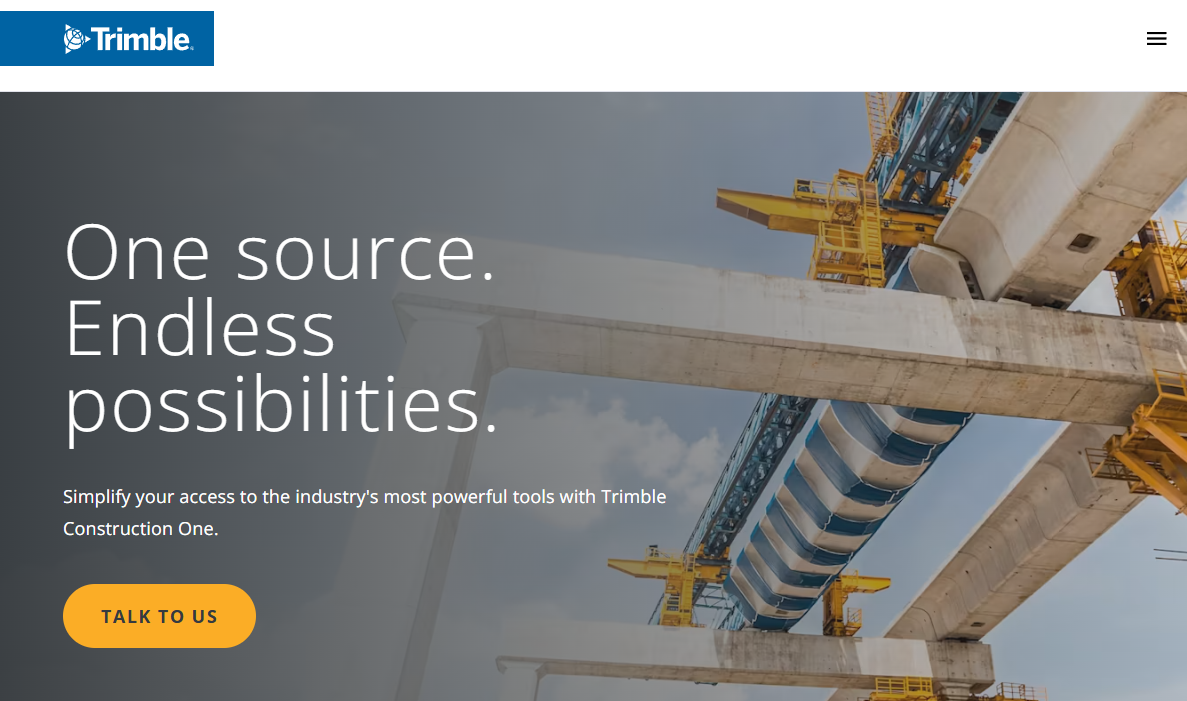
Trimble Construction One is a connected construction management suite that links more than 40 solutions across project, financial, field, and operational workflows under a single contract, login, and data model. It is designed for contractors that want reporting tied directly to operational, financial, and project workflows rather than assembled from disconnected point solutions.
Best for: Commercial contractors seeking connected job-cost, project, and financial reporting within a Trimble-centered stack.
Key features
- Unified construction data model across 40+ solutions
- Real-time project reports, dashboards, and analytics
- Role-based dashboards and permissions
- Project performance reporting across cost and schedule
- Microsoft Power BI integration for advanced reporting
Why choose Trimble Construction One: It fits firms trying to replace spreadsheet-based reporting with shared dashboards across finance, project management, and operations. Its strongest value is for organizations already invested in Trimble or Viewpoint products, where the data connections require the least additional integration work.
Trimble Construction One pricing: Trimble directs buyers to contact sales for pricing. No tiered plan structure is displayed on the official site.
2. Procore
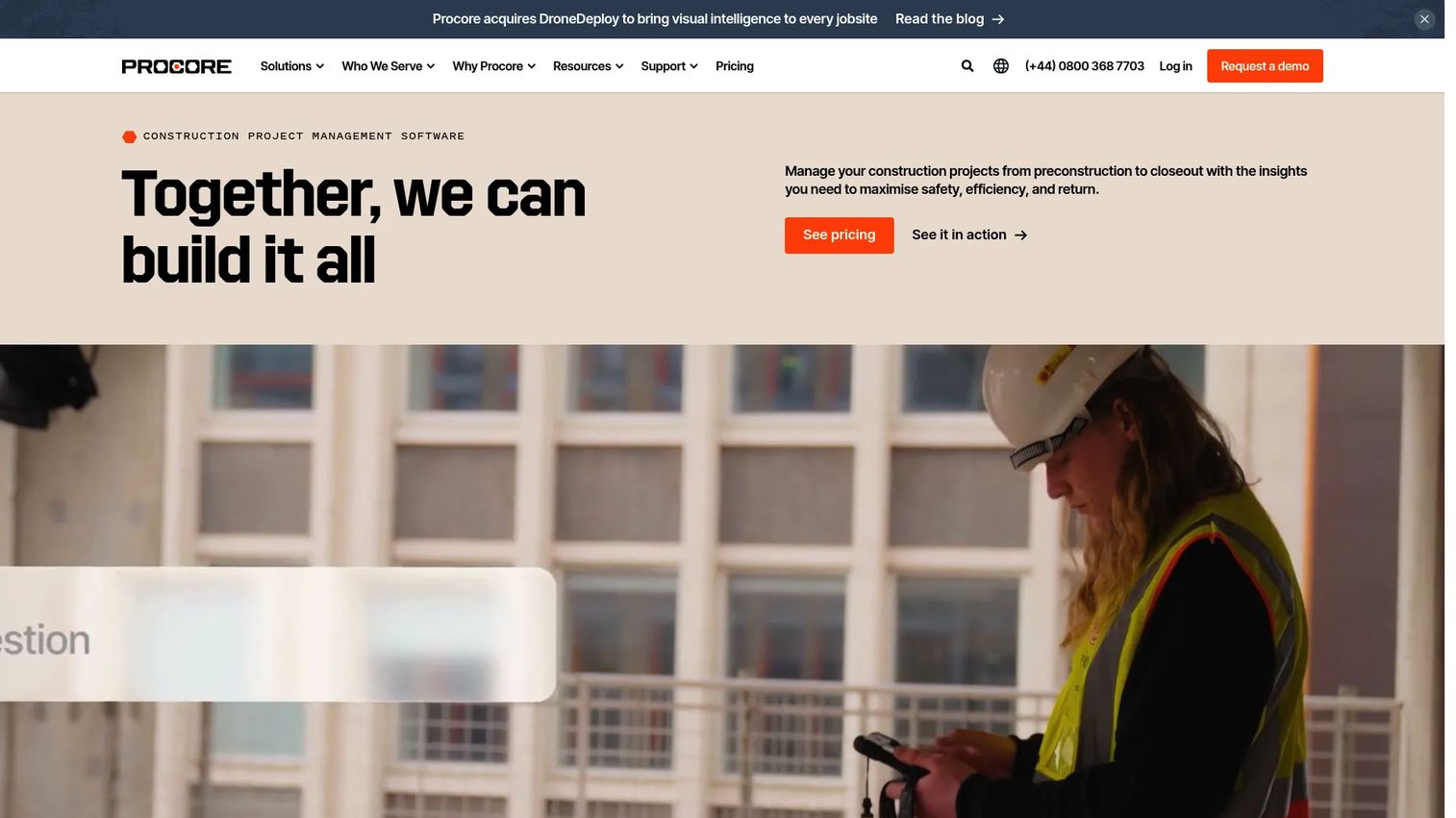
Procore is a broad construction management platform that captures project data across field execution, financials, quality, safety, and collaboration. Its analytics value grows as the organization standardizes more of its core processes inside the platform, because the reporting layer draws from the same data teams use to run their work.
Best for: Mid-market and enterprise contractors standardizing data across project teams, field teams, owners, and subcontractors.
Key features
- Portfolio and project dashboards
- Budget, change management, and cost reporting
- Field productivity and daily log reporting
- Quality and safety workflow management
- Procore AI and partner ecosystem integrations
Why choose Procore: The appeal is a single operational system of record rather than a standalone reporting layer added on top. Teams evaluating Procore should assess workflow adoption honestly: The analytics output is only as reliable as the data discipline across field and office teams.
Procore pricing: Procore uses custom annual pricing based on the products selected and annual construction volume. Users, data, and support are unlimited. Field Productivity is priced separately based on FTE count. Contact Procore directly for a quote.
G2 rating: 4.6/5
3. Autodesk Construction Cloud
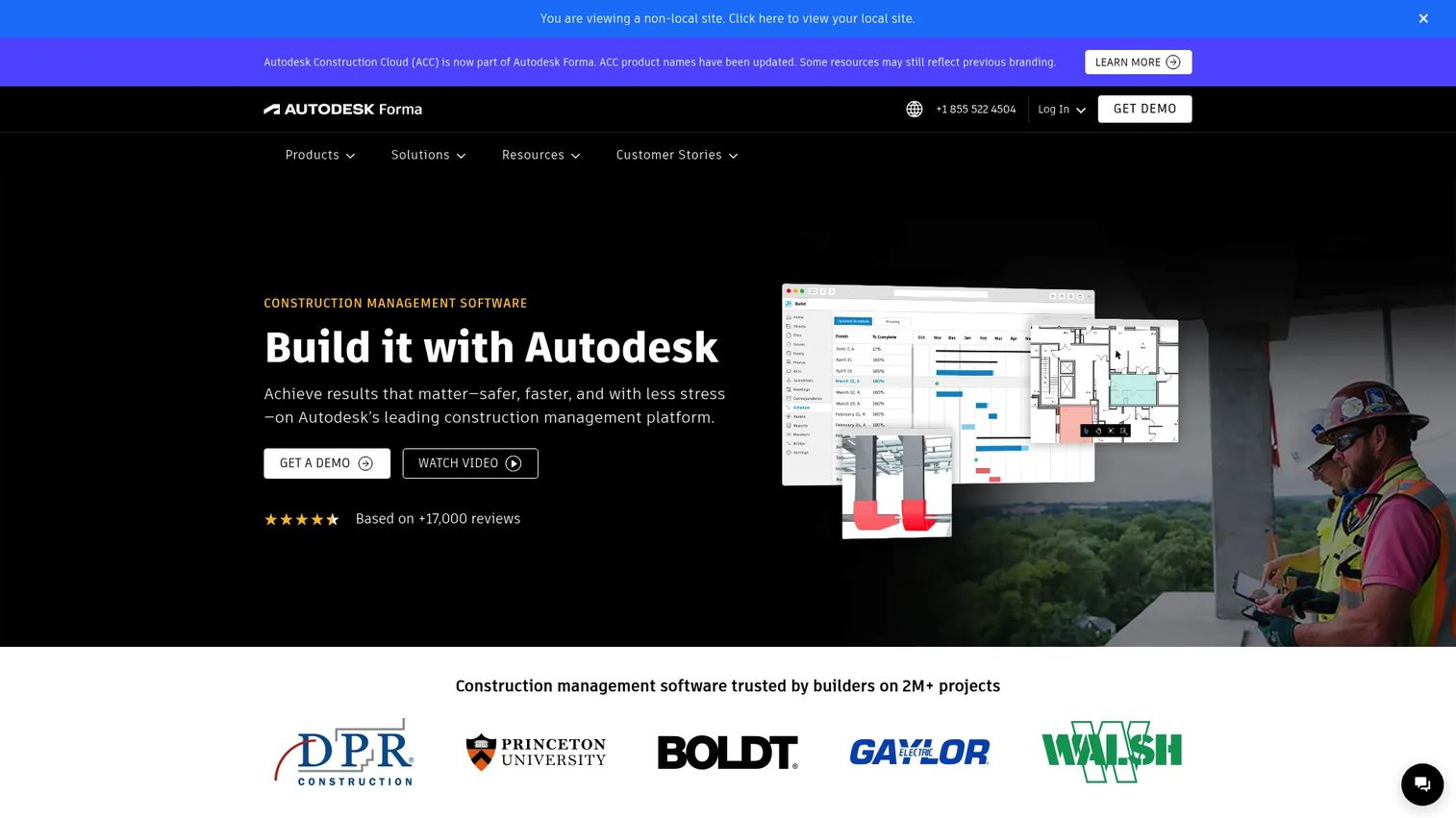
Autodesk Construction Cloud connects document management, model coordination, field workflows, and cost reporting across the full project lifecycle. Worth noting: Autodesk has integrated Construction Cloud into Autodesk Forma, and product names have been updated across their portfolio.
Best for: Contractors, owners, and design-build firms with Autodesk-heavy BIM, document management, and coordination processes.
Key features
- Connected document management with RFIs, submittals, and meeting minutes
- BIM and model coordination with clash detection
- Field issues, forms, and photo workflows
- Cost management and forecasting
- 2D and 3D takeoff capabilities
Why choose Autodesk Construction Cloud: It is strongest when the business needs to connect project analytics with models, drawings, and field execution in one place. Teams running a different design stack should evaluate integration depth carefully before committing, since the platform's core data connections run through Autodesk's own tools.
Autodesk Construction Cloud pricing: Autodesk uses quote-based pricing across its construction product suite. Request a customized quote through the official pricing page.
4. ALICE
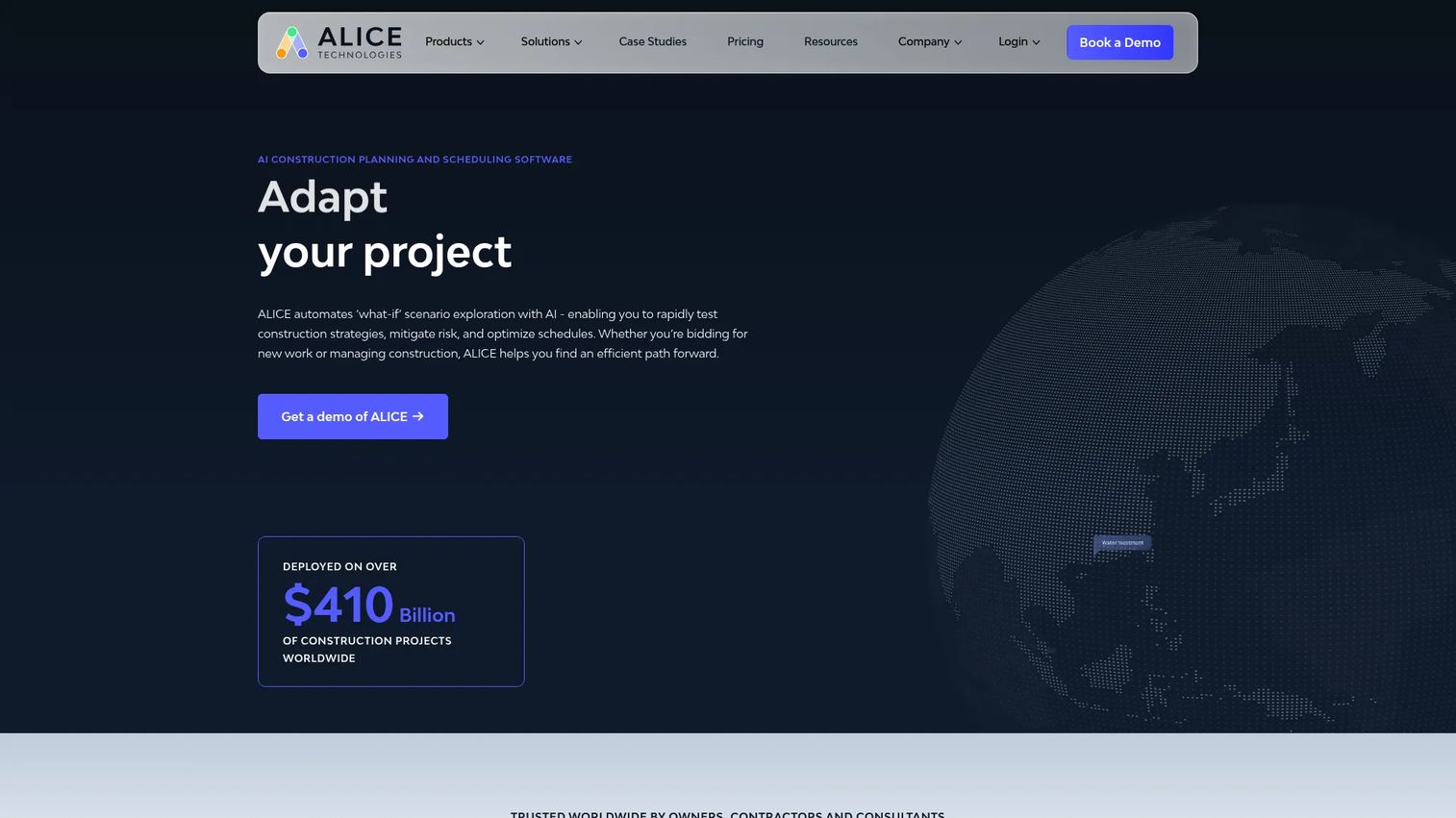
ALICE Technologies is an AI-powered construction planning and scheduling platform that generates, optimizes, and stress-tests schedules for complex capital projects. It is a specialist tool, not a replacement for a broad project management system. ALICE adds depth where sequencing, resource constraints, and scenario analysis determine project outcomes.
Best for: General contractors and owners managing complex infrastructure, industrial, or commercial projects where schedule sequencing carries significant financial risk.
Key features
- AI-driven generative schedule optimization
- What-if scenario simulation and targeted modeling
- Construction sequencing and resource constraint analysis
- Scenario comparison across alternative execution plans
- Schedule quality and risk insights
Why choose ALICE: For complex construction planning, major infrastructure work, and portfolio-level schedule risk, ALICE provides a different kind of value than a dashboarding layer. It helps teams model the cost of schedule decisions before committing to them. It is less appropriate for firms that only need field reporting or basic job-cost dashboards.
ALICE pricing: Custom pricing based on project complexity and portfolio scope. Contact ALICE directly for a quote.
5. SmartPM
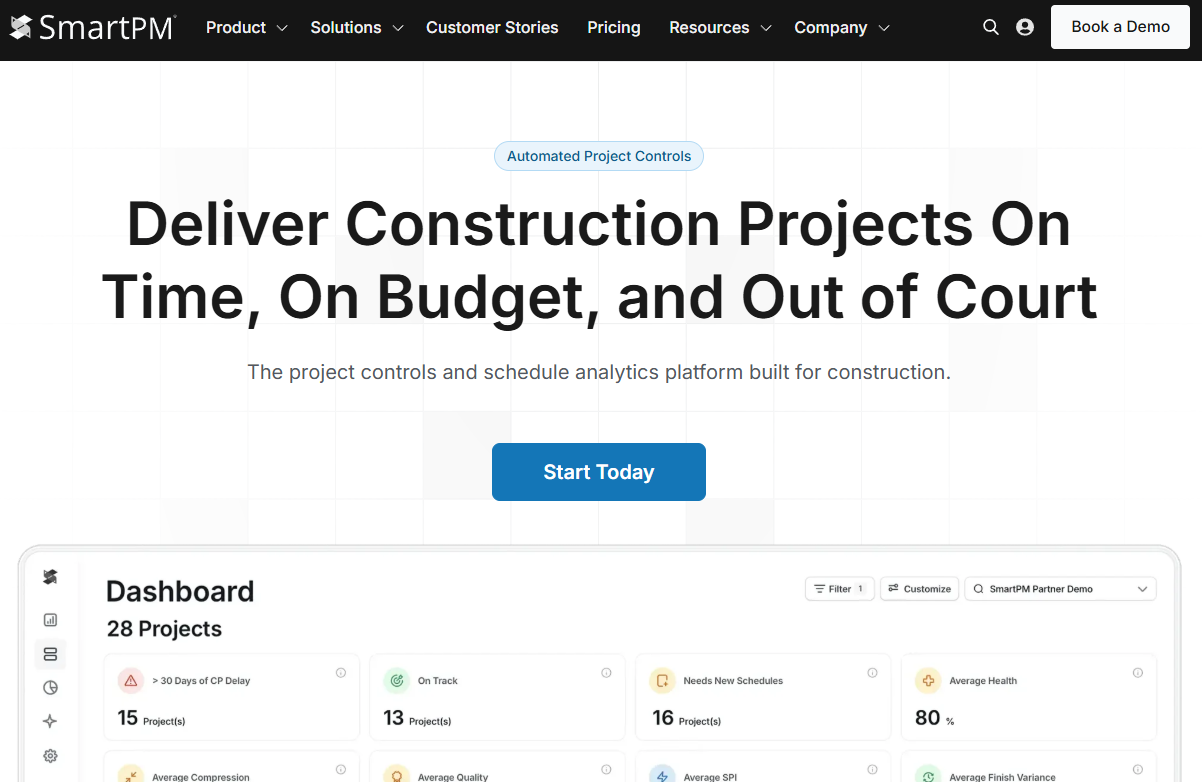
SmartPM is a construction project controls and schedule analytics platform that automates schedule diagnostics for commercial construction projects. It connects to existing scheduling tools and runs health checks, revision comparisons, and risk analysis automatically.
Best for: General contractors and project controls teams managing commercial construction schedules who need consistent schedule health analysis across active projects.
Key features
- Automated schedule quality checks and diagnostics
- Schedule revision comparison and change analysis
- Critical-path analysis and delay reporting
- Project and portfolio performance dashboards
- What-if modeling and custom reporting
Why choose SmartPM: It fits organizations where schedule data exists in CPM tools but is difficult to assess consistently across projects. SmartPM helps surface risk patterns before they become expensive claims or production disruptions. A 60-day risk-free trial is available.
SmartPM pricing: Essentials plan starts at $12,000 annually and covers up to 50 projects with automated schedule health checks, core analytics, and unlimited users. Controls adds advanced analytics, interactive Gantt views, what-if scenarios, and portfolio insights at $25,000 annually for 5 Controls slots.
G2 rating: 4.8/5
6. Mitti by SafetyCulture
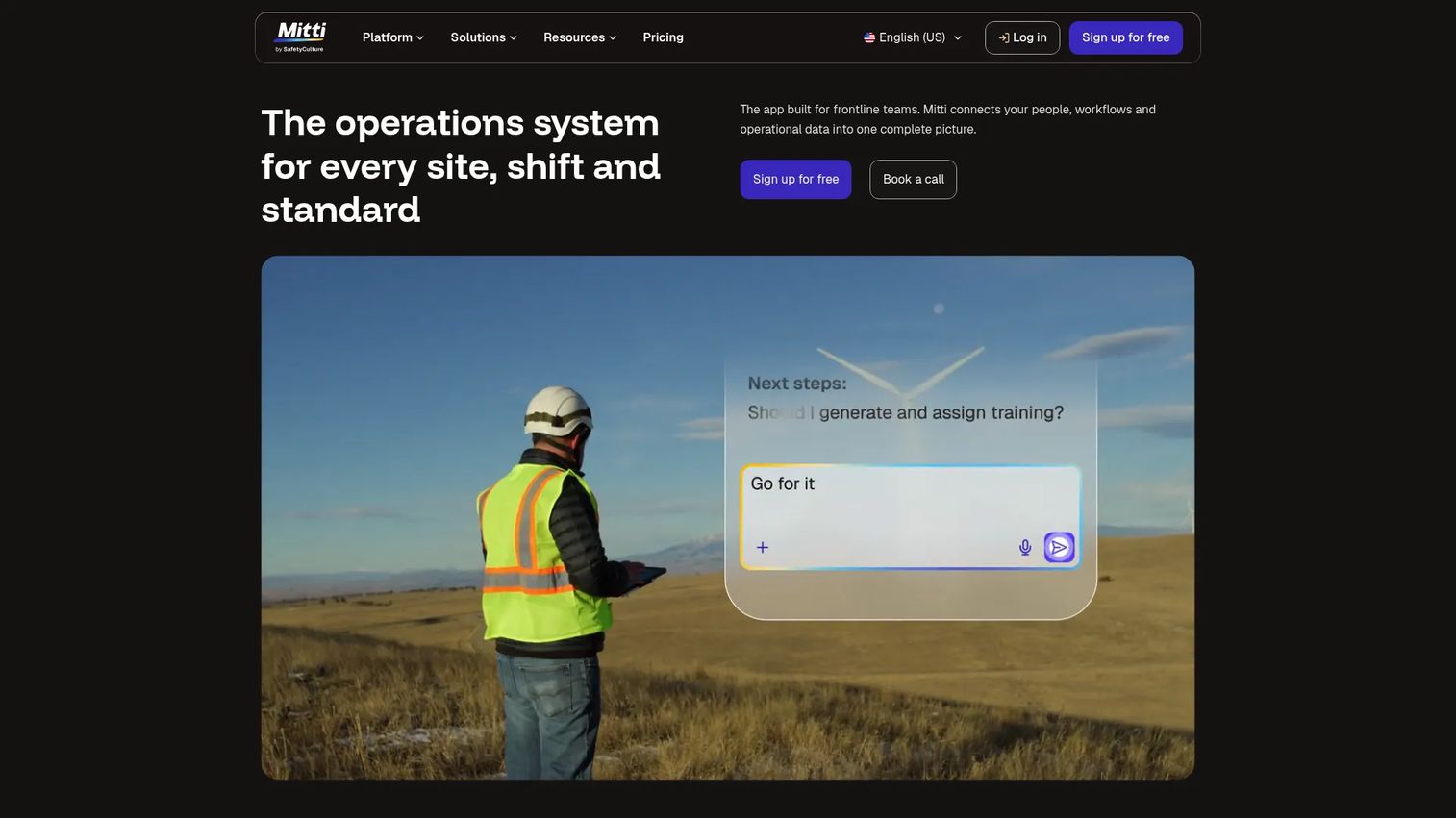
Mitti by SafetyCulture is a frontline operations platform covering inspections, training, tasks, incident reporting, asset management, and analytics. Its analytics value starts with reliable data capture from active jobsites, making it a field-first choice rather than an enterprise reporting layer.
Best for: Construction teams that need a faster path from field observations to usable reporting, particularly around safety, inspections, and operational compliance.
Key features
- Mobile inspection workflows and audits
- Field reporting forms and daily workflows
- Safety and incident reporting
- Asset and equipment checks
- Frontline training and analytics dashboards
Why choose Mitti by SafetyCulture: It is a better fit for teams trying to improve frontline reporting behavior than for teams seeking a full ERP or schedule analytics engine. If the bottleneck is that field data is not being captured consistently, this is where to start. The free plan supports up to 10 seats, which makes an initial pilot straightforward.
Mitti by SafetyCulture pricing: Free plan includes up to 10 seats. Premium costs $24 per seat per month billed monthly, or $24 per full seat per month billed annually (with a $5 per seat per month Lite seat option for limited users). Enterprise pricing is available on request.
G2 rating: 4.6/5
7. JobTread
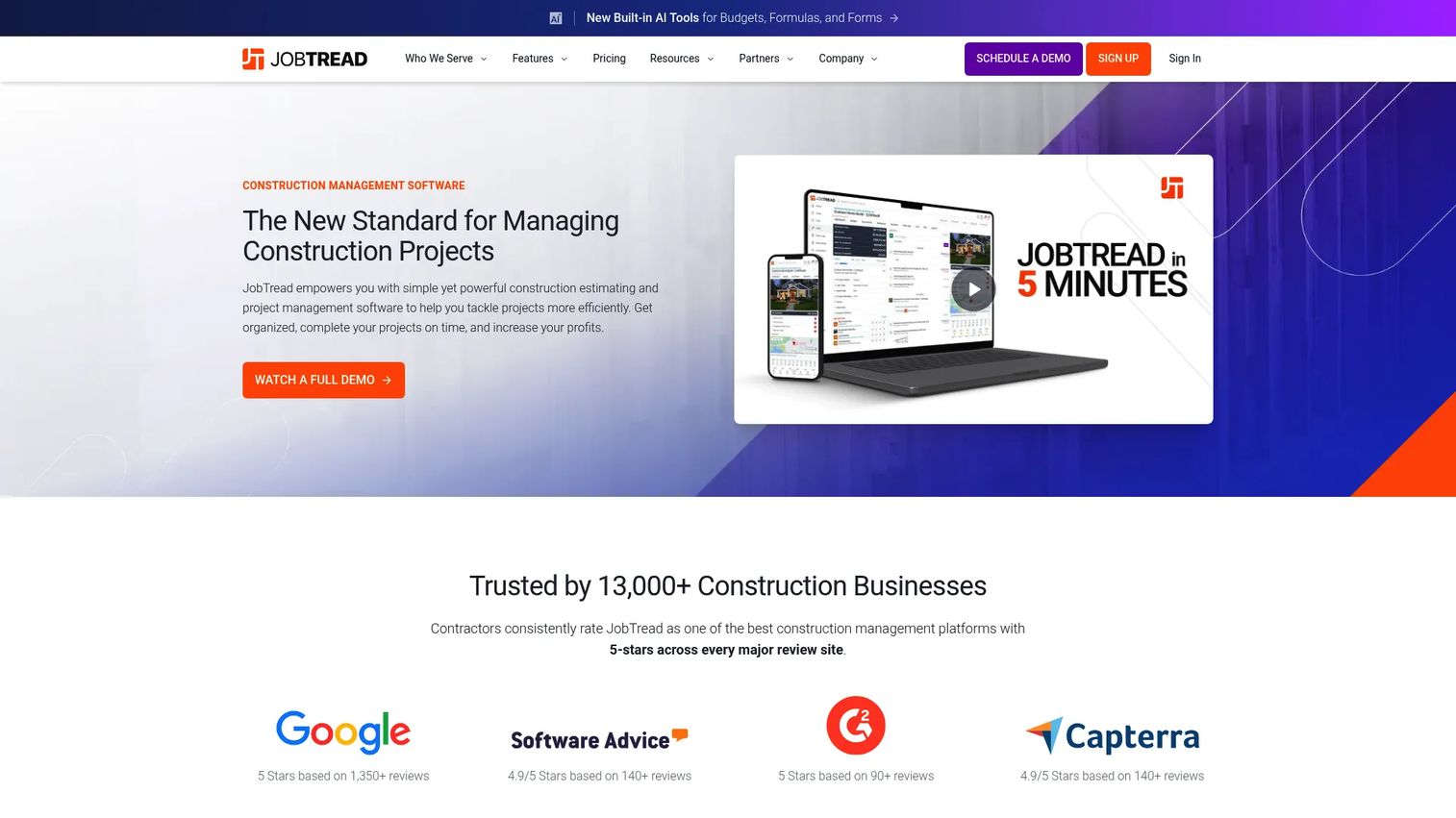
JobTread is construction estimating and project management software that combines CRM, estimating, job costing, budgeting, change orders, scheduling, and reporting in one system. It targets growing contractors that need visibility into job finances without enterprise deployment complexity.
Best for: Residential and commercial contractors that need stronger job-cost and project visibility without a long implementation timeline.
Key features
- Estimating, takeoff, contracts, and eSignatures
- Budgeting, change orders, and job costing
- Project financial reporting and invoicing
- Customer, subcontractor, and vendor portals
- Daily logs, time tracking, and mobile project access
Why choose JobTread: It is a practical fit when the operating problem is inconsistent financial and project visibility across jobs, not advanced portfolio analytics. One subscription includes all features with unlimited jobs, documents, and portal users. For larger multi-entity contractors with complex accounting needs, assess integration depth with your existing ERP before committing.
JobTread pricing: Monthly plan starts at $199 per month plus $20 per internal user per month. Annual plan is $199 per month plus $16 per internal user per month for users 2 through 10. No free trial, but monthly subscriptions include a 30-day money-back guarantee.
G2 rating: 4.9/5
8. busybusy
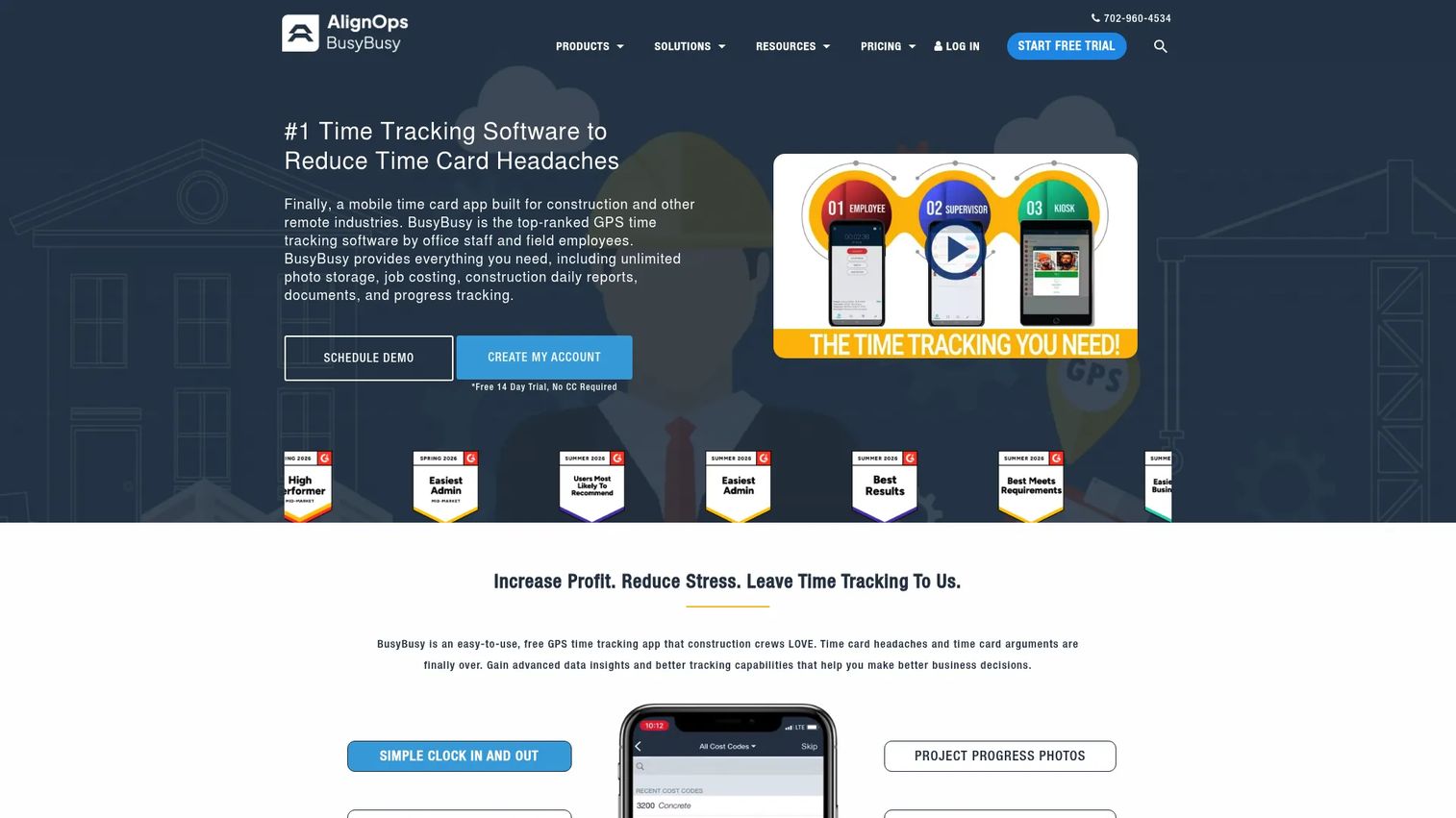
busybusy is GPS-based time tracking and job costing software for construction and other field-intensive industries. It captures labor hours, equipment activity, and job codes from crew members and foremen through a mobile app, then rolls that data into job-cost and workforce reports.
Best for: Self-perform contractors that need dependable labor data from crews, foremen, and jobsite managers.
Key features
- GPS time tracking with job-cost labor coding
- Equipment tracking and utilization
- Crew time reporting and digital timecard signatures
- Daily project reports and progress tracking
- Team messaging and photo documentation
Why choose busybusy: When labor visibility is the immediate bottleneck, busybusy addresses it directly without requiring a broader platform replacement. Evaluate it alongside your payroll, accounting, and project management systems rather than as a complete construction analytics suite. The free plan includes unlimited users and covers GPS time tracking, job costing, and equipment tracking.
busybusy pricing: Free plan available with unlimited users. Pro is $9.99 per user per month billed annually (or $11.99 billed monthly) plus a $40 admin license. Premium is $14.99 per user per month billed annually (or $17.99 billed monthly) plus a $40 admin license.
G2 rating: 4.8/5
9. Knowify
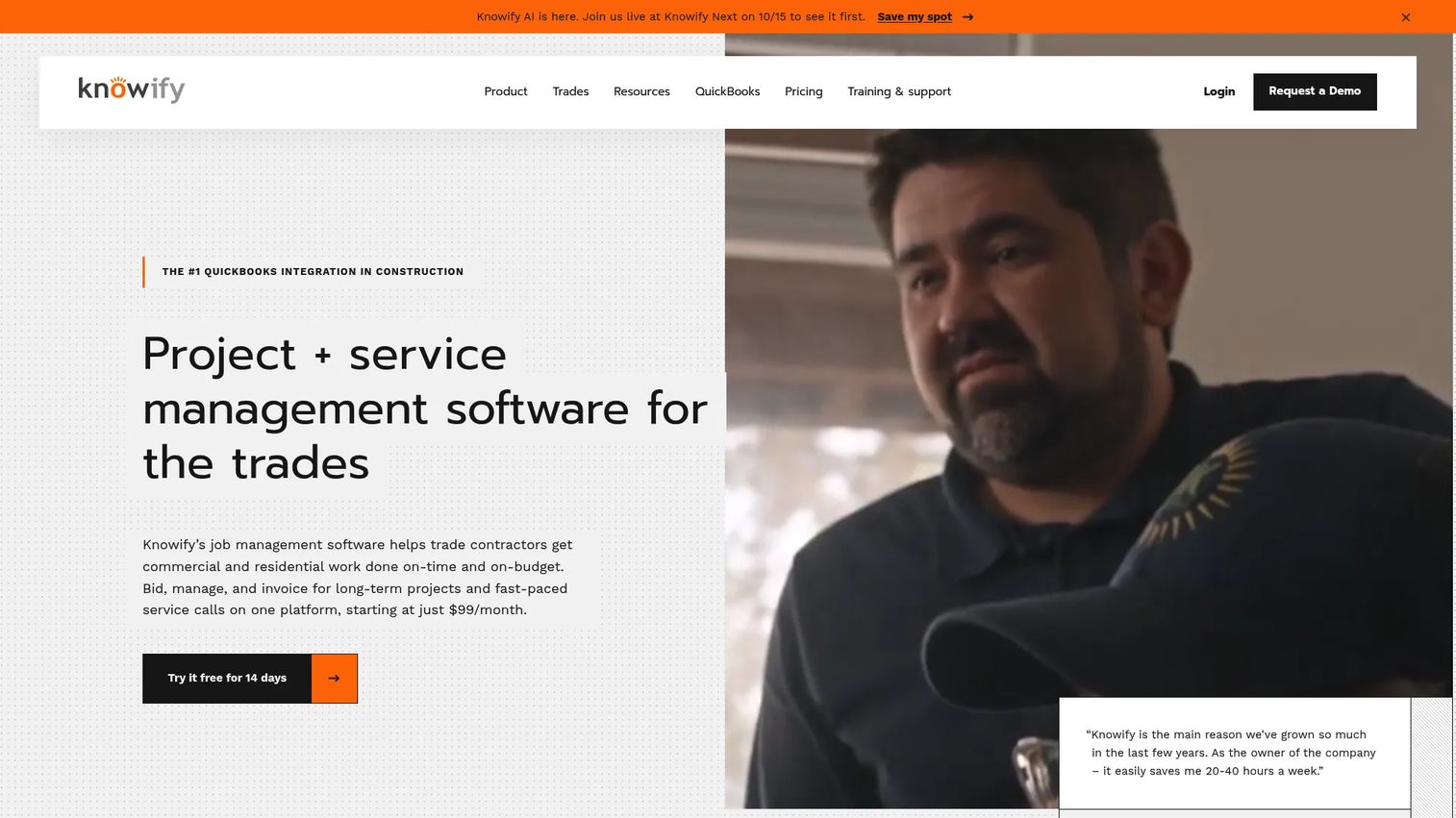
Knowify is project and service management software for trade contractors. It handles estimating, job costing, invoicing, service workflows, scheduling, and reporting, with a close integration to QuickBooks for financial data.
Best for: Small and midsize trade contractors managing construction projects, service jobs, field teams, and QuickBooks-connected finances.
Key features
- Estimates, proposals, and contract management
- Project scheduling, planning, and job-cost tracking
- Service management workflows alongside project work
- Invoicing, payments, and real-time WIP reporting
- Accounting integrations, primarily QuickBooks
Why choose Knowify: It fits teams whose key analytics questions center on labor productivity, job profitability, change orders, service activity, and cash flow. For complex enterprise schedule analysis or large multi-project portfolios, look at the specialist tools higher in this list. A 14-day free trial is available.
Knowify pricing: Core plan starts at $99 per month (1 user). Advanced is $329 per month (up to 10 users) with expanded project management and job costing. Enterprise pricing is available on request and adds unlimited users, inventory management, and additional capabilities.
G2 rating: 4.5/5
10. Touchplan
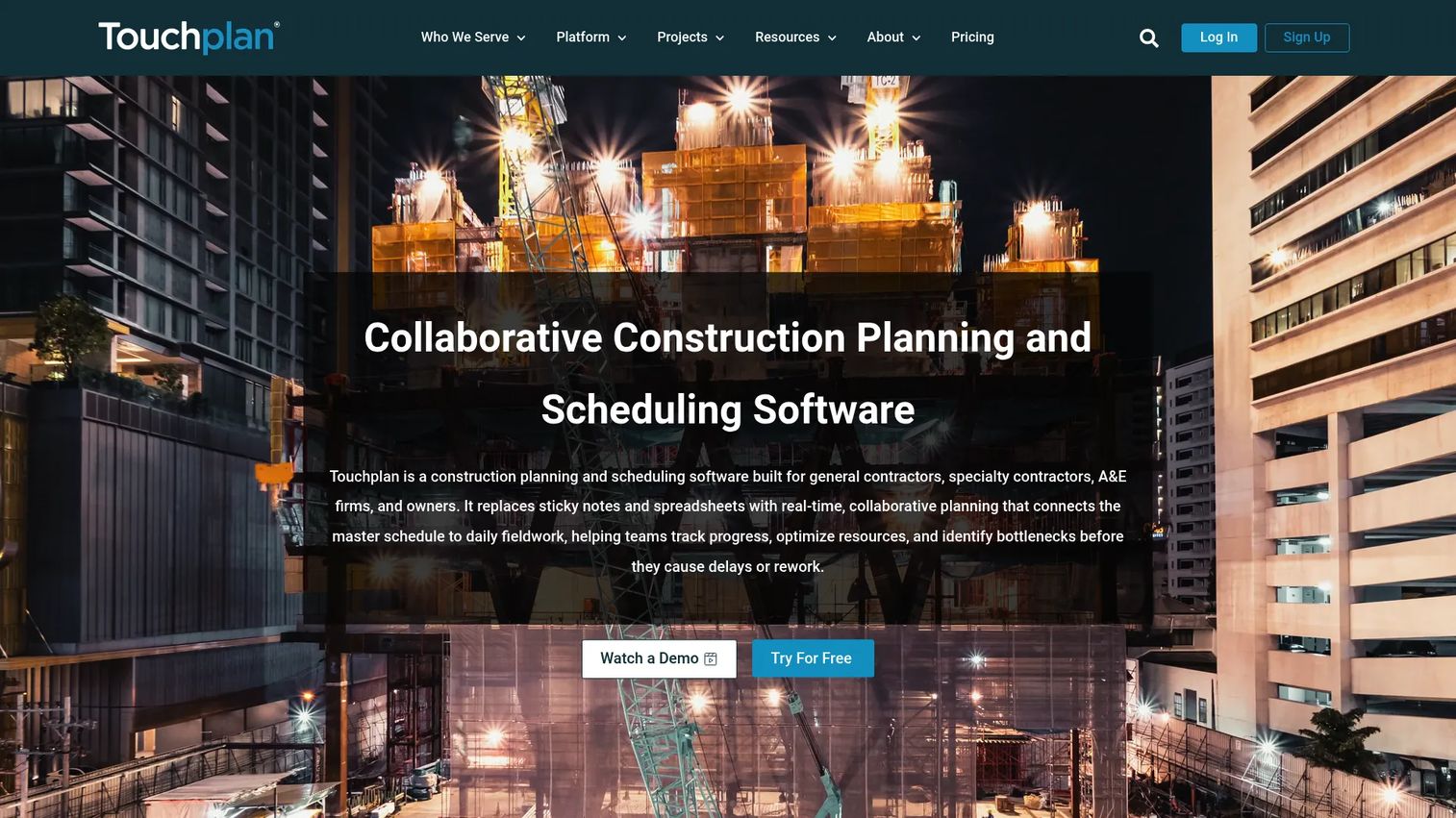
Touchplan is a construction planning, scheduling, and analytics platform for teams using lean or collaborative production management practices. Its analytics lens is different from a financial dashboard: It tracks planning reliability, workflow constraints, commitments, and production flow.
Best for: General contractors and project teams running pull planning, lean planning, or collaborative production management across active projects.
Key features
- Collaborative pull planning and look-ahead scheduling
- Constraint tracking and commitment management
- Production planning reports and lean workflow analytics
- Real-time project data and team coordination tools
- Mobile access with unlimited users included
Why choose Touchplan: It works for teams trying to improve planning reliability and surface execution constraints before they cause schedule slippage. Consistent adoption of planning rituals across the project team determines how much value the analytics layer produces. A 14-day free trial and 30-day pilot option are available.
Touchplan pricing: Custom quotes based on organizational needs. The pricing page lists unlimited users, mobile access, training, and customer success as included. Contact Touchplan for a quote specific to your portfolio.
G2 rating: 4.3/5
Considerations when choosing construction data analytics software
Start with the data source you trust
A dashboard can only improve decisions if its source data is timely and owned by someone accountable. Before comparing vendors, map the systems that hold schedule, cost, labor, field, and safety data. A reporting layer built on inconsistent inputs will produce inconsistent outputs.
Separate operational reporting from specialized analytics
Broad construction platforms create a common data layer across workflows. Specialist tools add depth in schedule intelligence, field safety, labor tracking, or job-cost reporting. Avoid buying a broad suite when the bottleneck is narrow, and avoid a narrow tool when the problem is enterprise-wide data fragmentation.
Test field adoption before designing executive dashboards
Field teams generate much of the data leadership wants to see. Evaluate mobile workflows, job-code simplicity, offline capability where relevant, photo capture, and supervisor review processes before finalizing a selection.
Check integration and export requirements
Document the existing ERP, accounting package, scheduling system, BIM environment, payroll tool, and BI stack. Ask which integrations are native, which require middleware, and which data fields can be exported for use in other systems.
Assign dashboard ownership and review cadence
Decide who owns the definitions for margin, progress, forecast-to-complete, schedule risk, and labor productivity before going live. The best platform still produces noise when each department tracks metrics differently.
Conclusion
The ten tools in this guide cover different parts of the construction data problem. Trimble Construction One and Procore suit contractors standardizing data across broad project and financial workflows. Autodesk Construction Cloud fits design-to-build environments already running Autodesk tools. ALICE and SmartPM serve teams where schedule intelligence drives financial decisions. Mitti by SafetyCulture and busybusy address the field-data and labor-visibility gaps that feed everything upstream. JobTread and Knowify focus on job-cost and contractor financial operations for growing and trade contractors. Touchplan is the right fit for teams adopting lean production management practices.
The most practical next step: Shortlist two platforms based on your current accounting and scheduling stack, then run a live workflow test using one active project. Produce an executive cost report, a schedule-risk question, and a field-data scenario. If the team can answer all three without rebuilding data in a spreadsheet, you have a credible candidate.
If you are building or evaluating construction technology and want to show your product's value to buyers before they book a demo, Start your journey with Guideflow today!
FAQs
Construction data analytics software connects project data from accounting, scheduling, field reports, labor tracking, and project management systems. Its purpose is to help contractors and project teams identify cost, schedule, safety, quality, and resource issues early enough to act on them before margin moves.
Core features include role-based dashboards, automated reporting, mobile data collection, cost forecasting, schedule analysis, and integrations with ERP and accounting tools. The priority among these depends on where your current data gaps are: A firm losing margin on labor needs time-tracking and job-cost reporting first, while one managing complex portfolios may prioritize schedule intelligence.
Construction management systems run workflows: Documents, RFIs, budgets, submittals, and field execution. Analytics tools turn data from those workflows into reports, forecasts, and decision signals. Some platforms do both. The distinction matters because buying a full construction management suite to solve a narrow reporting bottleneck often adds implementation overhead that outweighs the benefit.
It can improve forecasting when actual costs, committed costs, production progress, change exposure, and labor data are captured consistently. The platform cannot correct inaccurate source data or inconsistent cost coding practices. Forecasting accuracy is a function of data discipline as much as software capability.
Schedule-specific tools like SmartPM and ALICE suit teams that need critical-path analysis, scenario modeling, and delay-risk insights as a primary output. Broad construction platforms are better when schedule data must be evaluated alongside field, budget, and document workflows in one view. The choice depends on whether schedule risk is an isolated bottleneck or part of a wider data problem.
Smaller contractors often benefit first from reliable job costing, field time capture, and budget-versus-actual reporting rather than an enterprise analytics suite. Tools like JobTread, Knowify, and busybusy are purpose-built for growing or trade contractors where the immediate need is job-level financial visibility, not portfolio-level reporting dashboards.
Pricing varies by user count, projects covered, products selected, and annual construction volume. busybusy starts with a free plan. JobTread starts at $199 per month. SmartPM's Essentials plan starts at $12,000 per year. Procore, Autodesk Construction Cloud, ALICE, Trimble Construction One, and Touchplan all use quote-based pricing. Factor in implementation workload and ongoing data-maintenance effort alongside subscription cost.
Run a live workflow test using an active project. The test should produce an executive cost report, a job-cost forecast, a schedule-risk assessment, and a field-data scenario. Confirm whether the team can answer all four consistently without assembling the data manually in a spreadsheet. If they cannot, the platform has not solved the reporting problem. For deeper insight into how analytics platforms drive ROI across software categories, the evaluation framework is similar regardless of vertical.