



Your project team is chasing a Materials and Resources credit. The evidence lives in three places: a subcontractor's inbox, a shared drive nobody trusts, and a spreadsheet that hasn't been updated in two weeks. The submittal deadline is Friday.
This is where most LEED work slows down. Not in the design. Not in the analysis. In the coordination. Someone has to chase the documentation, confirm it matches the credit intent, and get it into LEED Online before the review window closes.
The market keeps growing, which means more of this coordination, not less. The U.S. Green Building Council reported LEED-certified projects rose 34% since 2023, with over 156,000 commercial projects now certified worldwide across more than 15.8 billion square feet, in its 2025 Market Outlook.
The right software turns that scramble into a repeatable process. Credit tracking, evidence management, reminders, approvals, and LEED Online synchronization, all in one place. The wrong tool becomes another silo your team ignores.
What's inside
This guide is for construction sustainability managers, green building consultants, contractors, and owners evaluating LEED certification software for 2026. We picked tools that reduce documentation friction across multi-stakeholder projects, not just tools that store files.
We selected each platform against four criteria:
- Full lifecycle coverage from early planning through final submission
- LEED Online synchronization and submittal handling
- Credit tracking and evidence management across teams
- Version support for LEED v4, v4.1, and v5
Each tool below is best for a specific workflow role. Match the platform to how your project team actually works.
TL;DR
- Best overall for end-to-end LEED workflow: Green Badger covers credit tracking, documentation, subcontractor submittals, and owner visibility in one platform.
- Best for technical analysis and standards alignment: IES Virtual Environment handles energy modeling, daylight analysis, and LEED v5 performance credits.
- Best for LEED Online synchronization and task reporting: Tracker Plus for LEED syncs directly with LEED Online and manages submittals across the project lifecycle.
- Best for documentation automation and version control: Datagrid uses AI agents to reconcile source documents, track versions, and assemble evidence packages.
Match the tool to your workflow maturity first, then confirm version support and LEED Online fit before rollout.
What is LEED certification software
LEED certification software helps project teams plan, track, collect, review, and submit the evidence required to earn LEED certification from the U.S. Green Building Council. It replaces scattered spreadsheets and email threads with a single system for managing credits and documentation.
The category spans documentation platforms, analysis tools, and automation layers. Some tools own the whole certification lifecycle. Others focus on one job and do it deeply, like performance modeling or evidence reconciliation.
Core capabilities to expect:
- Credit tracking: Monitor credit status, points targeted, and progress against your scorecard
- Documentation and submittal management: Collect, organize, and prepare evidence for review
- Status reminders and approvals: Automate follow-up so nothing stalls before a deadline
- LEED Online coordination: Sync data and submit directly to the certification system
- Role-based collaboration: Give owners, consultants, contractors, and admins the right access
- Version-aware workflows: Support LEED v4, v4.1, and v5 requirements as they differ
The market for these tools is expanding fast. The green building certifications market was valued at about USD 25.2 billion in 2025 and is projected to reach USD 60.3 billion by 2033, according to HTF Market Insights (2025). Adoption of green building software sits at 29% globally, with 40% of firms planning to adopt by 2025, per ZipDo Education Reports (2026).
That gap between current adoption and planned adoption is the story. Teams are moving off spreadsheets because manual credit tracking does not scale across a portfolio. When you run three projects at once, each with a different scorecard and a different subcontractor mix, a shared drive stops being a system and starts being a liability.
The best tools tie documentation to the credit it supports, so the connection is never lost between the evidence and the point it earns.
When to use LEED certification software
Manage a certification process from early planning to close
LEED decisions made in predesign shape what you can document later. A tool that follows the project from early planning through final submission keeps the scorecard live and the target clear. You avoid the late-stage panic where a credit falls apart because nobody tracked the evidence from the start.
Keep documentation and evidence organized across multiple stakeholders
Owners, consultants, contractors, and admins all work from different systems. The materials data sits with one party. The energy model sits with another. LEED certification software gives everyone one place to contribute, so the evidence for a credit is assembled once instead of reconstructed under deadline pressure.
Reduce manual follow-up and status chasing
Most LEED delays are not technical. They are coordination gaps. Someone forgot to upload a submittal, or an approval sat in an inbox. Workflow automation handles reminders, approval routing, and review cycles, so your team spends less time chasing status and more time closing credits.
Comparison table
Here is how the four tools compare by workflow role, differentiator, pricing, and rating. Pricing reflects each vendor's current published rates. G2 ratings are listed where a verified public rating was available.
| # | Product | Best for | Key differentiator | Pricing | G2 rating |
|---|---|---|---|---|---|
| 1 | Green Badger | End-to-end LEED and construction ESG workflow | Credit tracking, subcontractor submittals, and owner dashboards in one platform | From $300/project/mo | Not listed |
| 2 | IES Virtual Environment | Technical analysis and standards alignment | Whole-building performance simulation for LEED v5 credits | Quote-based | Not listed |
| 3 | Tracker Plus for LEED | LEED Online synchronization and submittals | Direct LEED Online sync with per-project pricing | From £150 at project set-up | Not listed |
| 4 | Datagrid | Documentation automation and version control | AI agents that reconcile documents and assemble evidence packages | Free plan; Pro from $90/mo | Not listed |
Each tool solves a different part of the certification workflow. Read the sections below to match one to your project's needs.
Best 4 LEED certification software tools for 2026
1. Green Badger
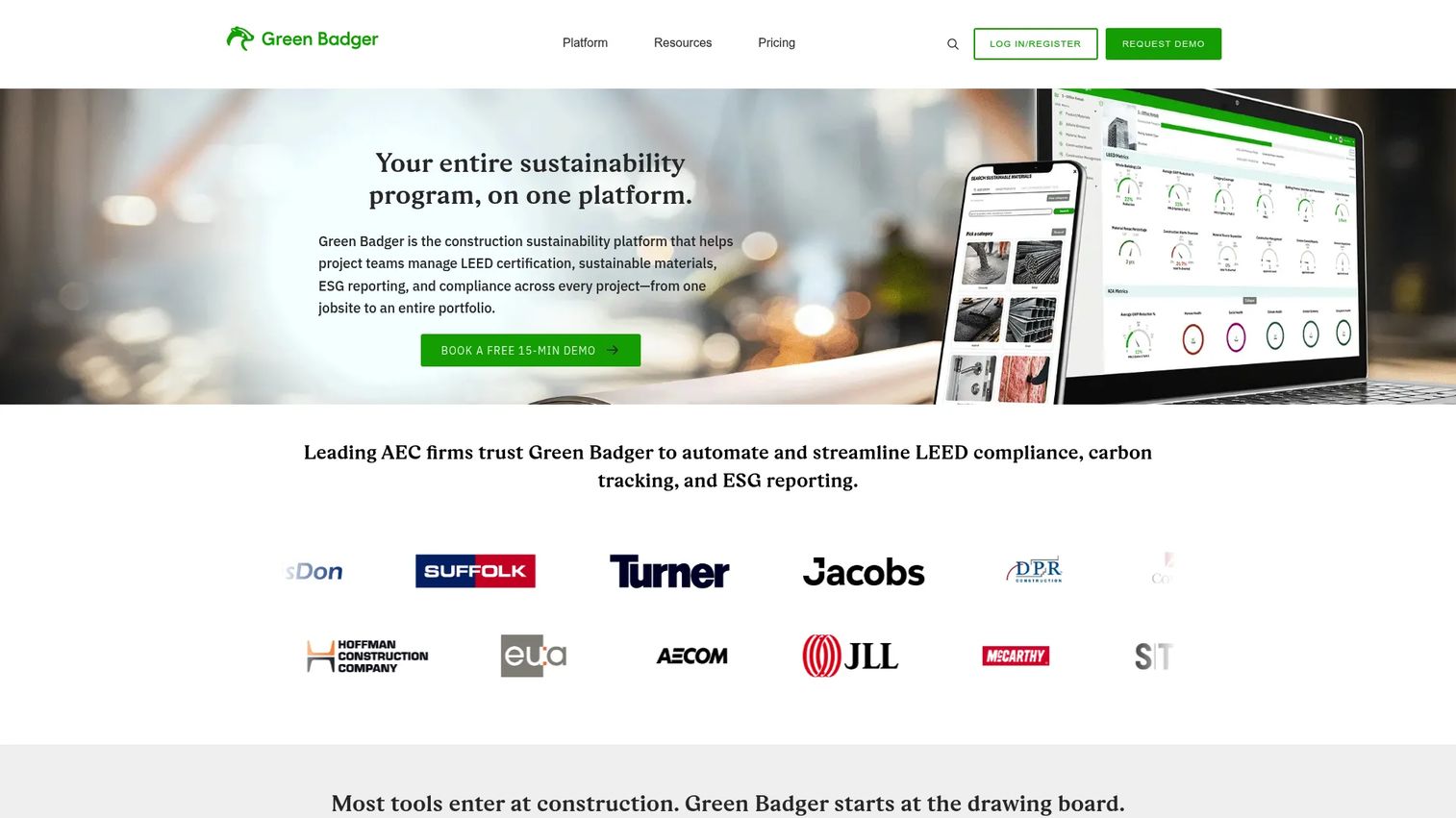
Green Badger is construction sustainability software for managing LEED certification, ESG reporting, sustainable materials, and compliance. It covers the full documentation lifecycle, from credit tracking through subcontractor submittals and owner reporting. Teams use it to run LEED documentation and construction ESG on the same platform, so the evidence for a credit stays connected to the credit it supports.
The platform targets general contractors and project teams that need to coordinate across many stakeholders. Instead of chasing a subcontractor for a product data sheet over email, you route the request inside the tool and track whether it landed. Owners get a dashboard view without needing to touch the underlying documentation.
Best for: General contractors and project teams managing LEED and construction ESG compliance across multi-stakeholder projects.
Key features
- LEED documentation and credit tracking
- Construction ESG dashboards and reporting
- Subcontractor and submittal workflows
- Owner visibility and reporting views
- Sustainable materials and compliance management
Why choose Green Badger: If your bottleneck is coordination across contractors, consultants, and owners, Green Badger puts credit tracking and evidence management in one place. It fits teams that want the whole certification workflow, not a single analysis job.
Green Badger pricing: LEED Documentation plans start at $300/project/mo for Essential, $400/project/mo for Team, and $600/project/mo for Professional. Construction ESG plans run separately, starting at $500/project/yr for Professional up to $1,000/project/yr for Essential. Enterprise pricing is by contact.
Green Badger does not currently list a verified G2 rating on a primary rating page.
2. IES Virtual Environment
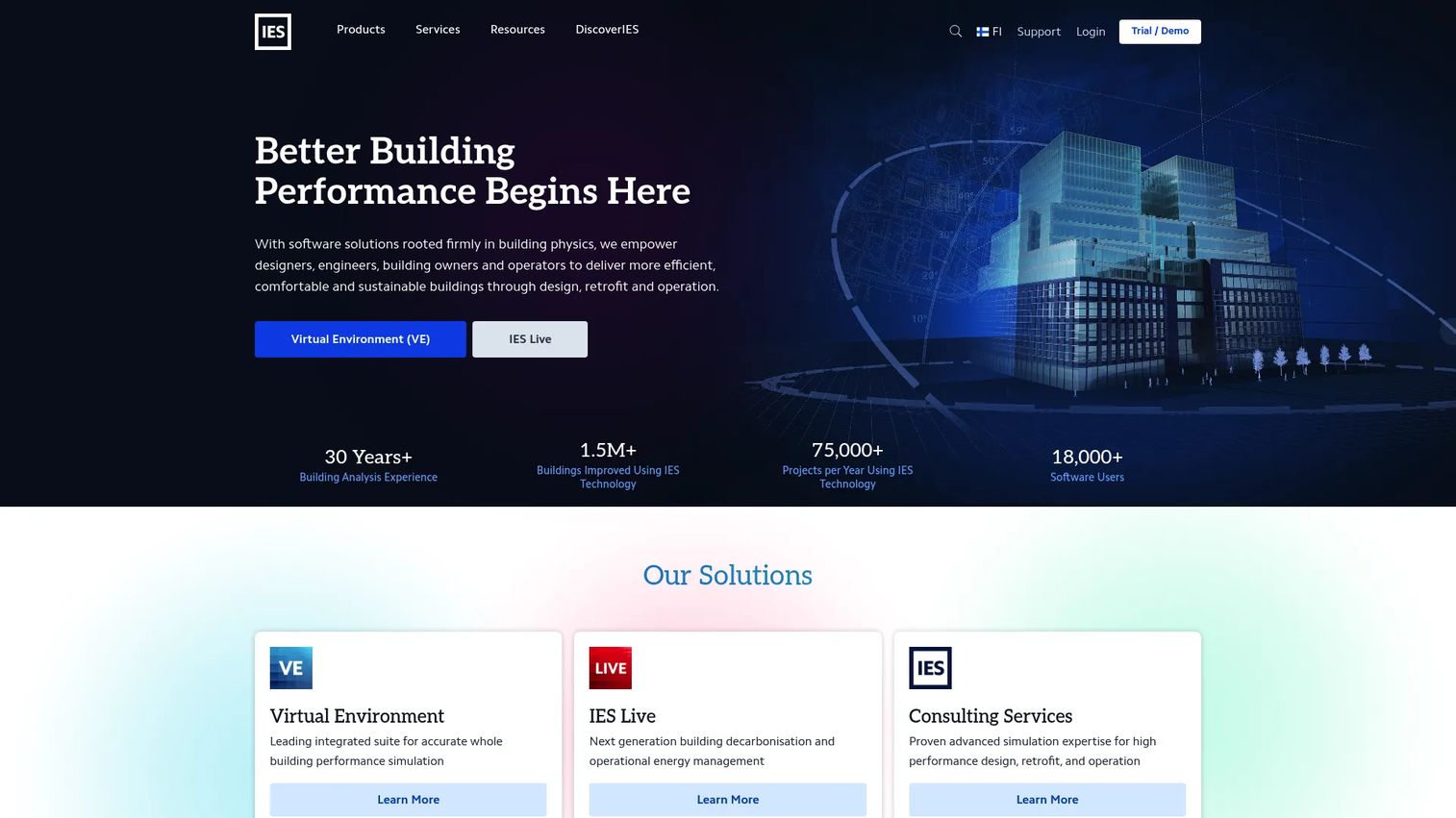
IES Virtual Environment is integrated building performance simulation software for energy, HVAC, daylight, airflow, and compliance analysis. Where documentation tools track evidence, IES generates it. The platform models whole-building performance to support the energy and daylight credits that carry heavy weight in LEED v5.
Architects, engineers, and consultants use it during design to validate that a building will hit its performance targets. That analysis becomes the technical proof behind the credit. IES also supports BIM and CAD interoperability, so the model connects to the tools your design team already runs.
Best for: Architects, engineers, and consultants doing building performance simulation and code or compliance analysis.
Key features
- Whole-building performance simulation
- Energy, HVAC, daylight, and airflow analysis
- BIM and CAD interoperability
- Compliance and standards workflows
- LEED v5 performance credit support
Why choose IES Virtual Environment: Choose IES when your LEED strategy leans on performance credits that require modeling, not just documentation. It excels at the technical analysis stage, and pairs well with a documentation platform that manages the submittal side.
IES Virtual Environment pricing: IES offers two packs, Professional and Expert, through a quote process. Pricing is available by requesting a quote from the vendor rather than a published rate card.
IES Virtual Environment does not currently list a verified G2 rating for this product on a primary rating page.
3. Tracker Plus for LEED
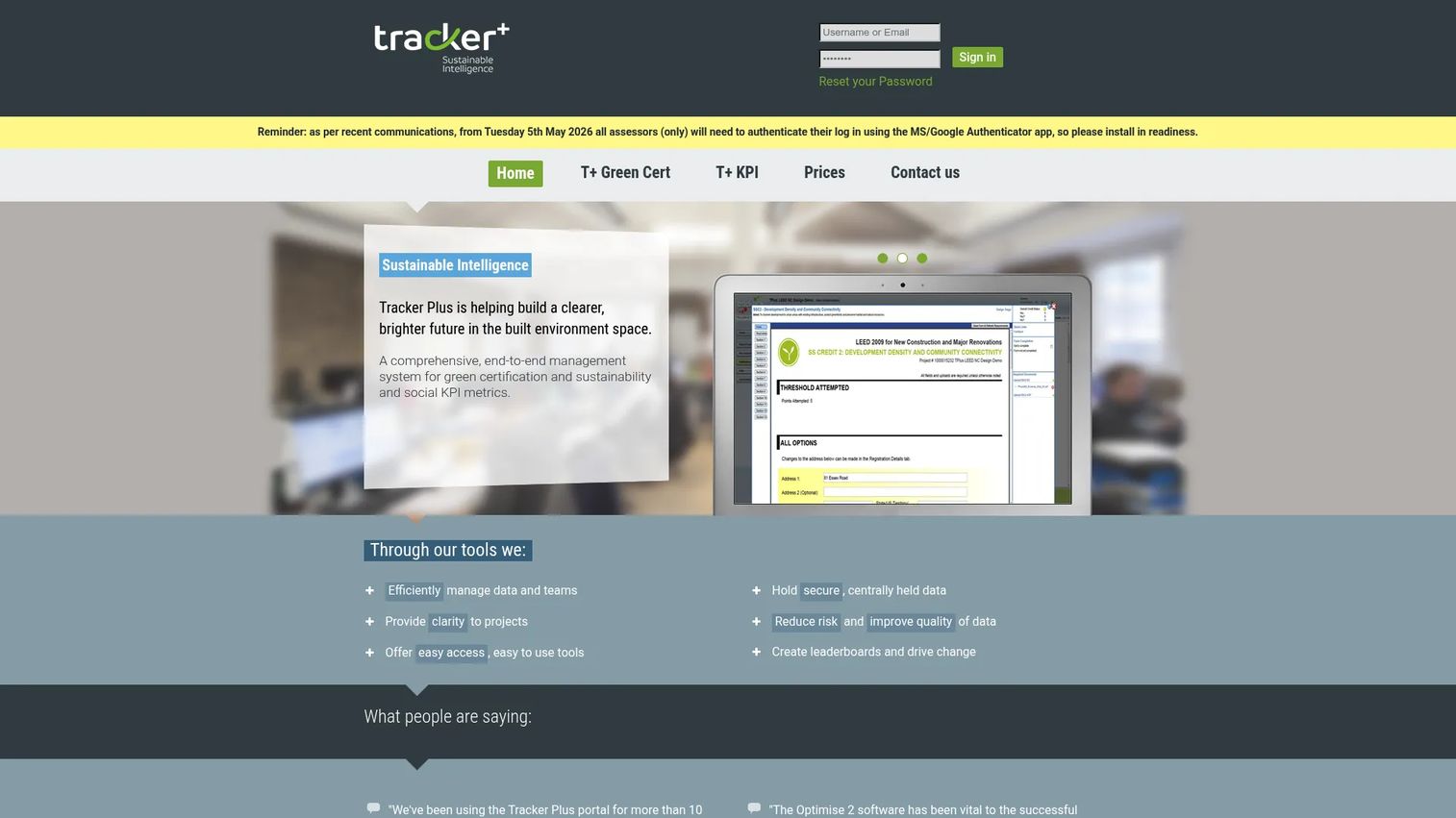
Tracker Plus for LEED is a web-based LEED project management and submission platform for sustainability assessment teams. Its defining strength is direct interaction with LEED Online. The tool manages LEED forms, document uploads, credit information, reminders, and reports, then submits directly to the certification system.
Teams use it to run a structured certification process with full collaboration across the project. Everyone works from the same forms and the same document set, and the reminder system keeps submittals moving toward each review window. For teams whose main friction is the LEED Online handoff, this is where Tracker Plus earns its place.
Best for: Teams managing LEED documentation, collaboration, and submittals across a project lifecycle.
Key features
- Interact and synchronize with LEED Online
- LEED forms and document upload
- Credit information and reminders
- Reports and direct submittals
- Full team collaboration and project management
Why choose Tracker Plus for LEED: Pick Tracker Plus when LEED Online synchronization and submittal handling are your priority. It keeps forms, evidence, and submissions in one flow, which reduces the back-and-forth that stalls reviews.
Tracker Plus for LEED pricing: LEED uses per-project fees with no annual license. Fees are £150 at project set-up, £375 at design set-up, and £225 at construction set-up. Pricing is listed in GBP on the vendor's site.
Tracker Plus for LEED does not currently list a verified G2 rating on a primary rating page.
4. Datagrid
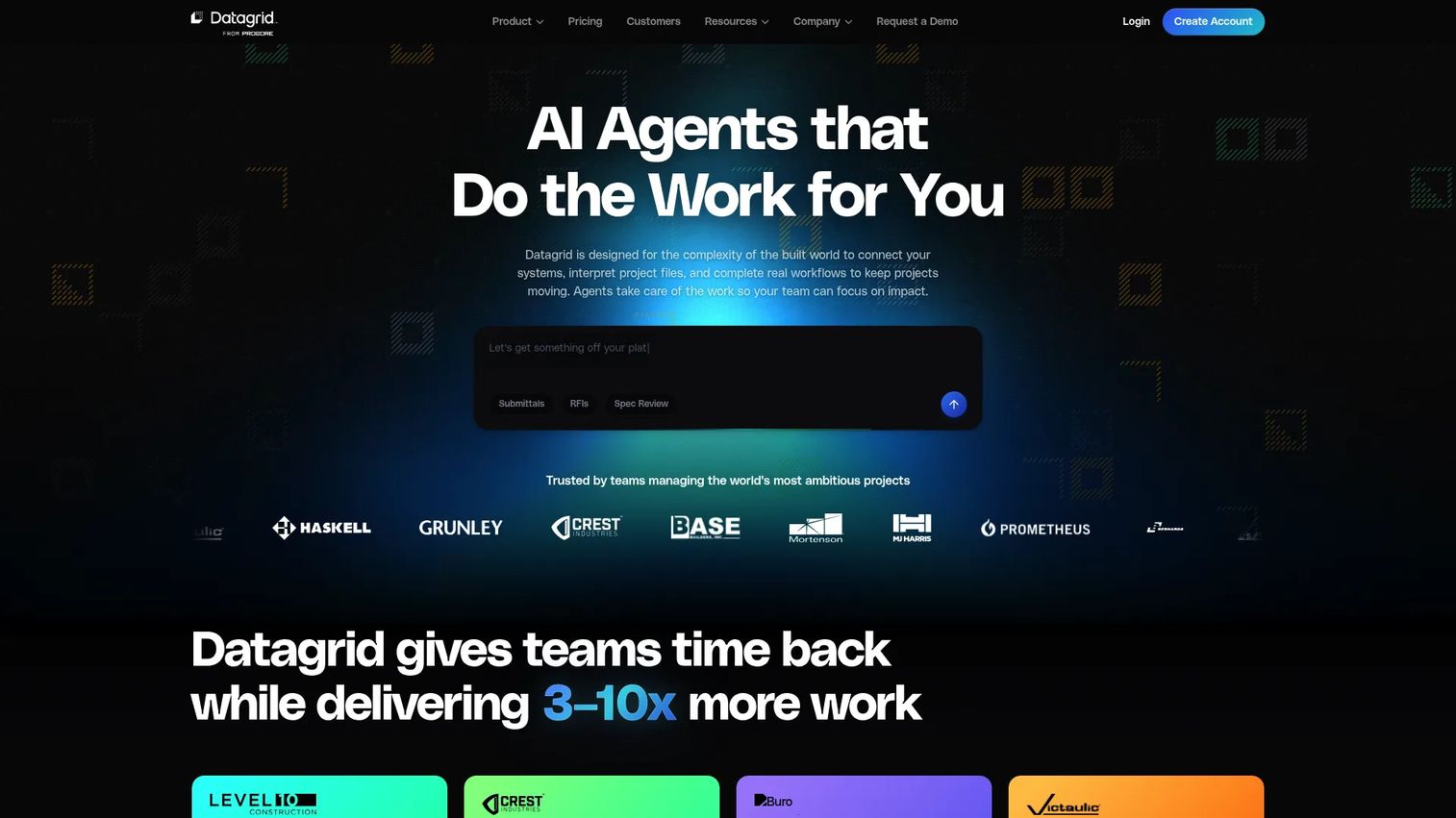
Datagrid is an agentic AI platform for the built world that turns project documents into data-backed insights and actions. For LEED work, that means automating the document-heavy grind: reconciling a source of truth across scattered files, tracking versions, checking submittals, and assembling evidence packages.
The platform connects to over 100 tools and more than 2,000 APIs, so it pulls documentation from where it already lives. Its document intelligence reads across formats and runs semantic search, which helps when a credit's evidence is buried in a submittal nobody remembers uploading. Teams use it to execute workflows for RFIs, approvals, and reporting alongside the LEED package.
Best for: Construction and built-world teams automating document-heavy project workflows.
Key features
- Connected to 100+ tools and 2,000+ APIs
- Deep multimodal document intelligence and semantic search
- Workflow execution for RFIs, submittals, approvals, and reporting
- Source-of-truth reconciliation and version control
- Evidence package assembly
Why choose Datagrid: Choose Datagrid when documentation volume is your real problem and you want AI to reconcile versions and assemble packages. It fits teams ready to automate the reconciliation and version control that manual review can't keep pace with.
Datagrid pricing: Datagrid offers a Free plan at $0/mo, a Pro plan at $90/mo, and an Enterprise plan with custom pricing. The free tier lets teams evaluate the workflow before committing.
Datagrid does not currently list a verified G2 rating on a primary rating page.
Considerations
Before you commit to a platform, run it against the realities of your project stack and certification path. Here is what to evaluate.
Check LEED Online fit
Confirm the tool syncs cleanly with LEED Online and matches your submittal workflow. A platform that manages documentation but forces manual re-entry into LEED Online adds a step instead of removing one. Ask how the handoff works before you buy.
Verify LEED version support
Make sure the platform supports the version you actually need. LEED v4, v4.1, and v5 differ in credit requirements and documentation, and v5 leans harder on performance and embodied carbon. If you run mixed-version work across a portfolio, confirm the tool handles all of them.
Look for collaboration controls
Certification is a team sport. Owners, consultants, contractors, and admins each need the right level of access. Check that the tool supports role-based workflows so the wrong person can't edit a submittal and the right person always sees status.
Assess automation depth
Decide whether you need basic reminders or deeper automation. Some teams just need status nudges and approval routing. Others need package assembly, submittal checks, and version reconciliation. Match the automation depth to how much manual coordination is eating your time.
Confirm system integrations
Check compatibility with the construction, document, and sustainability data sources already in your stack. A tool that pulls from where your evidence lives beats one that asks your team to re-upload everything. Integration depth often decides whether a platform gets adopted or abandoned.
Conclusion
Four tools, four workflow roles. Green Badger owns the end-to-end LEED and construction ESG workflow, from credit tracking through subcontractor submittals and owner dashboards. IES Virtual Environment handles the technical analysis behind performance credits, especially in LEED v5. Tracker Plus for LEED keeps LEED Online synchronization and submittals in one flow. Datagrid automates the document reconciliation and version control that manual review can't scale.
Start with the platform that matches your workflow maturity. If coordination across stakeholders is your bottleneck, Green Badger fits. If performance modeling drives your credit strategy, IES fits. If the LEED Online handoff stalls your reviews, Tracker Plus fits. If documentation volume is drowning your team, Datagrid fits.
Then verify version support and LEED Online fit before rollout, and confirm the tool integrates with the data sources your team already runs. The best platform is the one your team actually adopts.
If your work also involves showing complex products or workflows to buyers and stakeholders, Start your journey with Guideflow today!
FAQs
There is no single best tool, because the right choice depends on your workflow role. Green Badger fits teams that need end-to-end documentation and credit tracking across stakeholders. IES Virtual Environment fits teams driving performance credits through modeling. Tracker Plus and Datagrid fit LEED Online synchronization and documentation automation respectively.
Some tools sync directly, and some do not. Tracker Plus for LEED interacts and synchronizes with LEED Online, handling forms, uploads, and direct submittals. Before buying any platform, confirm exactly how it moves data into LEED Online so you avoid manual re-entry at submittal time.
Yes. LEED v5 leans harder on performance and embodied carbon, so analysis tools matter more. IES Virtual Environment supports the whole-building simulation behind v5 performance credits. If you run v5 or mixed-version work, confirm the platform explicitly supports the version requirements you need, since v4, v4.1, and v5 differ.
Architects usually need analysis depth: energy modeling, daylight, and compliance workflows that feed performance credits. Contractors usually need documentation and submittal management: credit tracking, subcontractor workflows, and reminders. Look for role-based collaboration so both sides work from the same evidence without stepping on each other.
Yes, because most LEED delays are coordination gaps, not technical problems. Automation handles reminders, approval routing, and review cycles, so submittals don't stall in an inbox. Deeper automation can reconcile versions and assemble evidence packages, which cuts the manual review that slows large projects.
Use a platform that ties each piece of evidence to the credit it supports, then gives every stakeholder role-based access to contribute. Credit tracking dashboards show status, points targeted, and progress against your scorecard. This keeps the connection between the evidence and the point it earns from breaking under deadline pressure.
Compare LEED Online fit, version support for v4, v4.1, and v5, collaboration controls, automation depth, and system integrations. Match the tool to your workflow maturity first. A team drowning in documentation needs different automation than a team focused on performance modeling, so buy for the bottleneck you actually have.










