The roadmap request starts as "let users view PDFs in the app." It rarely stays there.
Within a quarter, that ticket grows into annotations, redaction, form filling, conversion from Office files, and mobile support. By the time engineering scopes the work, you're staring at a build-versus-buy decision that could consume a full sprint cycle or more, and you still haven't accounted for long-term maintenance as the product evolves.
The global PDF software market was valued at $3.8 billion in 2025 and is projected to reach $8.1 billion by 2034, according to Dataintelo (2025). That growth reflects how many product teams are discovering that document workflows are a load-bearing part of their user experience, not a nice-to-have.
The real question isn't whether to add PDF capability. It's which PDF SDK fits your product architecture, your deployment model, and your team's capacity to own it over time.
This guide covers seven PDF SDK tools, evaluated for developers and product managers making that decision in 2026.
What's inside
This guide is for product managers and engineering leads evaluating embedded PDF capabilities for a B2B SaaS product. Tools were selected based on four criteria:
- PDF functionality depth: Viewing, editing, annotation, conversion, forms, signing, and extraction support
- Platform and language coverage: Web, mobile, desktop, server, and key languages such as Java, .NET, and Python
- Deployment and data controls: Self-hosted, cloud API, and hybrid options for sensitive document workflows
- Pricing and implementation model: Licensing structure, trial access, and cost drivers as usage scales
TL;DR
- Best for complex cross-platform document workflows: Apryse PDF SDK, with broad embedded tooling across web, mobile, desktop, and server
- Best for polished in-app viewing and document interaction: Nutrient SDK, focused on production-grade embedded document experiences
- Best for cloud document automation and extraction: Adobe PDF Services API, with 500 free transactions per month to start
- Best for broad embedded platform coverage: Foxit PDF SDK, supporting web, desktop, mobile, and server deployments
- Best for Java and .NET teams with licensing flexibility: iText Core, available under AGPL or commercial terms
- Best for .NET document processing with licensing options: Aspose.PDF, starting at $1,199 for a perpetual developer license
- Best for .NET HTML-to-PDF workflows: IronPDF, with perpetual licenses starting at $999
What is a PDF SDK?
A PDF SDK is a software development kit that lets developers add PDF viewing, creation, editing, conversion, forms, signing, and document-processing features directly into an application.
Unlike standalone PDF applications, an SDK ships as a library, API, or combined platform that integrates into your product's codebase. The team controls the user interface, the document workflow, and where files are processed.
Core PDF SDK capabilities
- Viewing and rendering: Display PDFs accurately across web, mobile, desktop, or server environments
- Editing and annotations: Add comments, highlights, shapes, stamps, redactions, and page-level changes
- Generation: Create documents from templates, HTML, structured data, or application workflows
- Conversion: Move between PDF, Office files, images, HTML, and text formats
- Forms and signatures: Fill forms, build forms, apply digital signatures, and manage document integrity
- Extraction and OCR: Pull text, tables, images, and structured data from documents
- Standards support: Address PDF/A for archival, PDF/UA for accessibility, and electronic invoicing requirements
- Security and deployment: Control where files are processed and how sensitive content is handled
PDF SDKs versus cloud document APIs
The distinction matters for product architecture. An embedded SDK runs inside your application environment, which suits interactive viewing, annotation, mobile apps, browser experiences, offline workflows, and custom document interfaces. You control the rendering and the UI.
A cloud API processes documents through remote endpoints, which suits batch conversion, extraction, OCR, document generation, and automation pipelines. You send a request and receive a result.
| Dimension | Embedded SDK | Cloud API |
|---|---|---|
| Deployment | Runs inside your app | Processes remotely |
| UI control | Full control | None |
| Offline support | Yes | No |
| Scaling model | Per-deployment licensing | Usage-based or tiered |
| Common use cases | Interactive viewers, annotation, mobile apps | Batch conversion, extraction, report generation |
Many mature products use both. The decision is about where the document workload runs and how much interface control the product needs.
When to use a PDF SDK
Build customer-facing document workflows
Customer portals, claims processing, policy documents, onboarding packs, and generated invoices all require users to do something with a PDF, not just see it. If your users need to annotate, fill, sign, or submit documents inside your product, an embedded SDK handles the interaction layer. Decide early whether users need passive viewing or active document interaction, because that choice drives capability requirements and engineering opportunity cost.
Replace fragmented PDF libraries in the product stack
Teams often reach a point where separate libraries for rendering, conversion, OCR, and annotations create versioning risk, inconsistent output, and difficult ownership across teams. A unified PDF SDK consolidates that surface area under a consistent release cadence, which reduces the maintenance burden when the product ships on additional platforms.
Keep sensitive documents inside your chosen environment
Depending on your data handling obligations, customer files may not be able to leave your infrastructure. Self-hosted, client-side, and hybrid deployment options vary by SDK vendor. Clarify data residency, retention, authentication, and audit requirements before committing to an implementation path.
PM decision triggers worth checking before shortlisting:
- Do users need to edit or annotate documents inside the product?
- Does the roadmap include web, mobile, and desktop delivery within the next 12 to 24 months?
- Can customer documents leave your infrastructure for cloud processing?
- Do you need archival, accessibility, or document-integrity standards such as PDF/A or PDF/UA?
PDF SDK comparison
The seven tools below are ordered by breadth of document capability and deployment fit, which reflects the evaluation priorities most product teams face. Apryse and Nutrient lead for teams building rich embedded document experiences. Adobe PDF Services API leads for cloud-first automation. Foxit suits teams with broad platform targets. iText Core, Aspose.PDF, and IronPDF serve .NET and Java teams with different licensing priorities.
| # | Product | Best for | Key differentiator | Pricing | G2 rating |
|---|---|---|---|---|---|
| 1 | Apryse PDF SDK | Complex, cross-platform document workflows | Broad embedded tooling across web, mobile, desktop, and server | From $1,500/year | 4.2/5 |
| 2 | Nutrient SDK | High-quality embedded viewing, annotation, forms, and signing | Production-grade SDKs for web, mobile, desktop, and server | 30-day free trial; production pricing by quote | 4.7/5 |
| 3 | Adobe PDF Services API | Cloud document automation and extraction | API suite for creation, conversion, extraction, and accessibility | 500 free transactions/month; paid plans by quote | Not listed on G2 |
| 4 | Foxit PDF SDK | Broad platform and language coverage | Embedded SDK for web, desktop, mobile, and server deployments | 30-day free trial; production pricing by quote | 4.5/5 |
| 5 | iText Core | Java and .NET document generation | AGPL and commercial licensing model | AGPL free; commercial pricing by quote | 4.2/5 |
| 6 | Aspose.PDF | .NET document processing and licensing flexibility | Perpetual and OEM licensing with no recurring seat fee | From $1,199 (perpetual, one developer) | Not listed on G2 |
| 7 | IronPDF | HTML-to-PDF and .NET product workflows | .NET-first PDF generation and editing with perpetual licenses | From $999 (Lite perpetual license) | 4.9/5 |
Pricing and ratings verified from vendor pricing pages and G2 listings in October 2026.
Best 7 PDF SDK tools for 2026
The entries below include verified pricing, verified G2 ratings, and capability context tied to real product-team scenarios.
1. Apryse PDF SDK
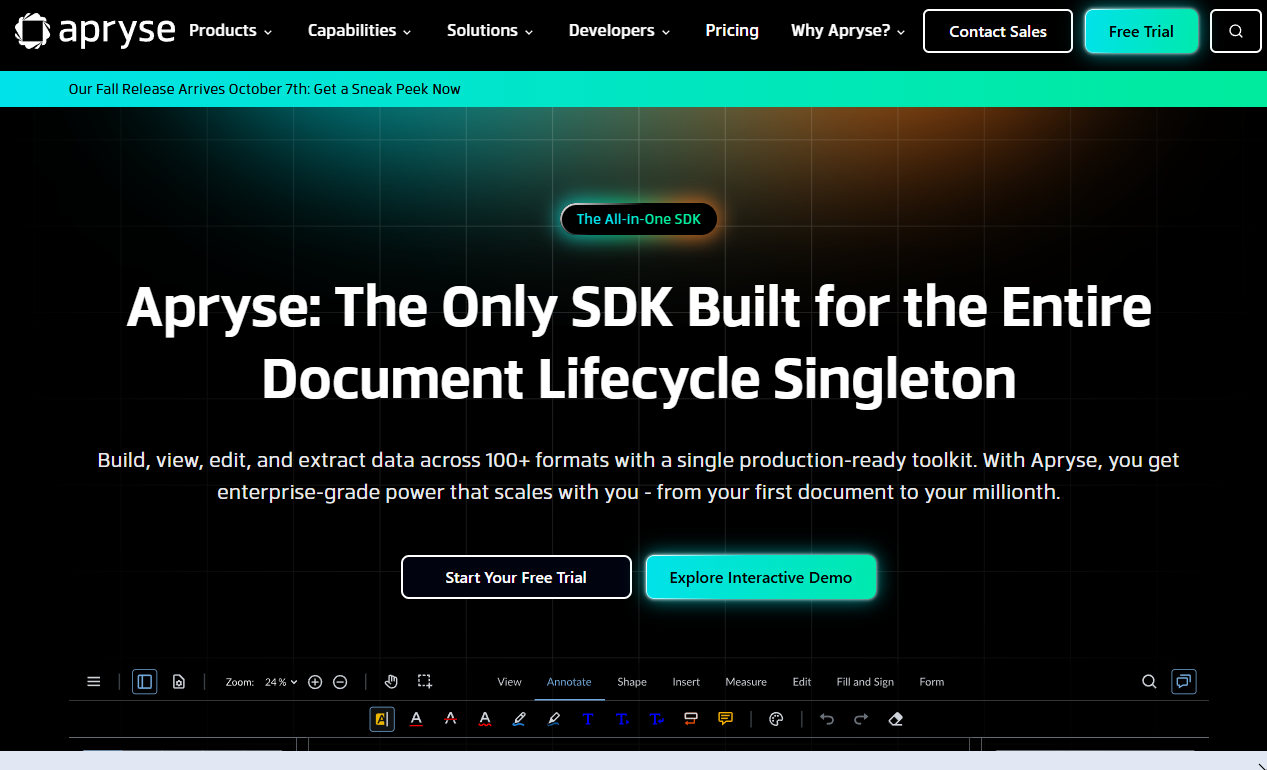
Apryse is a cross-platform SDK for viewing, creating, editing, annotating, converting, signing, and processing PDF and other document formats. It covers web, mobile, desktop, and server deployments from one integrated SDK family, which makes it a strong candidate for product teams whose document requirements span multiple surfaces.
Best for: Product teams building cross-platform applications with advanced document workflows, including editing, redaction, forms, and high-fidelity rendering.
Key features
- Cross-platform PDF viewing and rendering across web, mobile, desktop, and server
- Annotation, markup, and real-time collaboration controls
- Form filling, form creation, and interactive form management
- Redaction and page-level manipulation
- PDF/A conversion, validation, and digital signatures
Why choose Apryse: When the product roadmap includes several PDF capabilities across more than one platform, Apryse helps avoid stitching together separate libraries as requirements expand. Its modular structure lets engineering teams add capabilities without switching SDKs mid-roadmap.
Apryse PDF SDK pricing: Apryse states that entry-level packages start at $1,500 per year. Production licensing is custom and depends on platforms, deployment model, and the capabilities selected. Contact Apryse directly for a quote that reflects your specific implementation.
G2 rating: 4.2/5 (verified October 2026)
2. Nutrient SDK
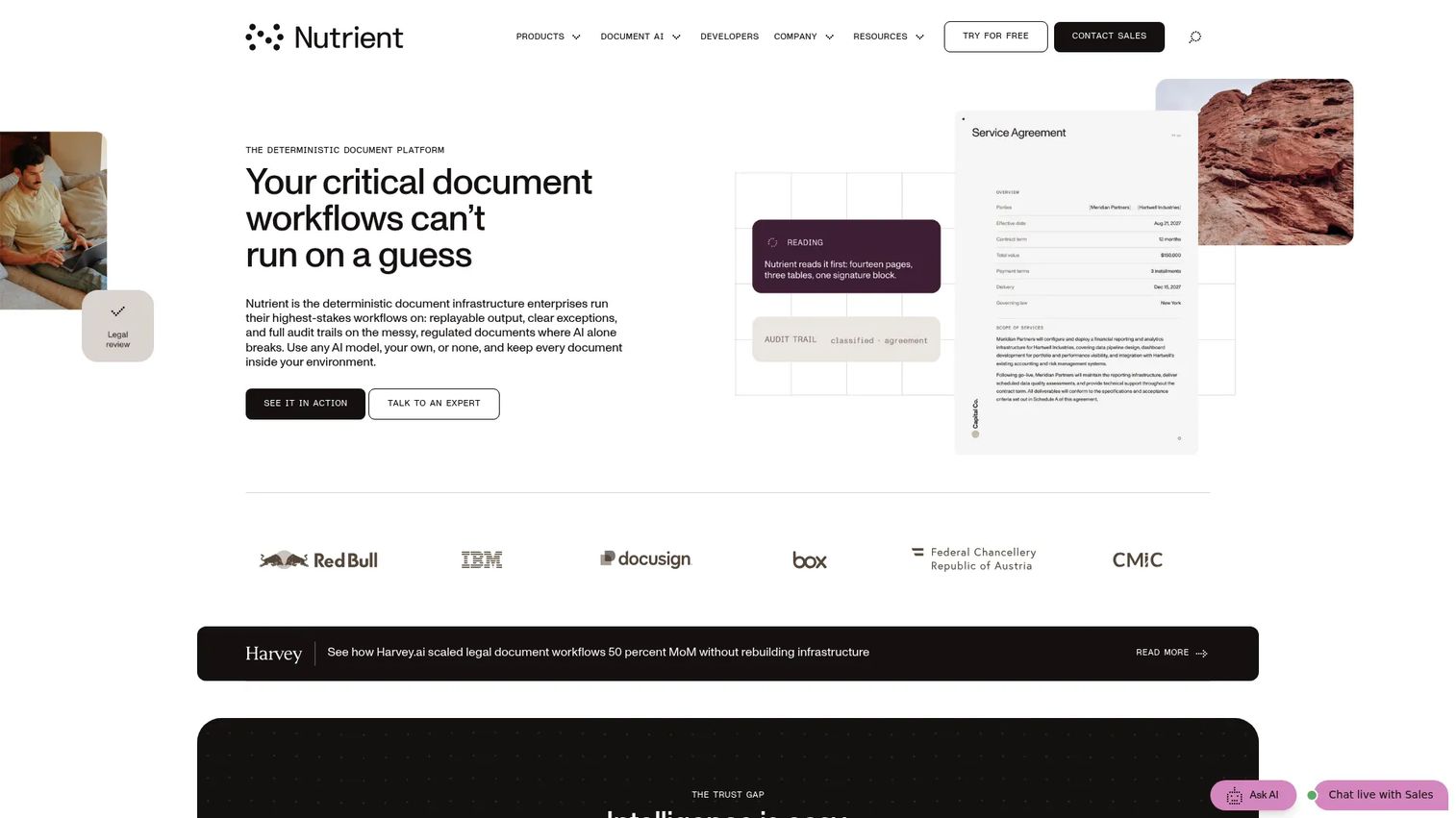
Nutrient provides developer SDKs for embedding document viewing, processing, editing, signing, redaction, collaboration, and AI-assisted document capabilities into applications. Its SDKs cover web, mobile, desktop, and server product surfaces with a focus on production-grade output and developer onboarding.
Best for: Teams that prioritize embedded document experiences where users review, annotate, fill, or sign documents without leaving the product.
Key features
- Document viewing for PDFs, Office files, and images
- Annotations, markup, collaboration, and forms
- Digital signatures and signing workflows
- OCR, data extraction, conversion, and redaction
- Web, mobile, desktop, and server SDK options
Why choose Nutrient: PMs whose roadmap depends on users interacting with documents inside the product, rather than exporting to a separate application, will find Nutrient's interface consistency a practical advantage. Its developer documentation is thorough, which helps reduce time-to-first-prototype during technical validation.
Nutrient SDK pricing: A 30-day trial with full feature access is available. Production plans are customized by component, platform, deployment model, and usage volume. Contact Nutrient for a production quote.
G2 rating: 4.7/5 (verified October 2026)
3. Adobe PDF Services API
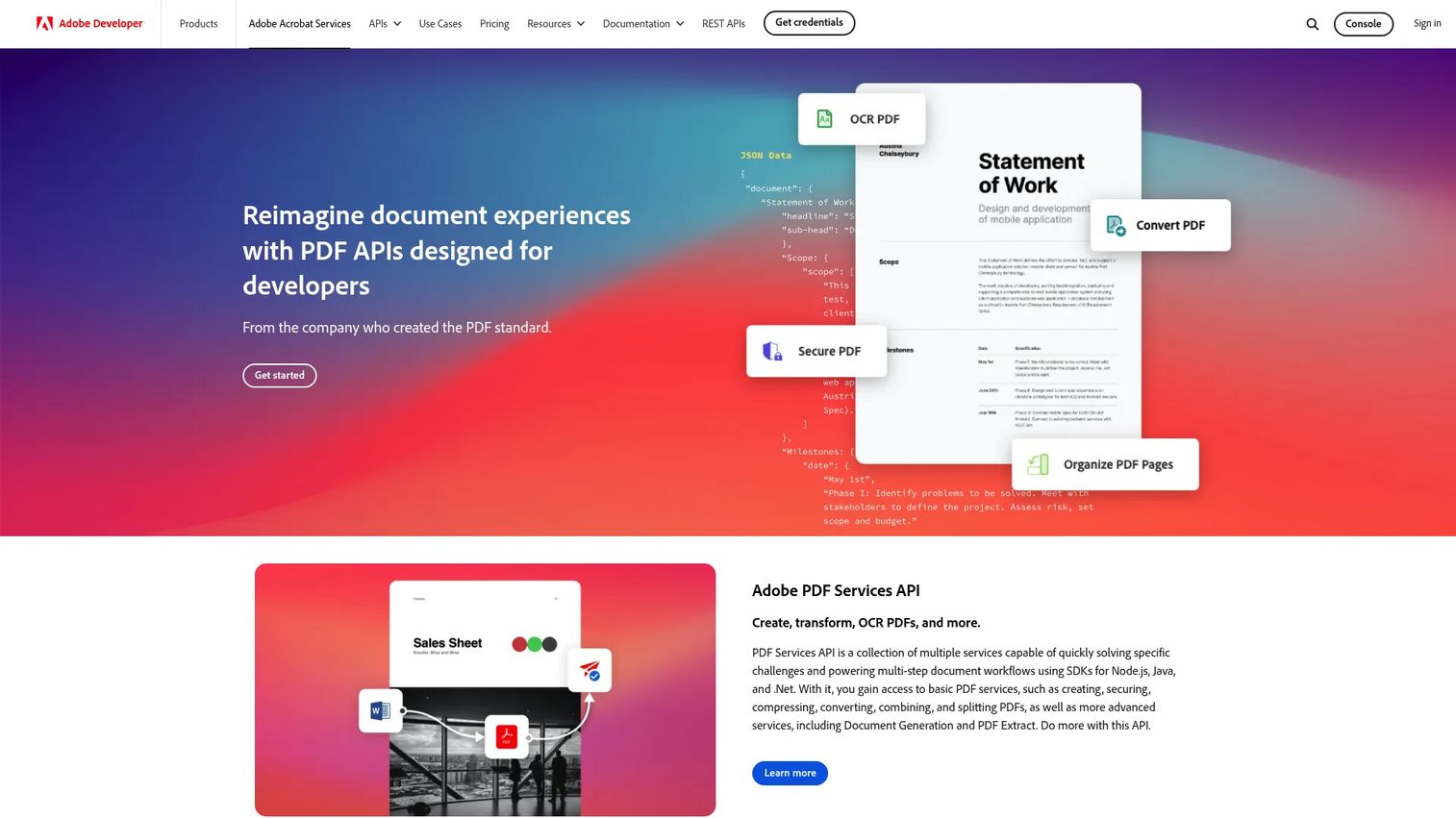
Adobe PDF Services API is a cloud-based API suite for creating, converting, transforming, extracting, securing, and manipulating PDF documents. It is API-first rather than embedded-SDK-first, which positions it for backend automation and batch document workflows rather than interactive in-app document experiences.
Best for: Teams automating document generation, conversion, extraction, and processing through server-side APIs, where the user interface is handled separately.
Key features
- PDF creation from HTML, Microsoft Office files, text, and images
- Text, table, image, and metadata extraction into structured JSON
- PDF conversion to Word, Excel, PowerPoint, and image formats
- Accessibility auto-tagging for PDF/UA compliance workflows
- PDF Embed API for browser-based document display
Why choose Adobe PDF Services API: For products where document work happens in backend services, such as generating reports, converting uploaded files, or extracting data from customer-submitted documents, the API model lowers engineering opportunity cost compared to embedding a full client-side SDK. The free tier lets teams validate core workflows before committing to production volume.
Adobe PDF Services API pricing: The free tier includes 500 Document Transactions per month, covering all 15-plus PDF services. Paid plans offer volume and multi-product discounts and are quote-based. Confirm current transaction limits and paid tier costs on the Adobe pricing page before implementation.
4. Foxit PDF SDK
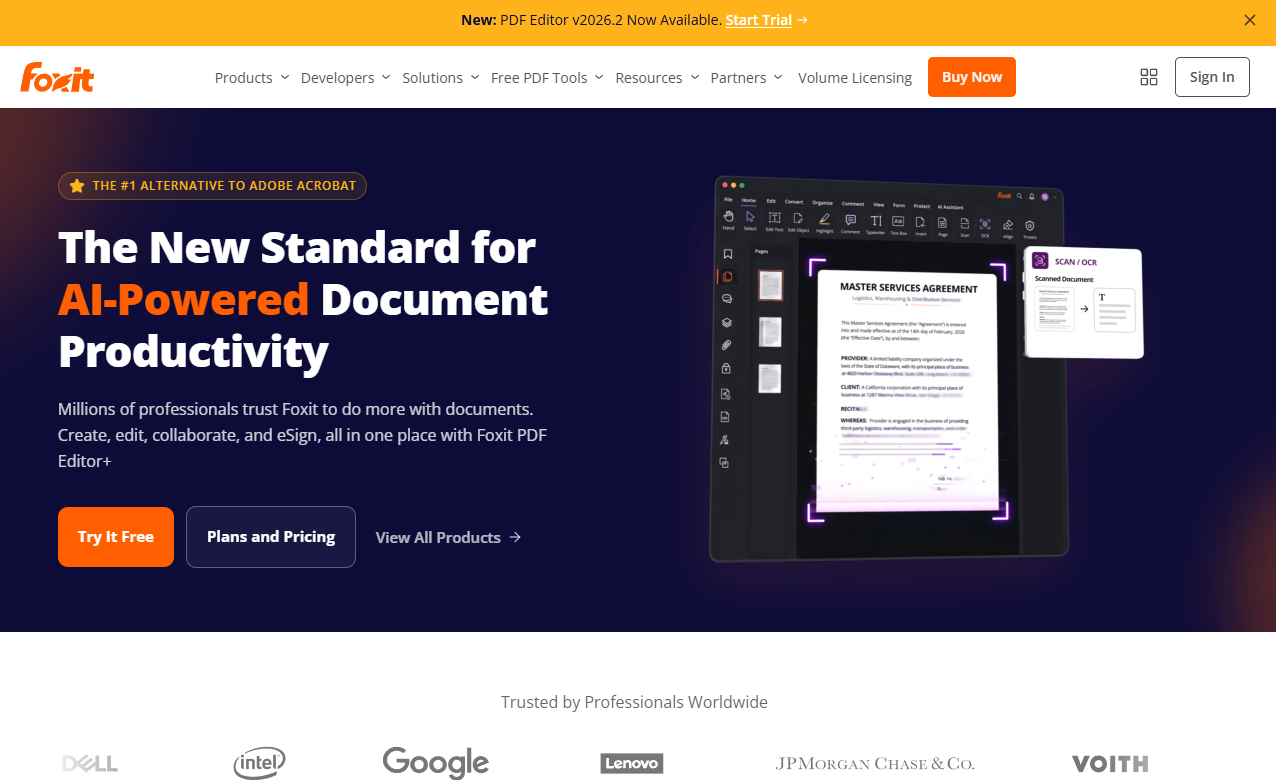
Foxit PDF SDK is a cross-platform embedded PDF library for viewing, editing, annotation, signing, forms, security, and document processing. It supports web, Windows, macOS, Linux, iOS, and Android deployments, including a WebAssembly-based browser option for client-side rendering without server round-trips.
Best for: Teams that need consistent embedded PDF capabilities across client platforms and server environments, especially when mobile support is a current or near-term roadmap item.
Key features
- High-fidelity PDF viewing and rendering across web, desktop, and mobile
- PDF editing, annotations, and interactive forms
- Digital signatures and document security controls
- PDF/A and PDF/UA standards support
- Local processing and offline workflow support
Why choose Foxit PDF SDK: Platform expansion is a common roadmap risk. A unified SDK that covers browser, native mobile, and server reduces the chance of shipping materially different PDF experiences across surfaces. Foxit's WebAssembly option is worth evaluating specifically for teams building browser-based document editors.
Foxit PDF SDK pricing: A 30-day full-feature trial is available. Production licensing is sales-led and reflects deployment shape, supported platforms, developer count, and redistribution requirements. Contact Foxit for a quote.
G2 rating: 4.5/5 (verified October 2026)
5. iText Core
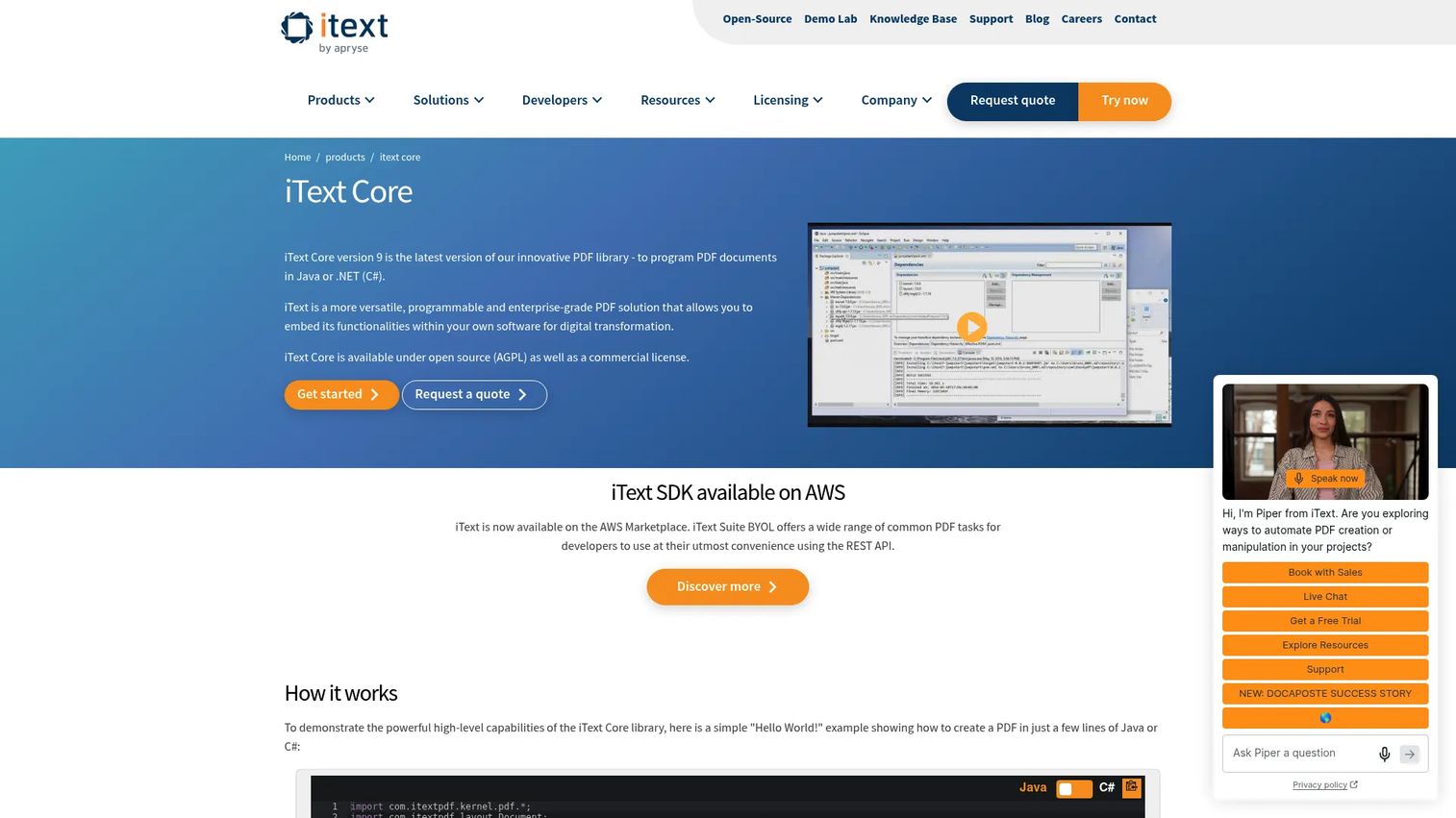
iText Core is an open-source and commercially licensed PDF development library for Java and .NET. It provides both high-level APIs for common PDF tasks and low-level access to internal PDF structures, supporting PDF, PDF/A, PDF/UA, digital signatures, interactive forms, and SVG.
Best for: Java and .NET teams that need code-level control over PDF generation and have confirmed their licensing obligations with engineering and legal.
Key features
- Java and .NET library support
- Programmatic PDF creation and manipulation
- PDF/A, PDF/UA, and digital signature support
- Interactive forms and SVG handling
- AGPL and commercial licensing options
Why choose iText Core: iText is a strong option when engineering wants direct, programmatic control over document structure and layout. The key decision is licensing: AGPL requires any software using iText to be open source under the same terms, so proprietary products need a commercial license. Involve legal before the proof of concept starts.
iText Core pricing: The AGPLv3 license is available at no cost when its open-source conditions are met. Commercial licenses, including OEM distribution and volume subscription options, are custom-priced based on PDF file volume, deployment model, and redistribution requirements. Contact iText for commercial terms.
G2 rating: 4.2/5 (verified October 2026)
6. Aspose.PDF
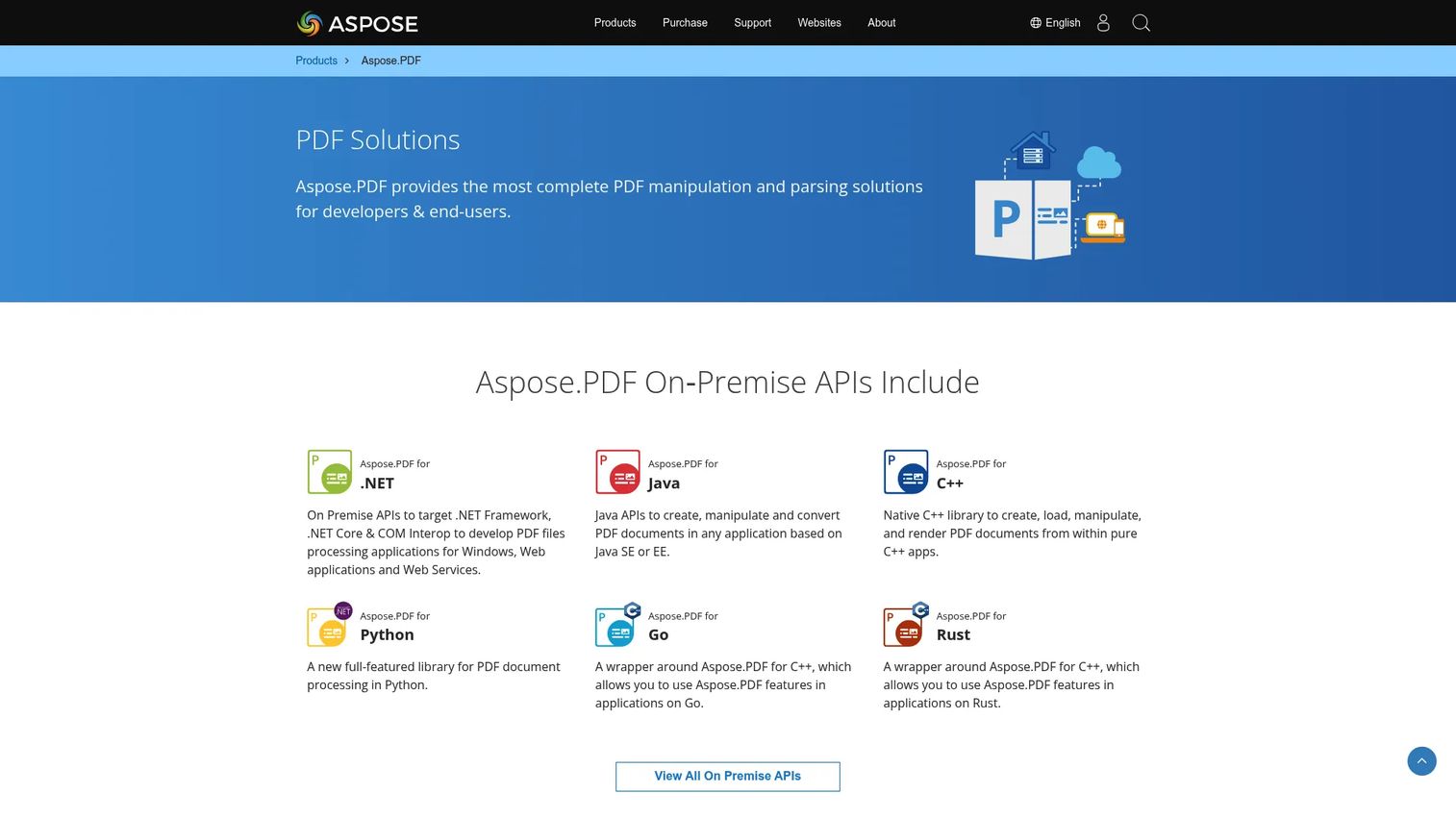
Aspose.PDF is a PDF processing API for creating, manipulating, converting, rendering, compressing, securing, and signing PDF documents across multiple platforms. Its .NET library is particularly well documented, with perpetual licensing options that avoid recurring seat fees as usage grows.
Best for: .NET product teams that want direct server-side PDF processing and prefer a perpetual or OEM license structure over annual subscription pricing.
Key features
- PDF generation and editing APIs
- Conversion to DOCX, XLSX, PPTX, images, HTML, and PDF/A
- Text, image, font, form, and table extraction
- Encryption, protection, and digital signing
- Perpetual, OEM, SDK, and metered licensing options
Why choose Aspose.PDF: Aspose fits teams that want to own more of the document-processing stack and need a pricing model aligned with developer seats and deployment locations. The Developer Small Business tier covers one developer at one location, which works well for focused .NET services. Model license type against expected deployment count and redistribution requirements before selecting a tier.
Aspose.PDF pricing: The Developer Small Business license is $1,199 as a perpetual license covering one developer and one deployment location, including one year of product updates. The Developer OEM tier is $3,597 and the Developer SDK tier is $23,980, both perpetual. A free evaluation version is available with output limitations.
7. IronPDF
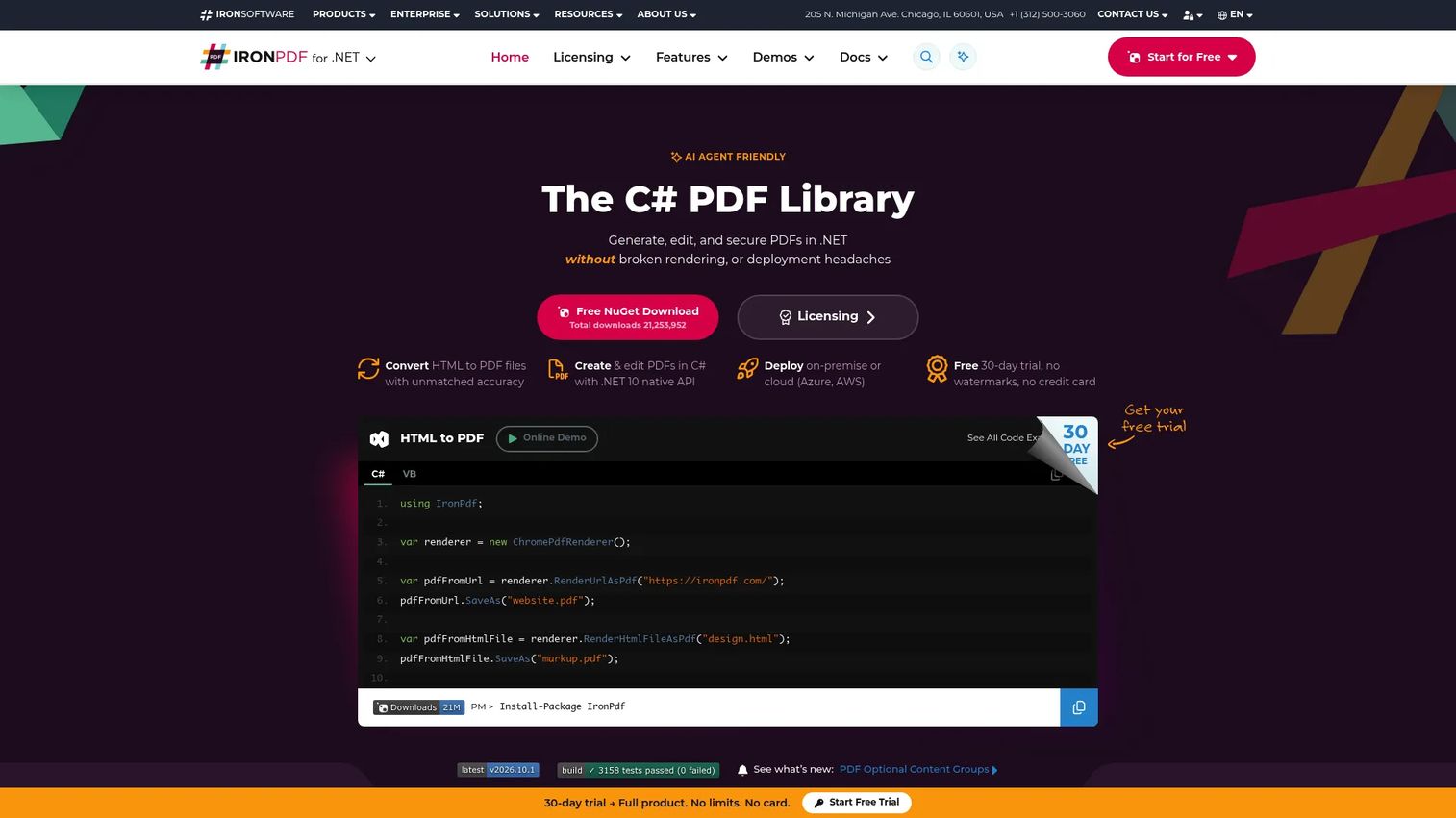
IronPDF is a PDF library for generating, reading, editing, converting, organizing, signing, and securing PDFs in .NET and other supported environments. Its strongest use case is converting HTML, URLs, DOCX, RTF, Markdown, and images into PDFs, which makes it a practical fit for reporting, invoicing, and document output pipelines.
Best for: .NET teams focused on HTML-to-PDF generation, report output, and developer-controlled PDF workflows with a clear, perpetual-license pricing model.
Key features
- HTML, URL, DOCX, RTF, Markdown, and image to PDF conversion
- PDF editing, merging, splitting, annotations, and redaction
- Text extraction and rendering
- Digital signatures, encryption, PDF/A, and PDF/UA support
- .NET integration with perpetual licensing options
Why choose IronPDF: IronPDF is worth shortlisting when the core roadmap requirement is reliable PDF output from HTML or application templates. It is narrower in scope than a full cross-platform document UI SDK, which is an advantage when the requirement is focused server-side document generation rather than embedded annotation and multi-platform document collaboration.
IronPDF pricing: Perpetual licenses start at $999 for the Lite tier. The Plus tier is $1,499, Pro is $2,399, and Unlimited is $4,799, all perpetual. Enterprise licensing is custom. A 30-day trial is available for evaluation.
G2 rating: 4.9/5 (verified October 2026)
Considerations when choosing a PDF SDK
Match the SDK to the user experience you're shipping
A back-office document-generation pipeline needs different capabilities than a browser-based contract editor or a mobile document review app. Start with the user task, then identify the rendering, editing, and workflow depth the product actually needs. Shortlisting SDKs before defining the user experience creates avoidable rework.
Confirm your platform and language roadmap
Evaluate what the product requires now, plus the next 12 to 24 months. An SDK that fits one .NET service may create a migration issue when the product later adds a React application, an iOS app, or an offline field workflow. Platform coverage is cheaper to validate during proof of concept than during a later migration.
Model deployment and data handling before implementation
Decide whether documents can be processed through a cloud API or must remain in customer-controlled infrastructure. Data residency, retention policies, authentication requirements, and audit trails should be part of the proof of concept, not an afterthought raised during a security review.
Treat licensing as product economics
PDF SDK pricing depends on developer count, deployment locations, volume, redistribution rights, and supported platforms. Build the usage model before procurement asks for a final number. The wrong tier assumption can create a late-stage budget issue or, in the case of AGPL libraries, a release blocker.
Test maintainability, not only the happy path
Use representative customer files: Large PDFs, scanned documents, complex form layouts, unusual fonts, and edge-case Office exports. Validate rendering fidelity, conversion output, error handling, and performance. Check how the SDK handles version upgrades, because maintenance cost over a two-year release cadence often exceeds the initial implementation effort.
Choose the right PDF SDK for your product roadmap
The right fit depends on the user experience the product is shipping and the platforms it targets.
Choose Apryse PDF SDK when the roadmap includes several document capabilities across web, mobile, server, and desktop and the team wants one SDK family to cover all of them.
Choose Nutrient SDK when embedded viewing, annotation, forms, and user-facing document interaction are central to the product experience and developer onboarding speed matters.
Choose Adobe PDF Services API when cloud automation, extraction, accessibility tagging, conversion, and template-based generation are the primary jobs and the UI layer is handled separately.
Choose Foxit PDF SDK when cross-platform deployment and local embedded processing are major requirements, particularly when the roadmap includes both browser and native mobile surfaces.
Choose iText Core when Java or .NET teams need code-level PDF generation and have confirmed the AGPL or commercial license fits the product's distribution model.
Choose Aspose.PDF when .NET processing and perpetual licensing flexibility matter most and the team needs to control multiple deployment locations without recurring seat fees.
Choose IronPDF when the core roadmap requirement is .NET HTML-to-PDF output and focused document automation, and the team values clear perpetual-license pricing from the start.
Conclusion
PDF requirements expand. A viewer ticket becomes an annotation feature, then a conversion requirement, then a mobile delivery gap. The SDKs that serve teams best are the ones that can grow with those requirements without forcing a migration mid-roadmap.
For cross-platform document products with editing, annotation, and signing requirements, Apryse and Nutrient are the strongest starting points. For cloud-first automation and extraction pipelines, Adobe PDF Services API offers a free tier that supports rapid technical validation. Foxit serves teams with broad platform targets. For .NET or Java teams where licensing structure is a key decision, iText Core, Aspose.PDF, and IronPDF each offer a distinct model that fits different redistribution and cost scenarios.
The next step is a focused proof of concept: Pick one or two candidates, collect representative customer files, and run a complete user journey through the SDK before committing engineering capacity. Document workflow fidelity, rendering accuracy on real files, and upgrade behavior across releases matter more than feature lists.
Pick the SDK that fits the document experience you need to ship now, and the platforms you expect to support next.
Start your journey with Guideflow today!
FAQs about PDF SDK tools
The right option depends on whether the product needs embedded viewing only, editing and annotation, local browser processing, or cloud automation. Nutrient and Apryse both offer web SDKs with annotation and forms support. Foxit provides a WebAssembly-based browser option for client-side rendering. Adobe PDF Services API suits teams where the document processing happens server-side and the browser experience uses the PDF Embed API.
An SDK typically embeds inside the product environment as a library or component, giving the team control over the UI and the document interaction layer. A cloud API processes documents through remote endpoints and returns structured output. Many products use an embedded SDK for interactive user-facing workflows and a cloud API for batch conversion, extraction, or report generation running in the background.
Yes, many commercial SDKs support both generation and editing, but capability depth varies. Validate the specific workflows you need, such as HTML-to-PDF generation, template-based document creation, field-level annotations, page manipulation, OCR from scanned documents, and redaction. Not every SDK covers all of these to the same fidelity.
PDF/A for archival and PDF/UA for accessibility require explicit standards support that not all SDKs provide equally. Apryse, Foxit, iText Core, Aspose.PDF, and IronPDF each list PDF/A support. For PDF/UA and accessibility tagging, Adobe PDF Services API includes an accessibility auto-tagging service. Validate conformance behavior with your own document samples before committing to a production implementation.
Some do, but support differs by vendor and product line. Apryse, Nutrient, and Foxit list iOS and Android coverage. iText Core, Aspose.PDF, and IronPDF focus primarily on server-side and desktop environments. Confirm native rendering performance, offline behavior, annotation accuracy, and memory handling on target devices before committing mobile implementation capacity.
Pricing varies by deployment model, platform count, redistribution rights, support level, and advanced capabilities. Apryse starts at $1,500 per year with custom production quotes. Aspose.PDF perpetual licenses start at $1,199. IronPDF perpetual licenses start at $999. iText Core is free under AGPL with commercial pricing by quote. Adobe PDF Services API includes 500 free monthly transactions with paid plans by quote. Nutrient and Foxit both require a sales conversation for production pricing.
For a narrow, stable workflow, internal development can work short-term. For production-grade rendering across browsers and devices, conversion accuracy across Office formats, annotations, document standards support, and edge-case handling at scale, a commercial SDK typically reduces long-term maintenance cost and speeds roadmap delivery. The engineering opportunity cost of maintaining a custom PDF stack tends to grow as the product expands to additional platforms.
Test with representative customer files: Large documents, scanned PDFs, forms with complex field logic, and Office exports that include tables and embedded images. Run a single complete user journey through the SDK, from file input to final output. Evaluate rendering accuracy, annotation performance, conversion quality, error handling on malformed files, and the upgrade path between SDK versions. Include data handling and security controls in the proof of concept if customer documents are sensitive.