Most teams have training content. Fewer can prove it worked.
You shipped the onboarding flow. CS says customers need more education. L&D built the course. HR ran the hiring screen. But when leadership asks whether any of it moved the needle on activation, readiness, or retention, the honest answer is usually: "We're not sure."
That gap is what assessment software is built to close. The global assessment software market reached $13.15 billion in 2025 and is projected to hit $24.34 billion by 2034, according to The Insight Partners (2026). The growth reflects a shift that PMs recognize: Completion data is not enough. You need evidence of comprehension before you can claim a training or onboarding workflow is working.
This guide compares 15 tools across hiring assessment, employee training, LMS-native testing, secure online exams, live knowledge checks, and AI-assisted grading. Each section covers verified pricing, a current G2 rating, and the assessment job each platform fits best.
What's inside
This guide is for product managers, L&D leads, HR teams, and operators evaluating assessment platforms for hiring, training, education, or certification workflows.
Tools were selected based on:
- Use-case coverage: Hiring, employee training, LMS-embedded assessment, secure exams, live engagement, and AI grading
- Evaluation depth: Scoring, reporting, security controls, and integrations
- Verification standard: Pricing and G2 ratings checked against live vendor pages before publication
- Buyer routing: Which tool fits which specific assessment job, not which has the longest feature list
TL;DR
- Best overall for online assessment: Testportal for broad test creation, delivery, automated grading, and analytics across business and education contexts
- Best for hiring assessment: Talview for proctored candidate evaluation; Criteria for validated pre-employment skills testing
- Best for LMS-native assessment: Canvas LMS or D2L Brightspace for teams running courses inside a managed learning environment
- Best for secure online exams: ExamOnline for proctoring-heavy exam delivery with AI monitoring
- Best for live knowledge checks: Mentimeter, Wooclap, Vevox, or AhaSlides for real-time polling and formative assessment during sessions
- Best for AI-assisted grading: CoGrader for rubric-based written assignment feedback
What is assessment software?
Assessment software is a digital platform for creating, delivering, scoring, analyzing, and reporting tests, quizzes, exams, skills checks, or evaluations.
The category spans a wide range of use cases. A hiring team uses it to screen candidates before interviews. An L&D team uses it to confirm employees understood a compliance module. A university uses it to deliver proctored final exams. A PM uses it to check whether users grasped a new workflow after an in-app onboarding sequence.
Core capabilities across the category include:
- Assessment creation: Question banks, item types, templates, branching logic, and scoring rules
- Delivery: Browser-based access, time limits, mobile support, and remote completion
- Automated scoring: Instant grading, rubric support, partial credit, and manual review options
- Reporting: Dashboards, item-level analysis, learner progress tracking, and downloadable reports
- Security: Proctoring, identity verification, browser lockdown, and audit trails
- Integrations: LMS, HRIS, ATS, SSO, and collaboration platforms
- Feedback: Personalized results, explanations, and remediation paths
For a product manager, assessment software matters when the product journey depends on demonstrated understanding, not just content consumption. Onboarding completion is not the same as comprehension. A short assessment after setup, partner certification, or release training shows whether users reached first meaningful success or need another nudge.
The category splits meaningfully by job. Hiring tools (Talview, Criteria) serve talent teams running structured candidate evaluation. LMS platforms (Canvas, D2L Brightspace, Blackboard) embed assessment inside course environments. Standalone testing tools (Testportal, ExamOnline) focus on delivery, security, and scoring. Live engagement tools (Mentimeter, Wooclap, AhaSlides, Vevox) run real-time knowledge checks during sessions. AI grading tools (CoGrader) target written assignment review. Choosing without mapping the job first usually means overpaying or underdelivering. You can also explore the ai recruiting software landscape if hiring assessment is the primary need.
When to use assessment software
Validate training without manual grading
Assessment software earns its place when you need evidence of comprehension at scale. Employee enablement, product release education, partner certification, and customer onboarding all create moments where someone should be able to prove they understood the material before moving forward. Automated scoring replaces hours of manual review and gives L&D and product teams the instrumentation they need to report training ROI.
Screen candidates with consistent criteria
Hiring teams use assessment software to create a standardized evaluation layer before interviews. Skills tests, cognitive assessments, and job simulations generate comparable signals across all candidates regardless of how their interviews go. The data also feeds ATS workflows, which keeps scoring consistent and defensible.
Run remote exams or classroom assessments
Education institutions and certification bodies use assessment software to deliver controlled, proctored exams remotely. Question randomization, time limits, browser restrictions, and live monitoring reduce integrity risks while expanding access beyond a physical testing center.
Check understanding during live sessions
Quick polls, quizzes, and word clouds during workshops, webinars, or all-hands training give facilitators immediate signal on whether the room is following. This formative feedback loop lets trainers adjust in the moment rather than waiting for post-event survey data.
Assessment software comparison
The table below is a routing tool. Use it to identify which platform best fits your assessment job, then read the full section for pricing details and trade-offs. Pricing was verified against vendor pages, and G2 ratings reflect current listings.
| # | Product | Best for | Key differentiator | Pricing | G2 rating |
|---|---|---|---|---|---|
| 1 | Testportal | Online tests for business and education | AI question generation plus broad analytics | From $35/month | 4.7/5 |
| 2 | Talview | Proctored hiring and candidate evaluation | AI proctoring with identity verification | Custom pricing | 4.4/5 |
| 3 | Canvas LMS | LMS-native student and training assessment | Full course management with embedded quizzes | Custom pricing | 4.5/5 |
| 4 | D2L Brightspace | Enterprise learning and education assessment | Competency tracking plus learning analytics | Custom pricing | 4.4/5 |
| 5 | ExamOnline | Secure online exams | AI proctoring with browser lockdown | Custom pricing | 4.6/5 |
| 6 | iSpring Suite | Employee training assessments | PowerPoint-to-course authoring with quizzes | From 970 EUR/author/year | 4.6/5 |
| 7 | AhaSlides | Live quizzes and audience participation | Interactive presentations with real-time feedback | Free plan available | 4.7/5 |
| 8 | Mentimeter | Live polling and formative assessment | Real-time quiz and audience response formats | Free plan available | 4.7/5 |
| 9 | Toddle | K-12 teaching and assessment workflows | Curriculum, portfolios, and assessment in one | Custom pricing | 4.6/5 |
| 10 | Blackboard | Higher education institutional assessment | Mature LMS assessment at institutional scale | Custom pricing | 4.0/5 |
| 11 | Wooclap | Classroom engagement and assessment | 20+ question types for live and async learning | From $8/user/month | 4.5/5 |
| 12 | Vevox | Meetings, classes, and employee sessions | Anonymous polling with full business pricing | Free plan available | 4.7/5 |
| 13 | CoGrader | AI-assisted grading | Rubric-based written feedback for educators | Free plan available | 4.6/5 |
| 14 | Quizizz | Gamified quizzes and practice | AI-powered lessons with 18+ question types | Free plan available | 4.9/5 |
| 15 | Criteria | Pre-employment skills and aptitude testing | Validated cognitive, personality, and skills tests | Custom pricing | 4.4/5 |
Best 15 assessment software tools for hiring and training
1. Testportal
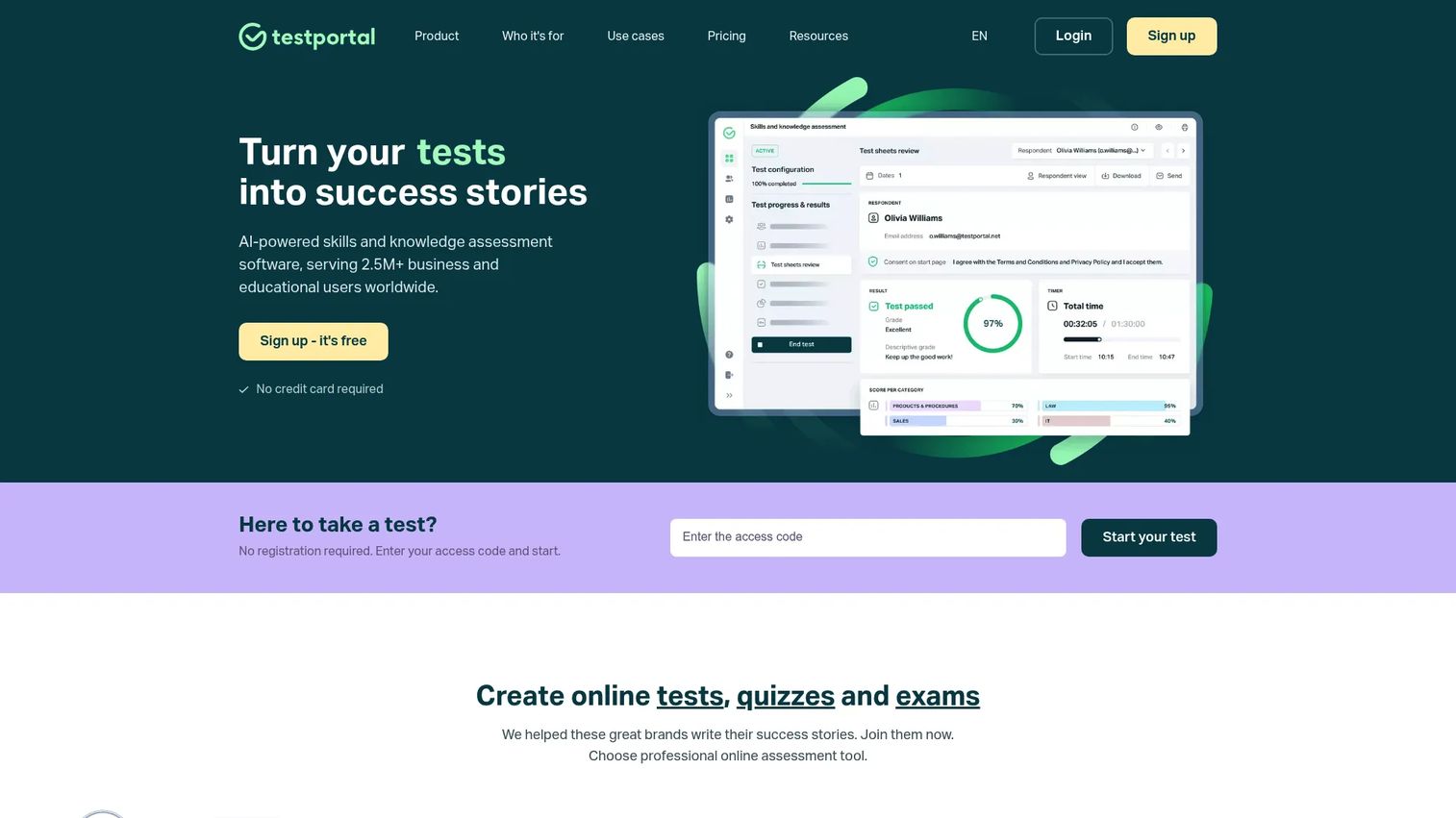
Testportal is an AI-powered online assessment platform for creating, administering, and analyzing tests, quizzes, and exams. It covers the full assessment cycle from question creation through automated grading, real-time monitoring, and reporting. Teams in business and education use it for knowledge checks, hiring screens, compliance tests, and certification exams without building custom infrastructure.
Best for: Business and education teams that need a general-purpose online testing platform with AI-assisted question creation and detailed analytics.
Key features
- AI question generation from text, files, and selected topics
- Automated grading with certificates and feedback
- Real-time monitoring and advanced analytics
- Microsoft Teams integration
- Proctoring and security controls
Why choose Testportal: Testportal's strongest fit is teams that need breadth across test types without committing to a full LMS. For PMs validating training completeness or product knowledge after releases, the automated scoring and item-level analytics provide measurable instrumentation without engineering involvement.
Testportal pricing: Plans start at $35/month (Standard) and go up to $79/month (PRO), $129/month (MAX), and custom pricing for MAX Customized at $159/month and above. All plans are billed monthly. A 14-day free trial is available.
G2 rating: 4.7/5
2. Talview
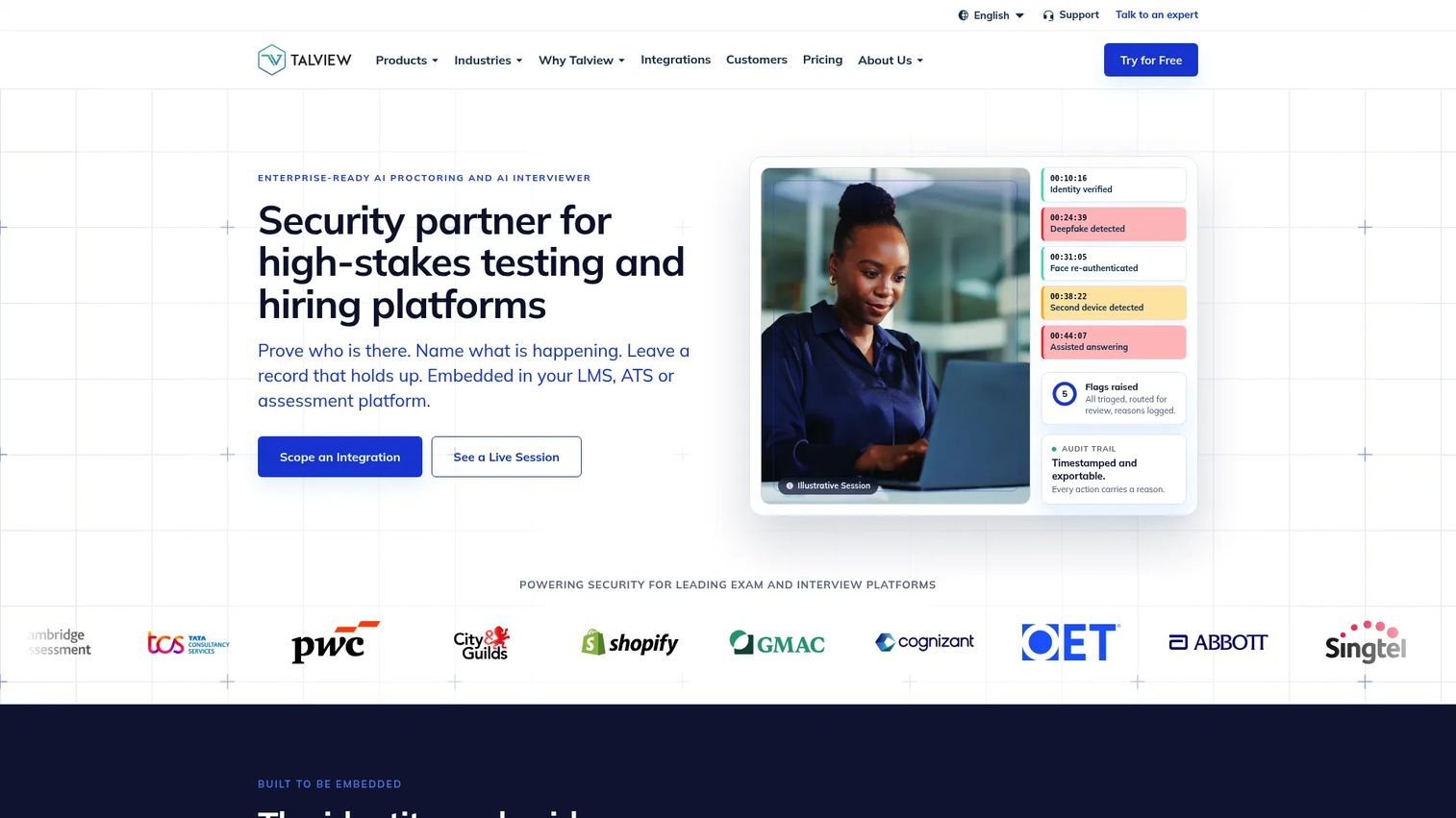
Talview is an AI-powered hiring and assessment platform covering candidate assessments, remote proctoring, identity verification, and video interviewing. It targets organizations running high-volume hiring workflows where assessment integrity and candidate experience both matter. LMS and ATS integrations connect Talview's data to the broader talent stack. You can find related tools in the broader ai recruiting software roundup.
Best for: Talent teams that need structured remote hiring assessments with proctoring and identity verification built in.
Key features
- AI-powered online proctoring with face recognition
- Video and live interviewing with AI-generated insights
- Identity and candidate verification
- Secure browser and exam environment controls
- LMS and ATS integrations via API
Why choose Talview: Talview fits when assessment sits inside a larger hiring workflow and integrity controls are non-negotiable. PMs partnering with talent or enablement teams should evaluate candidate experience, data export quality, and ATS fit before committing.
Talview pricing: Talview prices by unit and package rather than a published per-seat rate. Prospects submit a form for pricing. A typical minimum commitment is around 150 to 200 candidates, and pilot charges may apply for smaller runs.
G2 rating: 4.4/5
3. Canvas LMS
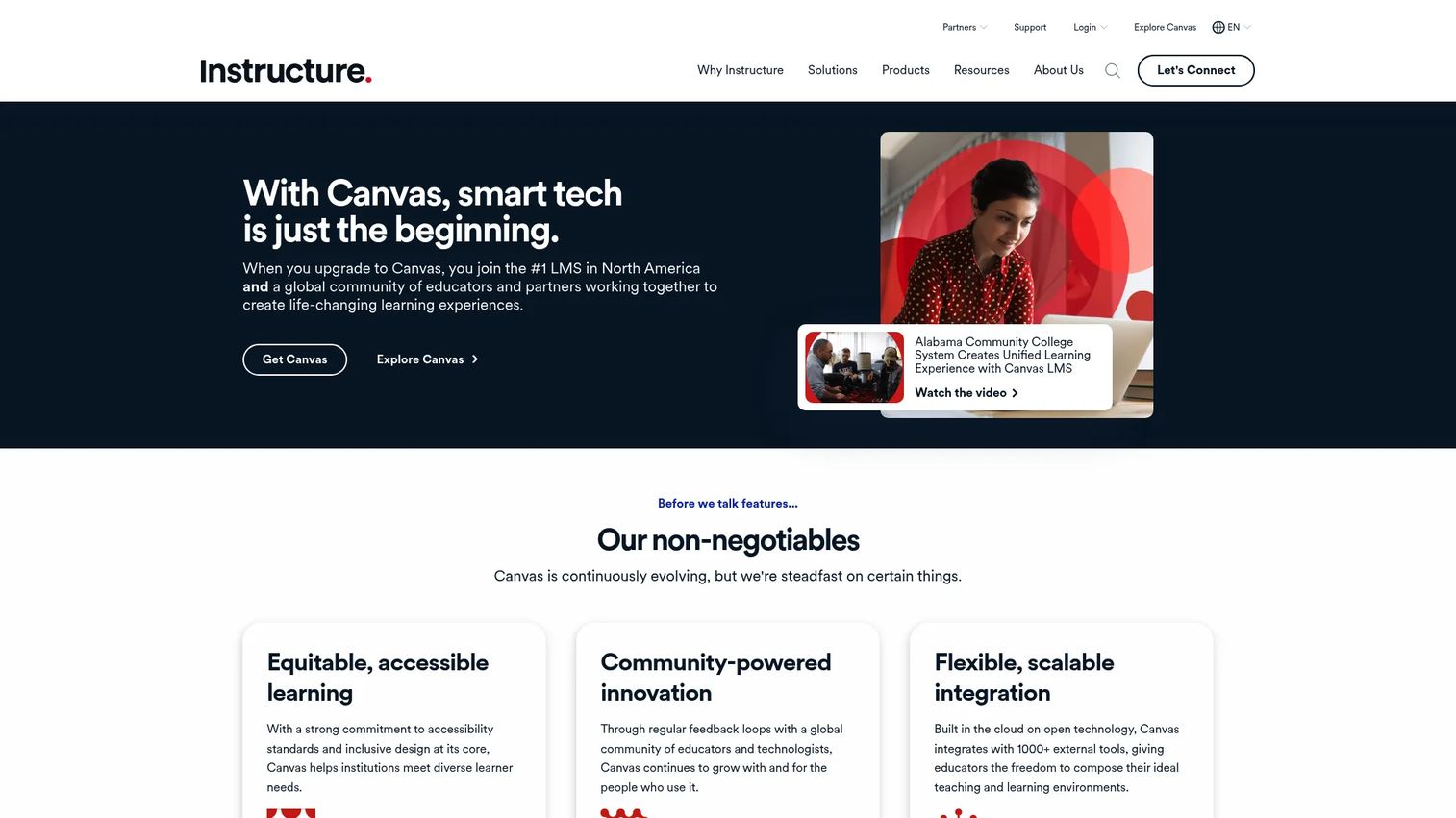
Canvas LMS is a web-based learning management system for course creation, assessment delivery, gradebook management, communication, and learning analytics. Schools, universities, and corporate training teams use it as the primary environment where learning and evaluation coexist. LTI integrations extend Canvas to third-party tools across the edtech and enterprise stack.
Best for: Schools, universities, and training teams that already manage learning inside an LMS and need assessment to live alongside course content.
Key features
- Course quizzes with multiple question types
- Assignments, rubrics, and SpeedGrader
- Gradebook and learning analytics
- Mobile apps for students and instructors
- LTI integrations with the app marketplace
Why choose Canvas LMS: Canvas is the right choice when assessment needs to live inside a broader course environment rather than run as a standalone test. For PMs, it fits better for structured certification programs than for lightweight post-release knowledge checks.
Canvas LMS pricing: Institutional pricing requires a personalized quote from Instructure. Plans include Canvas Core, Canvas Plus, and Canvas Next. Canvas Lite is available at no cost for individual educators.
G2 rating: 4.5/5
4. D2L Brightspace
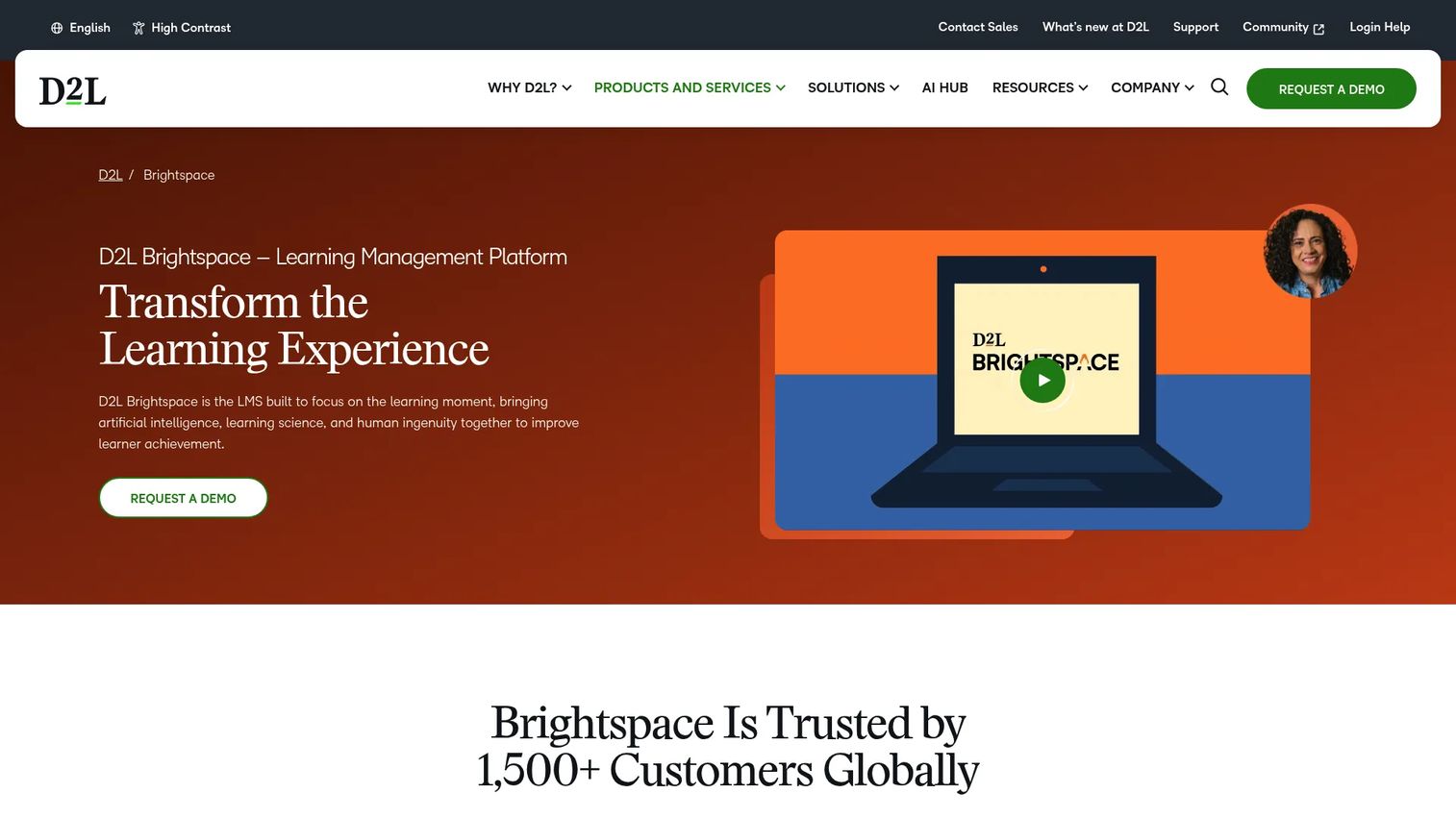
D2L Brightspace is a cloud-based LMS for K-12, higher education, enterprise, and training providers. Its assessment capabilities include quizzes, assignments, rubrics, competency tracking, personalized learning paths, and analytics dashboards. Brightspace is built for organizations that need governance, reporting, and learning analytics beyond what a standalone quiz tool provides.
Best for: Institutions and enterprises that need learning plus assessment at scale with competency tracking and accessibility compliance.
Key features
- Quiz builder with varied question types
- Competency and outcomes tracking
- Rubrics and assignment workflows
- Learning analytics and progress dashboards
- Accessibility and inclusive learning tools
Why choose D2L Brightspace: The trade-off is scope. Brightspace is broader than a dedicated assessment tool, and that breadth comes with more configuration. Teams that need governance, learning paths, and reporting beyond simple tests will find it worth the overhead.
D2L Brightspace pricing: Pricing is custom and based on learner count, required features, integrations, and implementation. Contact D2L for a quote.
G2 rating: 4.4/5
5. ExamOnline
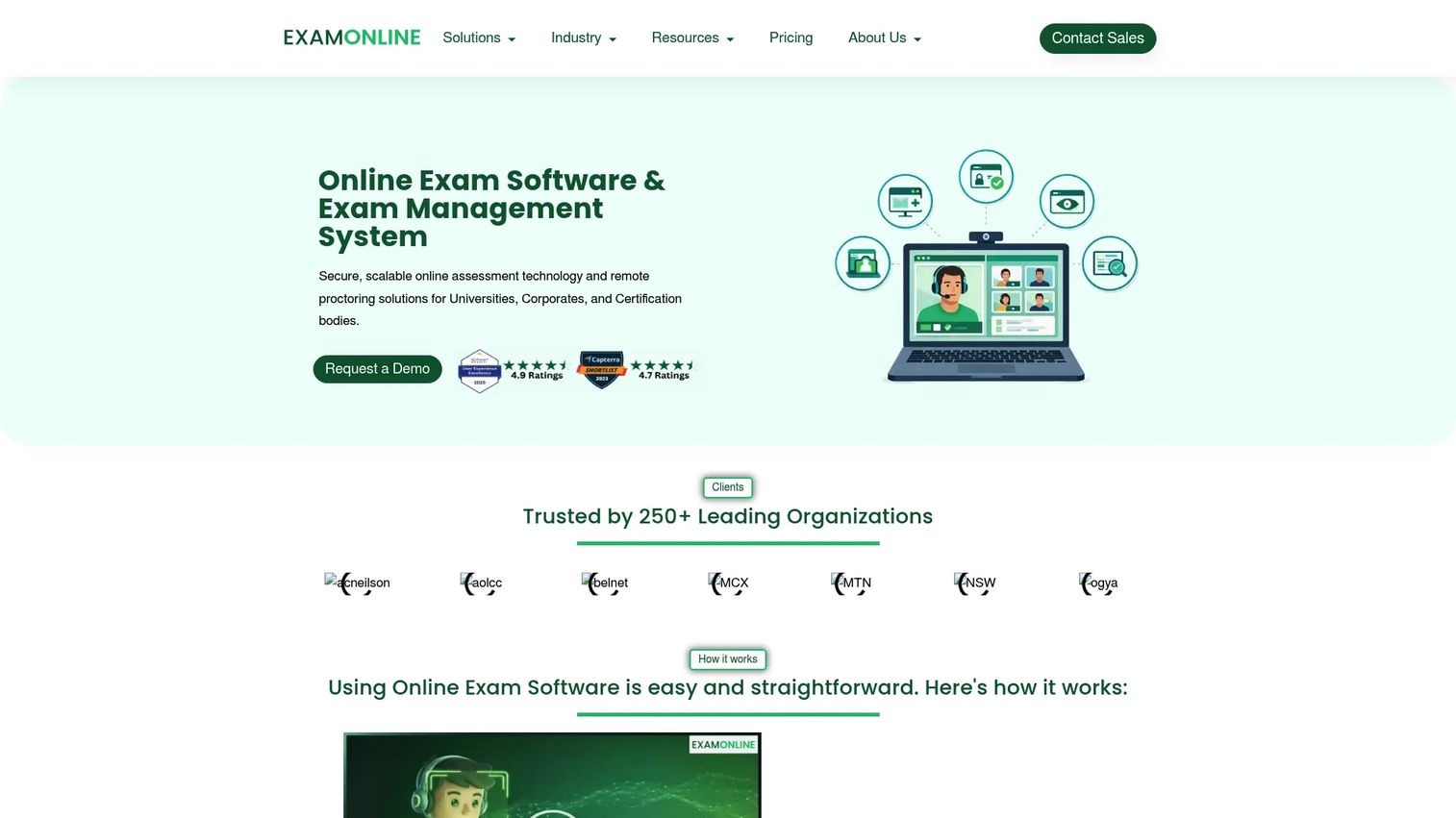
ExamOnline is an online examination and AI-powered remote proctoring platform for universities, enterprises, certification bodies, and government organizations. Its proctoring stack includes face recognition, object detection, live video monitoring, secure browser lockdown, and automated integrity reports with flagged events and risk scores.
Best for: Institutions and certification teams that need secure, scalable online exams with AI proctoring.
Key features
- AI proctoring: Face recognition and object detection
- Live video, audio, and screen monitoring
- Secure browser lockdown
- Candidate authentication and environment verification
- Automated integrity reports with risk scoring
Why choose ExamOnline: ExamOnline is better suited to high-stakes credentialing and institutional exams than to lightweight quizzes or training check-ins. Security and access controls are the primary evaluation criteria here, not ease of question creation.
ExamOnline pricing: Pricing is customized by volume, proctoring type, features, and contract term. A pay-as-you-go option is available for occasional use. Request a quote directly from the vendor.
G2 rating: 4.6/5
6. iSpring Suite
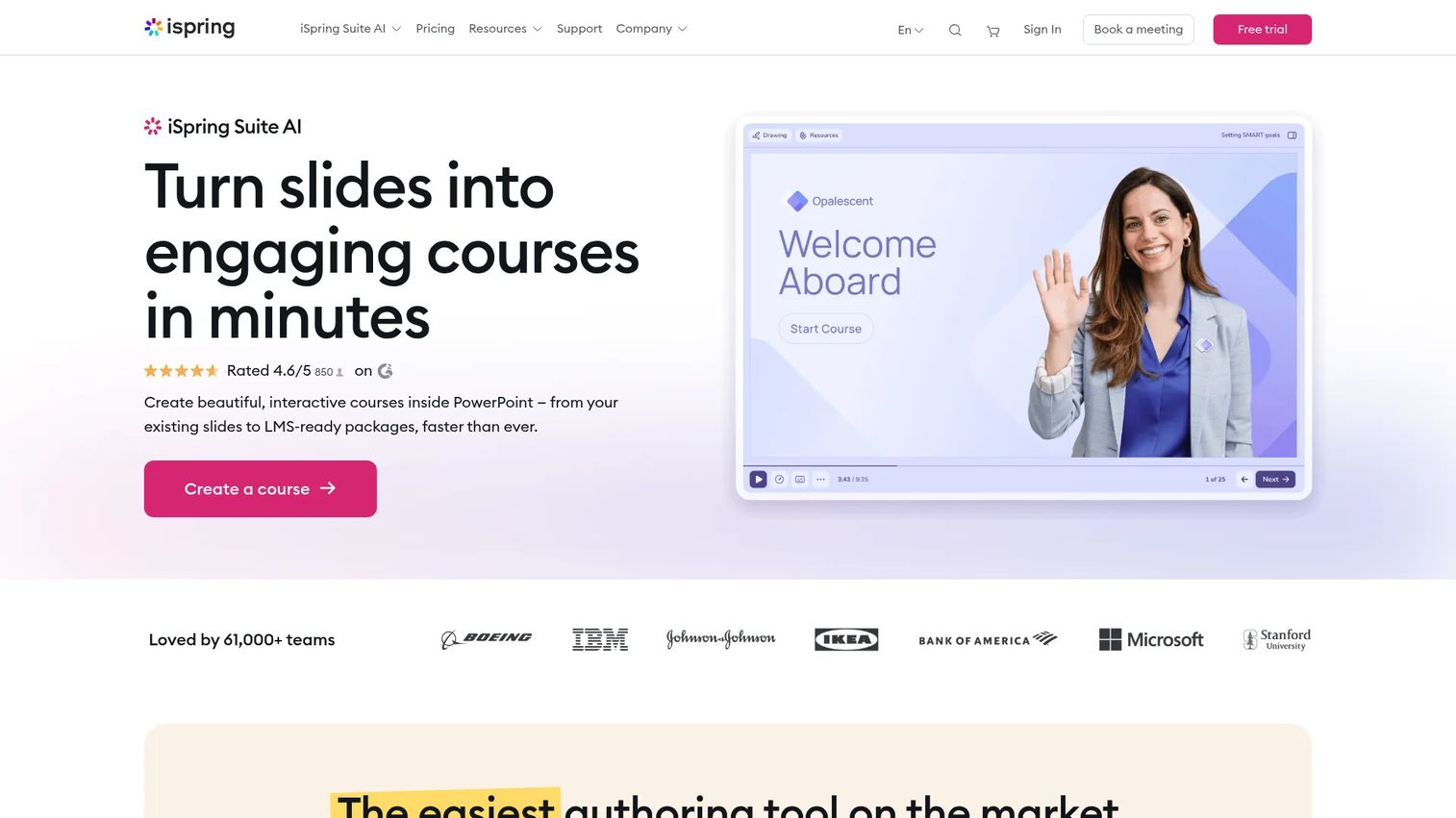
iSpring Suite is a PowerPoint-based eLearning authoring suite for building interactive courses, quizzes, branching role-plays, and training videos. Instructional designers and corporate L&D teams use it to convert existing PowerPoint decks into SCORM-ready courses without leaving the Office environment. AI features assist with content, narration, and translation creation.
Best for: L&D and enablement teams that want course content and assessment in the same authoring workflow without a separate quiz platform.
Key features
- PowerPoint-to-eLearning conversion with QuizMaker
- Role-play simulations and branching scenarios
- SCORM, xAPI, and HTML5 publishing for LMS delivery
- AI-assisted content, narration, and translation
- Screen recording and video narration
Why choose iSpring Suite: iSpring excels when assessment is part of a training narrative rather than a standalone exam. For PMs validating training materials after product releases, the ability to build a knowledge check directly inside a course deck cuts production time significantly.
iSpring Suite pricing: Plans are priced annually per author. iSpring Suite runs 970 EUR/author/year, iSpring Suite AI runs 1,290 EUR/author/year, and iSpring Cloud AI runs 720 EUR/author/year. A free trial is available.
G2 rating: 4.6/5
7. AhaSlides
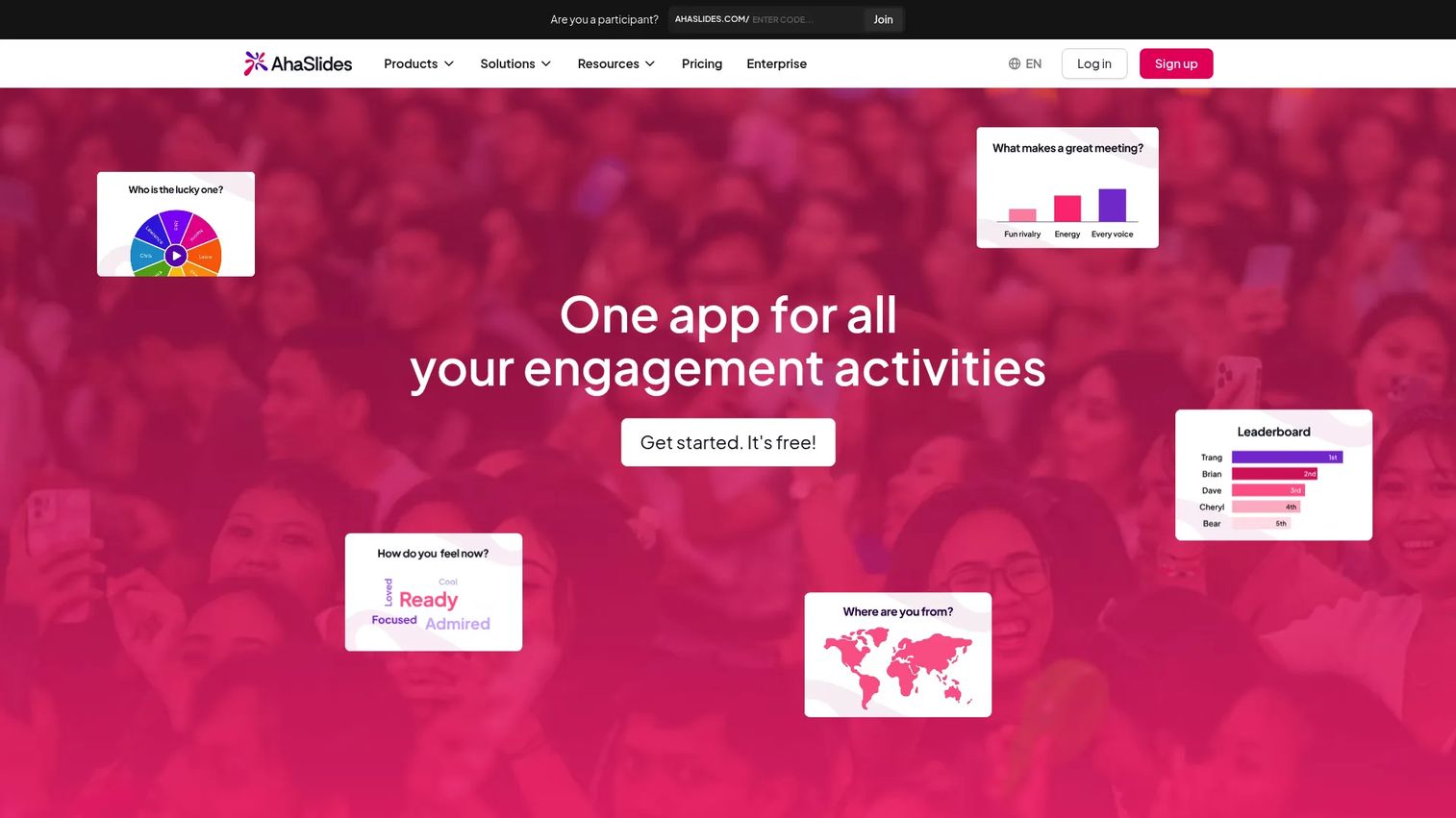
AhaSlides is an interactive presentation platform for live polls, quizzes, word clouds, Q&A, and surveys during training sessions, classrooms, and events. It supports PDF and PPTX imports so facilitators can add interactive elements to existing decks without rebuilding from scratch. Audience response data appears in real time on the presenter's screen.
Best for: Trainers, educators, and session facilitators who need quick knowledge checks and live engagement without a full quiz platform.
Key features
- Live quizzes with gamification options
- Polls, surveys, and word clouds
- PDF and PowerPoint import
- Audience response analytics
- Presentation templates
Why choose AhaSlides: AhaSlides is a strong fit for formative assessment in live settings where speed and simplicity matter more than scoring depth. It is not the right tool for high-stakes exams, proctored hiring screens, or assessments requiring detailed item-level analytics.
AhaSlides pricing: A Free plan supports up to 50 live participants with unlimited presentations per month. Paid plans (Essential and Pro) are available monthly and annually. Check the AhaSlides pricing page for current rates.
G2 rating: 4.7/5
8. Mentimeter
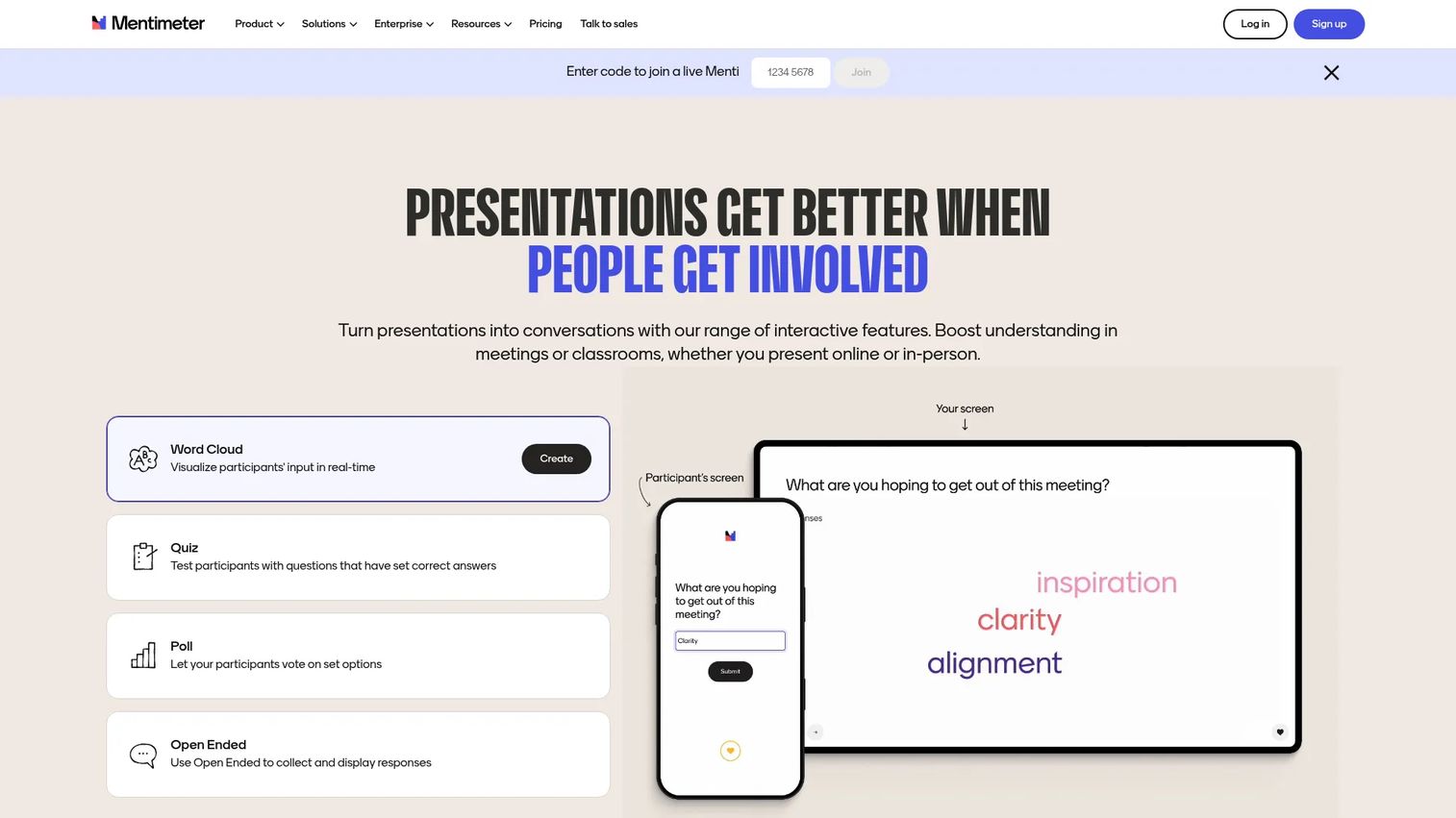
Mentimeter is an interactive presentation and audience response platform for live polls, quizzes, Q&A, word clouds, surveys, and ranked questions. Teams use it during meetings, workshops, webinars, and classrooms to collect real-time feedback. An AI Menti Creator helps generate slide content quickly. PowerPoint and Google Slides integrations let teams embed Mentimeter questions inside existing decks.
Best for: Teams measuring understanding during meetings, workshops, classes, and release training sessions where real-time feedback matters.
Key features
- Live polling with multiple question types
- Quiz competitions with leaderboards
- Anonymous Q&A and word clouds
- AI Menti Creator for content generation
- Google Slides and PowerPoint integrations
Why choose Mentimeter: For PMs running post-release training or enablement sessions, Mentimeter provides a lightweight way to validate whether the room understood the material before the session ends. The anonymous response option also increases honest feedback in sensitive contexts.
Mentimeter pricing: A Free plan supports up to 50 participants per month. Basic and Pro plans are billed yearly and remove participant limits. Enterprise pricing is custom.
G2 rating: 4.7/5
9. Toddle
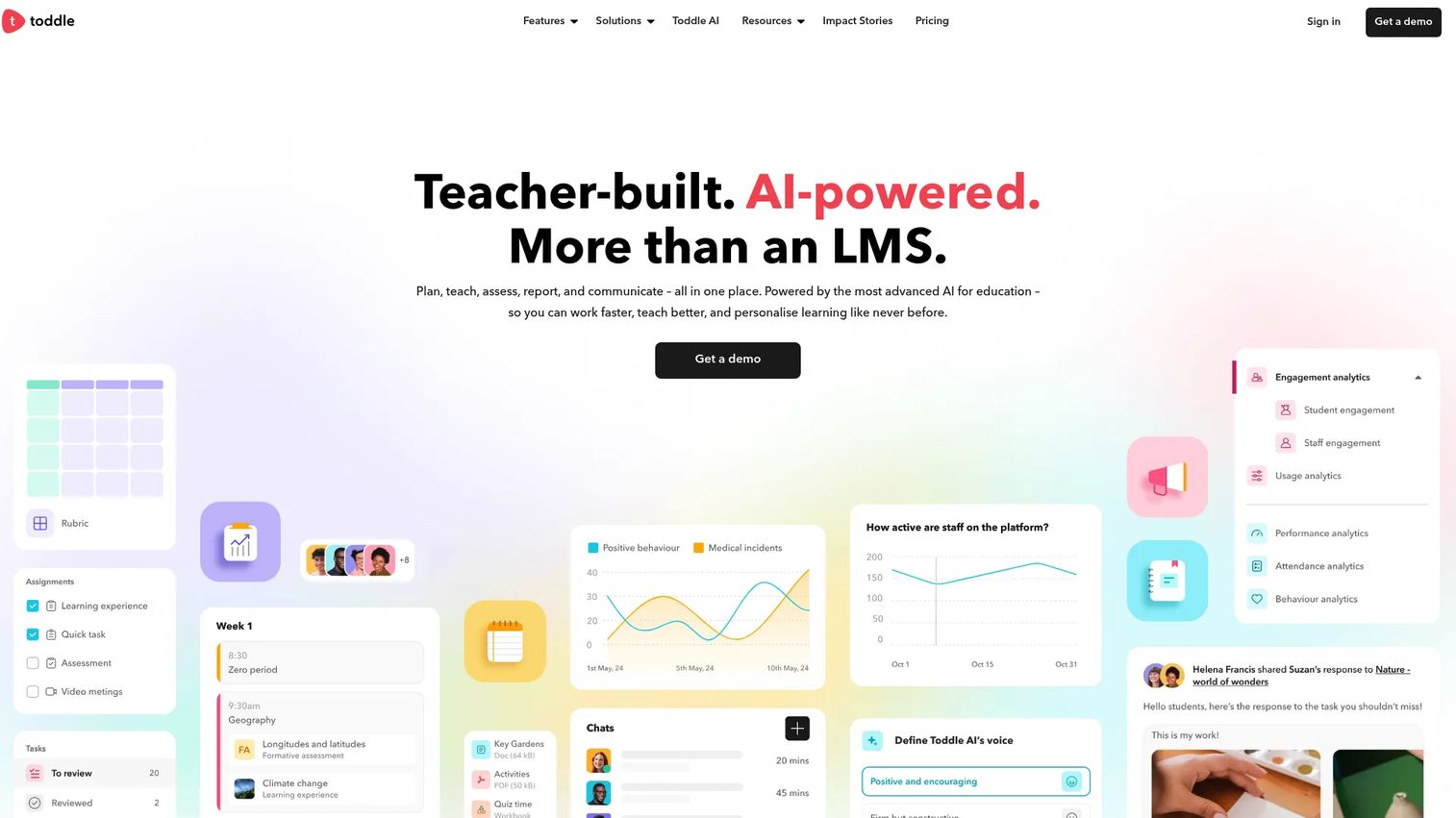
Toddle is an AI-powered all-in-one LMS for K-12 schools that combines curriculum planning, assessment, student portfolios, gradebook management, family communication, and attendance in a single platform. AI features assist with planning, grading, feedback, and reporting. Toddle is built for international and inquiry-based schools rather than corporate training environments.
Best for: K-12 schools that need curriculum-connected assessment alongside planning, portfolios, and family communication tools.
Key features
- Curriculum planning and mapping
- Assessments and gradebook with AI-assisted grading
- Student portfolios and progress reports
- Family communication and attendance management
- Accreditation management and analytics
Why choose Toddle: Toddle's value is in connecting assessment to the broader teaching workflow, not delivering it in isolation. Avoid positioning it as a general business assessment tool; it is purpose-built for school environments with curriculum frameworks and multi-stakeholder reporting.
Toddle pricing: Three school plans (Planning Pro, Advanced, Ultimate) are priced on a contact basis. Free trials are available for qualifying schools.
G2 rating: 4.6/5
10. Blackboard
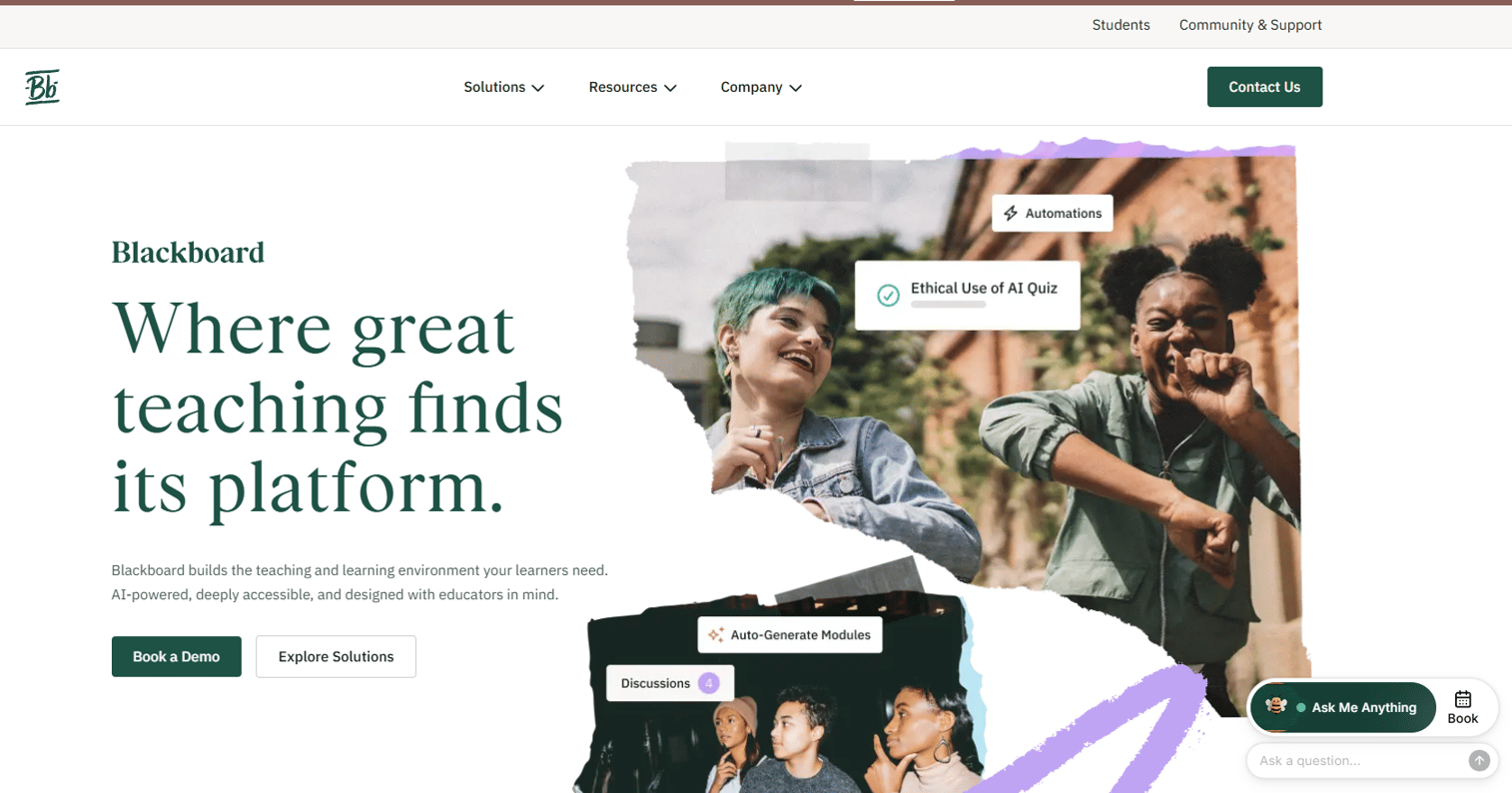
Blackboard is an enterprise LMS from Anthology for course creation, content delivery, assessment, gradebook management, accessibility support, and institutional analytics. Higher education institutions and large organizations use it for mature, governed learning workflows at scale. AI-assisted course and assessment creation, native plagiarism checking, and LTI integrations extend its core capabilities.
Best for: Higher education institutions and enterprise organizations that need mature LMS assessment capabilities within a governed course environment.
Key features
- AI-assisted course and assessment creation
- Gradebook, rubrics, and assignment workflows
- Native plagiarism checking
- Accessibility and alternative-format support
- Institutional reporting and LTI integrations
Why choose Blackboard: Blackboard fits when assessment is tied to institutional course delivery and governance matters. It is broader and heavier than a standalone assessment tool, which is appropriate for institutions with complex reporting and accreditation requirements but may be more than a lean training team needs.
Blackboard pricing: Contact Anthology for a quote.
G2 rating: 4.0/5
11. Wooclap
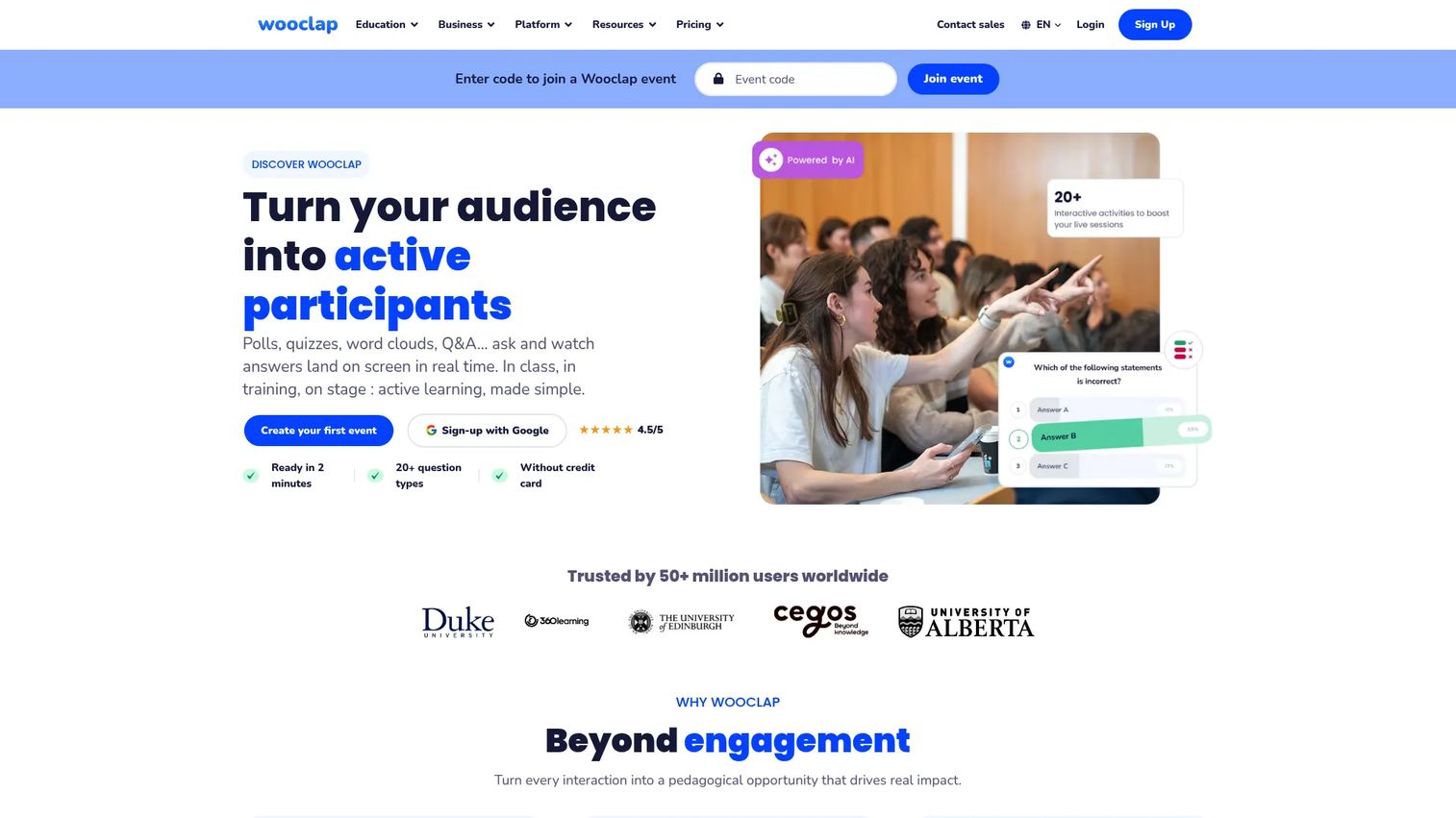
Wooclap is an interactive learning and audience engagement platform for live, online, hybrid, and self-paced sessions. It supports over 20 question types including polls, quizzes, word clouds, open questions, matching, sorting, and brainstorming. LMS integrations with Canvas, Moodle, and Microsoft Teams let instructors embed Wooclap questions inside existing course environments.
Best for: Educators and trainers who want participation data during sessions and LMS-connected interactive questions.
Key features
- 20+ interactive question types
- AI-powered question generation
- LMS integrations (Canvas, Moodle, Microsoft Teams, Zoom)
- Real-time results, analytics, and participation tracking
- PowerPoint and Google Slides integration
Why choose Wooclap: Wooclap's advantage over simpler polling tools is its LMS integration depth and the breadth of question formats available. For training teams that already run courses in Canvas or Moodle, embedding Wooclap questions inside existing sessions avoids context-switching.
Wooclap pricing: Starter is free with limited active questions. Basic runs $8/user/month billed annually. Pro runs $15/user/month billed annually. Campus pricing is custom for six or more presenters.
G2 rating: 4.5/5
12. Vevox
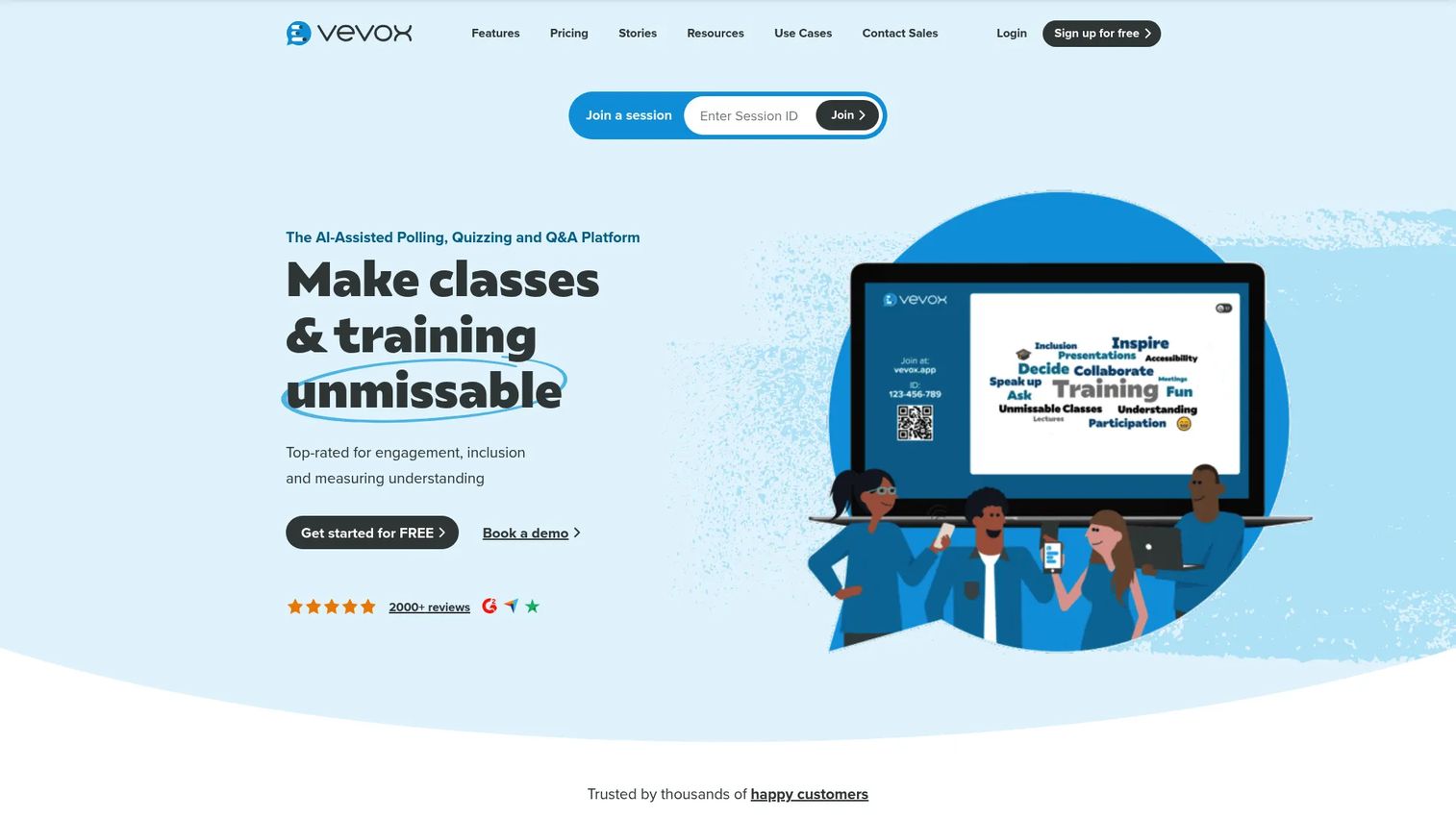
Vevox is an AI-assisted live polling, quizzing, Q&A, survey, and audience engagement platform for classes, training sessions, meetings, and events. Anonymous polling is a core feature, making Vevox useful for compliance training, all-hands sessions, or any context where psychological safety affects response quality. Integrations with Microsoft Teams, Zoom, and major LMS platforms connect it to existing workflows.
Best for: Organizations that need anonymous feedback and live knowledge checks during employee sessions, compliance training, or large meetings.
Key features
- Real-time live polling and anonymous Q&A
- Interactive quizzes with AI question creation
- Live word clouds and self-paced surveys
- Data analytics and attendance tracking
- Integrations with Microsoft Teams, Zoom, and LMS platforms
Why choose Vevox: The anonymous polling capability sets Vevox apart for high-stakes internal sessions where candid feedback matters. It is not a replacement for proctored exams or validated hiring tests; it serves the live engagement and formative check use case.
Vevox pricing: Free plan available. Starter runs $11.95/month (billed annually at $143.40/year). Pro runs $24.95/month (billed annually at $239.52/year). Enterprise pricing is custom. One-time event plans start at $195 for 7 days.
G2 rating: 4.7/5
13. CoGrader
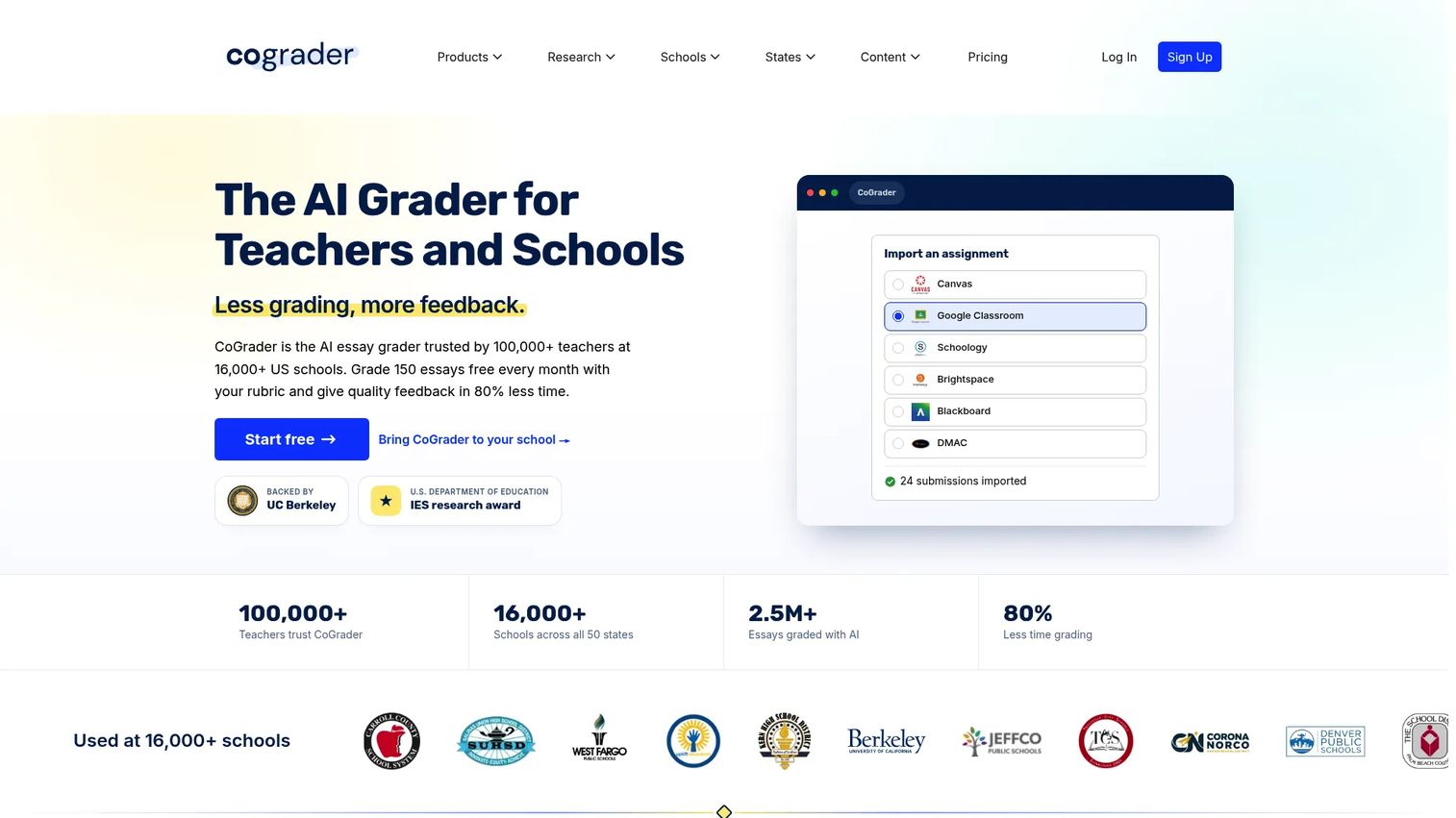
CoGrader is an AI-powered, rubric-based grading and feedback platform for written assignments, designed for educators. It integrates with Google Classroom, Canvas, and Schoology to pull assignments directly, then generates rubric-aligned feedback and flags grammar issues, AI-generated content, and plagiarism. Grading outputs are reviewed and edited by the teacher before returning to students. If you want to compare tools in this space more broadly, see the ai grading tools roundup.
Best for: K-12 educators and institutions where grading time is the primary bottleneck and written assignment feedback quality matters.
Key features
- Rubric-based AI grading and feedback generation
- Handwritten assignment grading support
- Grammar, AI detection, and plagiarism flagging
- Google Classroom, Canvas, and Schoology integrations
- Class and institution-wide analytics
Why choose CoGrader: CoGrader addresses the grading time problem specifically, not assessment delivery. The AI output still requires human review and relies on clear rubrics to produce useful feedback. It is not a replacement for a full assessment platform.
CoGrader pricing: Starter is free with 100 submissions per month. Standard runs $15/month billed annually, covering 350 submissions per month. Schools and Districts pricing is based on size. Higher Ed and Enterprise pricing is custom.
G2 rating: 4.6/5
14. Quizizz
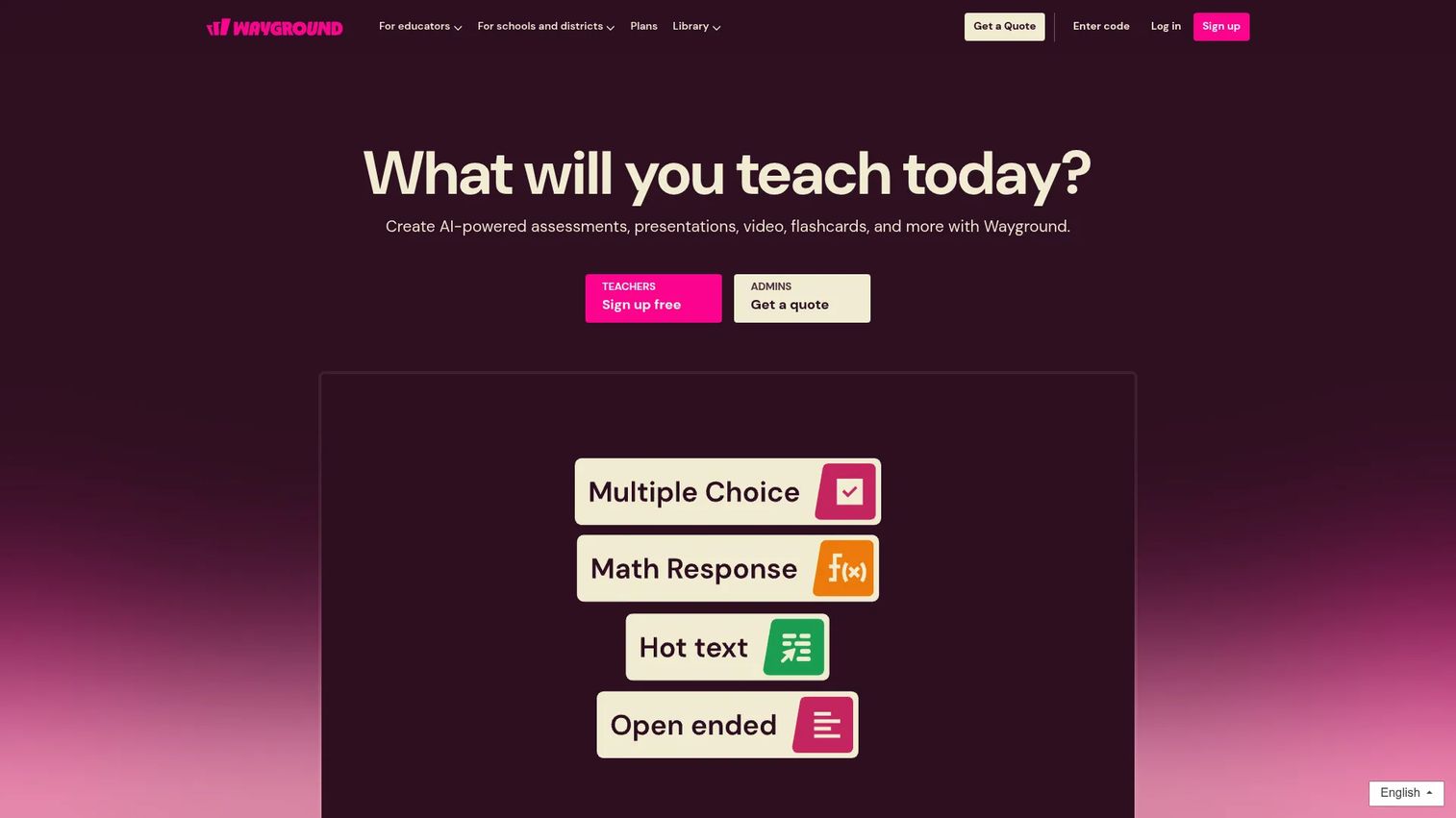
Quizizz, now rebranded as Wayground, is an AI-supported learning platform for assessments, lessons, interactive videos, passages, flashcards, and student practice activities. It offers 18+ question types, live and asynchronous sessions, gamification features including power-ups and leaderboards, and detailed performance reports. The platform is widely used in K-12 education.
Best for: Teachers and schools seeking gamified, AI-assisted instruction, formative assessment, and student practice activities.
Key features
- AI-powered resource and quiz creation
- 18+ question types with live and async sessions
- Gamification: Power-ups, leaderboards, and team mode
- Lessons, interactive videos, and flashcards
- Performance reports and question bank
Why choose Quizizz: Quizizz (Wayground) excels at student engagement and practice, particularly for younger learners. For corporate training teams, position it as lightweight reinforcement rather than secure exam software. Engagement data is strong; compliance-grade reporting and proctoring are not its core purpose.
Quizizz pricing: A free Starter plan is available. Individual and School and District plans are offered but prices are not publicly displayed on the educator pricing page. Wayground for Business plans start at $75/month billed annually (Essential) or $125/month for the Pro tier.
G2 rating: 4.9/5
15. Criteria
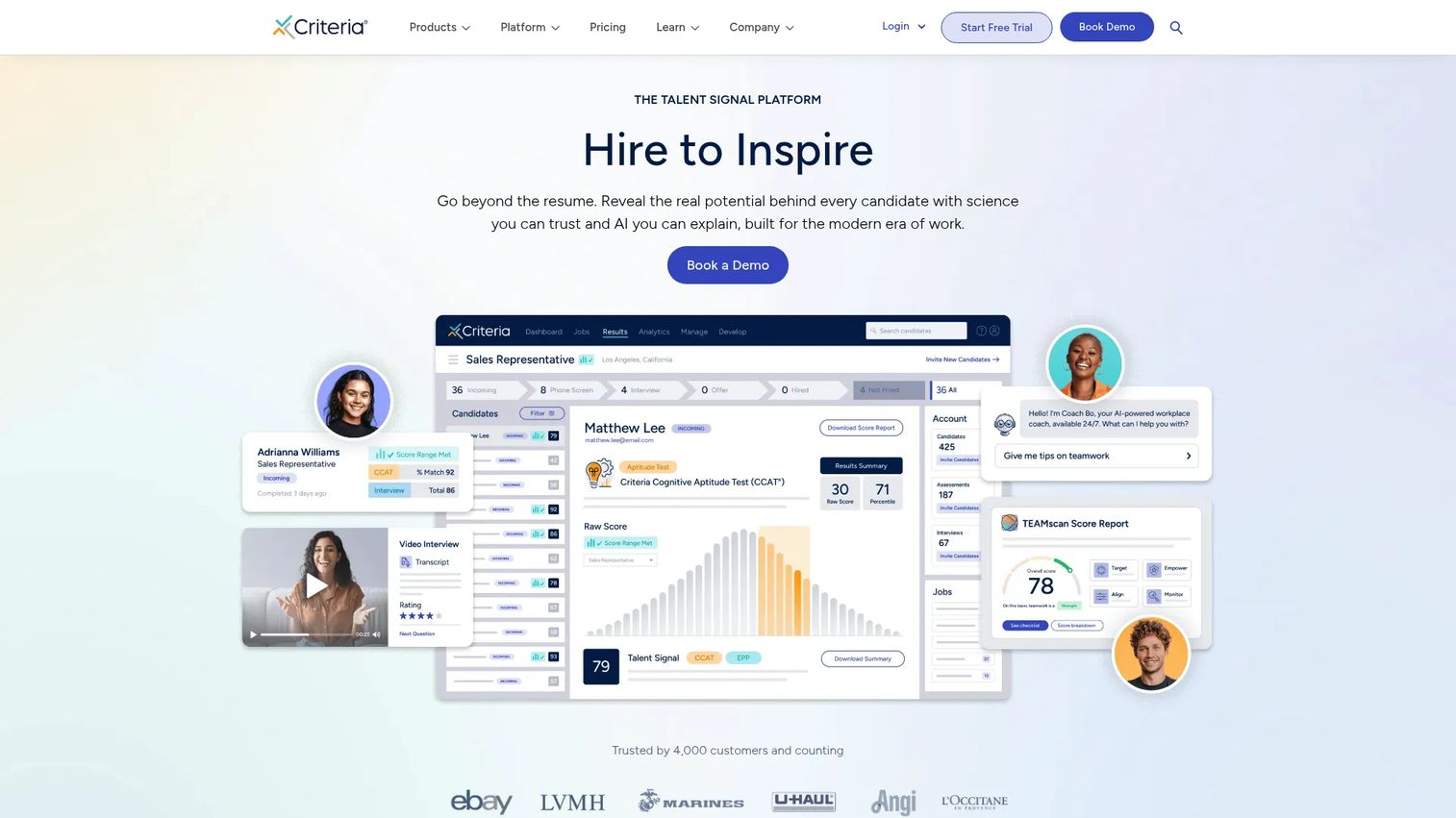
Criteria is a talent signal platform offering science-backed pre-employment assessments covering cognitive ability, personality, emotional intelligence, risk, and skills. It also includes async and real-time video interviewing with transcripts, summaries, and AI-generated insights. ATS integrations, SSO, AI proctoring, and branded candidate experiences complete the platform.
Best for: HR teams that need validated candidate assessments and structured interviewing to support more objective, scalable hiring decisions.
Key features
- Cognitive, personality, emotional intelligence, and skills assessments
- Async and real-time video interviewing with AI insights
- AI and non-AI proctoring options
- ATS integrations and SSO support
- Candidate experience branding and supported languages
Why choose Criteria: Criteria's differentiation is assessment validation. The tests are grounded in industrial-organizational psychology research rather than custom-built question banks. Product teams should not use hiring tools like Criteria as general training assessment software; the two assessment jobs call for different instrumentation.
Criteria pricing: Three plans cover assessments, interviewing, or the combined hiring workflow (Criteria Assess, Criteria Interview, Criteria Hire). All plans require requesting pricing from the vendor. A 14-day free trial is available.
G2 rating: 4.4/5
Considerations when choosing assessment software
Match the tool to the assessment job
Hiring tests, LMS quizzes, proctored exams, live polls, and AI grading are different jobs. A PM evaluating onboarding or training should not buy a proctoring-heavy exam platform when the real need is lightweight comprehension checks after a product release. Map the job first, then evaluate tools against it.
Check scoring depth and feedback quality
Automated scoring accelerates review cycles, but the quality of feedback matters as much as speed. Evaluate whether the platform supports rubric-based grading, partial credit, adaptive feedback, and personalized reports. Shallow scoring generates a pass or fail; deeper scoring generates data you can act on to improve the training content itself.
Evaluate analytics and export paths
PMs need data that connects to activation, training completion, user readiness, and support deflection. Before committing, check for CSV export, LMS or HRIS sync, item-level performance breakdowns, cohort reporting, and API access. Analytics that stay trapped inside the assessment platform cannot inform the broader product or learning strategy. The same principle applies when evaluating analytics platforms drive roi across your stack.
Review security, privacy, and compliance requirements
Role-based access, SSO, data retention policies, audit logs, identity verification, and regional hosting all vary significantly across platforms. Match security controls to the assessment risk. A live poll for a training session carries different requirements than a credentialing exam or a pre-employment screen. Avoid assuming any platform satisfies your organization's compliance obligations without independent verification.
Test maintainability across release cycles
Assessment content decays when products change. Check whether the platform supports question bank management, version control, cloning, templates, and clear ownership workflows. A quiz built against last quarter's UI creates confusion, not evidence. The lower the maintenance cost per update, the more likely the team will keep assessments current.
Conclusion
The right assessment software comes down to which job you actually need to solve. Testportal handles broad online assessment across business and education. Talview and Criteria serve hiring workflows where validated candidate evaluation matters. Canvas LMS, D2L Brightspace, and Blackboard embed assessment inside managed course environments. ExamOnline focuses on secure, proctored exam delivery. iSpring Suite combines course authoring with quiz creation in one workflow. Mentimeter, AhaSlides, Wooclap, and Vevox handle live knowledge checks and formative assessment during sessions. CoGrader targets the written assignment grading bottleneck. Quizizz (now Wayground) drives student engagement through gamified practice.
Shortlist by job, verify pricing and G2 ratings directly before any purchase decision, and run a small pilot with one real assessment workflow. Measure whether the tool improves training completion rates, reduces manual scoring time, improves onboarding outcomes, or deflects "how do I" support tickets. Completion tells you someone reached the end. Assessment tells you whether they understood enough to move forward.
Start your journey with Guideflow today!
FAQs
Assessment software is a digital platform for creating, delivering, scoring, and reporting on tests, quizzes, exams, and evaluations. Common use cases include hiring screens, employee training checks, student exams, certification tests, and live knowledge checks during training sessions.
Talview and Criteria are the strongest fits for hiring-specific workflows. Talview combines candidate assessments with AI proctoring and identity verification. Criteria offers validated cognitive, personality, and skills tests backed by industrial-organizational psychology research. Both integrate with ATS platforms to connect assessment data to the broader recruiting workflow.
Testportal is a strong option for standalone training assessments with automated grading and item-level analytics. iSpring Suite fits L&D teams that build course content and assessments together. Canvas LMS or D2L Brightspace fit when training already runs inside a managed course environment with assignments and gradebook workflows.
Assessment software focuses on test creation, delivery, scoring, and reporting. An LMS manages courses, learners, content, assignments, and broader learning workflows. Many LMS platforms include strong assessment features, but a standalone assessment tool typically offers more depth on scoring, proctoring, and analytics at the expense of broader course management.
Core features to evaluate include question creation tools, automated scoring, reporting dashboards, item-level performance data, feedback and remediation options, security controls, and integrations with your existing HRIS, LMS, or ATS. Which features matter most depends on whether the assessment is for hiring, education, training, or live engagement.
Some platforms include AI proctoring, identity verification, browser lockdown, time limits, and question randomization. These controls reduce integrity risks but do not eliminate them entirely. Match the security controls to the stakes of the assessment. A post-training knowledge check needs different controls than a credentialing exam or a hiring screen.
Free tiers work for lightweight quizzes, classroom activities, or small pilot assessments. Tools like Vevox, CoGrader, AhaSlides, and Quizizz offer meaningful free plans for limited volumes. Proctoring, advanced analytics, enterprise security, custom branding, SSO, and HRIS integrations typically require a paid plan.
PMs can use assessment software to validate onboarding flows, post-release training, partner certification, and customer enablement. The goal is to measure comprehension, not just content completion. A short assessment after a critical workflow step generates the instrumentation needed to report on activation quality, reduce support ticket volume from confused users, and justify training investment to stakeholders.