Your browser is where product research actually happens. You tab through competitor pages, dig into pricing, chase down user complaints on forums, and try to remember which tab had that pricing screenshot. Standard browsers wait for you to click. Agentic browsers promise something different: Plan the task, execute the steps, and hand back results.
The market is moving fast. McKinsey's 2025 State of AI report found that 62% of surveyed organizations were experimenting with AI agents, and 23% were already scaling an agentic AI system somewhere in the enterprise. The tools below cover a wide spectrum, from consumer browsers with AI sidebars to developer infrastructure for building production automation. Not all of them are equivalent, and not all of them belong in the same workflow.
Pick the tool by workflow risk, not by AI novelty. That framing will save you a painful security review conversation later.
What's inside
This guide covers 12 agentic AI browsers, browser agents, and browser automation tools for 2026. It's written for product managers, product ops teams, researchers, and engineers evaluating whether agentic browsers fit their workflow.
Tools were selected using four criteria:
- Task autonomy and human confirmation: Does the tool plan multi-step tasks, and can a human approve before irreversible actions?
- Privacy model and account access controls: Where does page content go, and what data leaves the machine?
- Developer extensibility: Does it support APIs, frameworks, or MCP integrations?
- Workflow fit: Does it support research, QA, authenticated tasks, or operational automation?
Pricing and G2 ratings were verified against vendor pages and live G2 listings.
TL;DR
- Best for research-heavy PMs: Perplexity Comet, with search-native AI answers and cross-page synthesis built in
- Best for ChatGPT-native workflows: ChatGPT Atlas (note: Now deprecated by OpenAI)
- Best for daily productivity: Dia Browser, with tab-aware assistance and a clean interface
- Best for visible task planning: Fellou, which shows you the agent plan before it runs
- Best for local-first control: BrowserOS, free and open source with local execution
- Best for developers building browser agents: Browserbase and Browser Use, both rated 4.3/5 on G2
What is an agentic AI browser?
An agentic AI browser is a web browser or browser automation environment that uses an AI agent to understand page context, plan multi-step tasks, and take browser actions with some level of human oversight.
The category boundary matters. A chatbot that summarizes a page is not automatically agentic. The agentic layer plans and executes actions: Navigate to a page, extract data, fill a form, compare results across sources, and return a structured output.
Traditional browsers vs AI-assisted browsers vs agentic browsers
| Browser type | What it does | Example behavior | Human role | Risk level |
|---|---|---|---|---|
| Traditional browser | Renders pages, waits for input | Opens a URL you clicked | Full manual control | Low |
| AI-assisted browser | Answers questions about a page | Summarizes article on request | Human asks, AI responds | Low |
| Agentic AI browser | Plans and executes multi-step tasks | Navigates, compares, fills form, returns result | Approves plan or reviews output | Medium to high |
| Developer browser agent framework | Programmatic browser control for agents | Runs browser sessions via API for automation | Developer defines logic | Varies |
Key features to look for
- Natural-language task instructions
- Page-context understanding across tabs
- Multi-step action execution with confirmation checkpoints
- Form filling and site navigation
- Human approval before high-risk or irreversible actions
- Session replay and audit logs
- Local or cloud processing controls
- Developer APIs and MCP framework support
- Work account permission controls
- Prompt injection mitigation
When to use
Research markets without opening twenty tabs
Agentic browsers can summarize sources, compare competitor pages, gather pricing signals, and structure notes across multiple sites. For product managers running market discovery or competitive analysis, this compresses hours of tab management into a structured output. Verify primary sources manually before any roadmap decision, since AI synthesis can flatten important nuance.
Automate repetitive browser workflows
Form fills, admin flows, light QA smoke checks, and recurring web tasks are where agentic browsers earn their keep at the personal productivity level. Distinguish between personal automation (reading and summarizing public pages) and production automation (interacting with business systems), because they carry very different governance requirements.
Test authenticated user journeys safely
Agentic browsers can interact with work apps, internal admin panels, and customer portals. Before connecting any tool to a work account, run a security review, use isolated browser profiles, apply least-privilege permissions, and confirm the tool supports human approval before submission or state changes.
Agentic AI browser tools comparison
The 12 tools below span three segments: Daily productivity browsers, local and open-source options, and developer infrastructure. The right segment depends on your workflow risk and technical context.
| # | Product | Best for | Key differentiator | Pricing | G2 rating |
|---|---|---|---|---|---|
| 1 | Perplexity Comet | Research-heavy PMs | Search-native AI with cross-page synthesis | Free; Pro $20/mo | N/A |
| 2 | ChatGPT Atlas | ChatGPT-first workflows (deprecated) | ChatGPT sidebar inside a browser | N/A (deprecated) | N/A |
| 3 | Dia Browser | Daily productivity | Tab-aware AI with clean interface | Free; from $10/mo | N/A |
| 4 | Fellou | Visual task planning | Shows agent plan before execution | Free; from $19/mo | N/A |
| 5 | Opera Neon | Experimental AI browsing | Multi-model agents with MCP connector | Free; from $19.90/mo | N/A |
| 6 | BrowserOS | Local-first control | Open-source local browser agent | Free | N/A |
| 7 | Browserbase | Developer infrastructure | Cloud browser sessions with session replay | Free; from $20/mo | 4.3/5 |
| 8 | Browser Use | Developer frameworks | Open-source harness plus stealth cloud browsers | Usage-based from $0.006/task | 4.3/5 |
| 9 | Vercel Agent | AI app builders | Production issue investigation and approved actions | Hobby free; Pro $20/mo | 4.6/5 |
| 10 | Skyvern | Workflow automation | AI agents for authenticated browser tasks | Free; from $29/mo | N/A |
| 11 | Bright Data Agent Browser | Scalable web automation | Hosted browser API with anti-blocking support | Pay-as-you-go from $8/GB | 4.7/5 |
| 12 | Microsoft Edge Copilot | Mainstream enterprise browsing | Built-in Copilot inside Edge | Included; Copilot Business $18/user/mo | 4.3/5 |
Best 12 agentic AI browser tools for 2026
1. Perplexity Comet
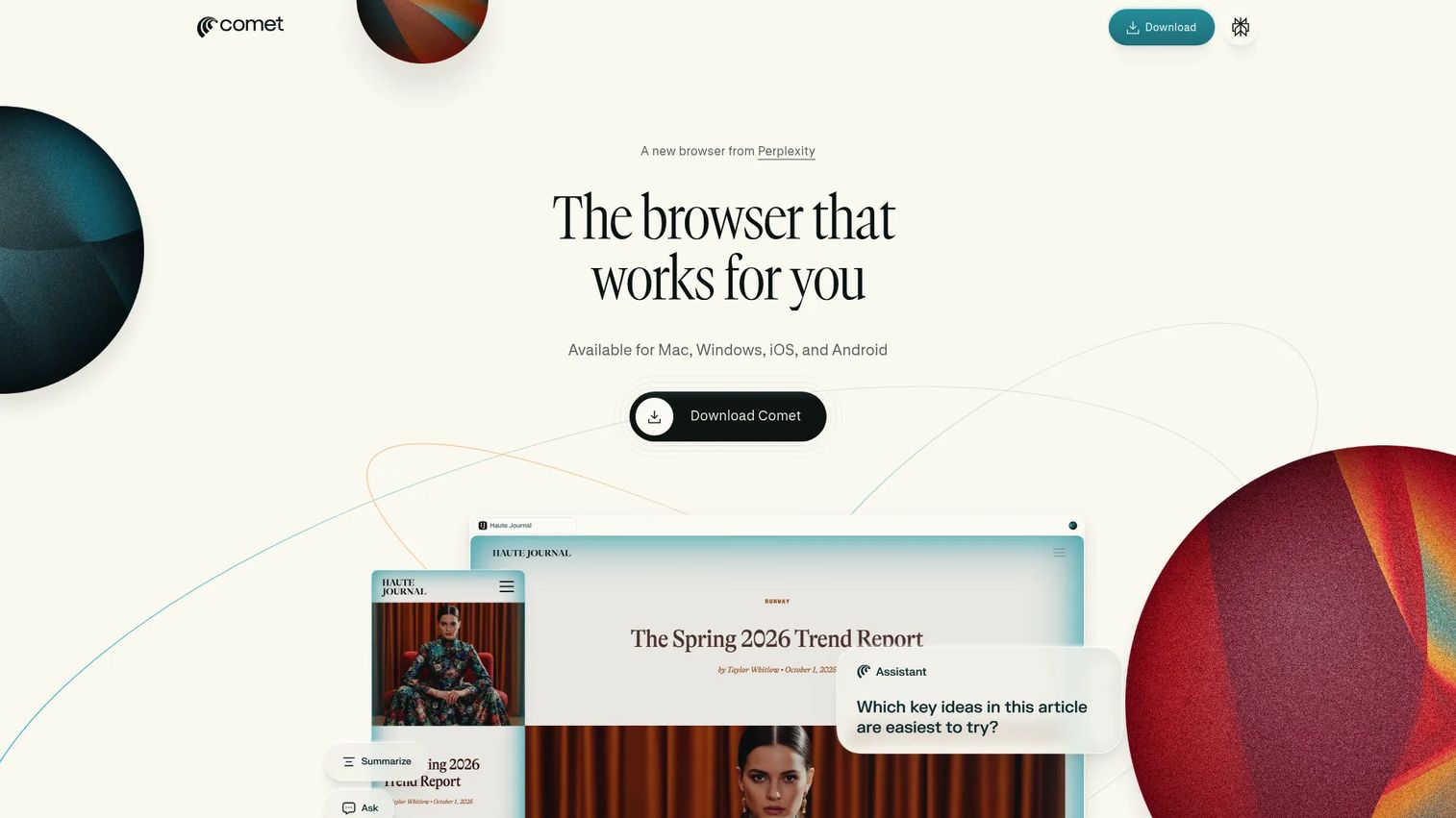
Perplexity Comet is a research-first AI browser built around Perplexity's search engine. It understands page context, executes multi-step tasks, and can handle browser automation tasks like emailing, shopping, and site building. For product managers, the draw is its ability to combine live search, cross-page synthesis, and source-backed answers inside the same browsing session.
Best for: PMs and researchers who want browsing, AI search, and task assistance in one workspace.
Key features
- Search-native AI answers with cited sources
- Page-aware assistant across active tabs
- Multi-step browser task automation
- Cross-page synthesis into structured notes
- Available on Mac, Windows, iOS, and Android
Why choose Perplexity Comet: It's the strongest starting point for research-heavy workflows where the job is turning many web sources into a decision memo. Comet suits PMs who already use Perplexity for search and want browser-level task execution on top.
Perplexity Comet pricing: Comet is free to download and use. The Comet Assistant and browser agent features require a Perplexity Pro subscription at $20/month or $200/year.
2. ChatGPT Atlas
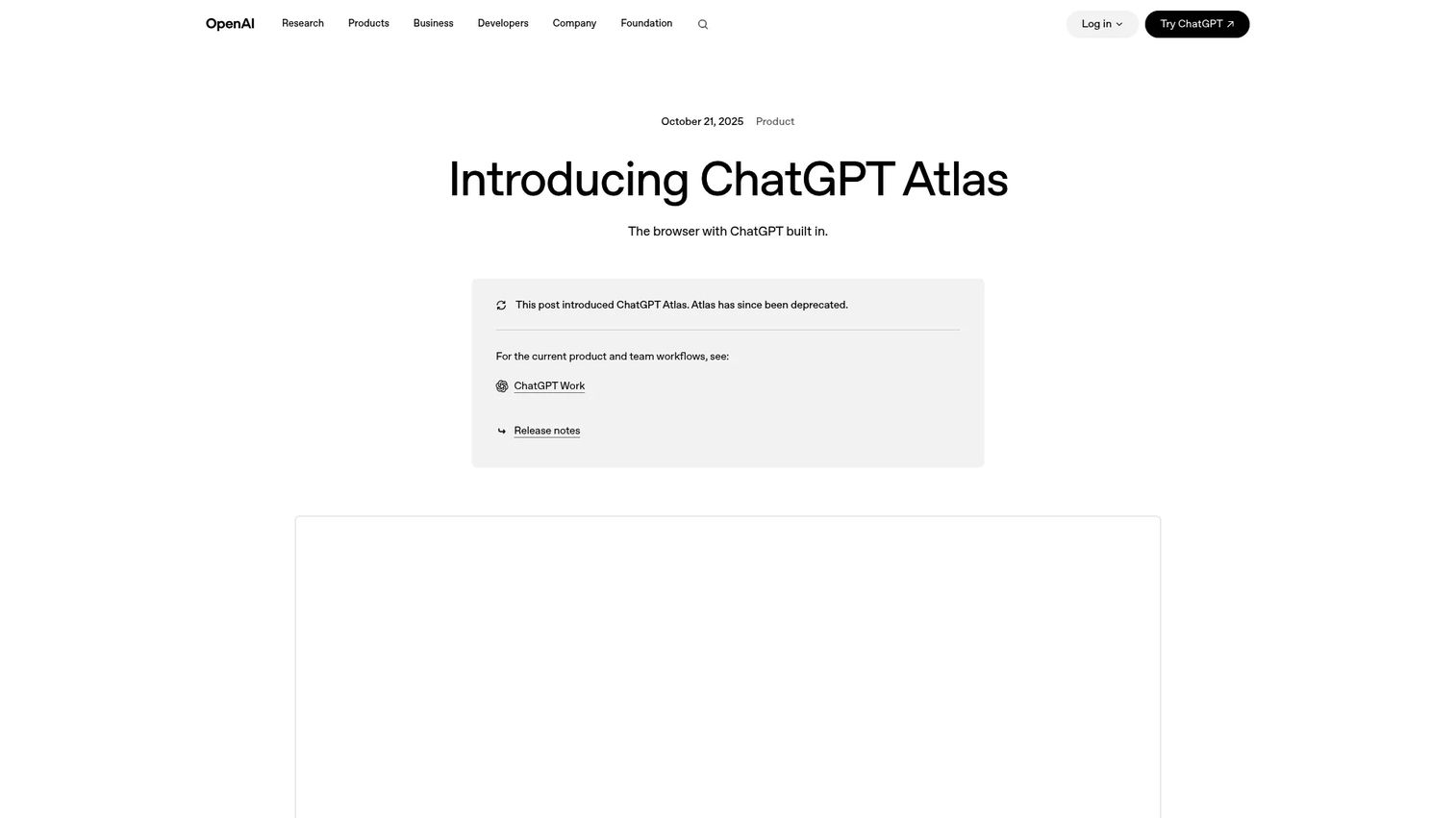
ChatGPT Atlas was a macOS web browser with ChatGPT built in, designed for browsing, writing, research, and browser-based task assistance. It offered a ChatGPT sidebar for page questions, writing help, and multi-step research flows, plus an agent mode for more complex browser tasks.
Best for: ChatGPT-first users who wanted browser context connected directly to their AI workspace.
Key features
- ChatGPT sidebar for page questions and summaries
- Agent mode for multi-step browser tasks
- Writing and drafting assistance in-browser
- Optional browser memories for personalized context
- macOS native browser
Why choose ChatGPT Atlas: OpenAI has deprecated and retired ChatGPT Atlas, and it no longer receives updates. Teams evaluating this option should factor that into any decision. For the underlying browsing-plus-AI-assistant workflow, the remaining tools in this list cover the current landscape.
3. Dia Browser
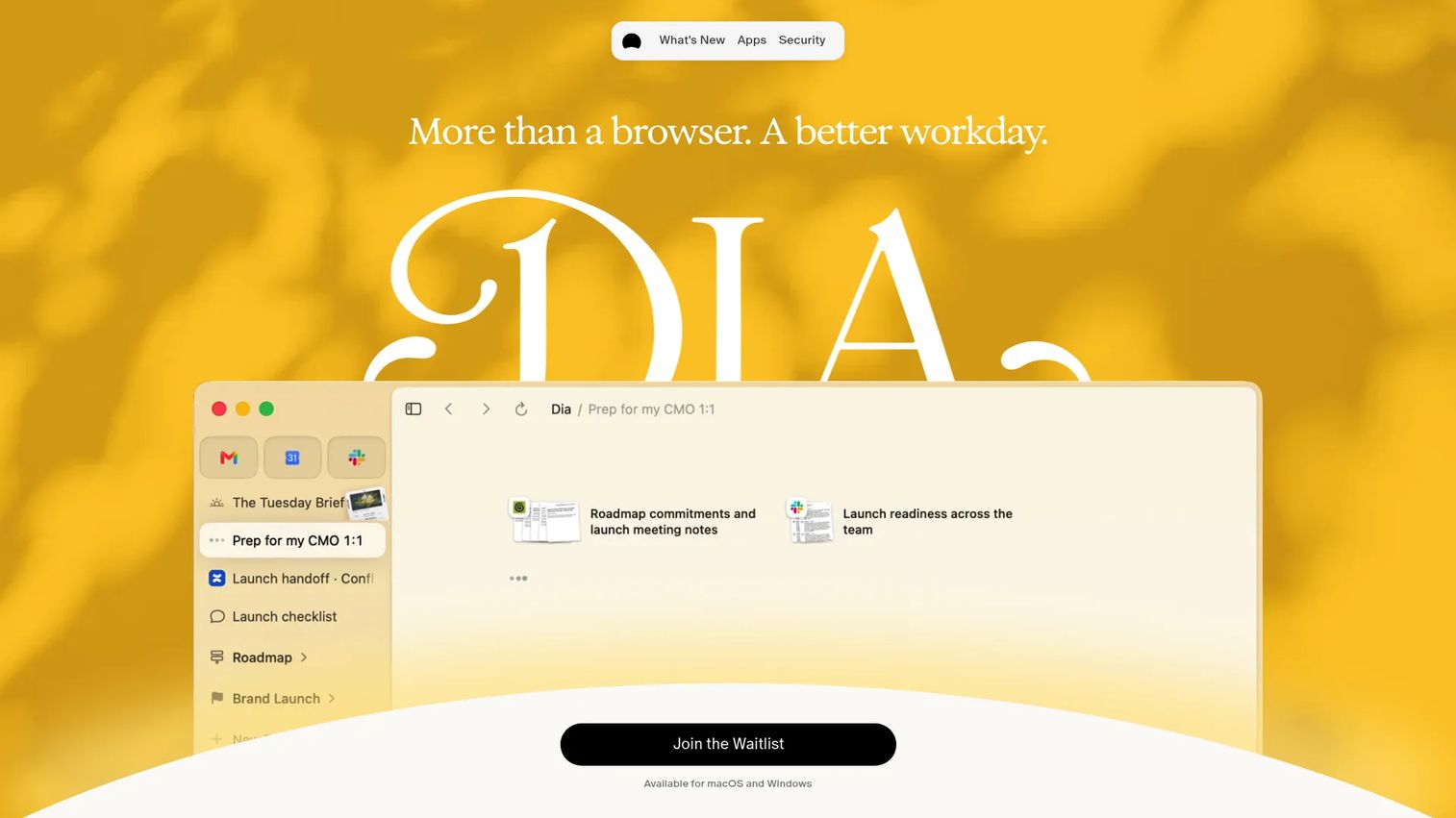
Dia Browser is an AI-powered browser designed to organize work context and assist across tabs and connected productivity tools. Its Morning Brief summarizes your day, and AI assistance spans writing, search, meeting prep, and deck generation without requiring you to leave the browser.
Best for: PMs who want lightweight AI help inside daily browsing rather than production automation.
Key features
- Morning Brief for daily work summaries
- Cross-tool search, summaries, and drafting
- Profiles, tab groups, and cross-device sync
- Built-in ad and tracking blocker
- Meeting preparation and deck generation
Why choose Dia Browser: Dia fits users who want a thinking and writing companion inside their browser, not heavy automation infrastructure. It's well-suited for individual productivity, research notes, and drafting without introducing governance complexity.
Dia Browser pricing: Better Browser is free. Better Answers, which adds AI assistance and Morning Brief, runs $10/month. Better Days, which increases the AI usage ceiling substantially, runs $100/month. A 14-day free trial applies to Better Days.
4. Fellou
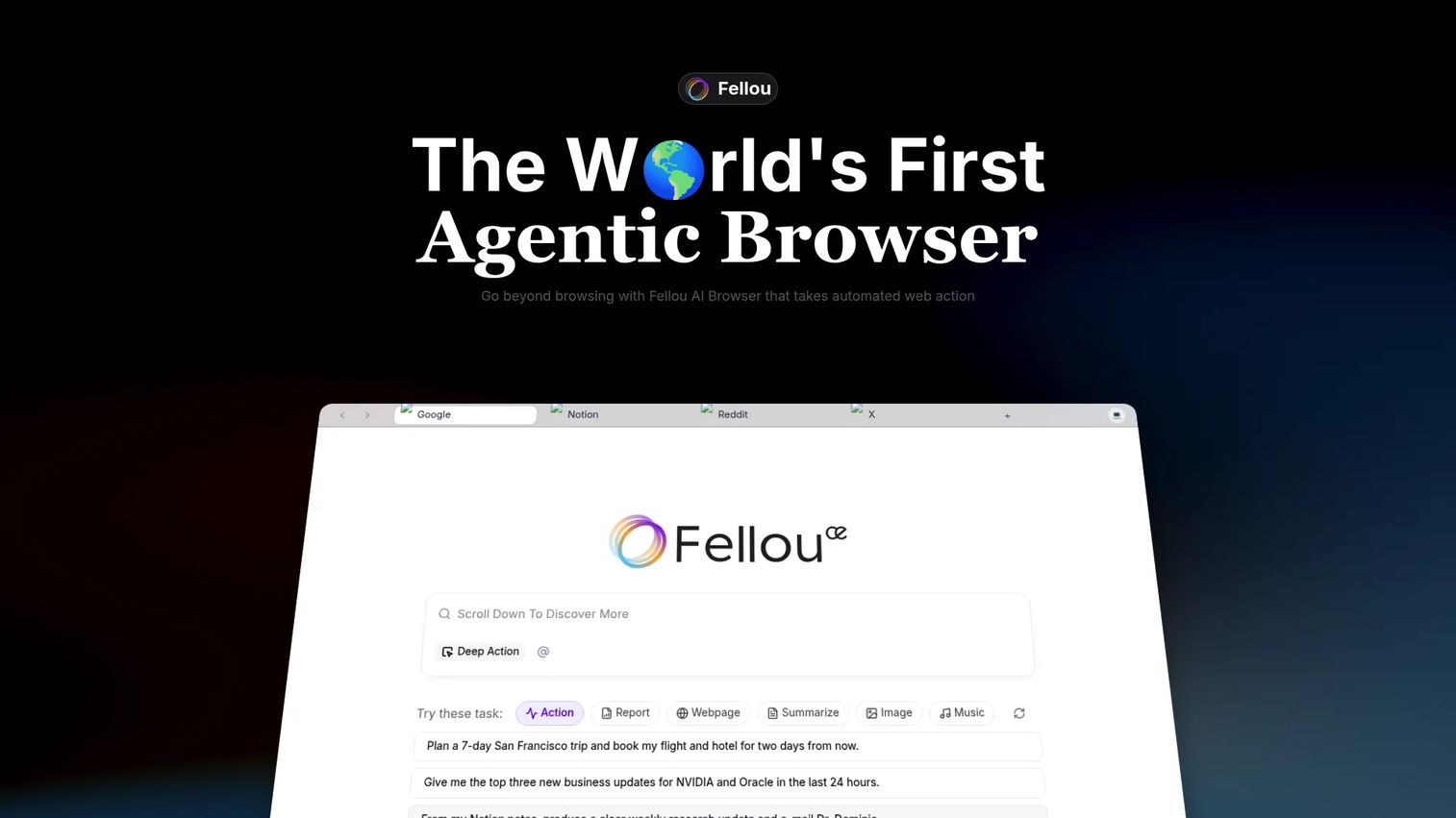
Fellou is an agentic AI browser built around visible planning and transparent automation. It performs deep search, web automation, and desktop tasks, and shows users the planned workflow before execution. For product managers, the visible plan is a meaningful trust signal, particularly before allowing any agent to interact with work apps or authenticated workflows.
Best for: Users who want to inspect and adjust agent plans before tasks run.
Key features
- Deep Search with traceable, cited reports
- Cross-platform web automation and browser control
- Computer Use for local apps and files
- Agentic Memory across sessions
- Real-time workflow intervention and scheduled tasks
Why choose Fellou: The workflow inspection layer is what differentiates Fellou from tools that execute opaquely. PMs evaluating agentic browsers for authenticated or consequential tasks will find this oversight model more defensible during security conversations.
Fellou pricing: Free plan includes 1,000 Sparks and 2 scheduled tasks per month. Plus is $19/month with 2,000 Sparks, Pro is $39.90/month with 5,000 Sparks, and Ultra is $199.90/month with unlimited Sparks. All prices are monthly.
5. Opera Neon
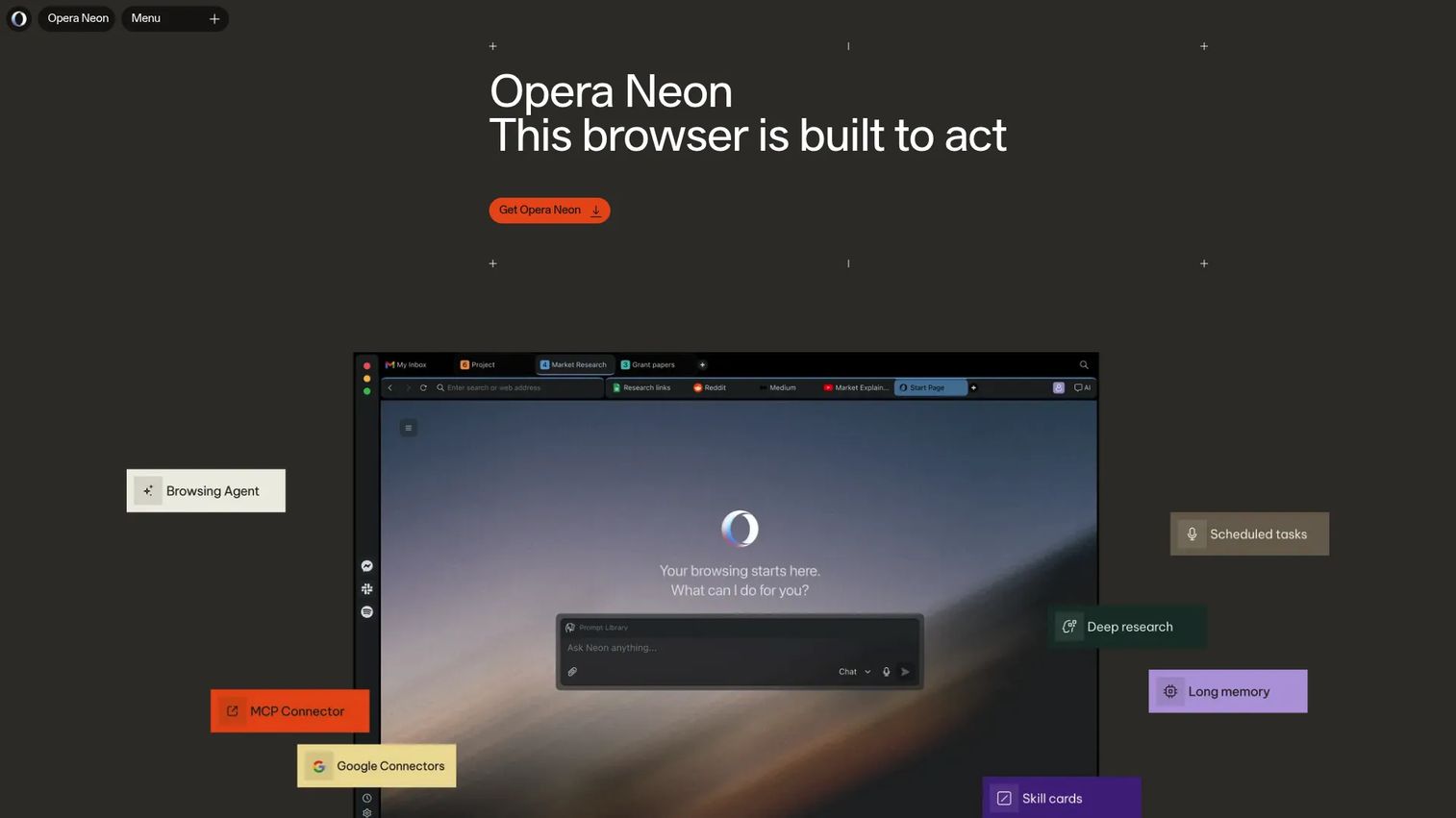
Opera Neon is an agentic AI browser from Opera that organizes browsing into task-oriented workspaces with AI agents for chat, research, automation, and content creation. It supports multiple AI models and includes an MCP Connector and CLI integrations for teams connecting external agent systems.
Best for: Early adopters testing where AI-native browsing is heading, and technical teams wanting MCP connectivity inside a browser.
Key features
- AI agents for Chat, Do, Make, and deep research modes
- Task-oriented workspaces with Cards and multi-tab Tasks
- MCP Connector and CLI integration for external agents
- Multi-model selection within the browser
- Built-in ad blocker and free VPN
Why choose Opera Neon: Opera Neon fits teams that want to explore where AI-native browsers are heading before the patterns become standard. PMs can use it to understand emerging UX models for agentic browsing. Treat it as a signal-gathering tool rather than a team standard until it has more production history.
Opera Neon pricing: The browser itself and core tools are free. The Standard Plan, which adds Opera Neon's built-in agentic capabilities and AI model access, is $19.90/month on a month-to-month basis.
6. BrowserOS
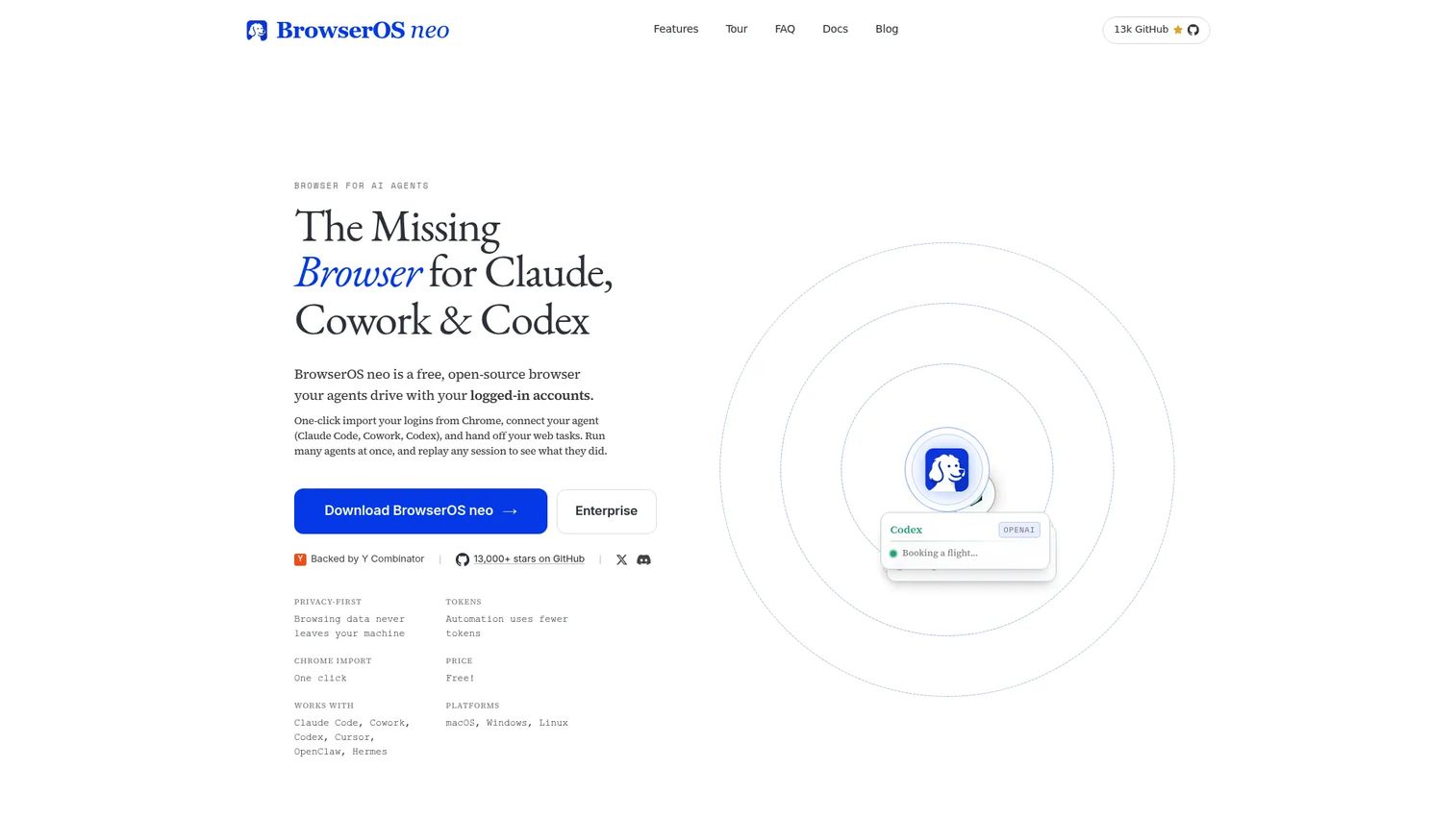
BrowserOS (BrowserOS neo) is a free, open-source local browser that lets AI agents operate websites using your existing logged-in accounts. It runs locally, stores browsing data on your machine, and connects to external AI agents via MCP. Session recording and replay give teams an audit trail without cloud infrastructure dependencies.
Best for: Technical teams that want local control, auditability, and MCP-native agent connectivity.
Key features
- AI-agent browser automation via MCP
- Uses existing logged-in accounts in isolated tabs
- Runs locally with browsing data on the user's machine
- Parallel agent execution across sessions
- Session recording, replay, and audit trail
- Supports macOS, Windows, and Linux
Why choose BrowserOS: BrowserOS is the right choice when privacy, audit logs, and local execution matter more than polished consumer UX. Product and engineering teams can test logged-in workflows with more data-control than cloud-based options. Users provide their own AI provider keys, so the AI processing dependency is explicit rather than opaque.
BrowserOS pricing: Completely free and open source under the AGPL-3.0 license.
7. Browserbase
Browserbase is a platform for building and deploying agents that browse and interact with the web. It provides cloud browser sessions with session recording, authentication handling, anti-bot support, and SOC 2 Type II infrastructure. For teams, this is infrastructure rather than a daily browser.
Best for: Engineering teams building reliable, production-grade browser agents at scale.
Key features
- Cloud browser sessions on demand via API
- Agent Identity for authentication and CAPTCHA handling
- Session recording, observability, and replay
- Search API and Fetch API for web context
- SOC 2 Type II certified infrastructure
Why choose Browserbase: Browserbase fits teams building products or internal tools that need browser sessions on demand, with the observability to debug and audit what happened. PMs should evaluate it with engineering rather than as a personal productivity tool. The session replay and SOC 2 posture make it defensible in security reviews.
Browserbase pricing: Free plan is available. Developer Plan is $20/month. Startup Plan is $99/month. Scale pricing is custom. Usage-based charges apply beyond included allowances.
G2 rating: 4.3/5 on G2.
8. Browser Use
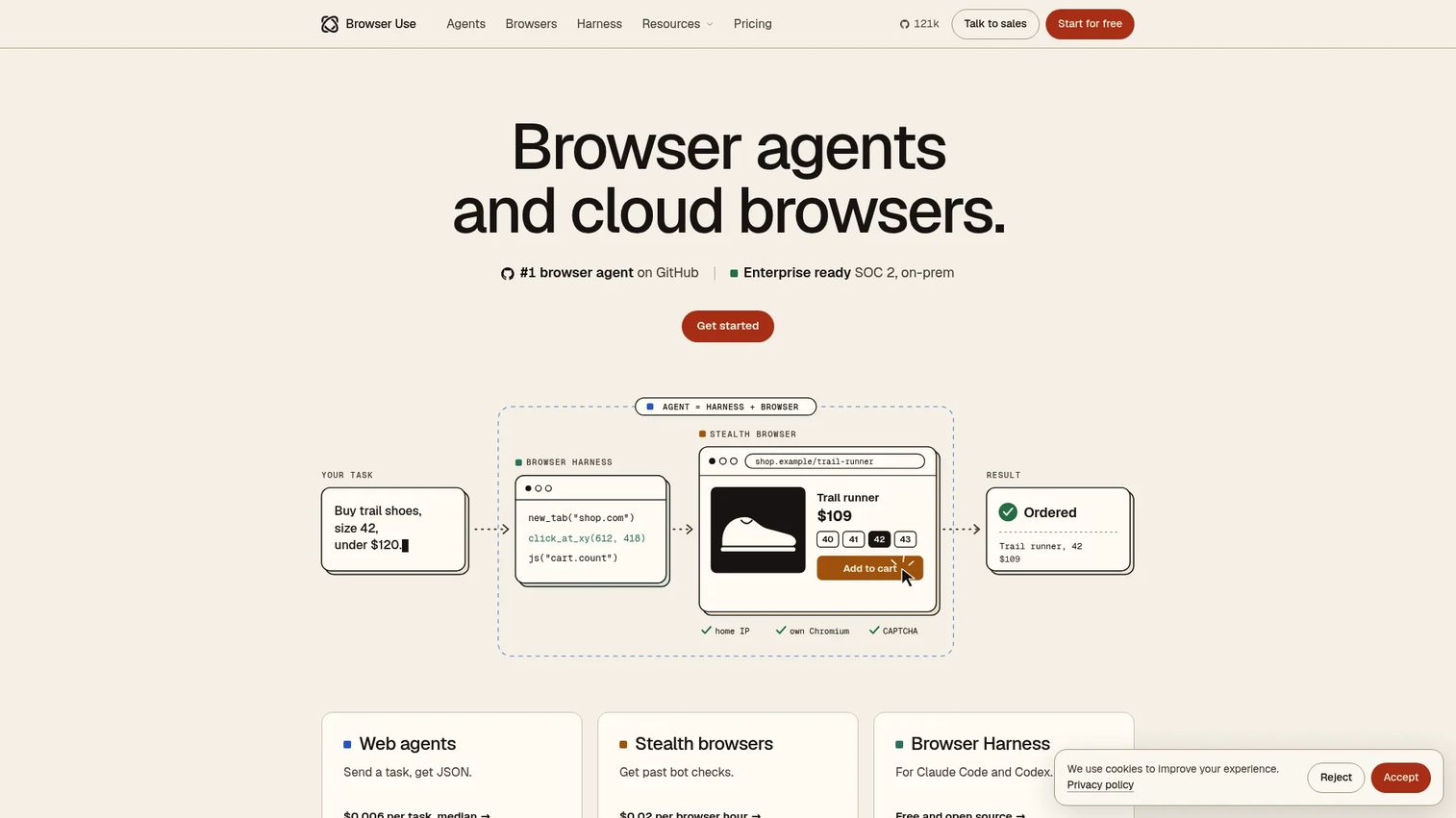
Browser Use provides AI web agents, stealth cloud browsers, and an open-source browser harness for automating browser tasks. The Browser Harness is MIT-licensed and lets AI agents drive Chrome. The hosted offering adds stealth browsers with residential proxies, fingerprinting protection, and CAPTCHA solving for production automation.
Best for: Developers prototyping browser agents, scraping workflows, or AI tools that need authenticated and bot-resistant browser access.
Key features
- Plain-English web agents that return JSON outputs
- Stealth browsers with residential proxies and fingerprinting
- MIT-licensed open-source Browser Harness for Chrome
- Support for logins, 2FA, live takeover, and JSON-defined workflows
- US and EU cloud options with on-premises deployment
Why choose Browser Use: Browser Use fits technical teams that want fine-grained control over how an agent sees pages and takes actions. PMs will typically encounter it when engineering is evaluating build-versus-buy options for browser automation within a product. The open-source harness lowers the cost of evaluation.
Browser Use pricing: Pay-as-you-go with no monthly subscription. Agents cost a median of $0.006 per task. Browser hours cost $0.02. The Browser Harness is free and open source. A $1 signup credit is available. Enterprise pricing is custom.
G2 rating: 4.3/5 on G2.
9. Vercel Agent
Vercel Agent is an intelligence layer for teams operating applications on Vercel. It answers questions about production deployments, investigates issues, validates fixes using secure sandboxes before pull requests or redeploys, and takes human-approved actions. It integrates via Slack using @Vercel.
Best for: Teams operating Vercel-hosted applications who need AI-assisted debugging, incident response, and approved production operations.
Key features
- Production issue investigation and root-cause analysis
- Validated fixes in secure sandboxes before code is merged
- Human-approved actions with scoped permissions
- Slack integration via @Vercel for inline queries
- Infrastructure cost and anomaly analysis
Why choose Vercel Agent: This tool sits closer to AI-assisted DevOps than to consumer browsing or research. PMs should evaluate it alongside engineering when the question is incident response velocity and deployment safety on Vercel infrastructure. The human-approval model makes actions auditable before they touch production.
Vercel Agent pricing: Vercel Agent is available to team members on Pro and Enterprise plans. The Pro platform plan starts at $20/month. The Hobby plan is free. Agent usage is priced at the Vercel Token Rate plus provider inference costs. Enterprise pricing is custom.
G2 rating: 4.6/5 on G2 for Vercel.
10. Skyvern
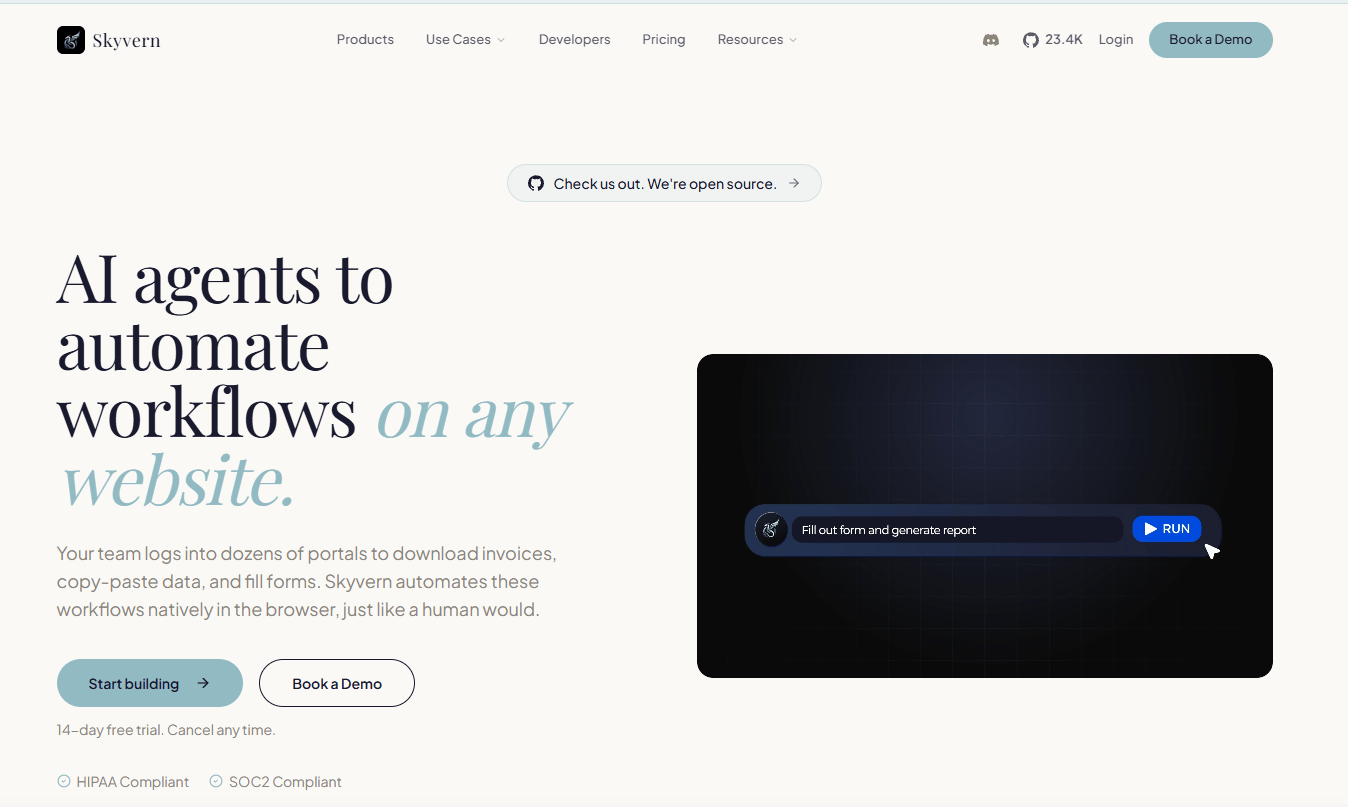
Skyvern is an AI-powered browser automation platform for automating browser-based workflows across websites. It handles CAPTCHA solving, two-factor authentication, and data extraction in CSV or JSON. Use cases include portal operations, form filling, document processing, and data retrieval from web applications.
Best for: Operations and engineering teams automating structured, repetitive browser workflows.
Key features
- AI agents with a visual workflow builder
- CAPTCHA handling and two-factor authentication support
- Data extraction in CSV and JSON formats
- Workflow monitoring with developer APIs
- Hosted and open-source deployment options
Why choose Skyvern: Skyvern is stronger for repeatable, structured operations than for one-off research. PMs should consider it when the job is operational throughput at scale, such as extracting data from vendor portals or automating procurement forms, rather than personal browsing assistance.
Skyvern pricing: Free plan includes 5,000 credits. Hobby is $29/month with 30,000 credits. Pro is $149/month with 150,000 credits. Enterprise pricing and credit allocation are custom.
11. Bright Data Agent Browser
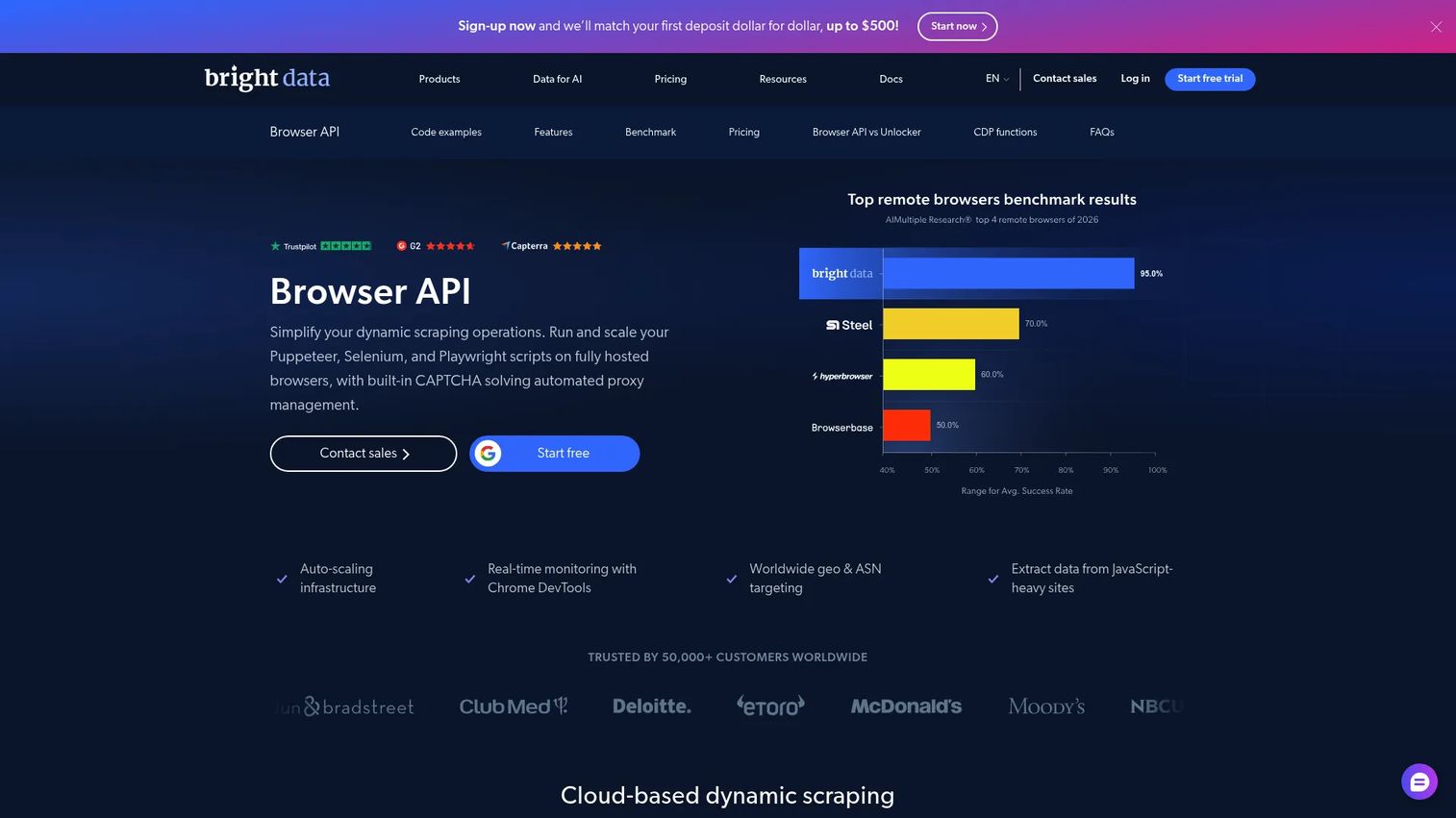
Bright Data Agent Browser (Browser API) is a hosted browser infrastructure product for agentic workflows, dynamic web scraping, and website unblocking at scale. It supports Puppeteer, Playwright, and Selenium, with automatic retries, IP rotation, JavaScript rendering, and worldwide geo targeting.
Best for: Development teams running scalable, interactive web automation and data-collection workflows that require rendering, browser actions, and anti-bot handling.
Key features
- Puppeteer, Playwright, and Selenium compatibility
- CAPTCHA solving and automated website unlocking
- Automatic retries, IP rotation, and geo targeting
- Session persistence and device emulation
- Chrome DevTools monitoring and debugging
Why choose Bright Data Agent Browser: This is infrastructure-layer tooling for high-volume automation and data collection, not a tool for personal productivity or research. Before using it for external web data workflows, bring security, legal, and data governance teams into the evaluation. The free tier lets teams validate fit before committing to usage costs.
Bright Data Agent Browser pricing: Free tier includes 5,000 credits and 1 GB per month. Pay-as-you-go is $8/GB. The Scale plan is $499/month with 71 GB included. Enterprise pricing is custom.
G2 rating: 4.7/5 on G2 for Bright Data.
12. Microsoft Edge Copilot
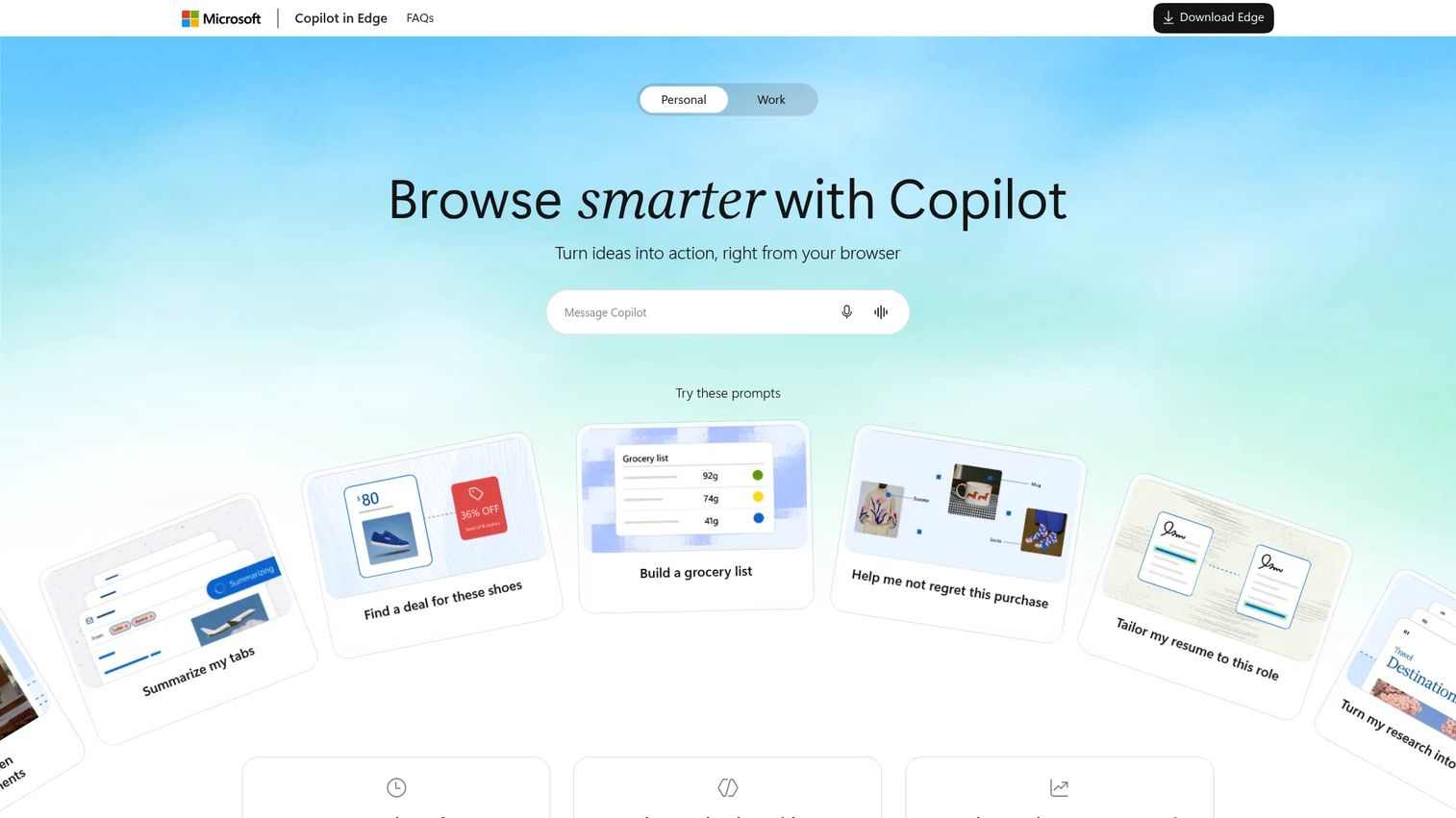
Microsoft Edge Copilot is AI assistance built into Microsoft Edge. It offers a Copilot sidepane for page summarization, comparison, and Q&A without leaving a tab, along with Journeys for grouping related pages and searches, writing assistance, YouTube video summaries, and multi-tab reasoning.
Best for: Microsoft-centric teams that want AI assistance inside an already-approved enterprise browser.
Key features
- Copilot sidepane for in-page summarization and comparison
- Journeys for grouping pages, searches, and chats
- Multi-tab reasoning and YouTube video summaries
- Writing assistance and reading mode
- Microsoft 365 context and Copilot connectors
Why choose Microsoft Edge Copilot: This is AI-assisted browsing with enterprise controls rather than a full autonomous agentic browser. For organizations already standardized on Microsoft 365, it's often the lowest-friction AI browser option to get through procurement and security approval. Frame expectations accordingly: It summarizes and assists, it does not autonomously execute multi-step tasks.
Microsoft Edge Copilot pricing: Microsoft Edge is free. Copilot Chat is included at no additional cost for eligible Microsoft Entra account users with a qualifying Microsoft 365 subscription. Microsoft 365 Copilot Business is $18/user/month billed annually. Microsoft 365 Business Standard with Copilot is $23.50/user/month, and Business Premium with Copilot is $32/user/month, both billed annually.
G2 rating: 4.3/5 on G2 for Microsoft Copilot.
Considerations
Match autonomy to task risk
Reading public pages and generating summaries is low-risk. Submitting forms, sending messages, changing account settings, or making purchases are high-risk. Confirm the tool supports human approval checkpoints before irreversible actions. If it cannot pause before submission, keep it away from authenticated business workflows.
Check local versus cloud processing
Understand what data leaves the machine and where page content is processed. If a tool sends work-account content to an external model, that's a data exposure question your security team needs to answer. BrowserOS processes locally; most cloud-based tools send content to their AI provider. Involve security early for any authenticated workflow.
Look for auditability before trusting agents in business apps
Session replay, task logs, and action history matter when an agent operates inside business applications. If a tool cannot show what it did, you cannot defend it internally or investigate when something goes wrong. This matters more as the workflow touches customer data or admin access.
Separate daily browsers from infrastructure
Comet, Dia, Fellou, Opera Neon, and Edge fit personal or team browsing workflows. Browserbase, Browser Use, Vercel Agent, Skyvern, and Bright Data serve developers and automation teams building production systems. Mixing the two categories creates misaligned expectations on both governance and cost.
Test with one low-stakes workflow first
Start with summarizing competitor release notes, comparing public pricing pages, or extracting structured notes from public documentation. Avoid starting with authenticated billing, admin panels, or customer-data tasks. Track time saved and whether you trust the output before expanding scope.
Conclusion
The best agentic AI browser for your team depends less on hype and more on three factors: The workflow you're running, the data it touches, and how much autonomy you're willing to grant before a human reviews the output.
For research and market discovery, Perplexity Comet is the strongest starting point. Dia Browser fits daily productivity without operational complexity. Fellou suits users who want visible agent planning before execution. BrowserOS gives technical teams local control and auditability. For developer builds and production automation, Browserbase and Browser Use offer the infrastructure depth to build on. Microsoft Edge Copilot remains the safest path for Microsoft-standardized enterprise teams.
For related reading on the broader agentic AI platforms landscape and the best AI agents across categories, those guides cover adjacent tooling worth evaluating alongside this list. If your team is also exploring agentic AI tools for sales, the patterns around human oversight and data exposure apply there too.
If your team also needs to show software workflows clearly to prospects, customers, or internal teams, use an interactive demo instead of asking people to interpret static screenshots. Start your journey with Guideflow today!
FAQs
An agentic AI browser is a browser or browser automation environment where an AI agent understands page context, plans multi-step tasks, and takes actions such as navigating, filling forms, or extracting data. Most implementations include some form of human oversight or confirmation before high-risk actions. The key distinction from a standard AI browser is that it executes, not just responds.
An AI browser typically summarizes pages or answers questions when you ask. An agentic browser executes multi-step tasks autonomously or semi-autonomously: Navigate to a competitor's pricing page, compare it with two others, extract the key differences, and return a structured summary. The difference is between assisted reading and delegated execution.
They can be safe, but only with least-privilege account access, explicit permission scoping, human confirmation before state changes, and a completed security review. For early testing, use a dedicated browser profile with limited account access rather than a primary work account. Treat the first month as a pilot, not a rollout.
Prompt injection happens when malicious instructions embedded in a webpage manipulate the AI agent's behavior. Because an agentic browser can act on pages, not just read them, a compromised instruction could cause unintended form submissions, data exfiltration, or account changes. This is a live research area and a meaningful risk in production agentic workflows. Tools with page-content sandboxing and human confirmation reduce but do not eliminate exposure.
It depends on the workflow. Research-heavy PMs who want source-backed synthesis will find Perplexity Comet the strongest fit. PMs who want AI assistance woven into daily browsing should evaluate Dia Browser or Fellou. Technical PMs evaluating automation infrastructure for their engineering team should look at Browserbase or Browser Use. There is no single universal answer because the risk profile differs significantly across those use cases.
Not yet, for most production QA workflows. They can help with exploratory checks, accessibility spot-tests, and prototype automation where the output does not need to be deterministic. Production test suites still require tools with version control, CI integration, and reliable assertion frameworks. Use agentic browsers to accelerate discovery, then formalize what you find into proper test coverage.
Start with a pilot covering one low-risk, public-web workflow. Set up a dedicated browser profile with scoped permissions rather than using primary credentials. Define what a successful run looks like before you start. Track time saved, error rate, and whether team members trust the output without manually re-checking everything. Run a security review before connecting any tool to work accounts or internal systems.
They offer more control, but privacy depends on execution model, model provider choice, telemetry settings, and configuration. BrowserOS runs locally and stores data on the user's machine, which is a meaningful architectural difference from cloud tools. That said, if BrowserOS is configured to call an external model provider, that provider still receives page content. Open source means auditable code, not automatically private execution.