Your agency isn’t short on tools. It’s short on a clean operating system.
Client work lives in project boards. Media budgets sit in spreadsheets. Timesheets arrive late, while invoices remain disconnected from delivery. Every month ends with someone rebuilding reports by hand.
Tool sprawl makes this worse. According to Basis Technologies’ 2025 Advertising Agency Report, 51.3% of agencies use eight or more advertising and marketing technology tools. Another 40% use at least 10.
The right advertising agency software closes those operational gaps. It connects campaign work with capacity, financial data, client communication, or media workflows. The best fit depends on where your agency loses the most time or margin.
What’s inside
This guide compares 15 advertising agency software tools for 2026. It’s for agency owners, operations leads, account directors, finance teams, and digital marketers evaluating software for marketing agencies.
We selected each platform based on four factors:
- Agency fit: Support for client delivery and operational workflows
- Financial visibility: Budgets, time, billing, utilization, or profitability
- Advertising workflows: Media, production, approvals, and campaign management
- Stack consolidation: Ability to replace disconnected tools without creating another data silo
You’ll find verified pricing, current G2 ratings, and practical best fit guidance for every option.
TL;DR
- Best for broad agency operations: Productive connects projects, resources, time, budgets, and profitability
- Best for full service agencies: Workamajig Platinum combines agency operations with media and accounting
- Best for media heavy teams: Advantage Software covers media planning, buying, production, and financial workflows
- Best for enterprise resource planning: Kantata focuses on capacity, utilization, project delivery, and forecasting
- Best for flexible campaign management: Asana, Wrike, and ClickUp support configurable agency workflows
- Best for focused time tracking: Harvest connects time capture with budgets and invoicing
What is advertising agency software?
Advertising agency software is a category of tools that helps agencies manage client projects, media planning, production, resources, time, billing, reporting, and communication.
The category includes full advertising agency management software and narrower platforms. Some products connect sales, delivery, and financial management. Others focus on a specific operational problem, such as resource scheduling or time capture.
Common types include:
- Agency management platforms: Connect projects, resources, budgets, billing, CRM, and reporting
- Project management systems: Organize campaign timelines, tasks, dependencies, requests, and approvals
- Professional services automation: Link delivery capacity with utilization, forecasting, and financial performance
- Media planning software: Manage media plans, budgets, placements, buying, and campaign reporting
- Resource planning tools: Show availability, workloads, leave, and future capacity
- Time and billing software: Capture hours, monitor budgets, create invoices, and track payments
- Creative operations platforms: Route requests, proofs, approvals, and brand governance
Key capabilities to look for
Strong agency management software usually covers several of these areas:
- Project and campaign management
- Media planning and buying
- Resource and capacity planning
- Time tracking and utilization
- Budgeting and profitability
- Invoicing and accounting
- Client dashboards and approvals
- CRM and client communication
- Integrations and workflow automation
- Reporting and operational visibility
The right category depends on your operating model. A creative agency software buyer may prioritize proofing and approvals. A media agency may require planning and buying capabilities. Digital agencies often care more about campaign delivery, client reporting, capacity, and attribution.
Avoid paying for breadth you won’t use. A focused tool can outperform a large agency platform when your finance and reporting systems already work well.
When to use advertising agency software
Connect client projects to agency profitability
Use agency software when project delivery and financial performance live in separate systems. The disconnect makes scope creep, write offs, and weak margins harder to spot.
A suitable platform connects estimates, tracked time, budgets, invoices, and resource costs. That gives agency leaders a clearer view of which clients or services produce healthy returns.
Plan media and production in the same workflow
Advertising management software becomes valuable when media plans, creative production, approvals, trafficking, and budget pacing overlap.
Media specific platforms reduce repeated data entry between plans and financial records. Digital marketing agency software may instead prioritize campaign execution, reporting, and client communication.
Replace spreadsheet reporting with operational visibility
Spreadsheets work until account teams, finance, and leadership need different versions of the same data.
Agency reporting software can show workload, budget status, margins, delivery risk, and client progress. Shared reporting also reduces the time marketers spend reconciling figures before leadership reviews.
Advertising agency software comparison
Use this comparison to shortlist tools by operating problem. Full agency platforms suit teams consolidating delivery and finance. Focused tools work better when you only need project coordination, resource scheduling, or time tracking.
Pricing reflects the vendor information supplied for this comparison. G2 ratings appear only where a current value was verified.
| # | Product | Best for | Key differentiator | Pricing | G2 rating |
|---|---|---|---|---|---|
| 1 | Productive | Agency operations and profitability | Connects delivery with budgets, resources, and margins | From $10 per month | 4.7/5 |
| 2 | Scoro | End to end agency management | CRM, projects, billing, and reporting | From €15 per user monthly | 4.5/5 |
| 3 | Workamajig Platinum | Full service advertising agencies | Agency accounting, media, projects, and resourcing | From $49 per user monthly | 3.9/5 |
| 4 | Advantage Software | Media heavy agencies | Media buying with accounting and production management | Custom pricing | 3.0/5 |
| 5 | Screendragon | Creative operations and approvals | Workflow automation with proofing and governance | Custom pricing | 4.7/5 |
| 6 | Kantata | Enterprise resource planning | Capacity, utilization, forecasting, and delivery | Custom pricing | 4.2/5 |
| 7 | Function Point | Creative agency management | Estimates, projects, CRM, and financial reporting | From $53 per user monthly | 3.8/5 |
| 8 | Ravetree | Agency project delivery | Projects, resources, CRM, time, and client portals | From $29 per user monthly | 4.2/5 |
| 9 | Bonsai Agency Software | Small agencies and freelancers | Proposals, contracts, client work, and invoices | From $9 per user monthly | Not available |
| 10 | Teamwork.com | Client project management | Delivery, workload, time, and client collaboration | Free plan, paid from $9.99 per user monthly | 4.4/5 |
| 11 | Asana | Flexible campaign management | Configurable workflows, approvals, and portfolios | Free plan, paid from $10.99 per user monthly | 4.4/5 |
| 12 | Wrike | Complex agency workflows | Intake, proofing, dashboards, and automation | Free plan, paid from $10 per user monthly | 4.2/5 |
| 13 | ClickUp | Customizable agency workspaces | Tasks, documents, reporting, and automation | Free plan, paid from $9 per user monthly | 4.6/5 |
| 14 | Resource Guru | Resource scheduling | Visual capacity, availability, and utilization planning | From $5 per person monthly | 4.6/5 |
| 15 | Harvest | Time tracking and invoicing | Focused time capture, budgets, and invoices | Free plan, paid from $11 per seat monthly | Not available |
Best 15 tools for advertising agency software
1. Productive
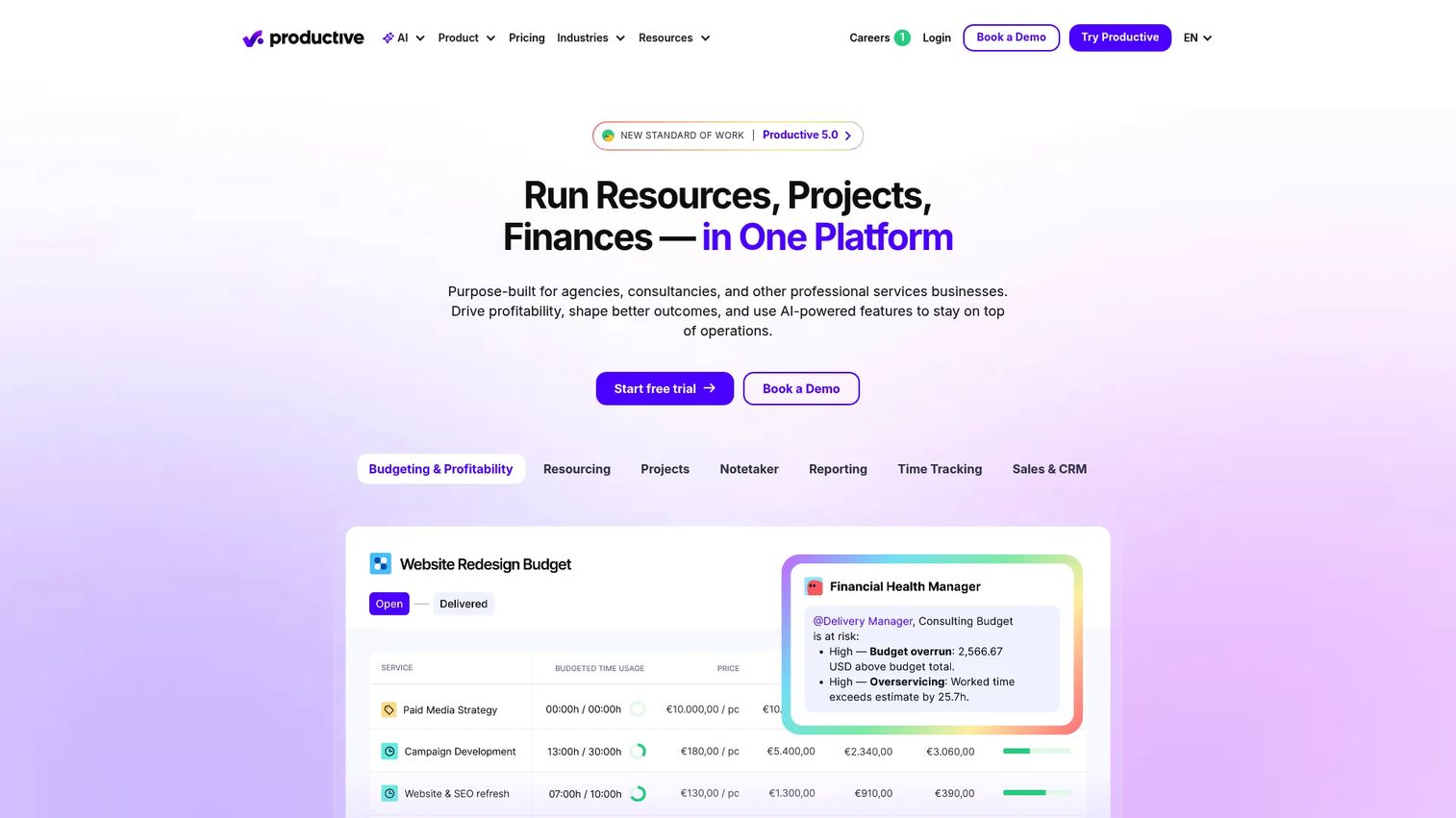
Productive is a professional services automation platform built for agencies, consultancies, and other client service businesses. It connects project delivery with resource planning, time tracking, budgeting, invoicing, and reporting.
The platform suits agencies that have outgrown separate project and finance systems. Teams can compare planned work against recorded time, monitor project budgets, and examine profitability without rebuilding the numbers elsewhere.
Productive also includes sales pipeline management. That gives agency leaders a clearer path from an incoming opportunity to staffing, delivery, and financial performance.
Best for: Growing agencies that need tighter visibility across delivery, utilization, project budgets, and margins.
Key features
- Resource planning and workload management
- Project and task management
- Budgeting and profitability reporting
- Time tracking and invoicing
- Sales CRM and operational reporting
Why choose Productive: Pick it when margin visibility is the main buying driver. It gives operations and finance a shared view of client delivery.
The platform carries more operational depth than a basic agency project management tool. Agencies seeking only task coordination may find a focused project platform sufficient.
Productive pricing: Essential starts at $10 per month when billed monthly. A 14 day free trial is available.
G2 rating: 4.7/5
2. Scoro
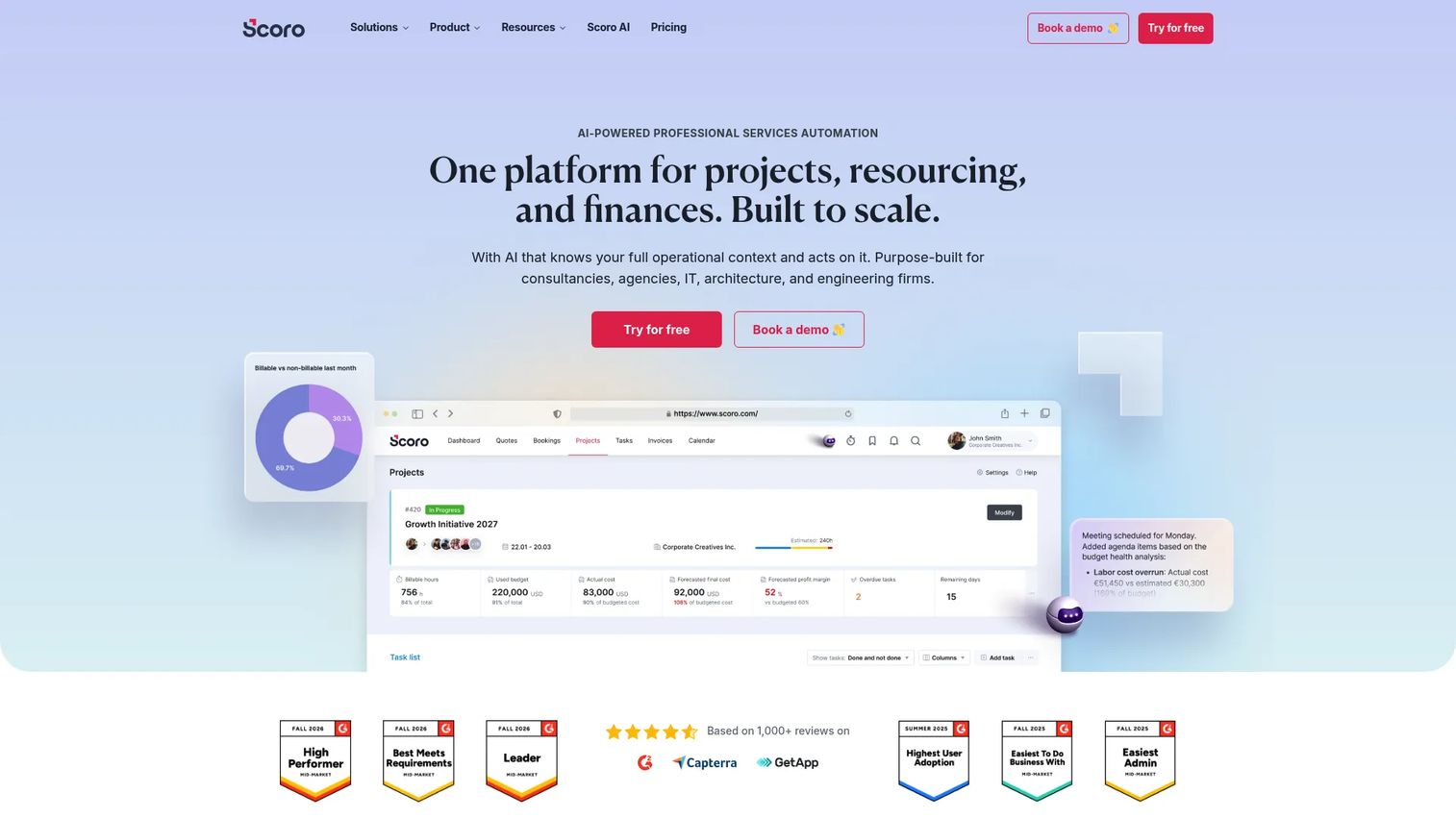
Scoro connects sales, projects, resource planning, time tracking, billing, and management reporting. It targets professional services firms that want one system from initial quote through delivery and payment.
Agencies can configure the platform around different operational priorities. One team may focus on time billing, while another needs broader project and resource control.
Its CRM and pipeline features help account teams keep commercial context connected to delivery. Finance can then work with estimates, expenses, billing, and project data from the same platform.
Best for: Process led agencies that want sales, delivery, billing, and reporting connected.
Key features
- CRM and pipeline management
- Project and task management
- Resource and capacity planning
- Quotes, expenses, and client billing
- Time, cost, and business reporting
Why choose Scoro: Choose it when account management and finance need a shared source of operational data. The configurable core apps let agencies buy around their most pressing workflow.
Scoro requires a minimum of five users. That makes it better suited to established teams than solo consultants or very small studios.
Scoro pricing: Time billing starts at €15 per user monthly. A 14 day free trial is available without a credit card.
G2 rating: 4.5/5
3. Workamajig Platinum
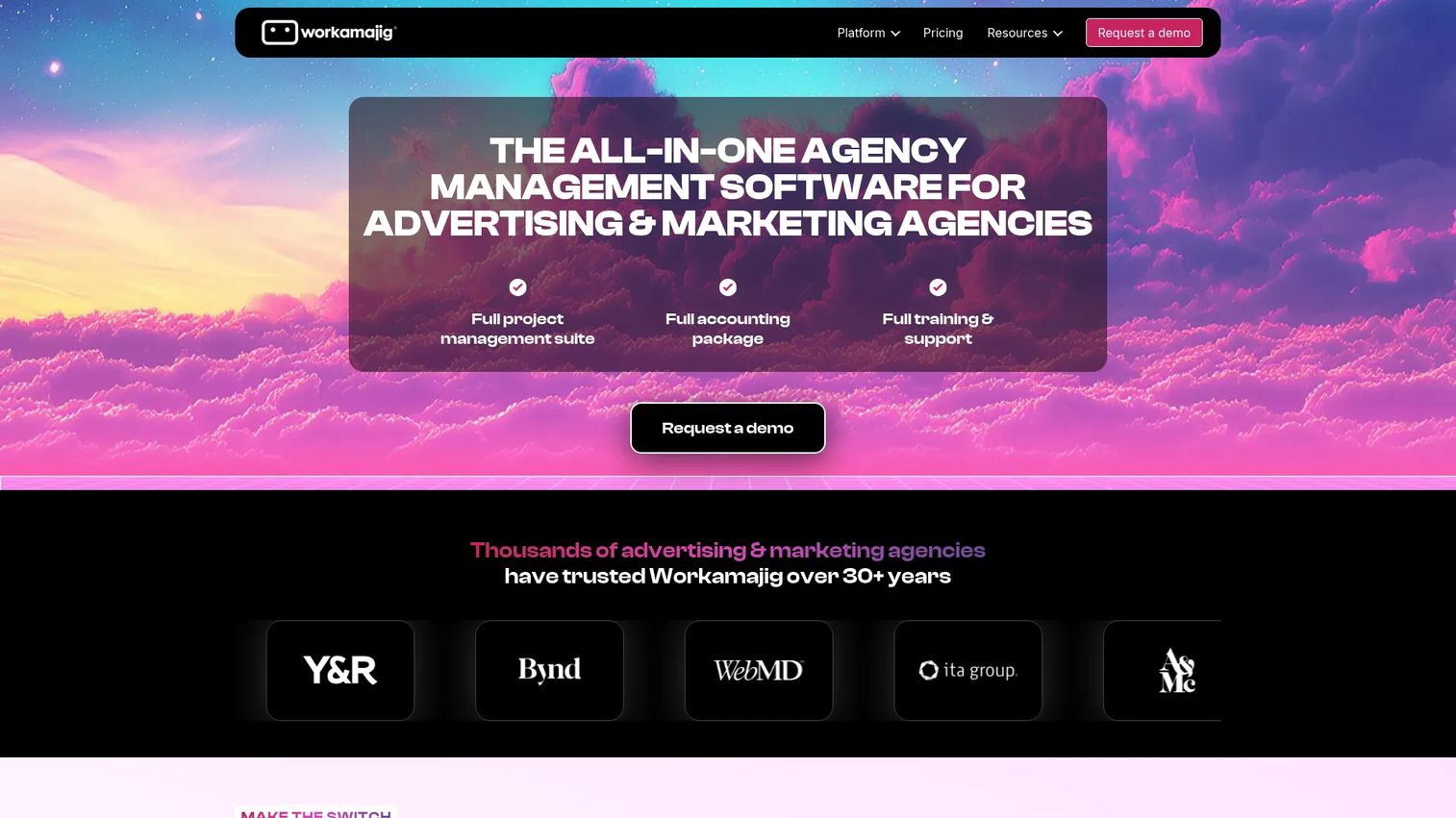
Workamajig Platinum is agency management software for creative teams, marketing firms, and full service advertising agencies. Its feature set covers project management, resource scheduling, time tracking, accounting, billing, CRM, and reporting.
The advertising focus matters. Generic work management tools rarely connect production delivery with agency accounting and financial control.
Workamajig also includes digital proofing and collaboration. Teams can manage creative work while tracking schedules, recorded time, and project profitability through the wider operational system.
Best for: Established advertising agencies managing production, media, client work, and finance in one agency specific platform.
Key features
- Project management and time tracking
- Resource scheduling and workload planning
- Digital proofing and collaboration
- CRM, accounting, and invoicing
- Profitability and financial reporting
Why choose Workamajig Platinum: Select it when generic project software leaves gaps around agency accounting or media operations. The platform fits businesses with connected delivery and finance requirements.
Its entry point starts with teams of at least 10. Smaller agencies may prefer a lighter platform with fewer operational modules.
Workamajig Platinum pricing: Plans start at $49 per user monthly for teams of 10 or more. Annual payment includes one month free.
G2 rating: 3.9/5
4. Advantage Software
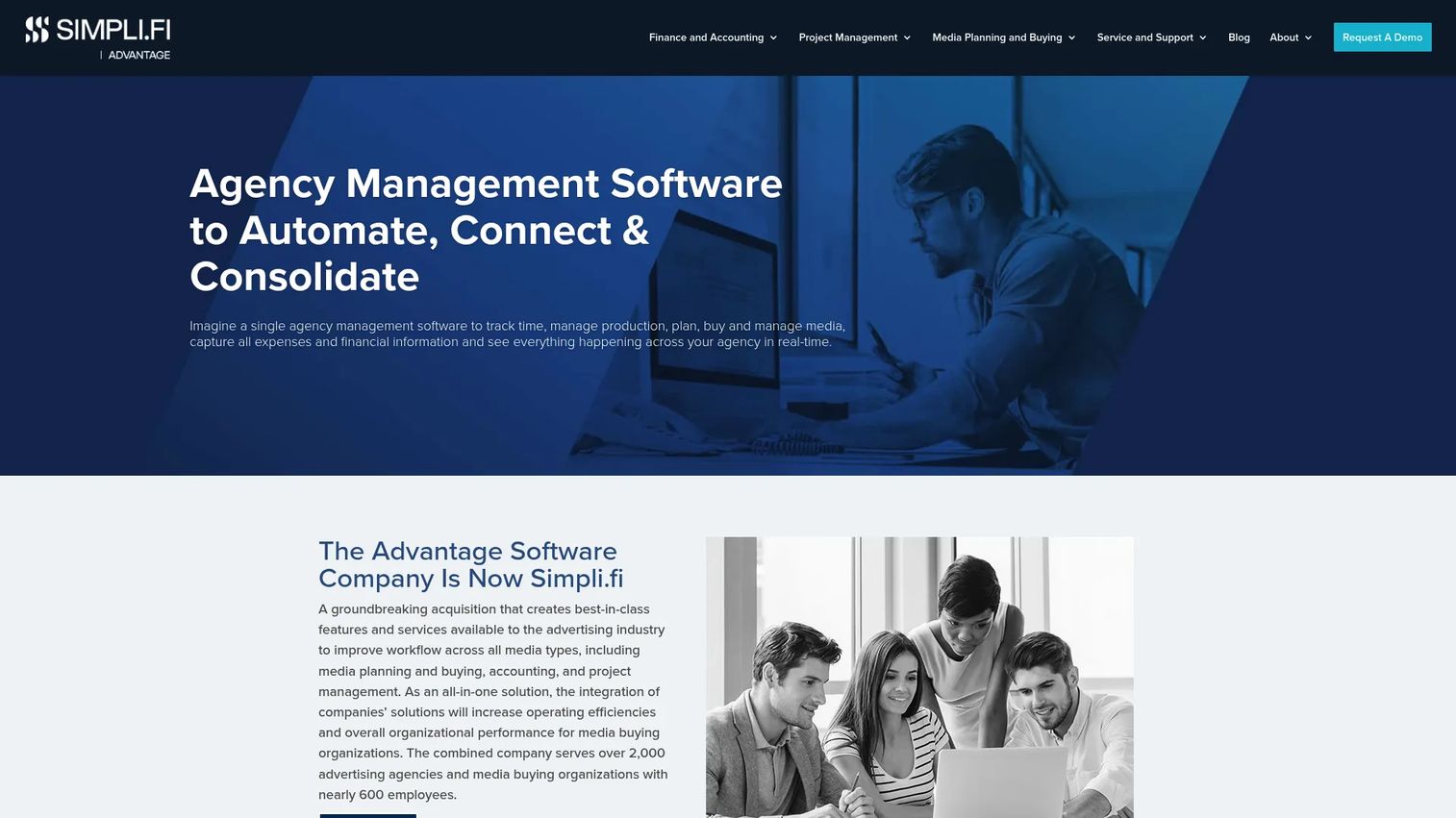
Advantage Software is advertising agency management software covering media, project work, time, production, and accounting. The platform is now part of Simpli.fi.
Its strongest fit is an agency where media planning and buying sit close to financial operations. Features cover broadcast buying, digital buying, media reporting, billing, payables, and receivables.
Project dashboards and resource management extend the platform beyond the media department. That gives operations teams a broader view of work across production and client delivery.
Best for: Advertising agencies and media buying organizations with connected planning, accounting, and production workflows.
Key features
- Media planning and broadcast buying
- Digital buying and media reporting
- Agency accounting and billing
- Project and production management
- Time tracking and resource management
Why choose Advantage Software: Pick it when media operations sit at the center of your agency model. Its advertising specific scope goes beyond the campaign boards found in general work tools.
The broader feature set may exceed the requirements of digital first agencies without significant media buying operations. Map your service lines before entering the sales process.
Advantage Software pricing: Custom pricing. Request a quote for the required media, accounting, and agency management capabilities.
G2 rating: 3.0/5
5. Screendragon
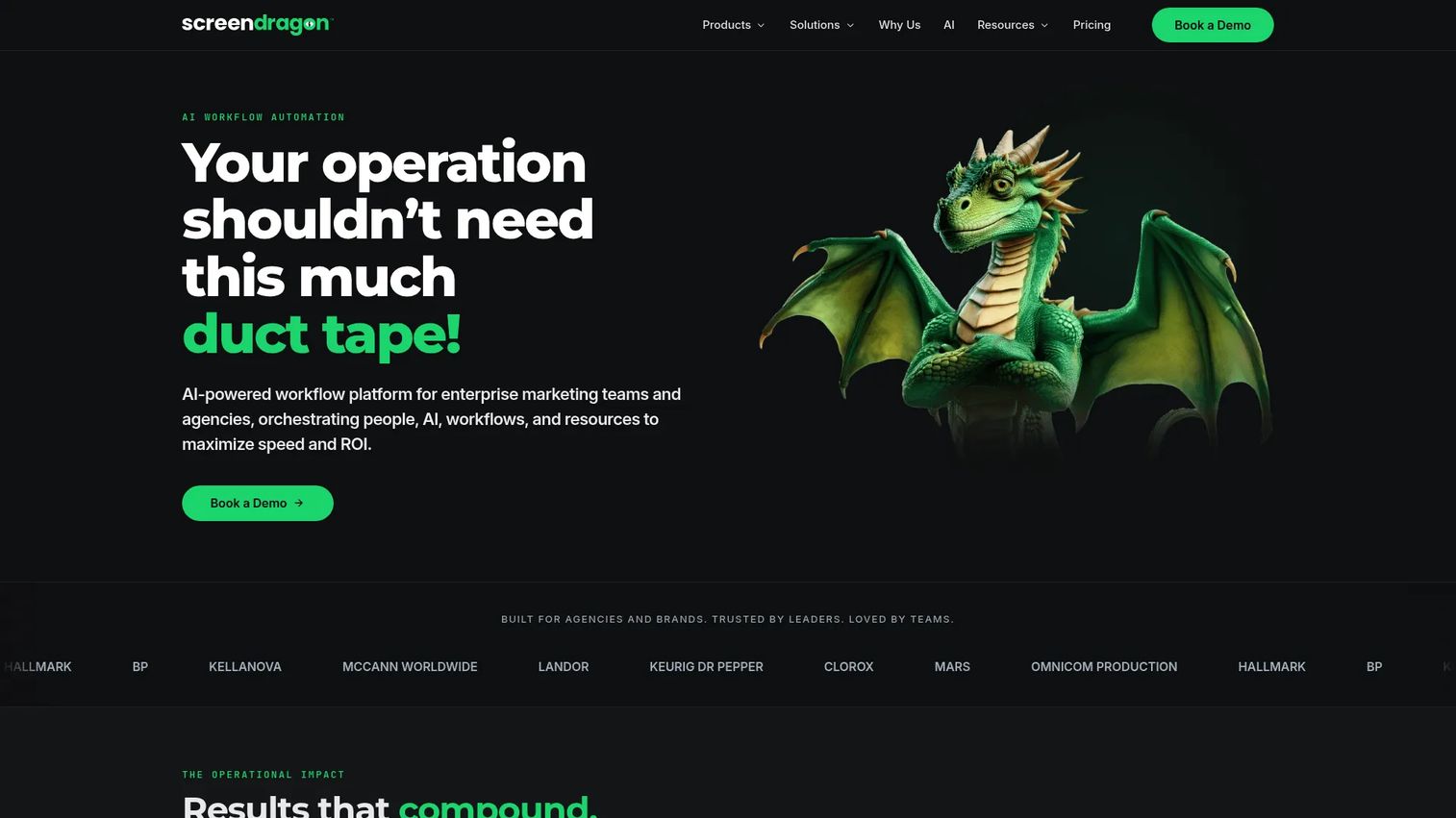
Screendragon is a workflow automation platform for enterprise marketing teams and agencies. It focuses on content operations, campaign management, resource planning, approvals, and brand governance.
The platform fits organizations where work passes through many stakeholders before release. No code workflow configuration helps teams route requests and approvals around established production processes.
Creative proofing and audit trails support controlled review cycles. Capacity planning also helps operations teams assess whether incoming work matches available resources.
Best for: Enterprise agencies managing high volume creative workflows, stakeholder approvals, and brand governance.
Key features
- No code workflow automation
- Creative review and approval
- Marketing resource management
- Capacity and resource planning
- Governance and audit trails
Why choose Screendragon: Choose it when approval delays and complex routing create the largest delivery bottleneck. It provides more process control than a standard task board.
The buying process includes setup and training. Agencies should define their workflows before implementation rather than recreating every legacy approval step.
Screendragon pricing: Custom pricing includes a per user monthly charge plus initial setup and training fees. Contact Screendragon for a quote.
G2 rating: 4.7/5
6. Kantata
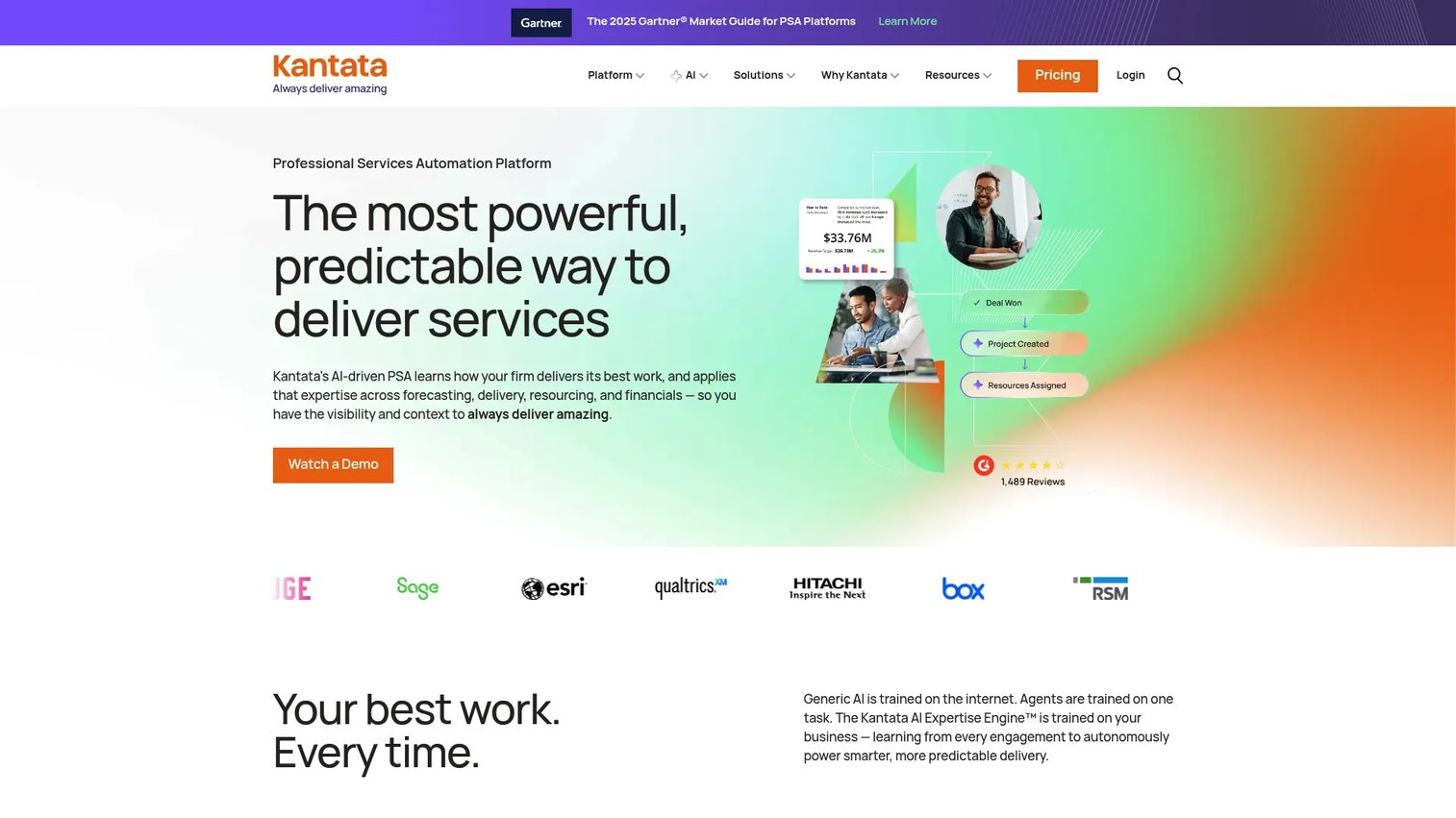
Kantata is a professional services automation platform for project delivery, resource planning, financial management, and forecasting. It serves larger organizations managing billable people across many client engagements.
Capacity and utilization sit at the center of its value. Agency leaders can connect staffing decisions with delivery plans and revenue forecasts.
Portfolio management supports teams overseeing several projects at once. Financial capabilities cover billing and revenue forecasting alongside operational planning.
Best for: Large agencies and professional services organizations that need detailed resource forecasting and utilization visibility.
Key features
- Project and portfolio management
- Resource management and forecasting
- Utilization and capacity visibility
- Financial management and billing
- Revenue and delivery forecasting
Why choose Kantata: Select it when staffing decisions have a direct effect on margin and delivery risk. It suits agencies with dedicated operations or resource management functions.
Smaller teams seeking a quick project layer may not need this level of planning depth. Assess whether your managers will maintain the data required for useful forecasts.
Kantata pricing: Custom pricing reflects company size, team structure, goals, and required capabilities. Contact a Kantata PSA advisor for a quote.
G2 rating: 4.2/5
7. Function Point
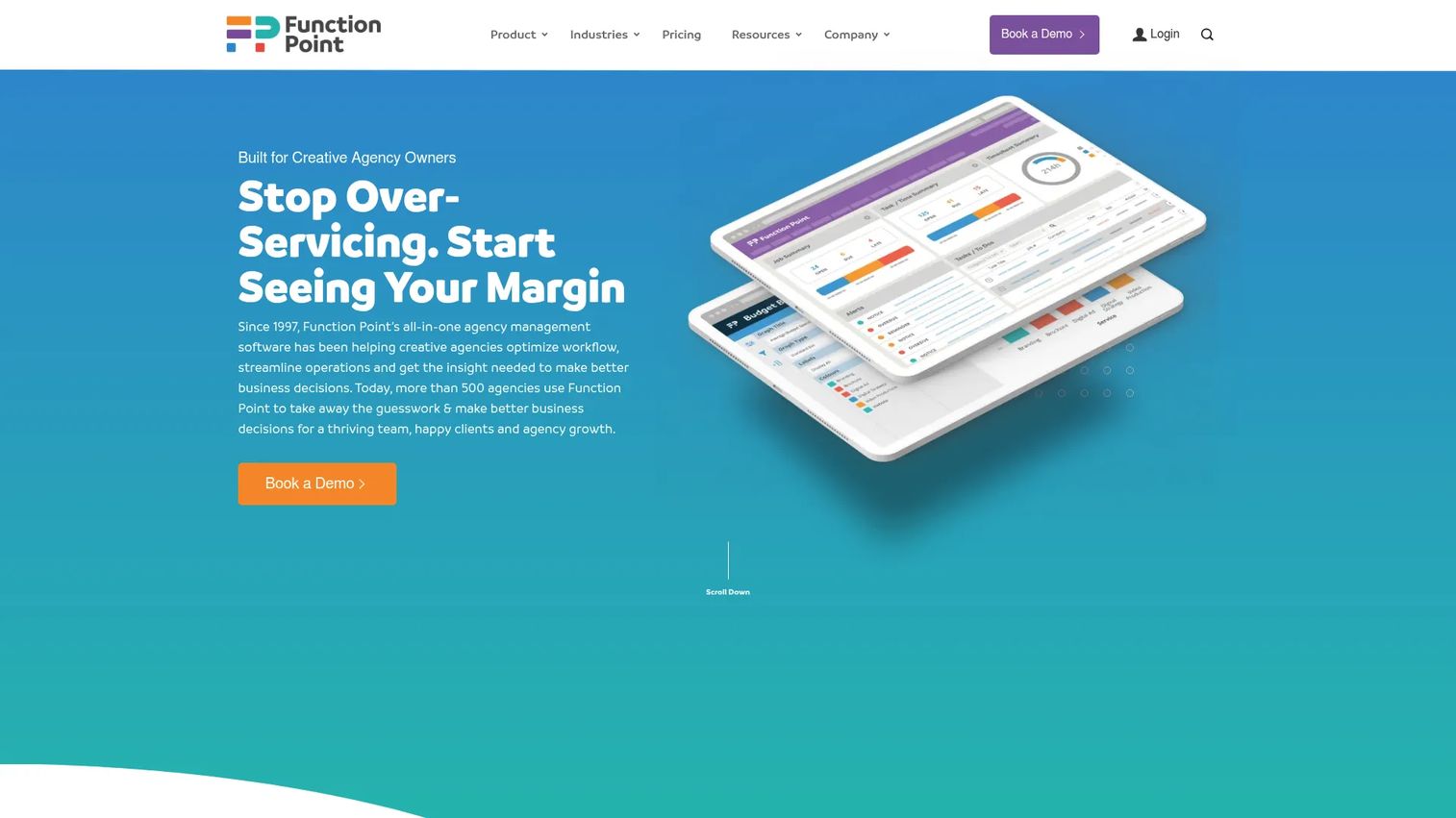
Function Point is agency management software for creative, advertising, design, and production teams. It connects CRM, estimating, project management, resources, time, expenses, invoicing, and reporting.
The estimate to delivery connection makes it relevant for agencies struggling with scope control. Account teams can build estimates before operations tracks the resulting work and costs.
Business intelligence reporting adds profitability analysis. That helps agency leaders compare projected value with the financial result after delivery.
Best for: Creative agencies that want estimates, project operations, and financial reporting connected.
Key features
- CRM and project estimating
- Project and task management
- Resource and time management
- Expenses, budgets, and invoicing
- Profitability and business reporting
Why choose Function Point: Choose it when estimate accuracy and project financials need more control. It helps tighten the handoff between account service, delivery, and finance.
The Standardize plan covers the base subscription. Agencies needing QuickBooks Online support and business intelligence reporting should evaluate the Optimize tier.
Function Point pricing: Standardize starts at $53 per user monthly with annual billing. Monthly billing starts at $58 per user.
G2 rating: 3.8/5
8. Ravetree
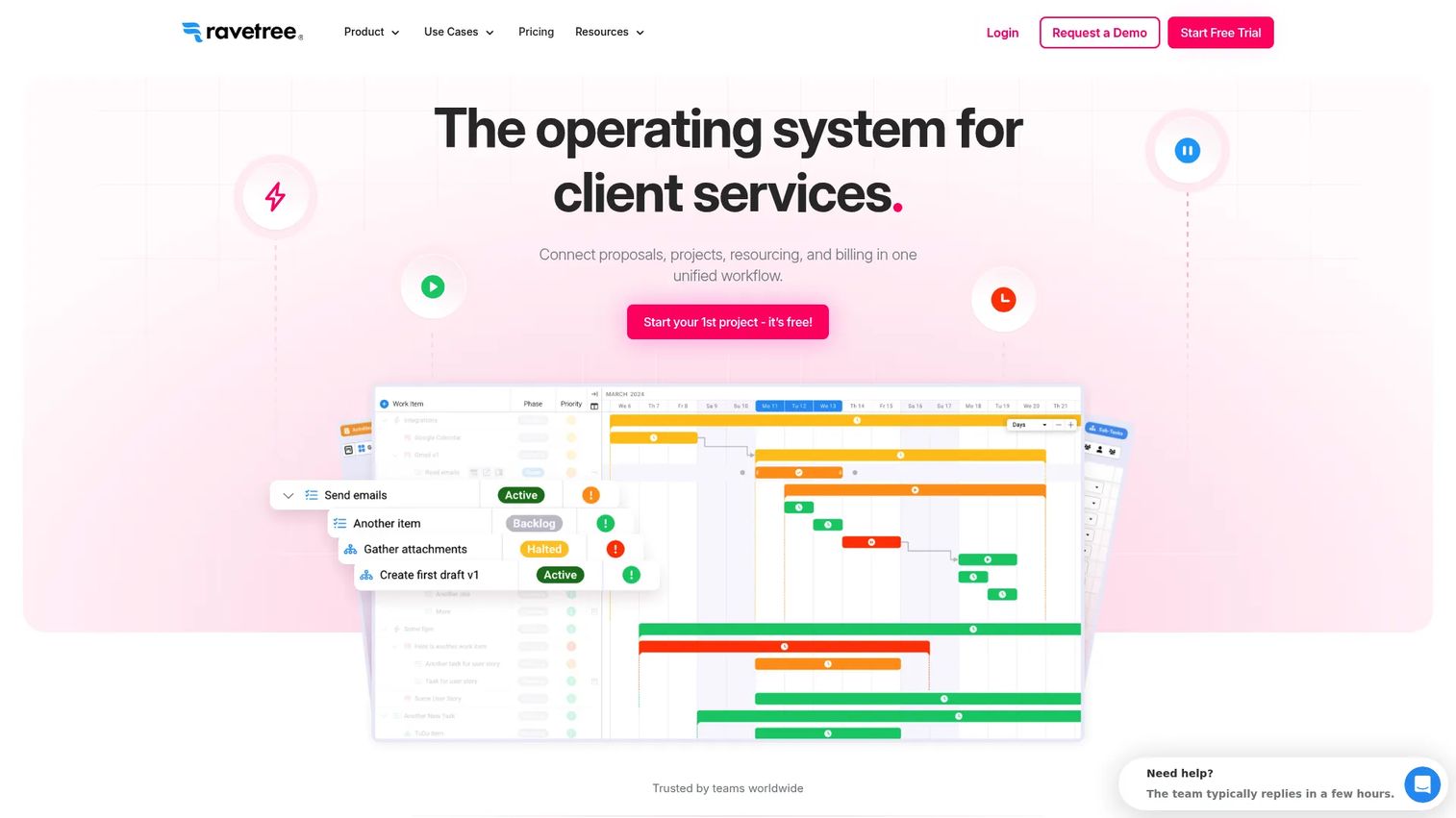
Ravetree combines project management, resource planning, CRM, time tracking, expenses, billing, and client portals. It targets agencies and other billable professional services firms.
Project capabilities include Gantt charts, Kanban boards, dependencies, milestones, and portfolio forecasting. Resource views cover capacity, utilization, work schedules, and time off.
Client portals give external stakeholders visibility into projects, files, requests, and approvals. That can reduce the account team’s monthly status reporting workload.
Best for: Mid sized agencies that need project delivery, resource planning, time, and client visibility in a practical operating system.
Key features
- Project and portfolio management
- Resource planning and utilization
- Time and expense tracking
- CRM and billing
- Client portals and approvals
Why choose Ravetree: Pick it when a task board feels too narrow but a large agency platform feels excessive. Its coverage supports connected delivery without requiring separate tools for every workflow.
The single plan simplifies feature comparisons. Agencies still need to calculate total seat costs as headcount grows.
Ravetree pricing: Annual billing starts at $29 per user monthly. A free trial, onboarding, training, and support are available.
G2 rating: 4.2/5
9. Bonsai Agency Software
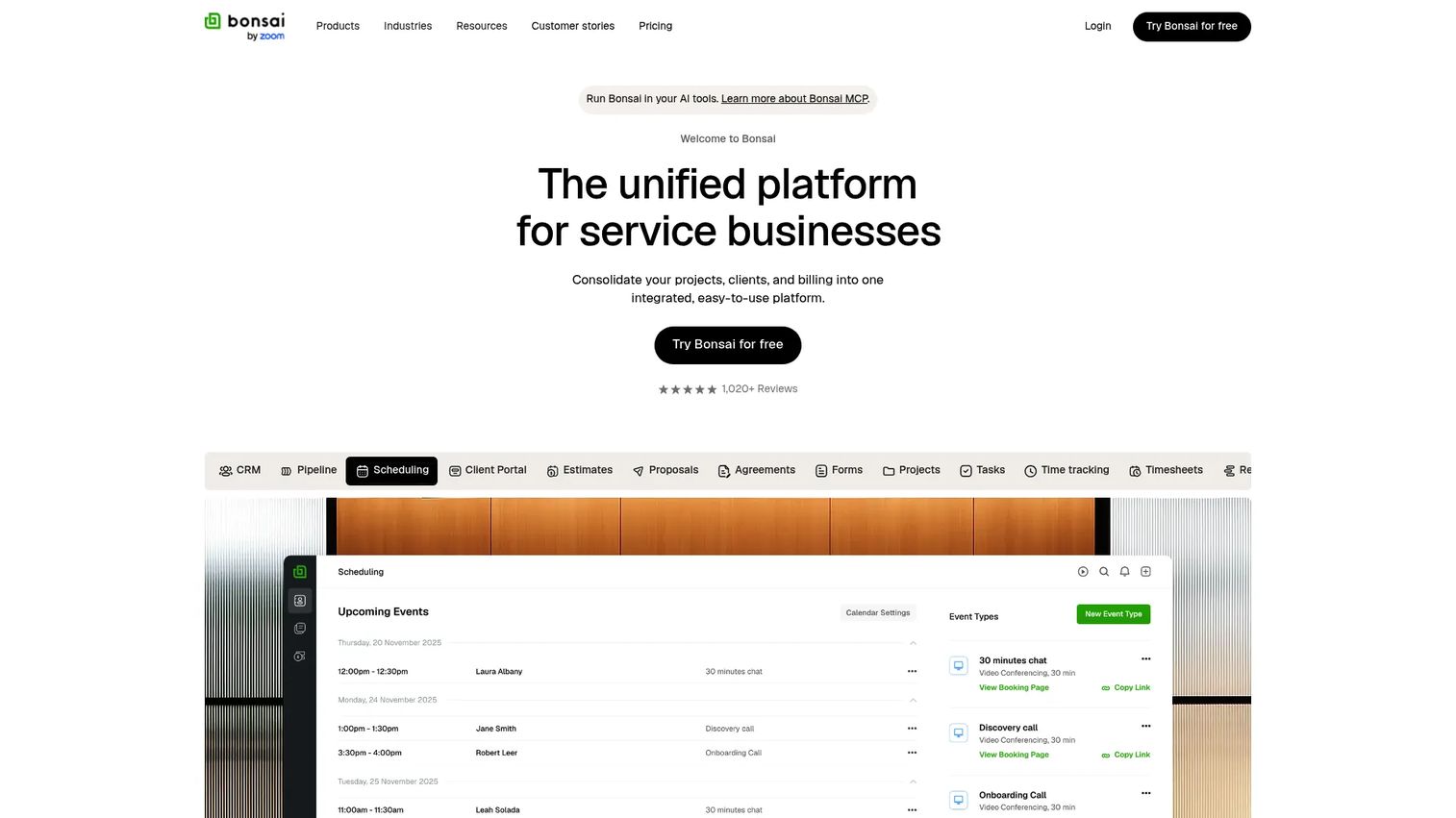
Bonsai Agency Software is a business management platform for small agencies, consultancies, service teams, and freelancers. It covers client management from proposal and contract through project work, time tracking, and payment.
The platform suits businesses where operations still sit close to the client relationship. CRM records, tasks, timesheets, invoices, expenses, and income tracking remain connected.
Workload management and Gantt views support growing teams. Profitability reporting adds more control than a basic freelance invoicing tool.
Best for: Small agencies and freelancer led teams that need client operations without a heavy implementation.
Key features
- CRM and client management
- Proposals and contracts
- Project and task management
- Time tracking and timesheets
- Invoicing and expense tracking
Why choose Bonsai Agency Software: Select it when proposals, agreements, client work, and payments need to stay connected. Its lower entry price suits lean teams watching software overhead.
Large agencies with deep media or resource forecasting requirements should compare more specialized platforms. Bonsai’s strengths sit around client service administration and project financial basics.
Bonsai Agency Software pricing: Basic starts at $9 per user monthly with annual billing. A 7 day free trial is available.
G2 rating: Not available
10. Teamwork.com
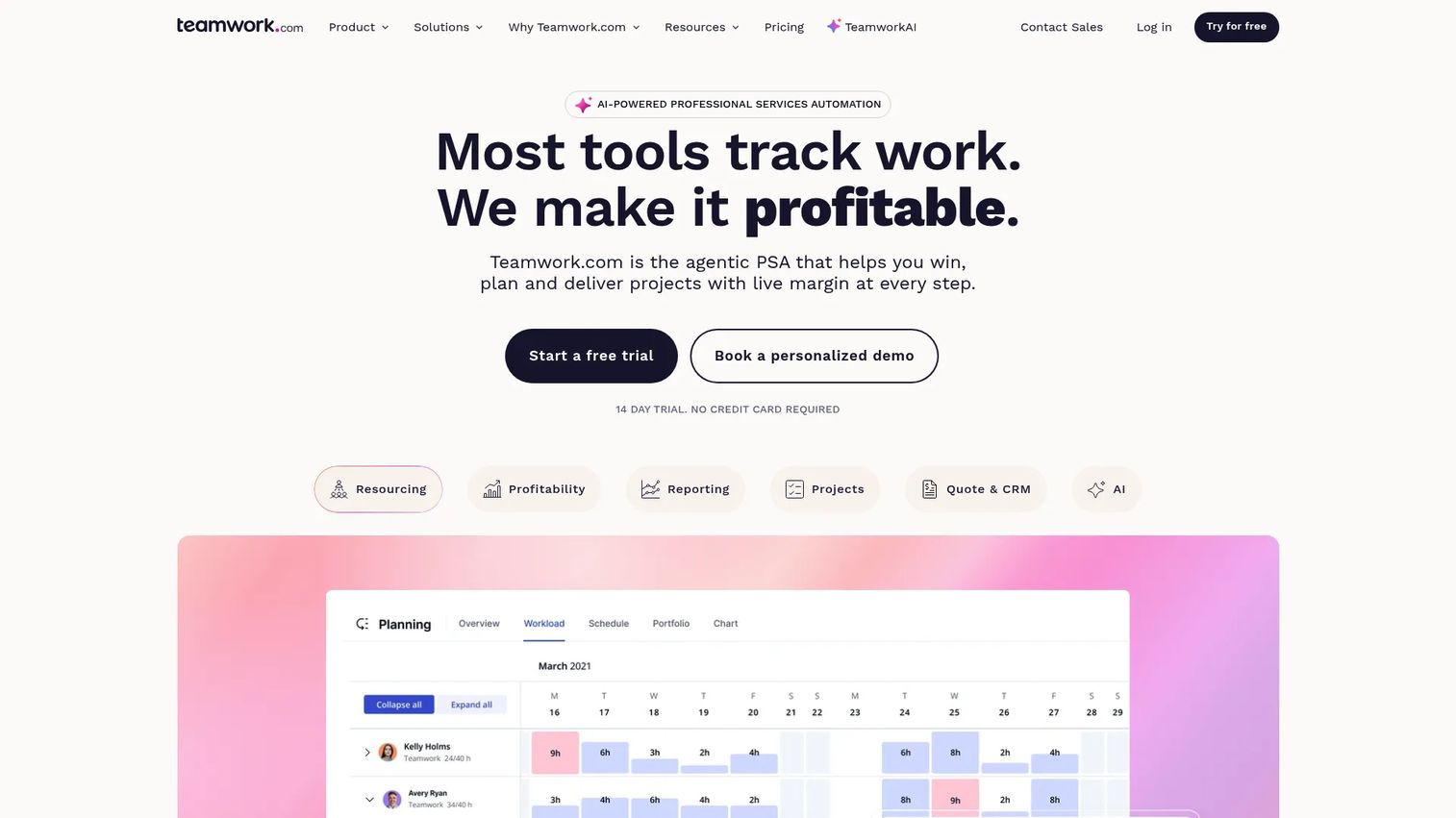
Teamwork.com is project management and professional services automation software for client work. It combines delivery planning with time, workload, budgets, invoicing, and profitability management.
Teams can organize work through lists, boards, tables, or Gantt views. Resource capabilities cover workload, capacity, and utilization planning.
Client collaboration features include forms, proofs, and shared workflows. These tools help account teams give customers visibility without exposing unrelated internal work.
Best for: Agencies focused on client project delivery, task ownership, time visibility, and external collaboration.
Key features
- Client project management
- Multiple project views
- Workload and capacity planning
- Time, budgets, and invoicing
- Forms, proofs, and workflows
Why choose Teamwork.com: Choose it when delivery teams need structured project control with client friendly collaboration. It offers more agency financial context than many general project tools.
The free plan supports up to five users and five projects. Growing agencies should compare paid tiers against their expected project volume and resource needs.
Teamwork.com pricing: Free plan available. Basics starts at $9.99 per user monthly with annual billing.
G2 rating: 4.4/5
11. Asana
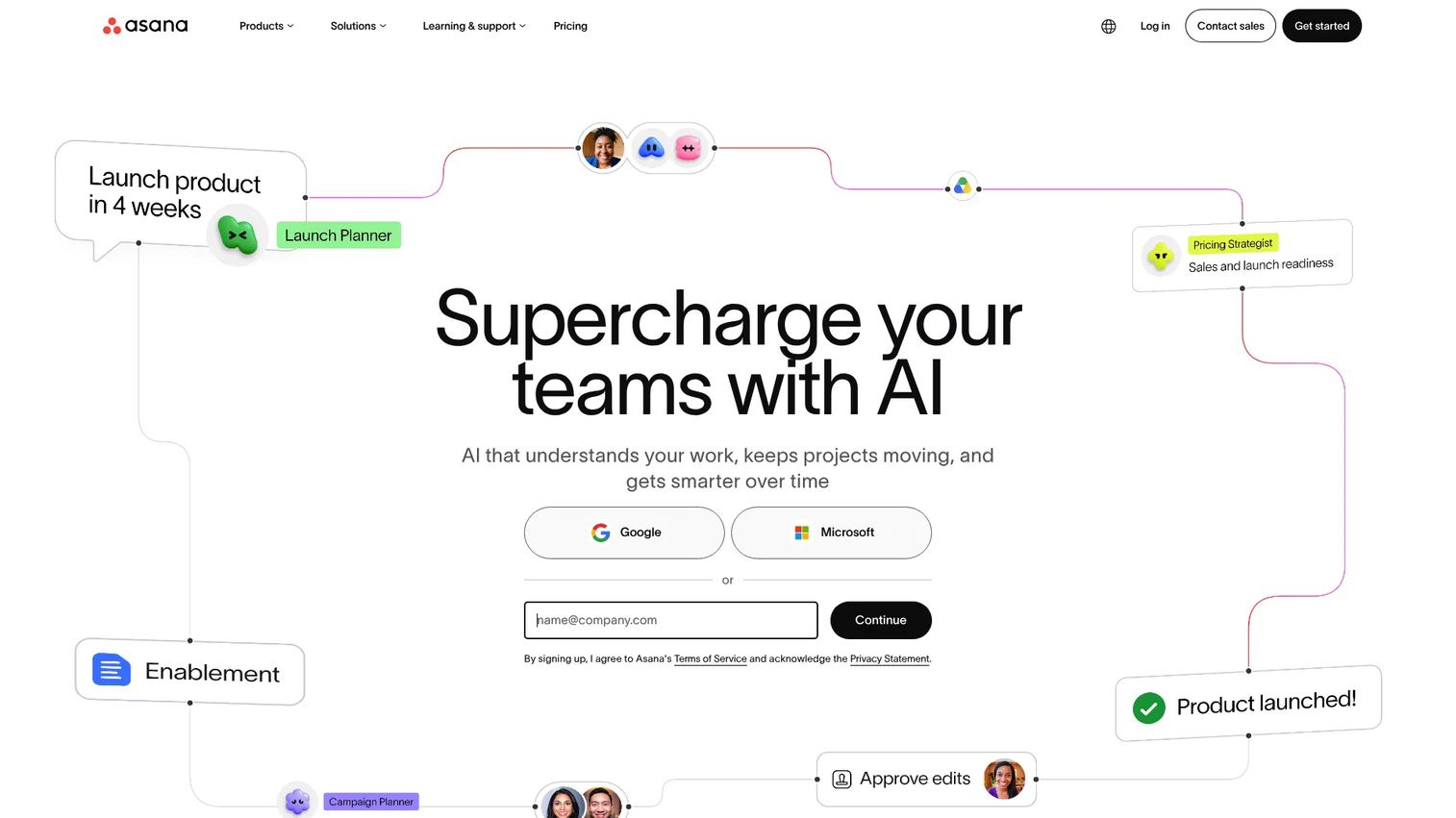
Asana is a flexible work management platform for projects, goals, and repeatable workflows. Agencies can configure it for campaign planning, content production, requests, approvals, and cross functional coordination.
List, calendar, timeline, Gantt, and Kanban views let teams represent work in different ways. Forms and rules support campaign intake and routine workflow automation.
Portfolios and reporting dashboards give managers visibility across several projects. Advanced plans add approvals, proofing, time tracking, and resource management.
Best for: Agencies that need adoption friendly campaign coordination while keeping finance and billing in separate systems.
Key features
- Multiple project views
- Forms and workflow rules
- Dependencies and milestones
- Approvals and proofing
- Portfolios and reporting dashboards
Why choose Asana: Pick it when campaign coordination and team adoption matter more than agency specific accounting. Its flexibility works well across creative, content, and digital delivery teams.
Asana isn’t a complete agency billing platform. Agencies need separate financial systems when they require invoicing, accounting, or detailed project profitability.
Asana pricing: Personal is free for up to two users. Starter costs $10.99 per user monthly with annual billing.
G2 rating: 4.4/5
12. Wrike
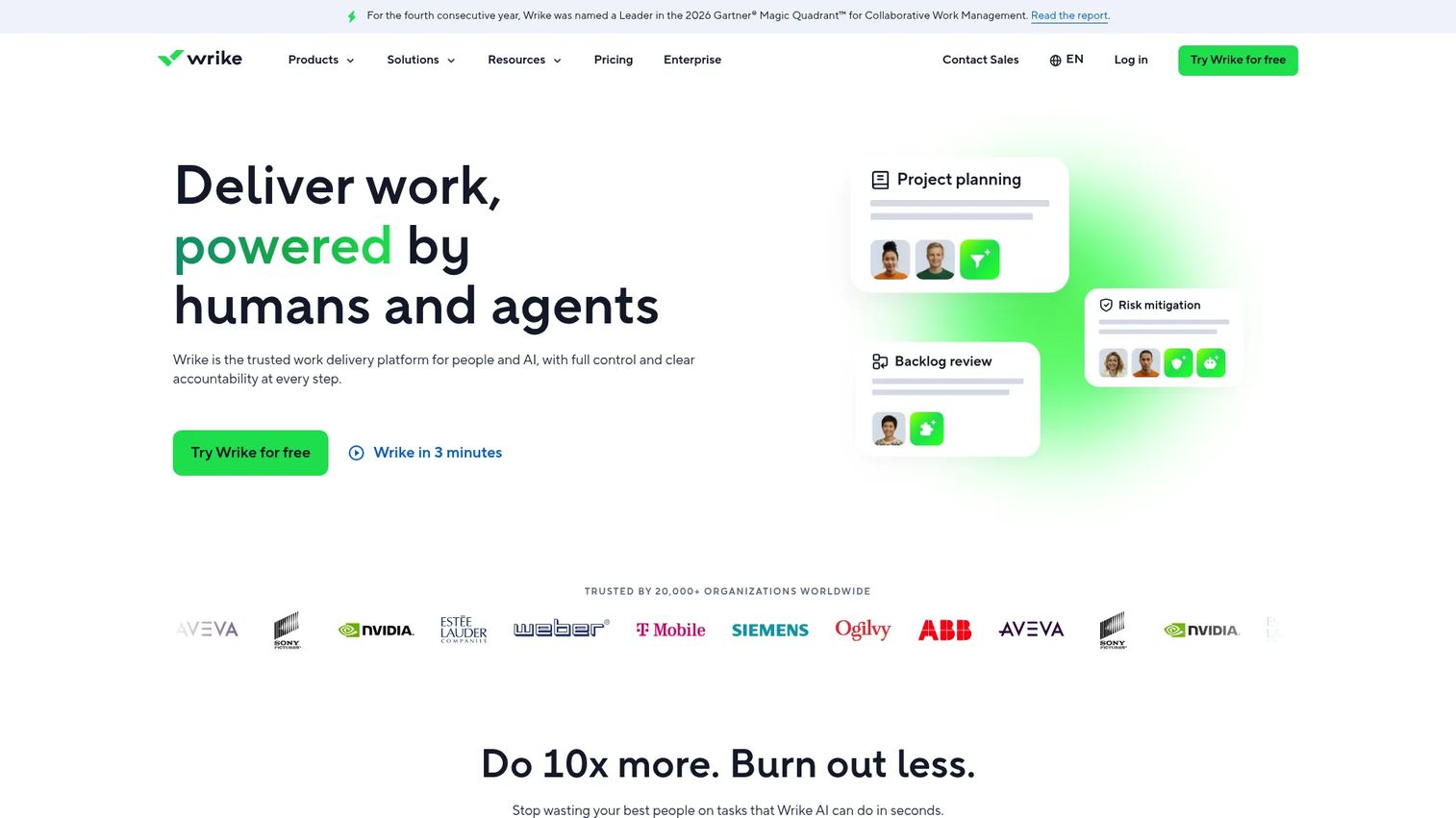
Wrike is collaborative work management software for complex projects and structured workflows. It fits agencies handling high request volumes, multi stage approvals, proofing, reporting, and resource allocation.
Request forms can standardize intake before work reaches delivery teams. Templates, workflows, and automations then route tasks through the required process.
Dashboards and analytics support stakeholder reporting. Time tracking, budgeting, and resource management extend the tool beyond basic project coordination.
Best for: Agencies with complex intake, campaign routing, proofing, approvals, and stakeholder reporting requirements.
Key features
- Request forms and workflows
- Creative proofing and approvals
- Project and task views
- Dashboards and analytics
- Time, budget, and resource management
Why choose Wrike: Choose it when incoming work needs stronger structure and visibility. The platform suits teams coordinating campaigns across several departments or client groups.
Configuration depth can require careful rollout. Start with a few high volume workflows rather than recreating every process before launch.
Wrike pricing: Free plan available. Team starts at $10 per user monthly when billed annually.
G2 rating: 4.2/5
13. ClickUp
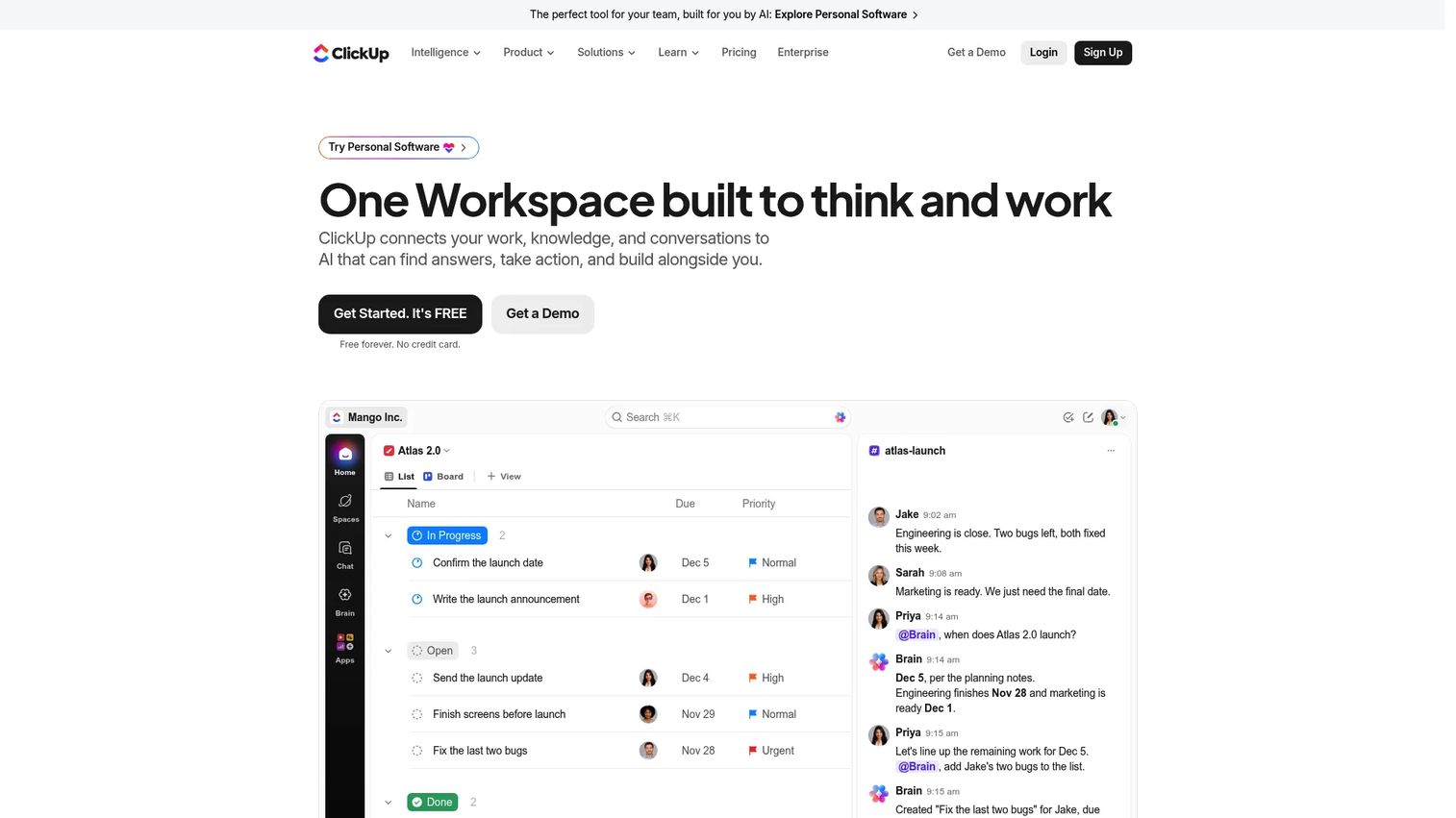
ClickUp is a configurable workspace for tasks, documents, communication, goals, dashboards, automation, and time tracking. Agencies can build custom workflows around campaign delivery or internal operations.
Multiple views include lists, tables, calendars, boards, Gantt charts, timelines, and workloads. Custom fields and task types help teams represent different client work.
Documents and wikis keep briefs or operating instructions close to execution. Dashboards support reporting across projects and teams.
Best for: Agencies willing to configure a detailed workspace around their preferred operating model.
Key features
- Tasks and custom work types
- Documents and team wikis
- Multiple project and workload views
- Dashboards, goals, and reporting
- Time tracking and automation
Why choose ClickUp: Select it when flexibility matters more than a predefined agency process. It can consolidate project work and documentation for teams prepared to manage configuration.
Extensive customization can create inconsistent workspaces without clear governance. Define naming conventions, required fields, and workspace ownership before scaling.
ClickUp pricing: Free Forever is available. Core starts at $9 per user monthly with annual billing.
G2 rating: 4.6/5
14. Resource Guru
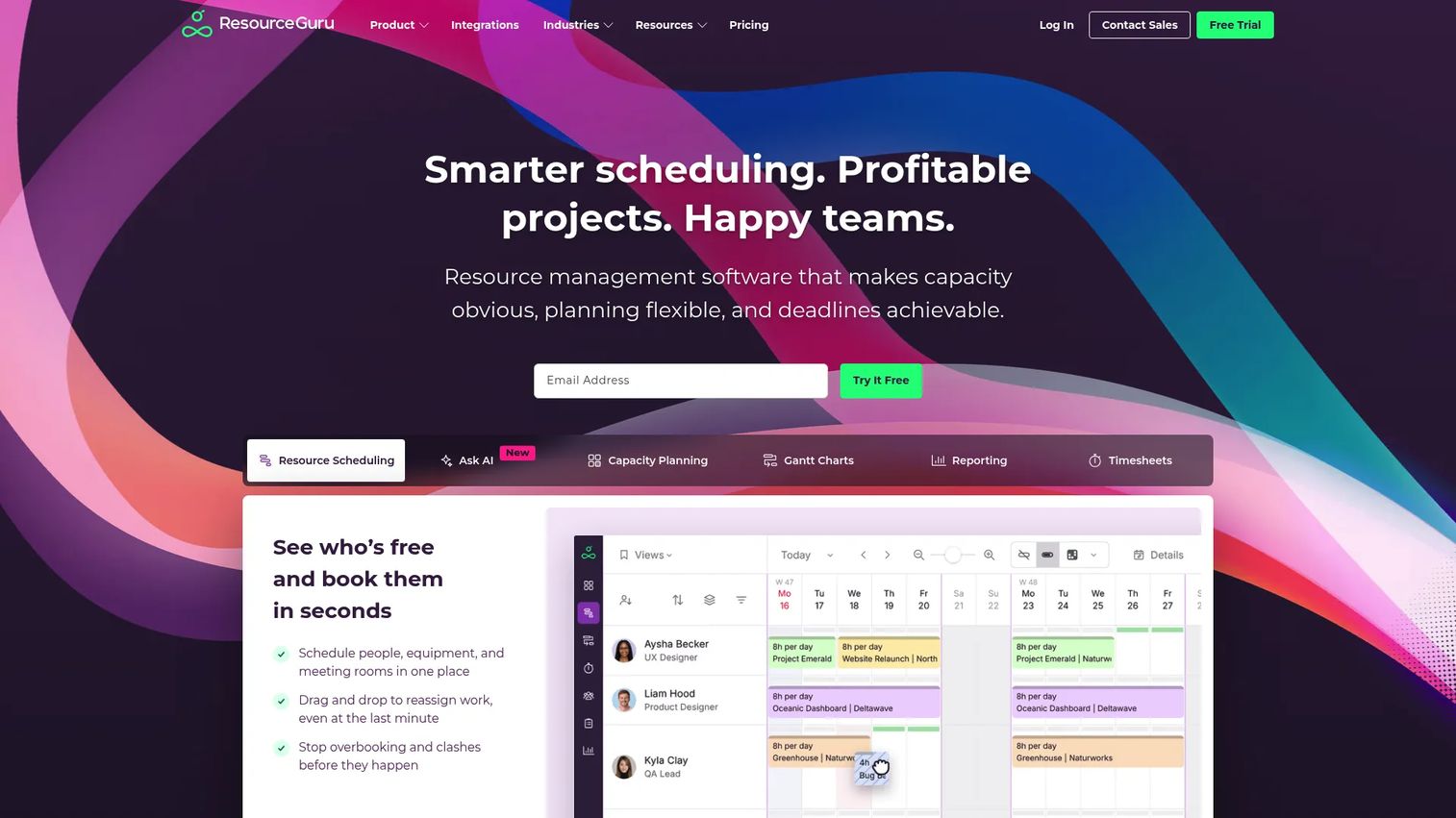
Resource Guru focuses on resource scheduling, availability, capacity planning, project planning, and time tracking. It solves the staffing layer rather than replacing every agency system.
Visual schedules help managers see who is available, overloaded, or away. Capacity and utilization reporting provide a clearer view of team demand.
Project planning includes phases, tasks, milestones, rates, and budgets. Calendar synchronization and leave management keep scheduling data closer to daily operations.
Best for: Agencies that need reliable resource scheduling without replacing their project or finance platforms.
Key features
- Resource scheduling calendars
- Availability and capacity planning
- Utilization visibility
- Project phases and milestones
- Timesheets and leave management
Why choose Resource Guru: Choose it when staffing is the bottleneck and existing project tools cannot show usable capacity. It works alongside project management and financial systems.
The focused scope helps agencies avoid replacing working tools. Teams seeking CRM, invoicing, or full agency accounting need additional software.
Resource Guru pricing: Grasshopper starts at $5 per person monthly. Annual plans include two months free.
G2 rating: 4.6/5
15. Harvest
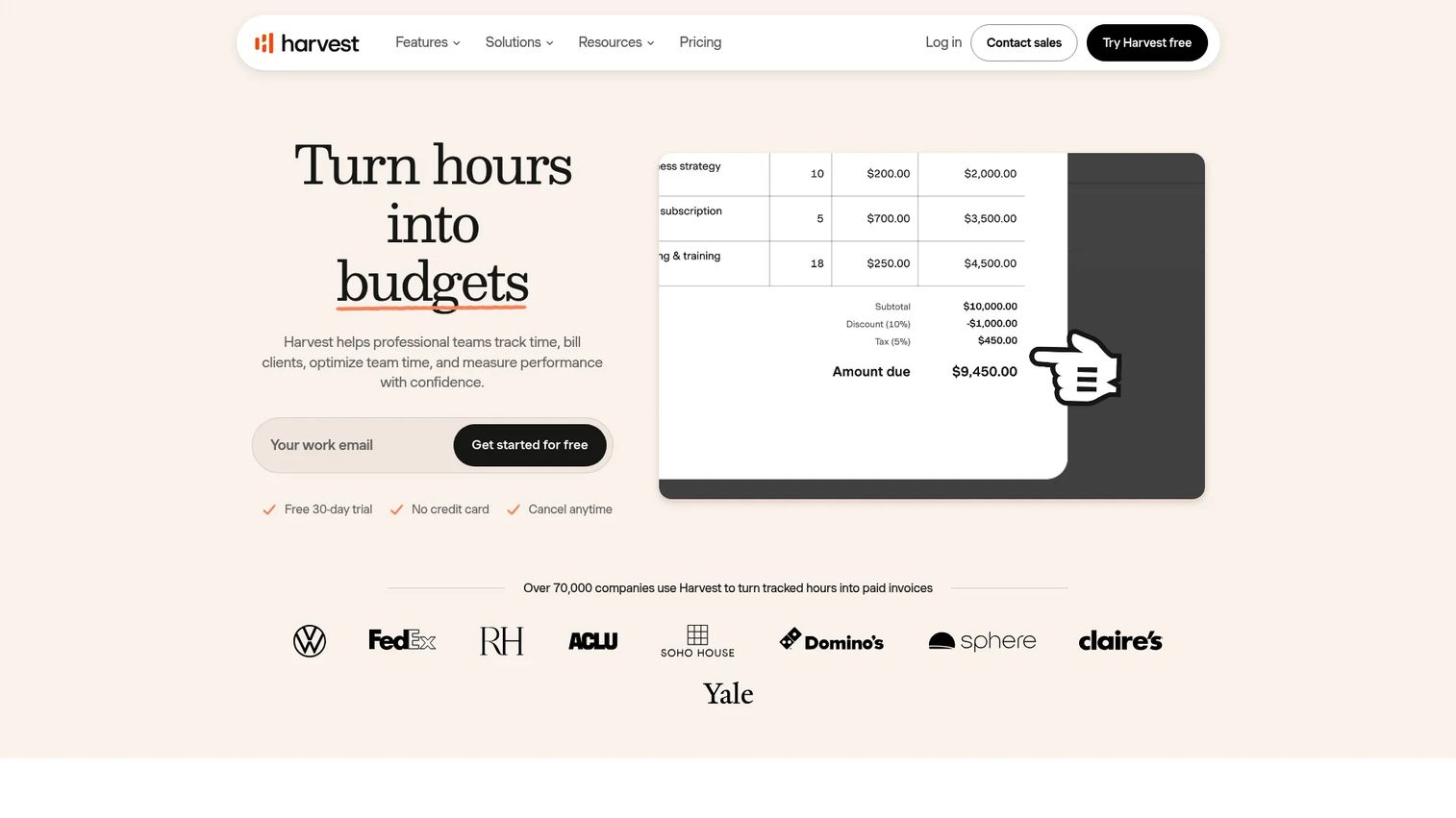
Harvest is time tracking and invoicing software for teams and freelancers. It focuses on clean time capture, project reporting, budget monitoring, and billing.
Staff can record time through browser, desktop, or mobile tools. Reports show budget status, team capacity, costs, and hours spent.
Invoicing connects approved time with client billing. Online payments are available through supported payment integrations.
Best for: Agencies that need straightforward agency time tracking software without a full operational platform.
Key features
- Browser, desktop, and mobile tracking
- Project budgets and reporting
- Team capacity visibility
- Invoicing and online payments
- Expense and timesheet reporting
Why choose Harvest: Pick it when time capture and billing discipline are the core problems. The focused interface can support faster adoption than a larger agency platform.
Harvest won’t replace project management, media planning, or CRM software. It fits best when those systems already work and accurate time remains the missing input.
Harvest pricing: Free supports one seat and two projects. Teams costs $11 per seat monthly and includes a 30 day trial.
G2 rating: Not available
Considerations when choosing advertising agency software
Start with the workflow you’re replacing
Map where client projects, media plans, approvals, time, billing, and reporting currently live. Identify duplicated data and the manual step consuming the most staff time.
The right tool should remove a bottleneck or retire an existing subscription. Avoid buying another dashboard that depends on spreadsheet reconciliation.
Check whether the tool understands agency finances
Agency billing software should reflect how you charge clients. Review support for retainers, fixed fees, billable hours, write offs, expenses, and project budgets.
General project tools can work when finance already has a reliable system. Agencies lacking margin visibility need stronger budgeting and profitability controls.
Evaluate media planning and buying needs
Traditional advertising agencies should test media planning, buying, pacing, and financial reconciliation. A generic task manager won’t cover those workflows.
Digital first shops may prioritize campaign execution and agency reporting software instead. Match the product to the services clients buy from you.
Test client facing workflows
Review portals, approval controls, dashboards, permission settings, and branded reporting. Client portal software for agencies should reduce status work without exposing internal information.
Ask account teams to test the experience. They’ll spot communication gaps before procurement signs a contract.
Plan adoption before migration
Assign ownership for setup, permissions, data cleanup, and training. Document which systems the new platform replaces and which remain authoritative.
Run a pilot using active client work. Compare reporting outputs before moving every project into the new system.
Conclusion
The right marketing agency software depends on the operational gap costing you the most time or margin.
Productive and Scoro offer broad agency operations coverage. Workamajig Platinum and Advantage Software fit advertising specific workflows, especially where media and accounting overlap.
Kantata and Resource Guru suit resource heavy teams. Screendragon and Wrike address complex intake or approvals, while Teamwork.com focuses on client delivery.
Asana and ClickUp provide flexible project layers. Bonsai Agency Software and Harvest fit lean teams that prioritize client administration, time, or billing.
Shortlist three tools based on your primary bottleneck:
- Profitability and financial visibility
- Media planning and buying
- Resource planning and utilization
- Project delivery and approvals
- Time capture and billing discipline
Then test each option with the same live project. Compare adoption, reporting accuracy, data migration, and subscription costs before choosing software for agencies.
Start your journey with Guideflow today!
FAQs
Advertising agency software helps agencies manage client projects, media planning, production, resources, time, billing, reporting, and communication. It can be a full agency operating platform or a focused tool for one workflow.
Advertising agency management software often connects project delivery with financial oversight. Broader platforms may also include CRM, resource planning, client portals, or media buying.
Small agencies should match the tool to their immediate operational gap. Bonsai Agency Software covers proposals, contracts, client management, time, and invoices for lean teams.
Teamwork.com suits client project delivery. Harvest handles focused time tracking and billing, while Asana or ClickUp can manage flexible campaign workflows.
Workamajig Platinum and Advantage Software both support advertising specific media workflows. Their broader capabilities connect media operations with project delivery or financial management.
Media heavy agencies should test planning, buying, reconciliation, reporting, and billing before selecting a platform. Generic ad management software often focuses on campaign execution rather than agency operations.
Useful features include project management, resource planning, time tracking, budget control, billing, client approvals, reporting, CRM, and integrations.
Your agency may not need every feature immediately. Prioritize the workflow affecting profitability, campaign delivery, or client retention before comparing broader feature lists.
Pricing varies by user count, modules, company size, and billing period. Entry plans in this comparison range from focused tools costing $5 per person monthly to agency platforms costing more than $50 per user.
Several enterprise products use custom pricing. Media, accounting, governance, setup, or training requirements can influence the quote.
Yes. Project management software usually focuses on tasks, timelines, dependencies, and collaboration.
Advertising agency software may add media planning, time tracking, billing, accounting, CRM, resource forecasting, reporting, and profitability management. Some agencies combine a general project tool with separate finance or resource software.
Digital agencies benefit from it when campaign delivery, client reporting, billing, and resource planning become difficult across separate tools. The software should reduce manual work and create clearer operational data.
A small team with simple services may only need project management plus time tracking. Growing agencies often need stronger capacity and margin visibility.
No. Ad management software often manages campaign creation, placement, optimization, or performance within advertising channels.
Agency management software covers the wider business operation. It may include client projects, staffing, time, invoices, approvals, and financial reporting.
Start with the largest operational bottleneck. Prioritize budgets and utilization when margin visibility is weak, or project workflows when delivery feels chaotic.
Next, test reporting and integrations using your agency’s data. Choose the platform that removes measurable work without creating another disconnected system.