How to remove a due date reminder to a card in Trello
Here is how to remove a due date reminder to a card in trello
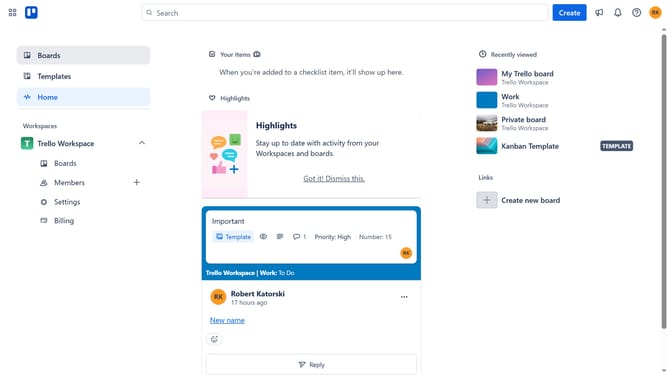
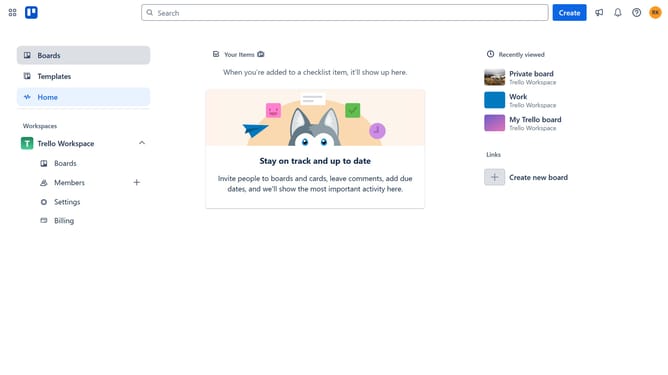
- First click on "Boards" in the left sidebar menu
- Click on the board in the workspace that has the card where you want to remove the due date
- Next click on the card where you want to remove the due date
- Click on the due date field to open up the date settings
- Click on the due date reminder dropdown
- Click on "None" from the dropdown menu options
- Finally click "Save" button to confirm the changes
Why should you remove a due date reminder to a card in Trello
Trello is a versatile project management tool designed to streamline organization and enhance team collaboration.
Removing a due date reminder from a card in Trello can help maintain focus on high-priority tasks without unnecessary alerts. This feature offers flexibility, allowing users to adjust their workflow dynamically as priorities shift.
By removing reminders when they're no longer needed, teams can reduce notification clutter and maintain a clean, distraction-free workspace, ultimately boosting productivity and focus.
Last update