How to add invoicefy in Trello
Here is how to add invoicefy in trello
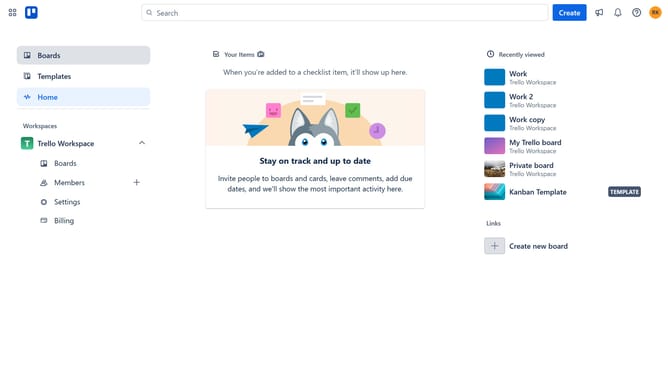
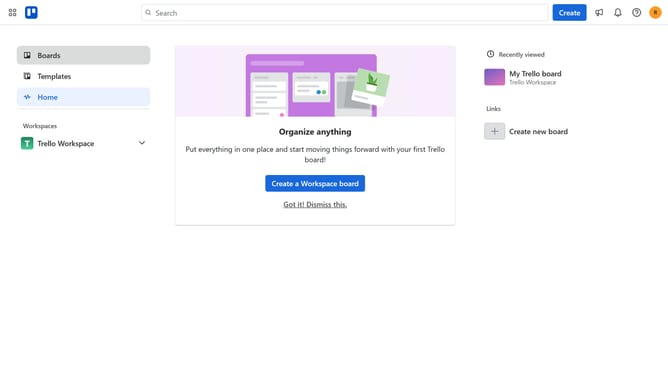
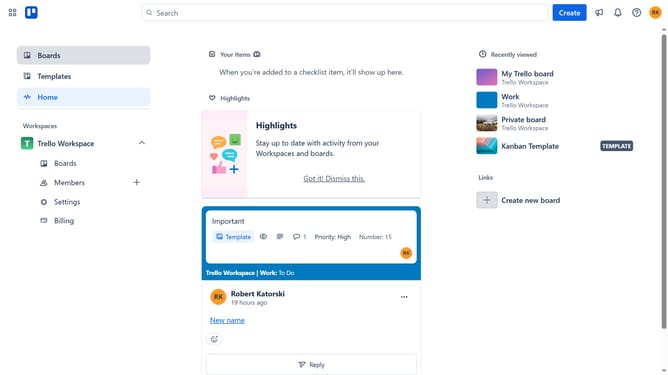
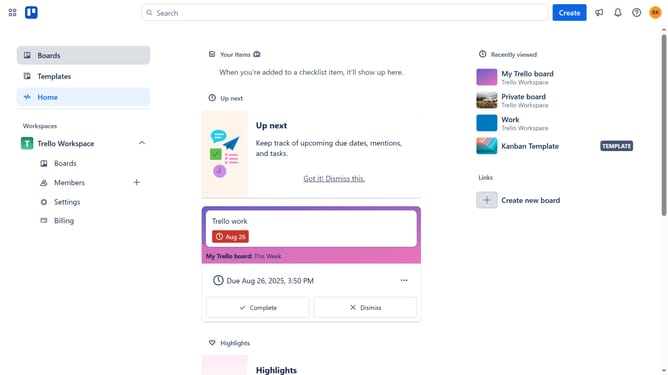
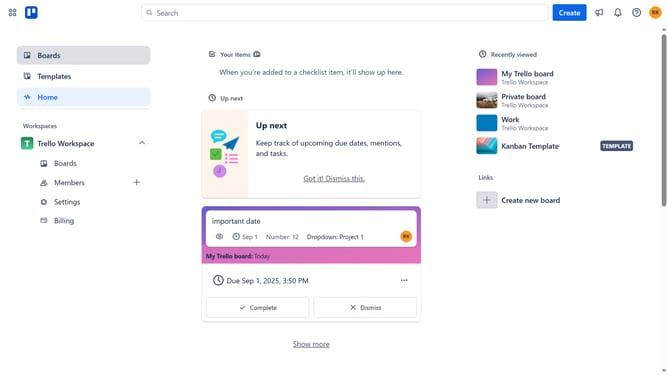
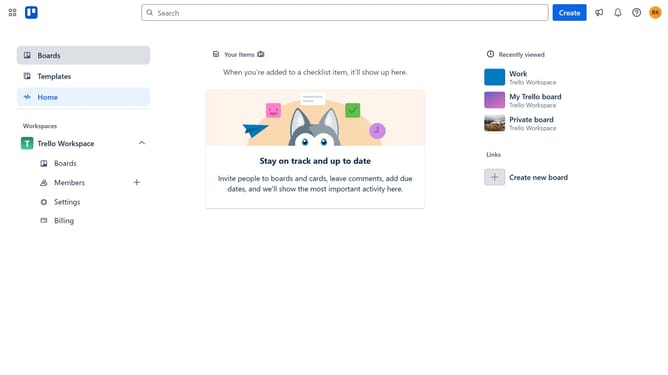
- First click on the "Boards" button in the left sidebar
- Then click a board in the workspace section
- Next click on the "More options" button (three dots) in the board header
- Then click on "Power-Ups" option in the dropdown menu
- Next click on "Analytics & reporting" category in the left sidebar
- Then click on the "Add" button for Invoicefy power-up
- Finally click on the "Add" button to confirm adding the Invoicefy power-up
Why should you add invoicefy in Trello
Trello is a user-friendly platform designed for seamless project management and organization.
By adding Invoicefy to Trello, users can streamline the invoicing process, integrating billing tasks directly into their workflow.
This feature enhances productivity by allowing users to manage project tasks and financials in one place, reducing the time spent juggling multiple applications.
Incorporating Invoicefy within Trello empowers teams to maintain a clear financial overview, ensuring accurate, efficient billing management without leaving the platform.
Last update