How to add xero projects in Trello
Here is how to add xero projects in trello
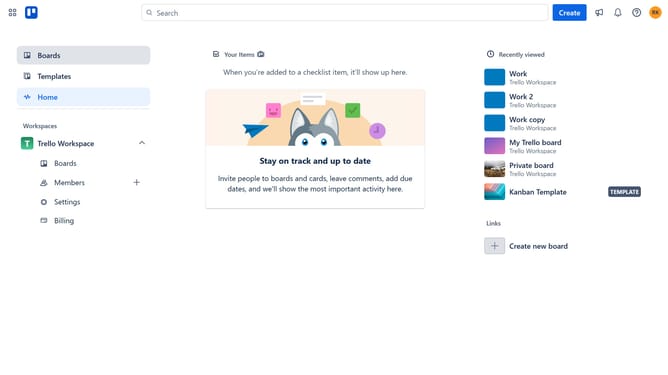
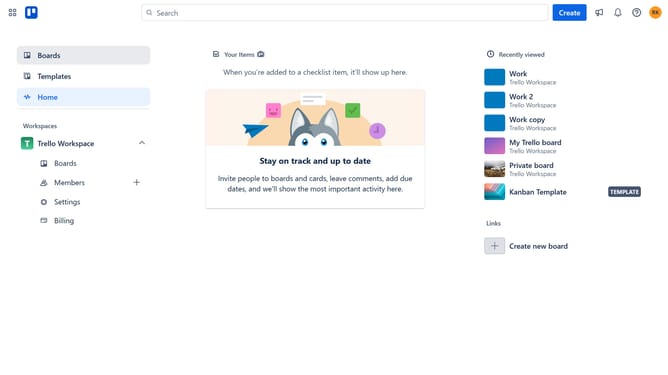
- First click on the "Boards" option in the left sidebar menu
- Then click a board in the workspace section
- Click on the "More options" button (three dots) in the top right corner of the board
- Select "Power-Ups" option from the dropdown menu
- Click on "Board utilities" category in the left sidebar of the Power-Ups window
- Click on the "Add" button under the "Xero Projects" power-up in the board utilities section
- Finally click the "Add" button in the Xero Projects confirmation dialog
Why should you add xero projects in Trello
Trello is a visual collaboration tool that organizes your tasks efficiently.
Integrating Xero projects into Trello enhances project management by synchronizing financial data with task organization.
This integration boosts productivity, offering a streamlined view of financial and project data in one place.
By centralizing information, teams improve communication, make informed decisions, and maintain focus on project goals, simplifying workflow management.
Last update