How to add insights power-up in Trello
Here is how to add insights power-up in trello
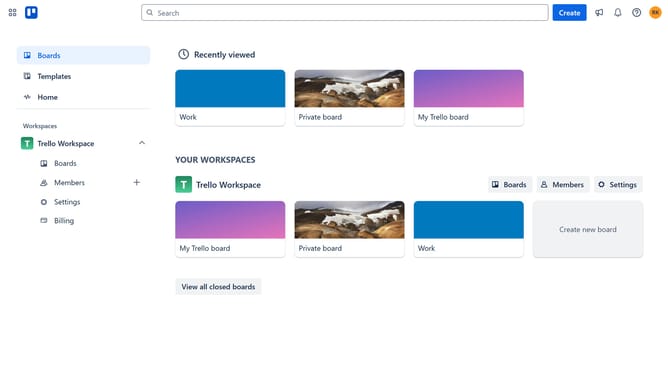
- First click on the "Boards" option in the left sidebar
- Then click a board in the workspace section
- Next click on the "More options" (three dots) menu button in the top right corner of the board
- Then select "Power-Ups" option from the menu
- In the Power-Ups window, click on "Analytics & reporting" category from the left sidebar
- Click on "Add" button under the Insights Power-Up
- Finally click "Add" button in the Insights confirmation dialog to enable the Power-Up
Why should you add insights power-up in Trello
Trello is a versatile tool designed to streamline project management and organization.
Integrating the Insights Power-Up into Trello provides an enriched overview of your project metrics directly on your board.
By visualizing data like task completion rates and time management, teams can make informed decisions effortlessly.
This feature offers an immediate analysis of workflows, enhancing productivity and helping prioritize tasks effectively.
Last update