How to add raise hand power-up in Trello
Here is how to add raise hand power-up in trello
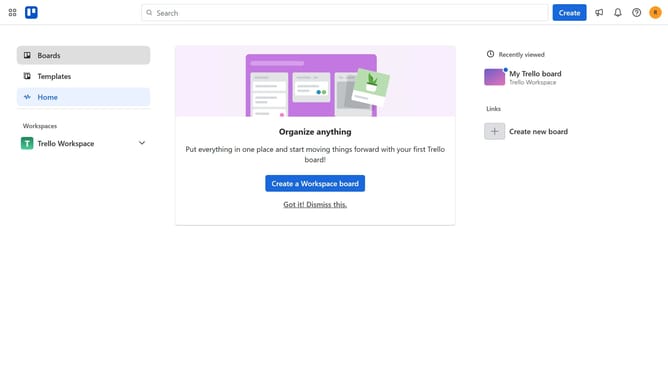
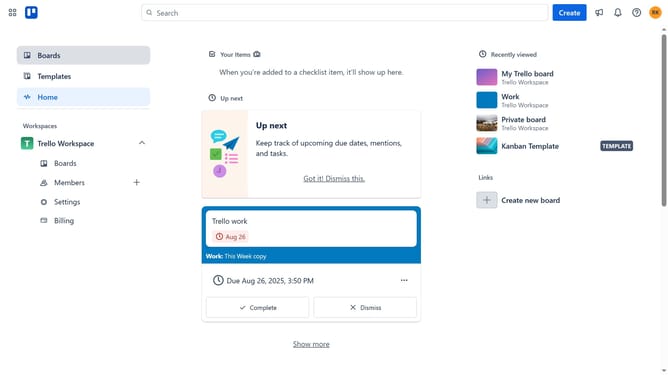
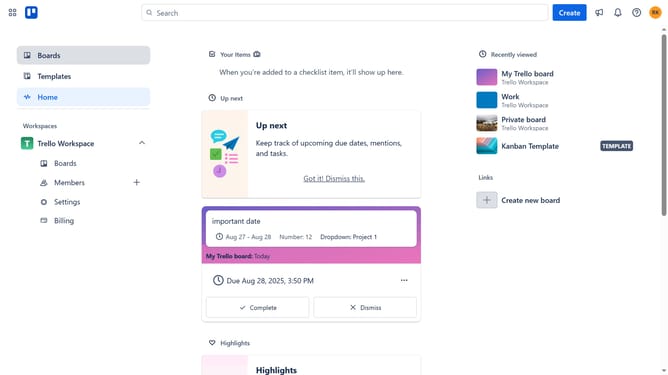
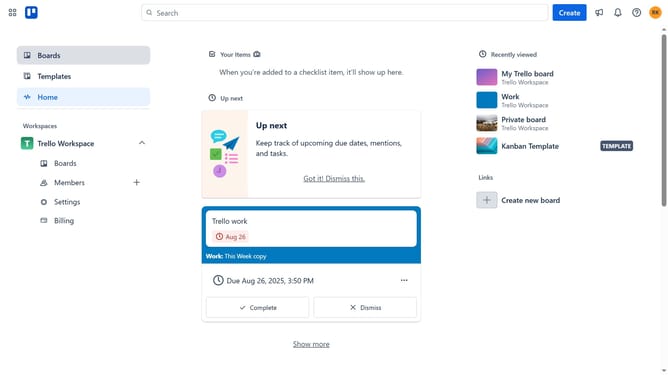
- First click on the "Boards" option in the left sidebar menu
- Then click a board in the workspace area
- Next click on the menu button (three dots) in the top-right corner of the board
- Then click on "Power-Ups" option in the dropdown menu
- Next click on "Board utilities" category in the Power-Ups menu
- Then click on the "Add" button under the "Raise Hand" Power-Up card
- Finally click on the "Add" button in the Raise Hand Power-Up details dialog
Why should you add raise hand power-up in Trello
Trello is a dynamic tool designed to streamline project management through visual organization.
The "Raise Hand" Power-Up in Trello optimizes team collaboration by providing a direct avenue for members to highlight queries and suggestions without disrupting workflow.
By integrating the "Raise Hand" feature, teams can ensure smoother communication, as it facilitates more structured discussions and allows for timely responses.
This enhancement leads to improved project efficiency and a more cohesive working environment.
Last update