How to add attachments transfer to sharepoint power-up in Trello
Here is how to add attachments transfer to sharepoint power-up in trello
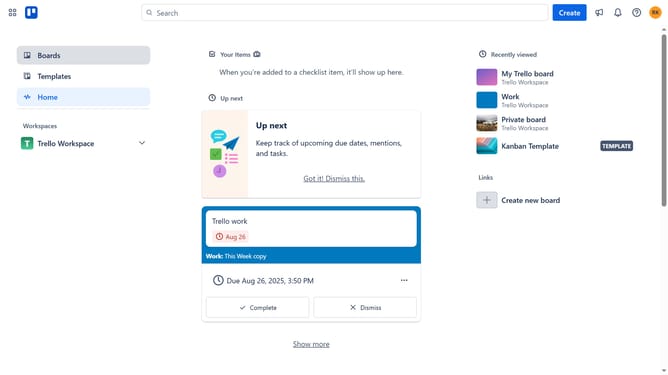
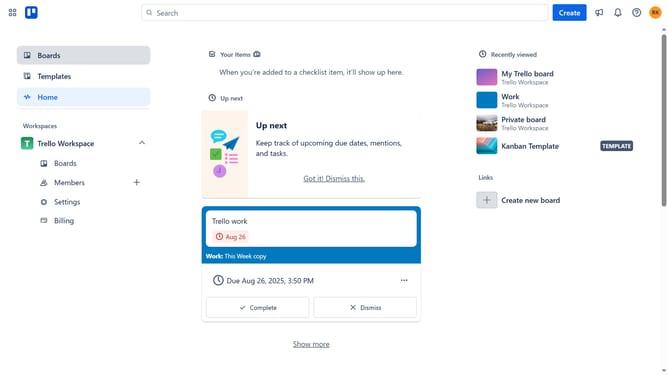
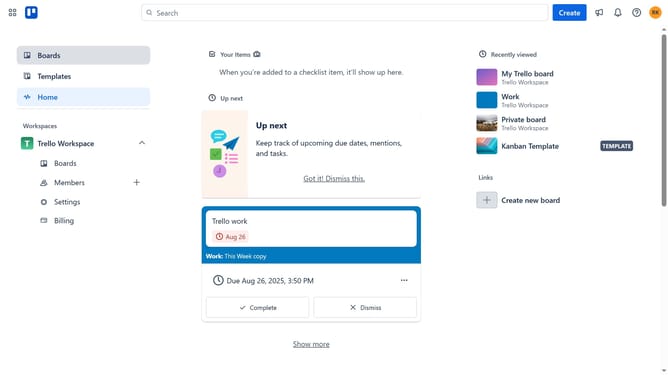
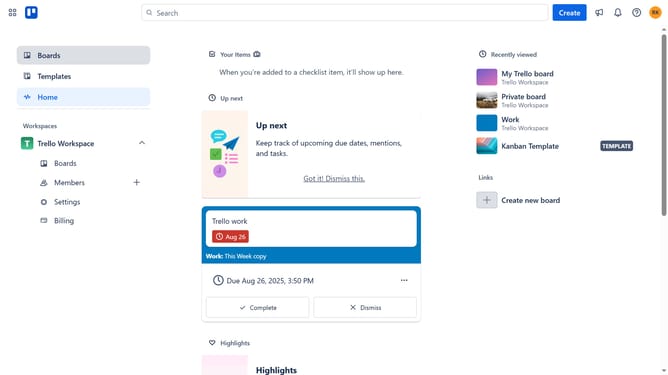
- First click on the "Boards" section in the left sidebar
- Then click a board in the Trello Workspace section
- Net click on the "More" menu button (three dots) in the top-right corner of the board
- Scroll down in the menu settings
- Select "Power-Ups" option in the menu
- Select "Automation" category from the left sidebar in the Power-Ups window
- Click the "Add" button under the "Attachments Transfer to Sharepoint" power-up
- Finally click the "Add" button to install the SharePoint Attachments Transfer Power-Up
Why should you add attachments transfer to sharepoint power-up in Trello
Trello is a dynamic project management tool designed to enhance team collaboration and productivity.
Utilizing the attachments transfer to SharePoint Power-Up in Trello streamlines file management by enabling seamless integration with SharePoint.
This feature allows users to effortlessly transfer and manage project-related documents in one centralized location, boosting organization and accessibility.
Such integration minimizes manual data handling, thus saving time and reducing the risk of errors, fostering a more efficient workflow for teams.
Last update