How to add clypp video documentation in Trello
Here is how to add clypp video documentation in trello
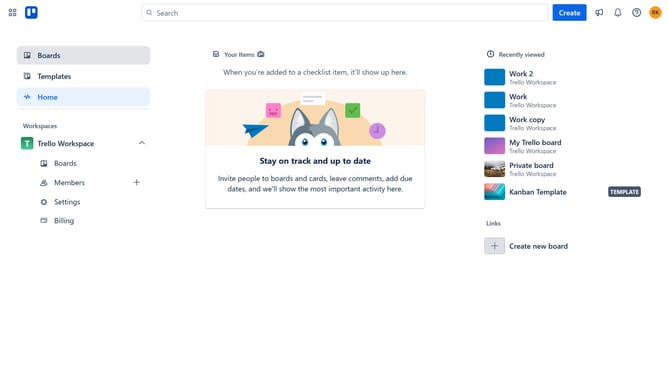
- First click on the "Boards" option in the left sidebar menu
- Then click a board in the workspace area
- Next click on the "More" menu button (three dots) in the top-right corner of the board
- Then click on the "Power-Ups" option in the dropdown menu
- Click on "Communication & collaboration" category in the left sidebar of the Power-Ups window
- Next click on the "Add" button under the Clypp Video Documentation power-up
- Finally click the "Add" button in the confirmation dialog to install the power-up
Why should you add clypp video documentation in Trello
Trello is a versatile platform designed to streamline project management with its intuitive, board-based approach.
Incorporating Clypp video documentation within Trello boards enhances communication by providing visual context and clarity to tasks. Adding these videos can enrich the collaborative experience, making complex ideas easier to grasp.
This integration also allows team members to access and share information quickly, improving productivity and ensuring everyone is aligned. It’s a seamless way to elevate project transparency and efficiency.
Last update