How to add checklist sumary power-up in Trello
Here is how to add checklist sumary power-up in trello
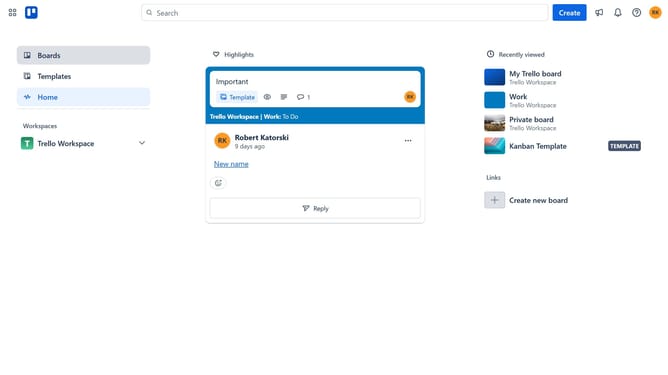
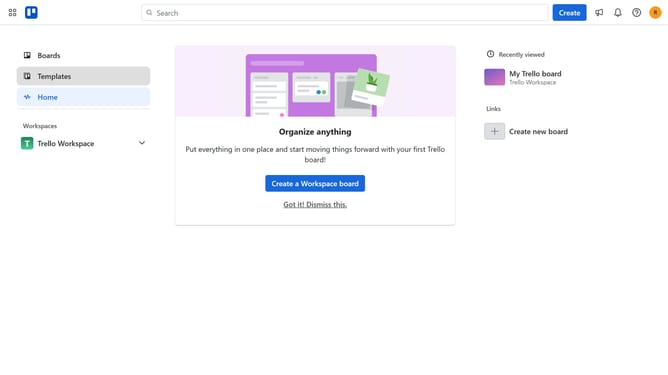
- First click on "Boards" in the left sidebar menu
- Then click a board in the workspace section
- Next click on the "More" menu button (three dots) in the board header
- Then click on "Power-Ups" option in the dropdown menu
- Next click on "Analytics & reporting" category in the Power-Ups menu
- Then scroll down in the Power-Ups list
- Next click on the "Add" button under "Checklist Summary" Power-Up
- Finally click on the "Add" button in the confirmation dialog to install the Power-Up
Why should you add checklist sumary power-up in Trello
Trello is a dynamic tool designed to streamline project management and collaboration.
Adding the Checklist Summary Power-Up enhances Trello by providing a quick overview of checklist progress within your boards.
This feature is particularly useful for those juggling multiple tasks, as it allows users to easily track completed and pending items without opening each card individually.
By using the Checklist Summary, teams can boost efficiency and ensure nothing slips through the cracks, fostering a more organized workflow.
Last update