How to add pivot table power-up in Trello
Here is how to add pivot table power-up in trello
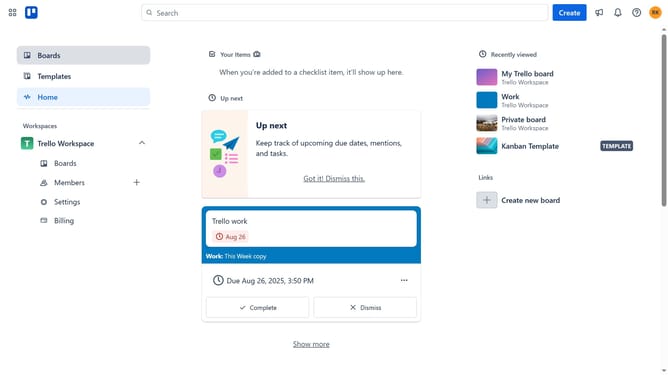
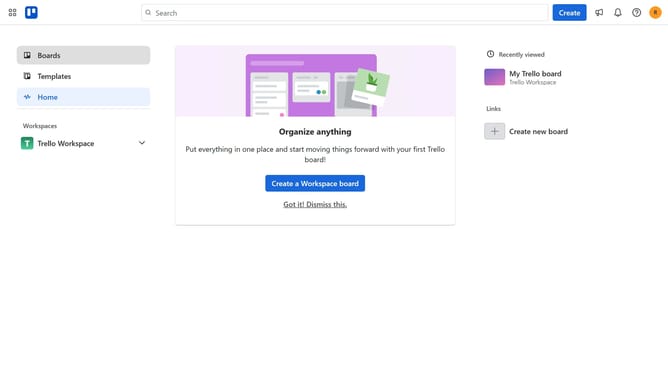
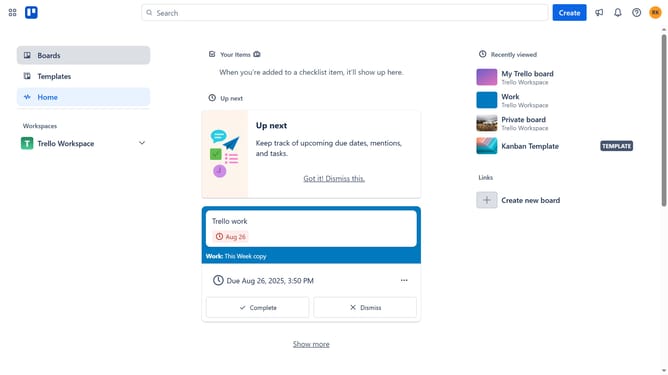
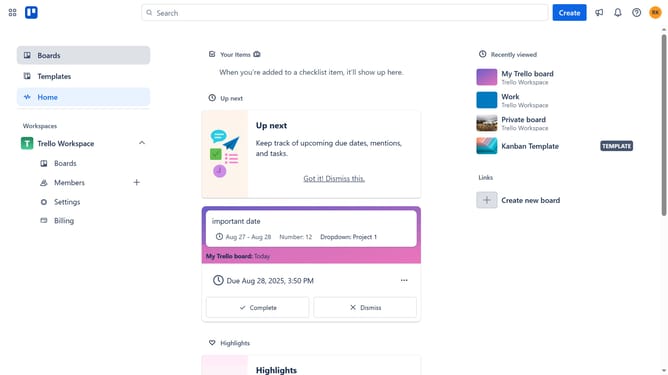
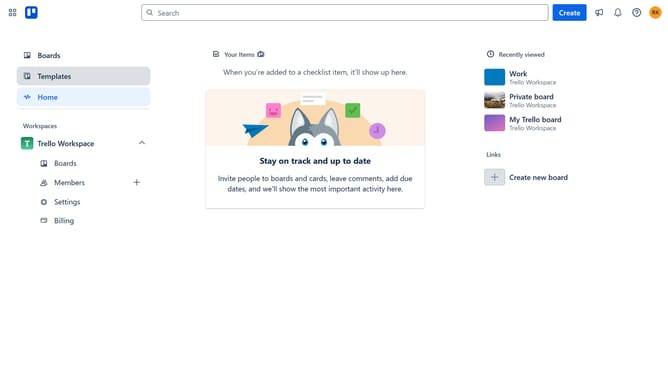
- First click on the "Boards" option in the left sidebar menu
- Then select a board from the workspace boards list
- Next click the "More options" (three dots) button in the top-right corner of the board
- Then select "Power-Ups" from the dropdown menu
- Next click on the "Analytics & reporting" category in the Power-Ups menu
- Then click on the "Add" button for the "Pivot Table (by Conjoint.ly)" Power-Up
- Finally click the "Add" button in the confirmation dialog to install the Power-Up
Why should you add pivot table power-up in Trello
Trello is a dynamic collaboration tool designed to organize tasks effortlessly.
Adding a pivot table power-up in Trello transforms your workflow by allowing complex data analysis directly within your boards.
This feature is beneficial for teams looking to visualize data trends, making informed decisions faster and more precisely.
By harnessing the power of pivot tables, Trello users can elevate their project management experience through enhanced data interaction and insightful, actionable metrics.
Last update