How to add numbers by reenhanced in Trello
Here is how to add numbers by reenhanced in trello
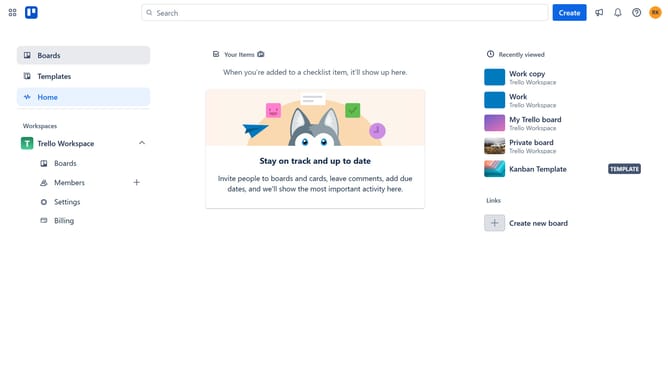
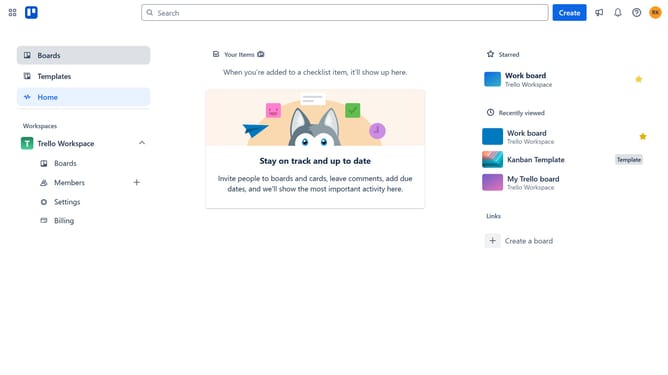
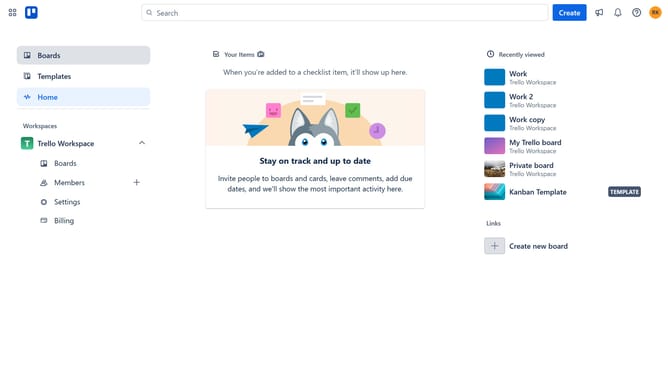
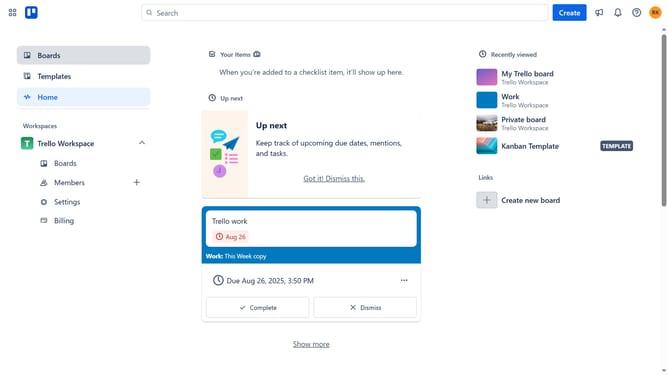
- First click on the "Boards" option in the left sidebar menu
- Then click a board in the workspace section
- Next click on the more options menu ("...") in the top-right corner of the board
- Then click on "Power-Ups" option in the dropdown menu
- Next click on "Board utilities" category in the Power-Ups menu
- Then click the "Add" button under the "Card Numbers by Reenhanced" power-up
- Finally click on the "Add" button in the power-up details dialog
Why should you add numbers by reenhanced in Trello
Trello is a versatile tool designed to streamline project management and collaboration.
With the reenhanced feature in Trello, adding numbers becomes seamless, enhancing the clarity and organization of your boards. This functionality allows users to automatically add numbers to cards, which is especially beneficial for tracking priorities, order, or even processes within a project.
By integrating this feature, teams can improve their workflow efficiency, ensuring that everyone is on the same page when it comes to task significance and sequence.
Last update