How to add localize boards power-up in Trello
Here is how to add localize boards power-up in trello
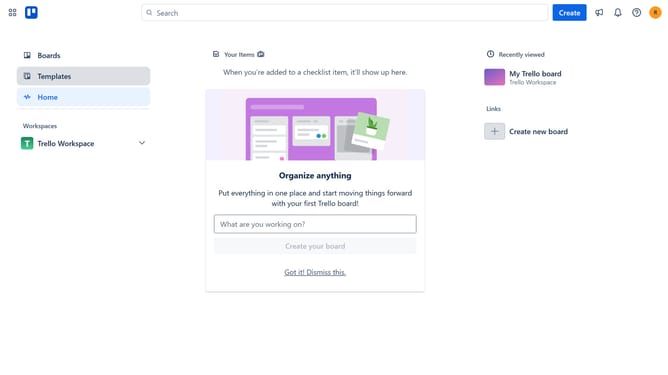
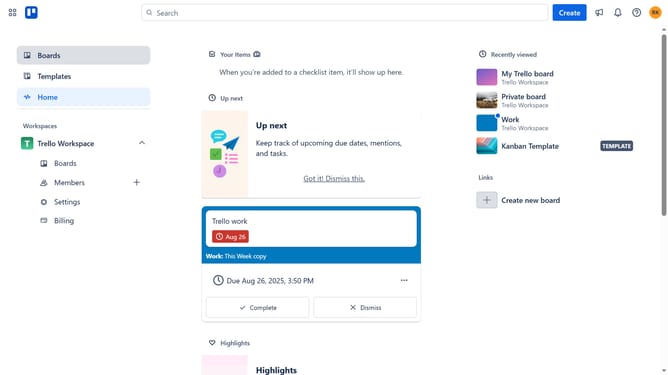
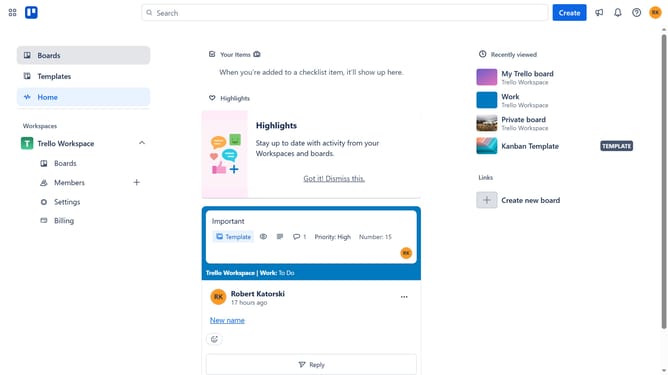
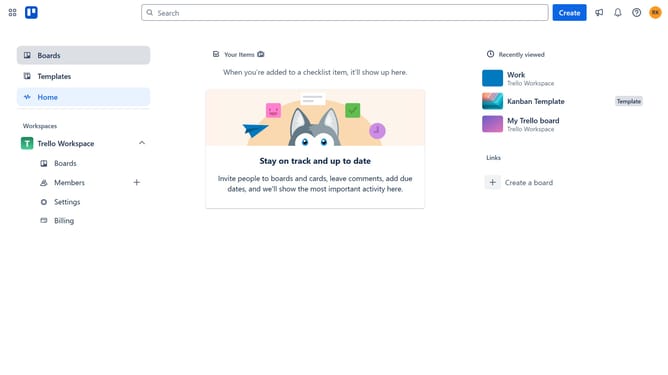
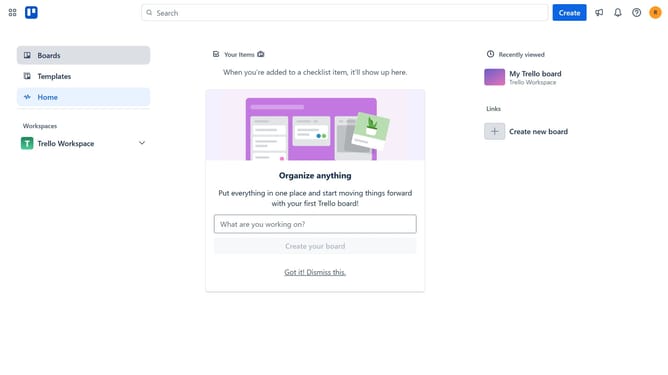
- First click on the "Boards" option in the left sidebar
- Then click a board in the workspace section
- Next click on the ellipsis ("...") menu button in the top-right corner of the board
- Then select "Power-Ups" option from the dropdown menu
- Click on "Communication & collaboration" category in the left sidebar of the Power-Ups window
- Scroll down and locate the "Localize Boards" Power-Up in the list
- Click the "Add" button next to the "Localize Boards" Power-Up
- Finally click the "Add" button in the confirmation dialog to install the Power-Up
Why should you add localize boards power-up in Trello
Trello is a versatile project management tool empowering teams to collaborate and organize tasks seamlessly.
The Localize Boards Power-Up in Trello enhances this experience by allowing users to translate board content into different languages instantly.
Ideal for global teams, this feature ensures clear communication and smooth collaboration across language barriers.
Implementing this Power-Up not only increases accessibility but also nurtures inclusivity, fostering a more connected and efficient team environment.
Last update