How to add pageproof power-up in Trello
Here is how to add pageproof power-up in trello
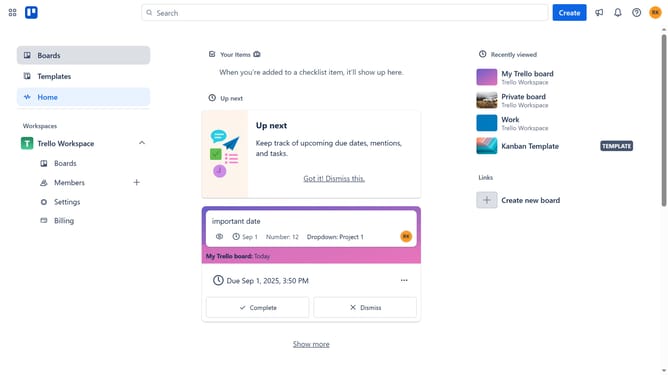
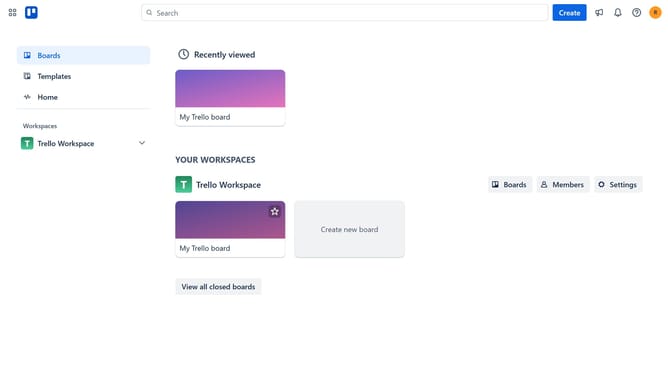
- First click on the "Boards" option in the left sidebar menu
- Then click a board in the workspace section
- Next click on the "More" menu button (three dots) in the top-right corner of the board
- Then click on the "Power-Ups" option in the dropdown menu
- Next select the "Communication & collaboration" category from the left sidebar
- Then click on the "Add" button under the PageProof power-up card
- Finally click the "Add" button in the PageProof confirmation dialog to install it
Why should you add pageproof power-up in Trello
Trello is a versatile visual tool designed to organize your projects and tasks with ease.
Adding the PageProof Power-Up in Trello enriches your workflow by integrating seamless design collaboration directly into your boards.
This feature streamlines feedback, allowing for easy uploads, reviews, and real-time comments on creative assets without leaving Trello.
By using PageProof in Trello, teams enhance productivity through efficient proofing processes, ensuring timely and coordinated project completion.
Last update