How to add slack in Trello
Here is how to add slack in trello
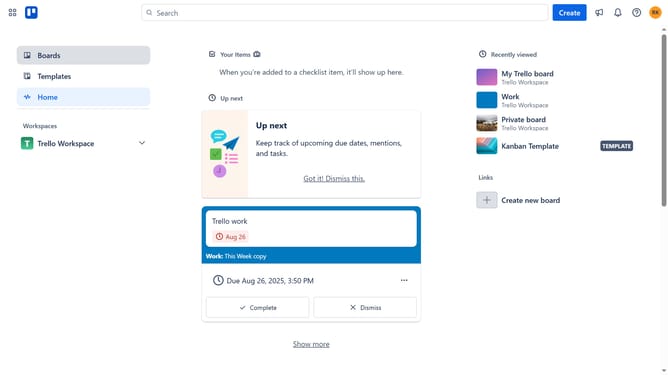
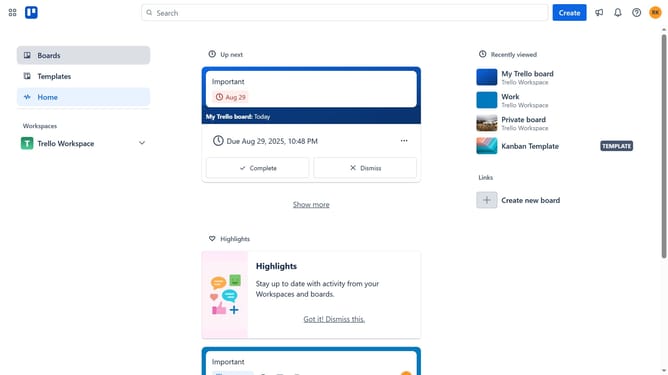
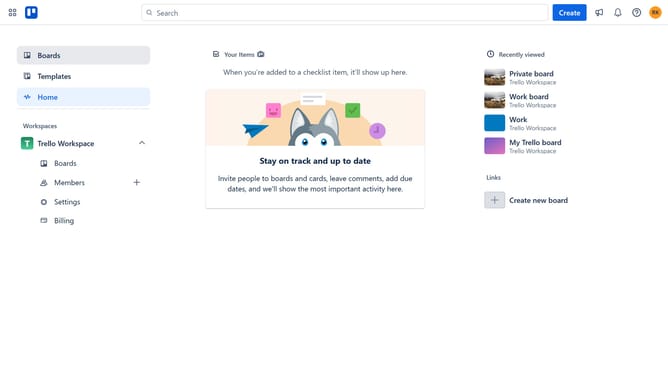
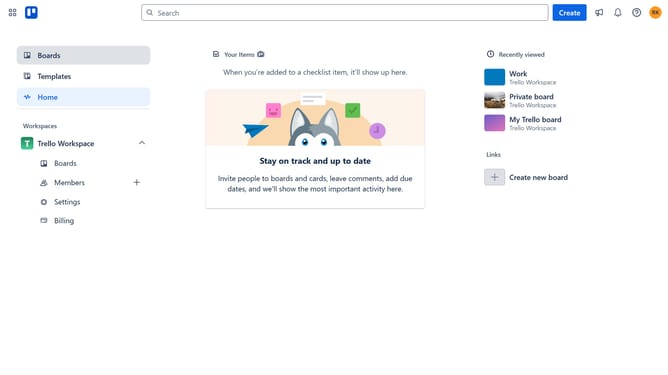
- First click on the "Boards" link in the left sidebar
- Then click a board in the workspace section
- In the board view, click on the "More" menu (three dots) in the top-right corner
- Scroll down in the menu settings
- Then click on "Power-Ups" option in the menu
- Click on the "Automation" category in the left sidebar of Power-Ups window
- Scroll down in the automation menu
- Finally click on "Add" button under the Slack integration in the Power-Ups list
Why should you add slack in Trello
Trello is a powerful tool that transforms project management into a visual experience.
By integrating Slack into Trello, you enhance team communication and collaboration effortlessly.
This feature ensures that team updates and project progress are shared seamlessly, reducing the time spent on follow-ups.
With streamlined information flow, your team can stay aligned and focused, making productivity and efficiency the newfound norm.
Last update