How to add zoho CRM in Trello
Here is how to add zoho crm in trello
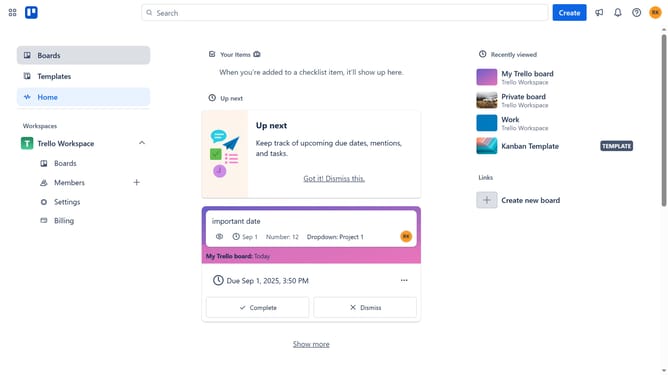
- First click on the "Boards" item in the left sidebar
- Then click a board in the workspace section
- Next click on the "More" menu button in the top-right corner of the board
- Click on "Power-Ups" option in the dropdown menu
- Scroll down in the power-ups menu
- Select "Marketing & social media" category from the left sidebar
- Click "Add" button next to the "Zoho CRM" Power-Up
- Finally click the blue "Add" button in the confirmation dialog
Why should you add zoho CRM in Trello
Trello is a dynamic tool used for organizing tasks and projects through visual boards.
Integrating Zoho CRM with Trello can revolutionize how you manage client relations right from your Trello boards. This feature allows you to streamline workflows by merging Trello’s intuitive project management interface with Zoho’s robust customer relationship data.
By combining Zoho CRM and Trello, you effortlessly enhance team collaboration, ensuring every team member stays synchronized with customer interactions and project updates.
Last update