How to add icon labels power-up in Trello
Here is how to add icon labels power-up in trello
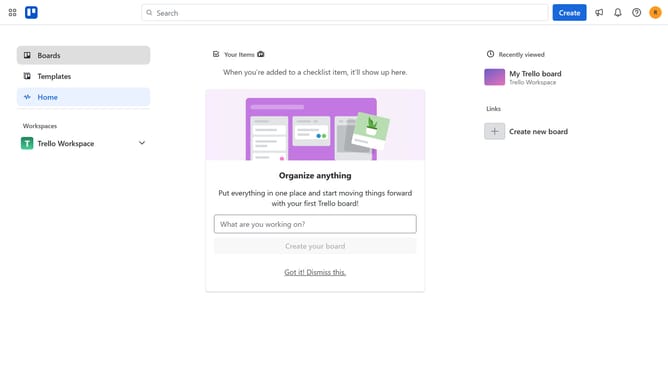
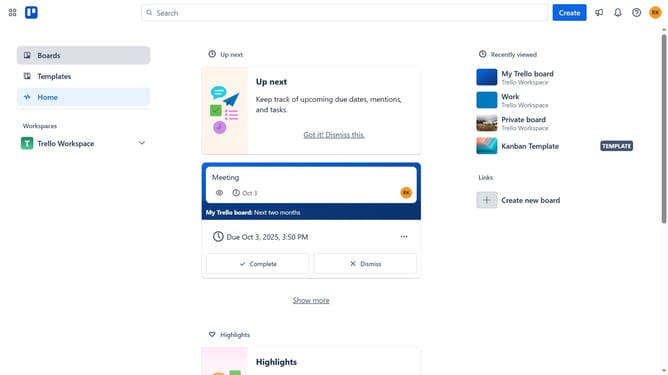
- First click on "Boards" in the left sidebar
- Then click a board in the workspace section
- Click on the "More" menu button (three dots) in the top-right corner
- Select "Power-Ups" option from the dropdown menu
- Scroll down in the power-ups list
- Select "IT & project management" category from the left sidebar
- Click the "Add" button on the "Icon labels for Trello" Power-Up card
- Finally click the "Add" button in the confirmation dialog to install the Power-Up
Why should you add icon labels power-up in Trello
Trello is a versatile project management tool designed to streamline workflow and enhance productivity through its visual and intuitive interface.
The icon labels power-up is a feature in Trello that enhances card visibility with the use of colorful symbols, making it easier to differentiate tasks at a glance.
This feature is particularly beneficial for teams who manage multiple projects, as it promotes better organization by allowing instant recognition of task categories and priorities.
Ultimately, it contributes to a more efficient workflow by reducing time spent searching for specific tasks or information.
Last update