How to add daily updates power-up in Trello
Here is how to add daily updates power-up in trello
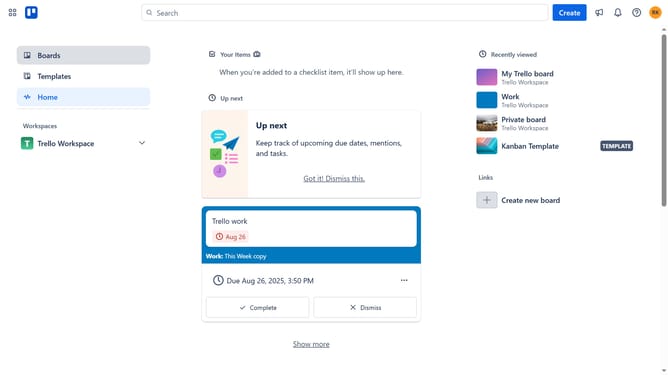
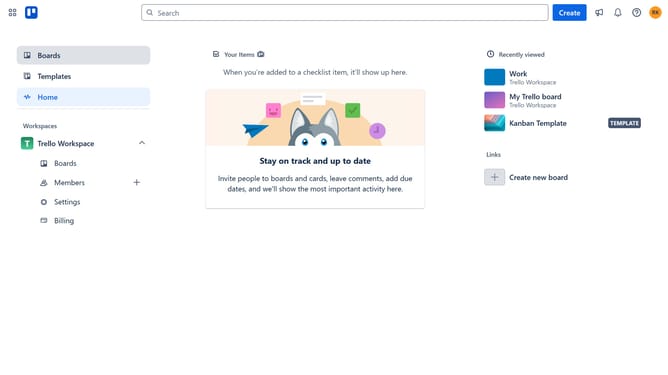
- First click on "Boards" in the left sidebar navigation
- Then click a board in the workspace section
- Next click the "More options" (three dots) button in the top-right corner of the board
- Click on "Power-Ups" option in the dropdown menu
- Select "Analytics & reporting" category from the left sidebar
- Scroll down to find "Daily Updates" power-up
- Click the "Add" button on the Daily Updates power-up card
- Finally click the "Add" button in the confirmation dialog to install the Daily Updates power-up
Why should you add daily updates power-up in Trello
Trello is a flexible tool designed to streamline project management and organizational tasks through visual boards.
The Daily Updates Power-Up in Trello elevates team collaboration by keeping everyone informed with automatic updates. This feature contributes to enhanced communication and ensures all members have a clear snapshot of the day's progress.
Utilizing Daily Updates minimizes misunderstandings, boosts accountability, and promotes transparency, making teams work more effectively and efficiently.
Last update