How to add airfocus strategy roadmaps prioritization power-up in Trello
Here is how to add airfocus strategy roadmaps prioritization power-up in trello
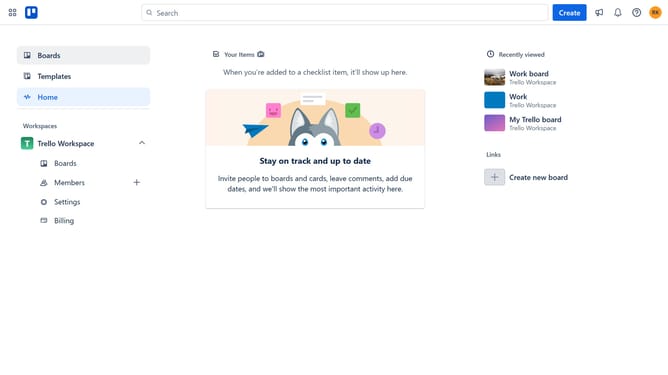
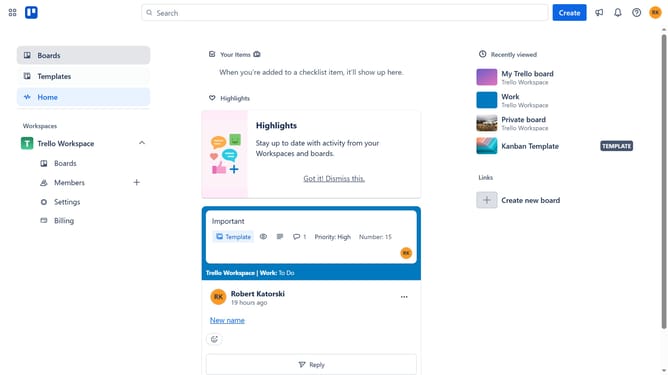
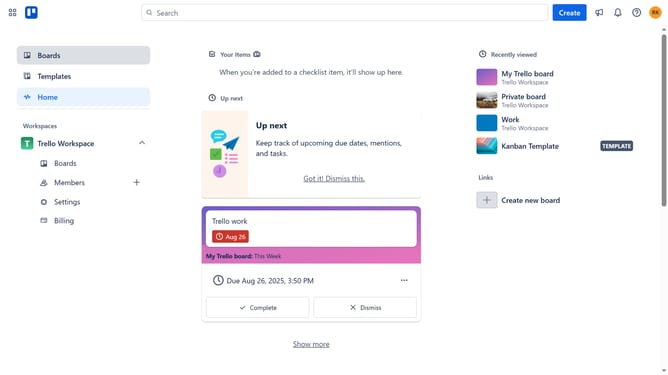
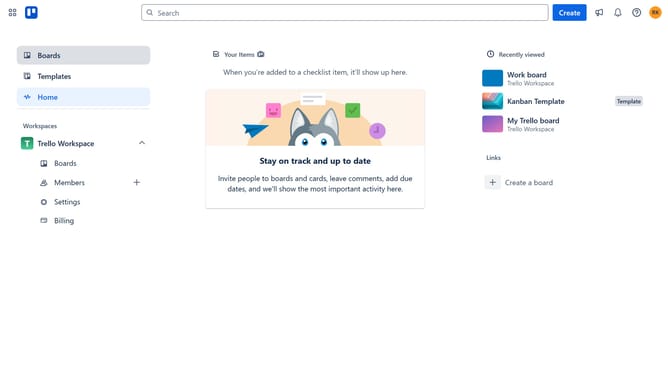
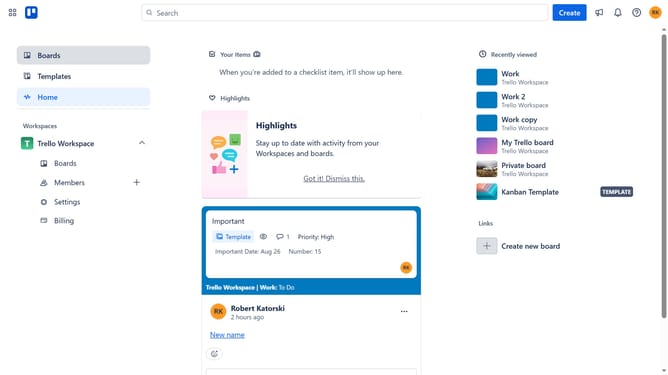
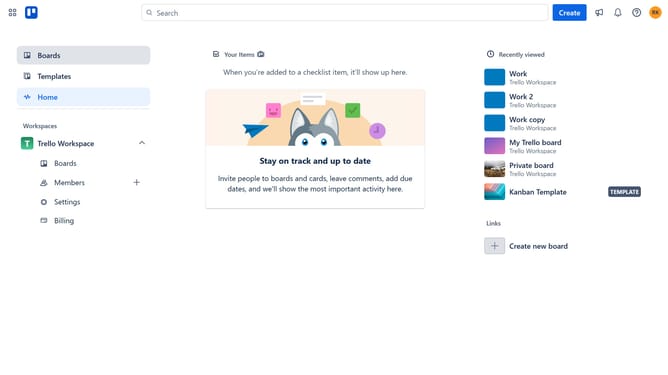
- First click on "My Trello board" card in the workspace dashboard
- Then click on the "More options" button in the top-right corner of the board
- Next click on "Power-Ups" option in the dropdown menu
- Scroll down in the power-ups menu
- Next click on "Product & design" category in the left sidebar
- Scroll down in the Product & design menu
- Next click the "Add" button under the airfocus Strategy, Roadmaps, Prioritization power-up
- Finally click on "Add" button in the confirmation dialog
Why should you add airfocus strategy roadmaps prioritization power-up in Trello
Trello is a versatile project management tool designed to streamline workflow and enhance team collaboration through visual boards.
By incorporating the airfocus strategy roadmaps prioritization power-up in Trello, you can elevate your planning capabilities significantly. This powerful feature integrates customizable prioritization frameworks, ensuring that your team focuses on the most impactful tasks first.
Using this power-up aids in strategic alignment and transparency, helping teams to remain agile and data-driven. It effectively bridges the gap between strategic goals and actionable tasks, fostering smarter decision-making and efficient project execution.
Last update