How to add translator power-up in Trello
Here is how to add translator power-up in trello
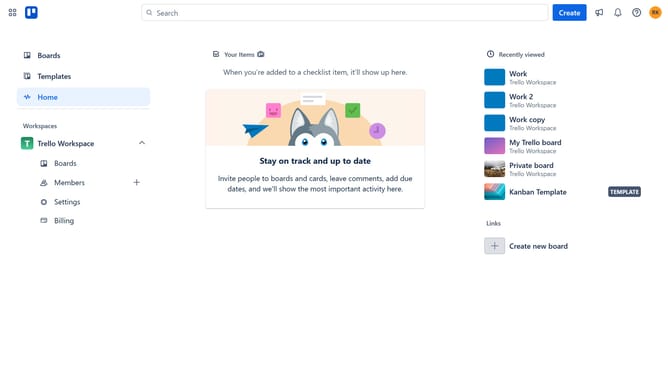
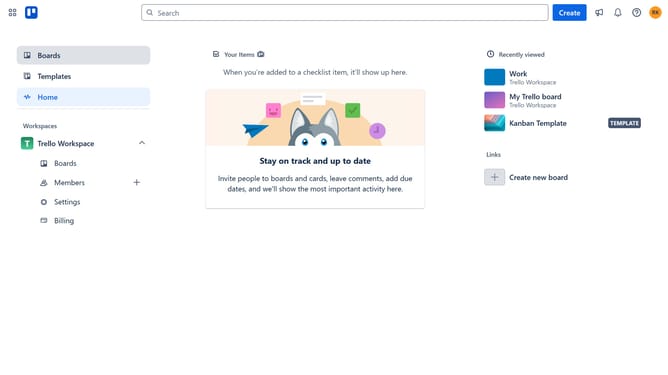
- First click on the "Boards" option in the left sidebar menu
- Then click a board in the workspace section
- Next click on the three dots menu ("...") in the top-right corner of the board
- In the dropdown menu, click on the "Power-Ups" option
- From the categories list, select "Automation" option
- Click the "Add" button under the "Translator" power-up button
- Finally click the "Add" button on the Translator Power-Up details panel
Why should you add translator power-up in Trello
Trello is a versatile project management tool that helps teams organize and prioritize their tasks seamlessly.
The translator power-up in Trello allows users to automatically translate text within cards, making collaboration across different languages smoother and more efficient.
By integrating this feature, teams can overcome language barriers, ensuring everyone stays aligned regardless of their native tongue.
This improves productivity, strengthens team communication, and enhances global collaboration.
Last update