How to add pretty print in Trello
Here is how to add pretty print in trello
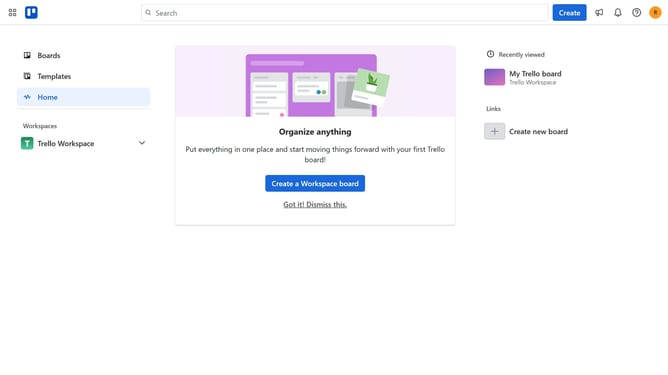
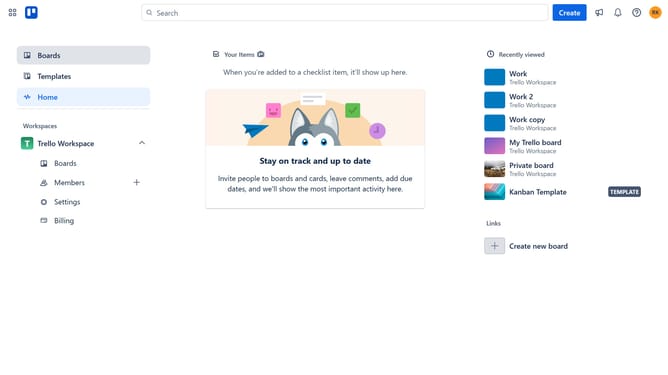
- First click on "Boards" link in the left sidebar
- Then a board in the workspace section
- Next click on the "More" (three dots) menu button in the top-right corner of the board
- Then click on "Power-Ups" option in the dropdown menu
- Next click on "Analytics & reporting" category in the left sidebar of Power-Ups window
- Then click on the "Add" button under the "Pretty Print" power-up card
- Finally click "Add" button in the Pretty Print confirmation dialog
Why should you add pretty print in Trello
Trello is a powerful and intuitive project management tool that simplifies task collaboration and organization.
Adding pretty print to your Trello boards enhances the visual appeal and readability of your tasks, lists, and boards.
With this feature, you can make information stand out, helping team members quickly understand priorities and action items at a glance.
Pretty print ensures that your project plans are not just functional but also visually engaging, facilitating smoother communication and increased productivity.
Last update