How to add file manager power-up in Trello
Here is how to add file manager power-up in trello
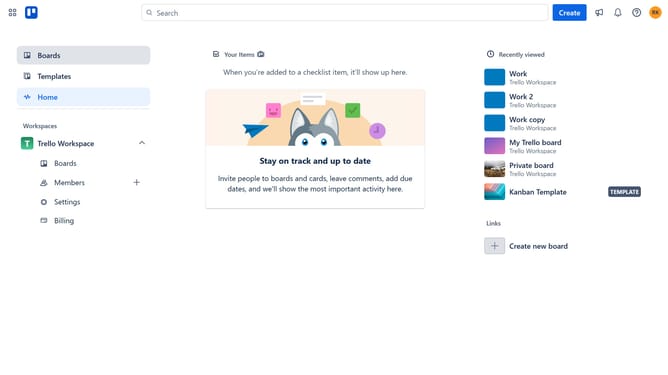
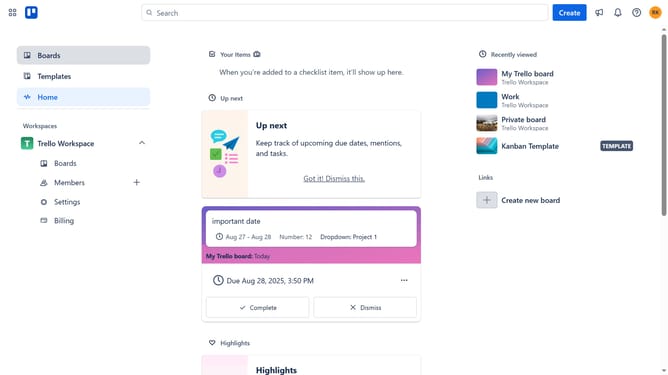
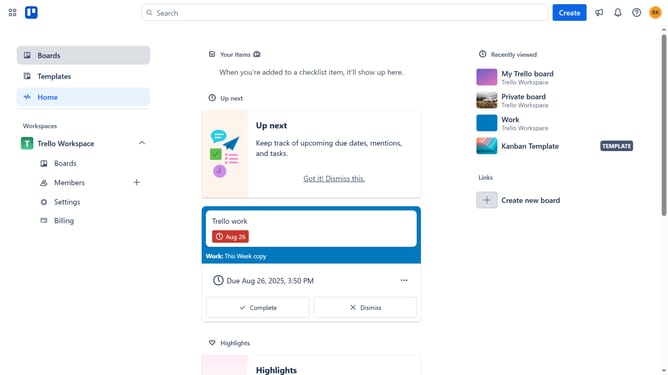
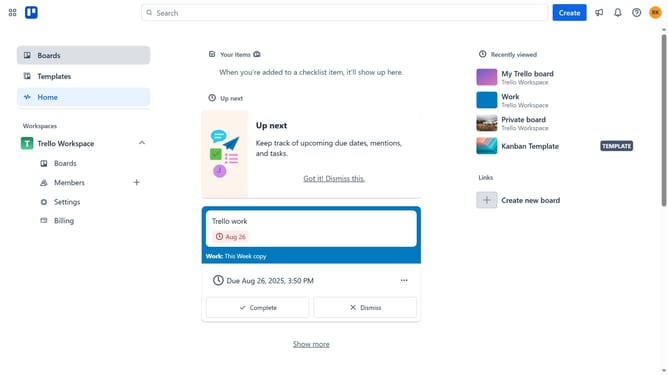
- First click on the "Boards" item in the left sidebar menu
- Then click a board in the main workspace area
- Click the three dots menu button in the top-right corner of the board
- Select "Power-Ups" option from the dropdown menu
- Click on "Board utilities" category in the left sidebar of Power-Ups window
- Scroll down in the board utilities list
- Click "Add" button under the "File Manager - Tiny Power-Ups Club" power-up
- Finally click the "Add" button in the details page to install it
Why should you add file manager power-up in Trello
Trello is an innovative tool designed to streamline project management and enhance team collaboration.
The File Manager Power-Up is an essential add-on that elevates your Trello boards by integrating file management directly into your workflow.
This feature allows you to easily organize, store, and retrieve documents without leaving Trello, improving productivity and ensuring information is always at your fingertips.
Unlocking this functionality means seamless collaboration and a more efficient way of managing project assets with your entire team.
Last update