How to add copy & link power-up in Trello
Here is how to add copy & link power-up in trello
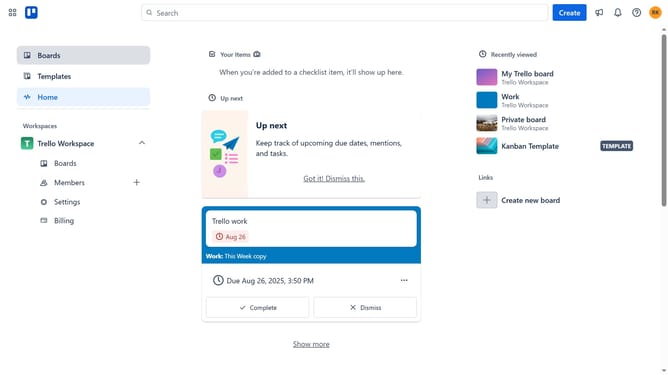
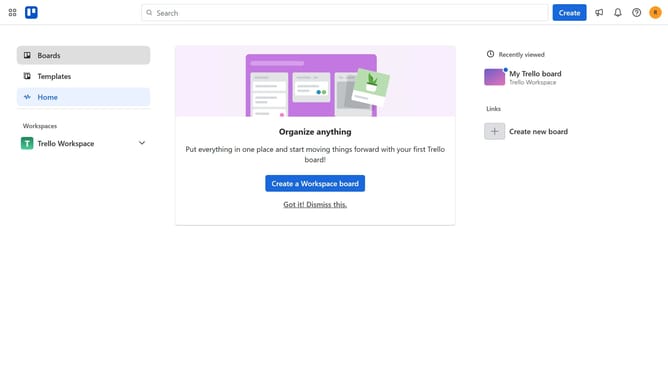
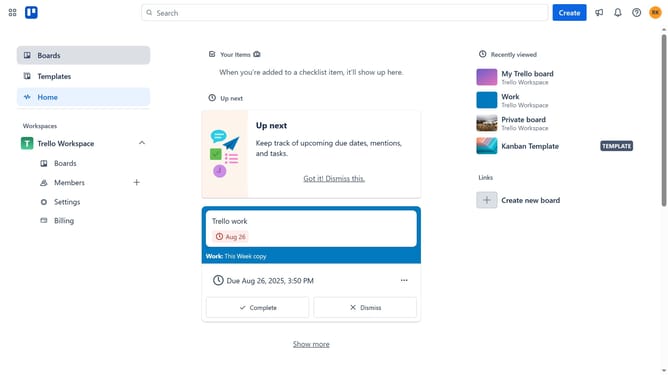
- First click on the "Boards" option in the left sidebar
- Then click a board in the workspace section
- Next click the "More" menu (three dots) button in the top-right corner of the board
- Then click on the "Power-Ups" option in the dropdown menu
- Next click on the "Board utilities" category in the Power-Ups menu
- Then click on the "Add" button under the Copy & Link Power-Up
- Finally click the "Add" button in the Copy & Link permissions dialog
Why should you add copy & link power-up in Trello
Trello is a dynamic tool designed to enhance organization and productivity in a visually engaging way.
With the addition of the Copy & Link Power-Up, users can effortlessly duplicate and share Trello cards across different boards, maintaining consistency and efficiency in collaborative projects.
This feature streamlines workflow by allowing team members to quickly access and replicate essential information without the hassle of manual copying.
By using this Power-Up, teams can optimize their project management, foster seamless collaboration, and ensure that everyone stays aligned with minimal effort.
Last update