How to add tables & spreadsheet power-up in Trello
Here is how to add tables & spreadsheet power-up in trello
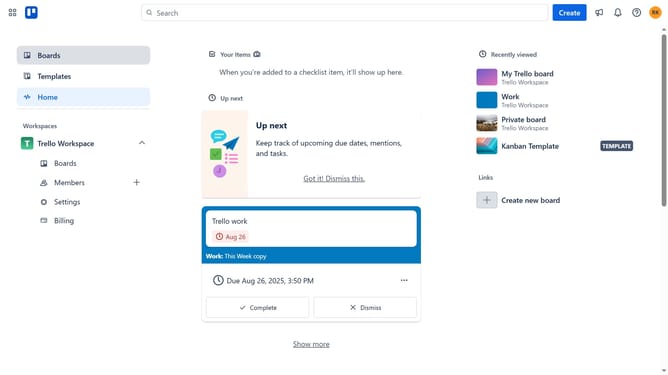
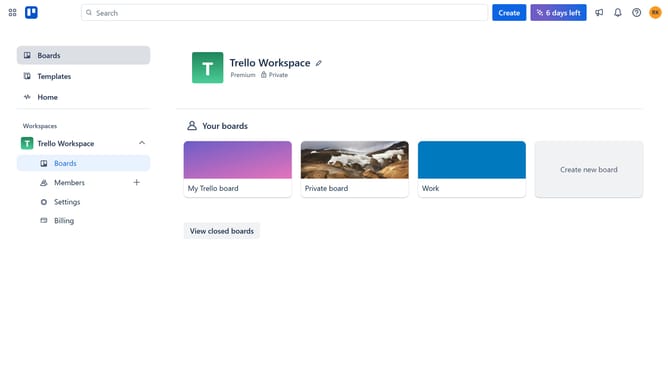
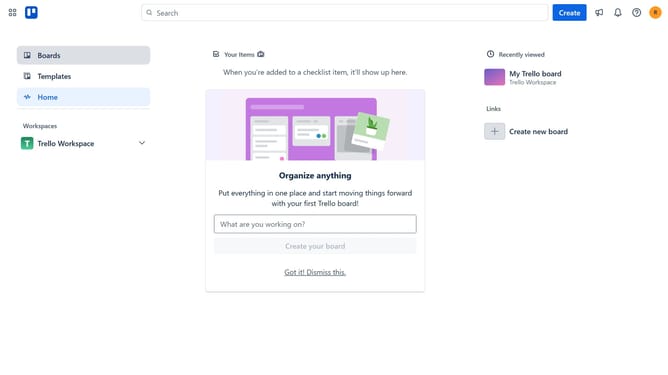
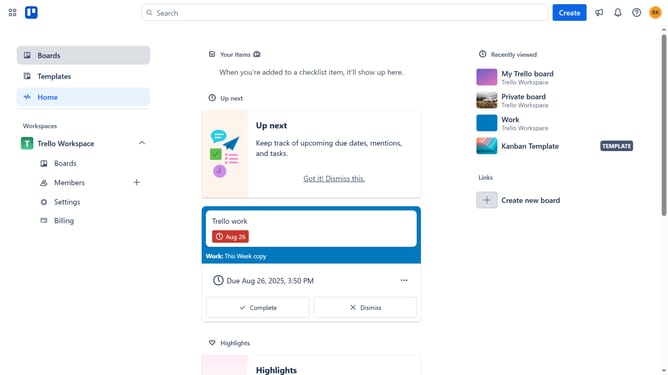
- First click on the "Boards" option in the left sidebar
- Then click a board in the workspace section
- Next click on "My Trello board" board tile to open it
- Click on the "More" menu (three dots) button in the top-right corner
- Select "Power-Ups" option from the dropdown menu
- Scroll down in the communication & collaboration list
- Then click "Add" button under the "Tables & Spreadsheets" Power-Up
- Finally click the "Add" button in the confirmation dialog to install the Power-Up
Why should you add tables & spreadsheet power-up in Trello
Trello is a dynamic tool for organizing tasks and enhancing productivity in personal and collaborative projects.
Adding the Tables & Spreadsheet Power-Up in Trello can significantly streamline your workflow by bringing spreadsheet functionality directly into your board.
This feature allows for better data visualization and organization, eliminating the need for external spreadsheets and ensuring that all your important information is accessible in one place.
Using this Power-Up can enhance efficiency and elevate project management capabilities, ensuring that teams are always aligned and informed.
Last update