How to add bynder power-up in Trello
Here is how to add bynder power-up in trello
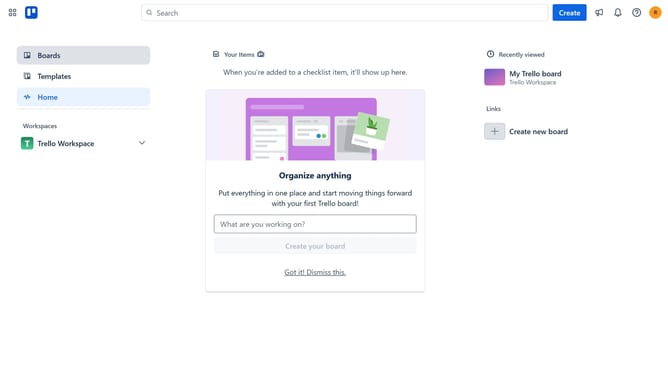
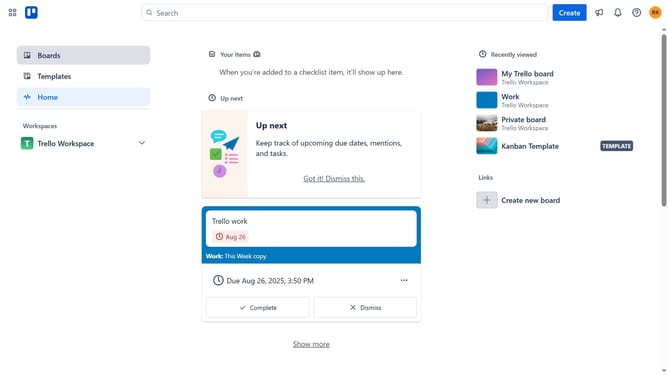
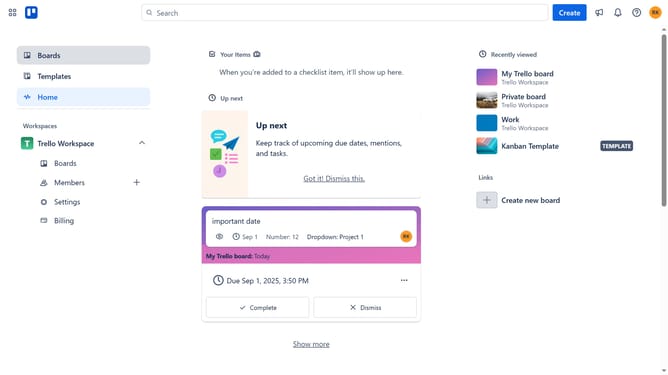
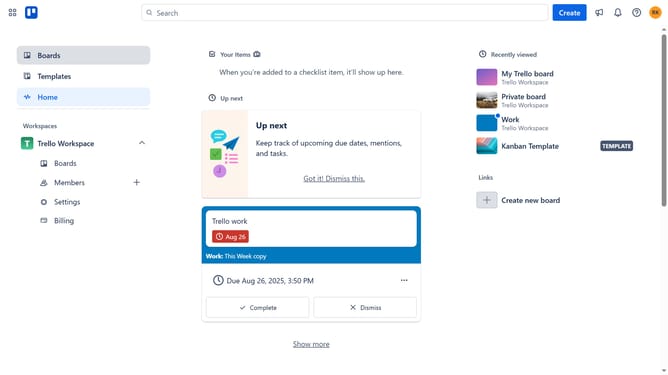
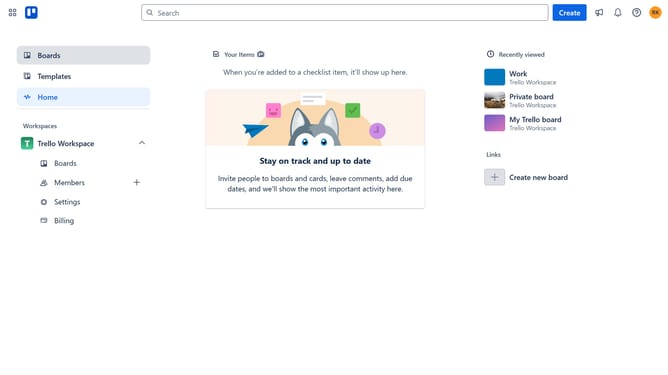
- First click on "Boards" in the left sidebar menu
- Then click a board in the workspace section
- Click on the "More" (three dots) button in the top-right corner of the board
- Select "Power-Ups" option from the dropdown menu
- Click on the "File management" category in the left sidebar of the Power-Ups window
- Click on the "Add" button next to the Bynder Power-Up
- Finally click the "Add" button in the Bynder permissions dialog to confirm installation
Why should you add bynder power-up in Trello
Trello is an intuitive tool for seamlessly managing tasks and projects in one visual space.
Elevate your Trello boards by integrating the Bynder Power-Up, designed to enhance your asset management directly within Trello’s ecosystem. This feature allows users to effortlessly connect their Bynder digital asset library with Trello cards, ensuring easy access and streamlined workflow.
Utilizing the Bynder Power-Up in Trello offers the advantage of real-time updates, increased collaboration, and centralized content management. It allows teams to maintain consistency and efficiency, optimizing productivity without ever leaving Trello’s platform.
Last update