How to filter cards active in the last four weeks in Trello
Here is how to filter cards active in the last four weeks in trello
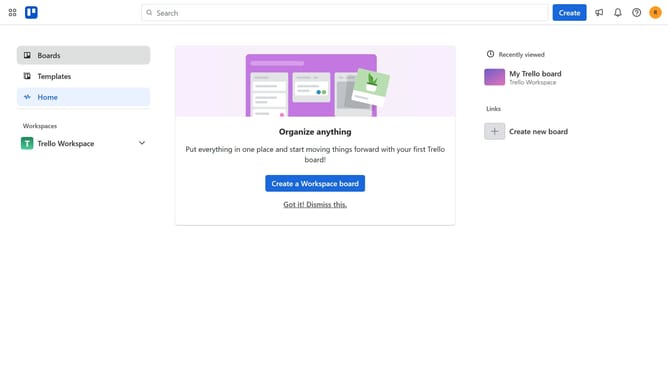
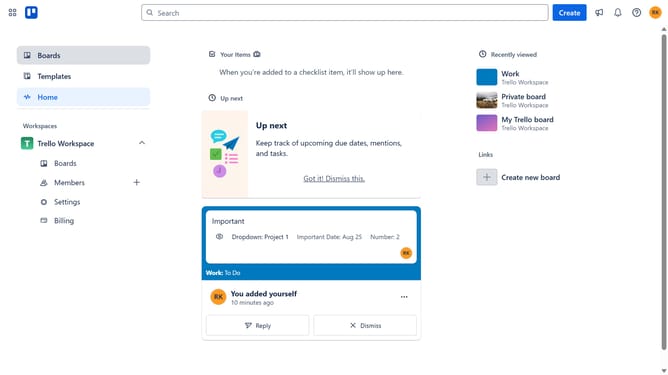
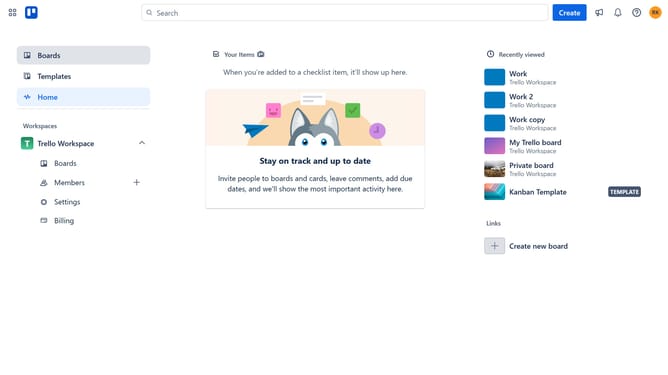
- First click on the "Boards" option in the left sidebar
- Then click a board in the workspace area
- Next click on the "Filter" icon in the top right corner of the board
- Then scroll down in the filter menu
- Finally click on the checkbox next to the "Active in the last four weeks" option in the filter menu
Why should you filter cards active in the last four weeks in Trello
Trello is a dynamic tool that transforms task management into a visual and interactive experience.
The ability to filter cards active in the last four weeks enhances your workflow by allowing you to focus on recent activities and tasks.
This feature ensures you stay on top of the most relevant updates, helping prioritize workload efficiently.
Using this filter not only saves time but also keeps team collaborations organized and relevant, ensuring no task is overlooked.
Last update