How to add agile tools by corrello in Trello
Here is how to add agile tools by corrello in trello
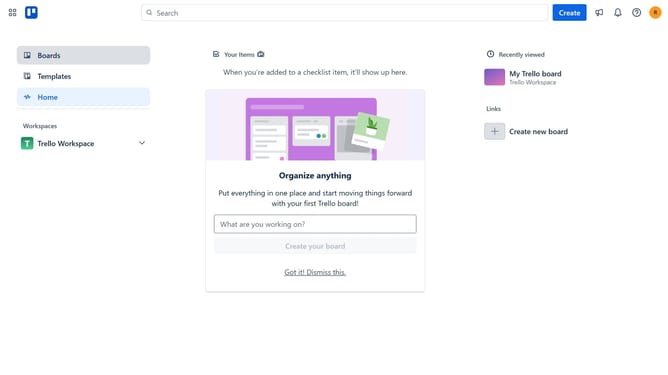
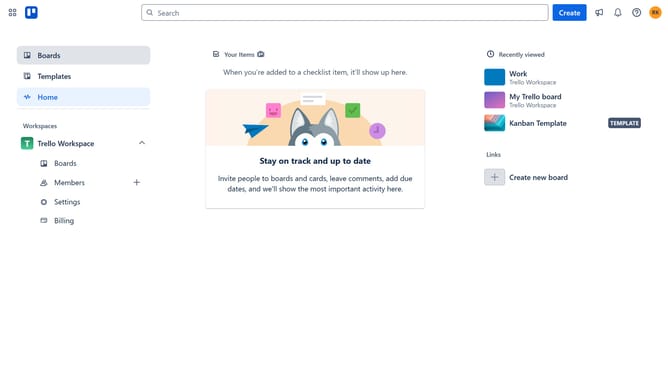
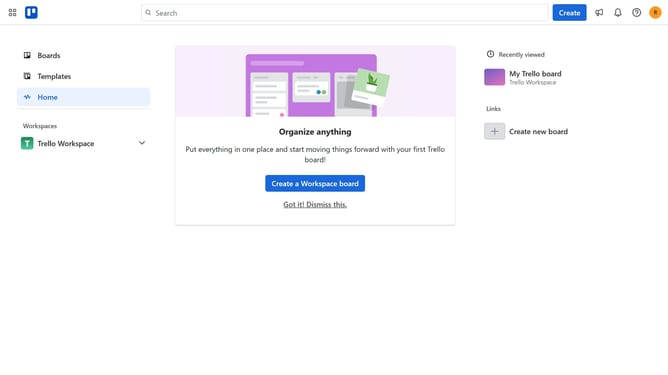
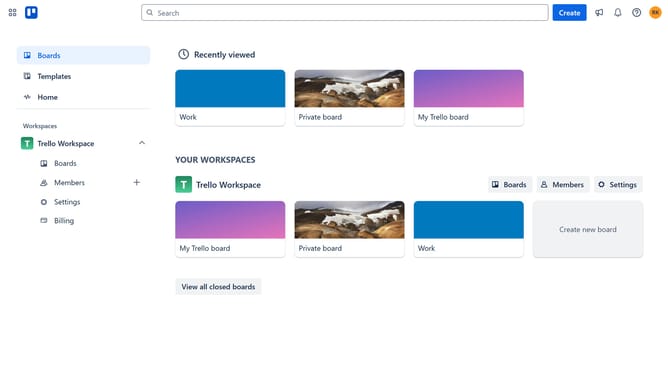
- First click on "Boards" in the left sidebar
- Then click a board in the main workspace area
- Click the "More" button (three dots) in the top-right corner of the board
- Select "Power-Ups" option from the dropdown menu
- Click on "Board utilities" category in the left sidebar of the Power-Ups window
- Scroll down in the board utilities list
- Click on the "Add" button under the "Agile Tools by Corrello" power-up card
- Finally click the "Add" button in the confirmation dialog to install the power-up
Why should you add agile tools by corrello in Trello
Trello is a versatile project management tool designed to streamline workflows and boost productivity.
By integrating agile tools from Corrello, users can enhance Trello with features like burn-down charts and team dashboards, providing a comprehensive view of project progress.
This enhancement is invaluable for teams adopting agile methodologies, offering insights that inform better decision-making and ensure project alignment.
Ultimately, this integration aids in maintaining focus and increasing efficiency, helping teams meet their goals with clarity and purpose.
Last update