How to add dashcards power-up in Trello
Here is how to add dashcards power-up in trello
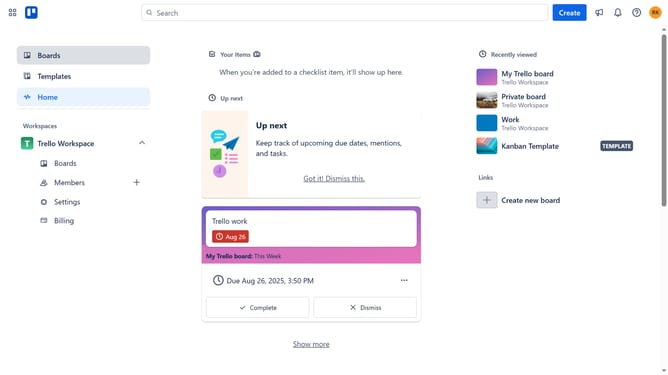
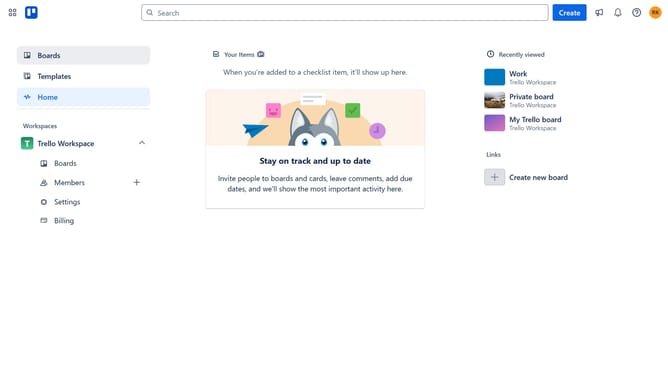
- First click on the "Boards" option in the left sidebar menu
- Then click a board in the workspace section
- Next click on the three dots menu button in the top-right corner of the board
- Click on "Power-Ups" option in the dropdown menu
- Select "Analytics & reporting" category from the left sidebar
- Scroll down in the Analytics & reporting menu
- Finally click on the "Add" button for the Dashcards power-up
Why should you add dashcards power-up in Trello
Trello is a dynamic tool that optimizes project management through customizable boards, lists, and cards, enhancing team collaboration.
Adding the Dashcards Power-Up in Trello introduces an insightful feature designed to keep you informed about your projects in an innovative way.
By integrating the Dashcards Power-Up, Trello users can transform collected data into a visually appealing dashboard, improving decision-making and tracking of tasks.
This feature enriches productivity by simplifying information visualization, creating a seamless workflow experience.
Last update