How to add acute power-up in Trello
Here is how to add acute power-up in trello
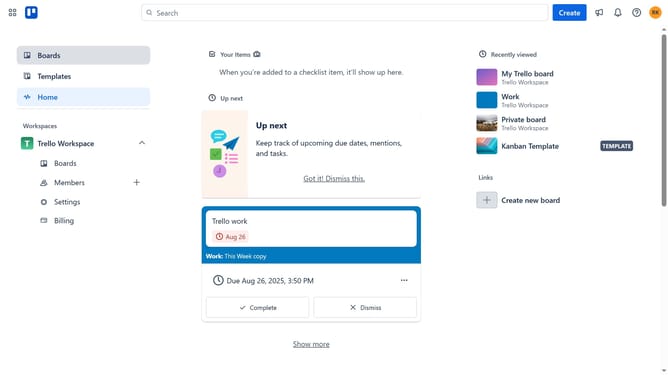
- First click on the "Boards" option in the left sidebar menu
- Next click a board in the workspace area
- Then click on the menu button (three dots) in the top-right corner of the board
- In the dropdown menu, click on the "Power-Ups" option
- Then select the "Communication & collaboration" category from the left sidebar
- Then click the "Add" button under the "Acute" power-up card
- Finally click the "Add" button in the Acute power-up confirmation dialog page
Why should you add acute power-up in Trello
Trello is a versatile tool designed to streamline team collaboration and project management effortlessly.
Adding the Acute Power-Up to Trello enhances your workflow by integrating agile methods, allowing teams to track progress with precision.
This feature offers seamless integration within Trello boards, empowering users to visualize tasks and timelines clearly.
By incorporating Acute Power-Up, teams benefit from improved organization, which leads to efficient project execution and success.
Last update