How to add smartdraw power-up in Trello
Here is how to add smartdraw power-up in trello
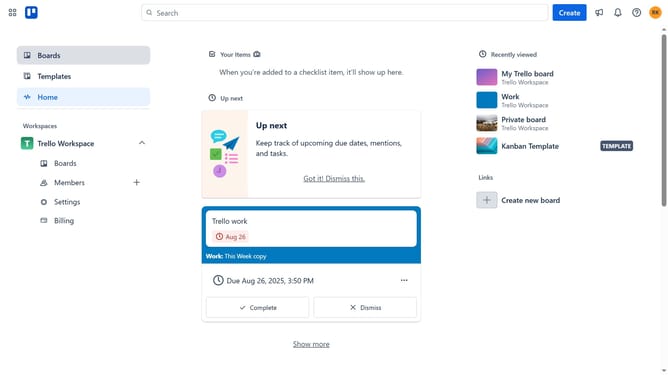
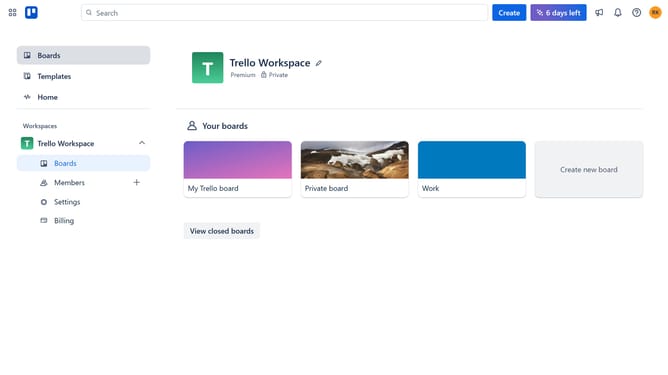
- First click on the "Boards" option in the left sidebar
- Then click a board in the workspace area
- Next click on the "More options" button (three dots) in the top-right corner of the board
- Then click on "Power-Ups" option in the dropdown menu
- Scroll down in the power-ups ist
- Select "IT & project management" category from the left sidebar
- Click on the "Add" button next to SmartDraw power-up
- Finally click on the "Add" button in the confirmation dialog to install the SmartDraw power-up
Why should you add smartdraw power-up in Trello
Trello is a dynamic digital workspace designed to simplify project management and enhance team collaboration.
Adding the SmartDraw Power-Up to Trello allows you to visually enrich your workflow with intuitive diagrams and charts, without ever leaving your Trello board.
This feature is ideal for teams needing to articulate complex ideas easily and clearly, fostering improved communication and understanding.
Integrating SmartDraw brings a visual clarity that's vital for brainstorming and planning, making your projects more efficient and actionable.
Last update