How to add bluejeans meetings power-up in Trello
Here is how to add bluejeans meetings power-up in trello
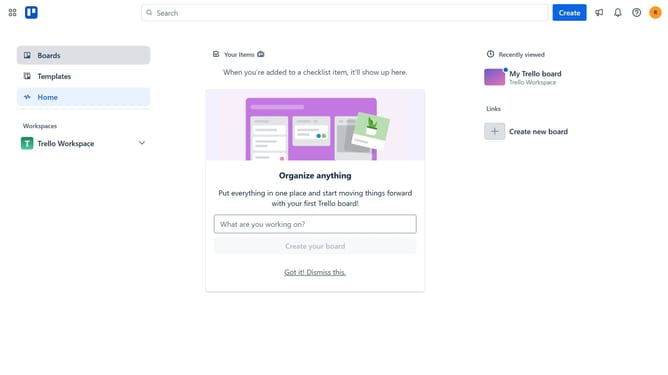
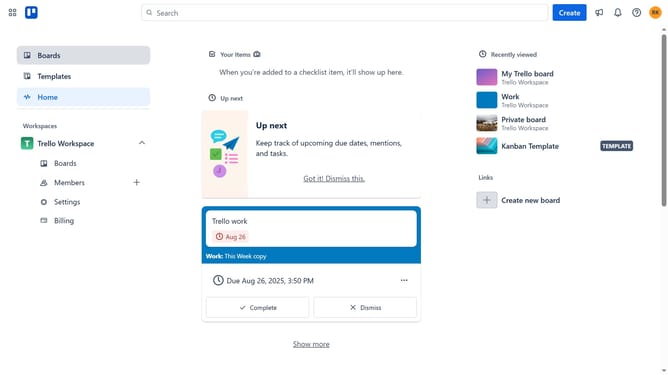
- First click on "Boards" item in the left sidebar
- Then click a board in the main workspace area
- Next click on the "more options" button (three dots) in the top-right corner of the board
- Then click on "Power-Ups" option in the dropdown menu
- Next click on "Board utilities" category in the Power-Ups window
- Then click on "Add" button for the BlueJeans Meetings Power-Up
- Finally click on the "Add" button in the BlueJeans Meetings confirmation dialog to install it
Why should you add bluejeans meetings power-up in Trello
Trello is a versatile tool designed to organize tasks and projects effortlessly.
Integrating the BlueJeans Meetings Power-Up into Trello enhances team collaboration by seamlessly scheduling and managing video conferencing directly from your boards.
This combination offers a streamlined workflow, allowing you to focus on productivity without juggling between multiple platforms.
By keeping your team connected within the familiar Trello environment, you enhance communication efficiency and project management effectiveness.
Last update