How to add last seen power-up in Trello
Here is how to add last seen power-up in trello
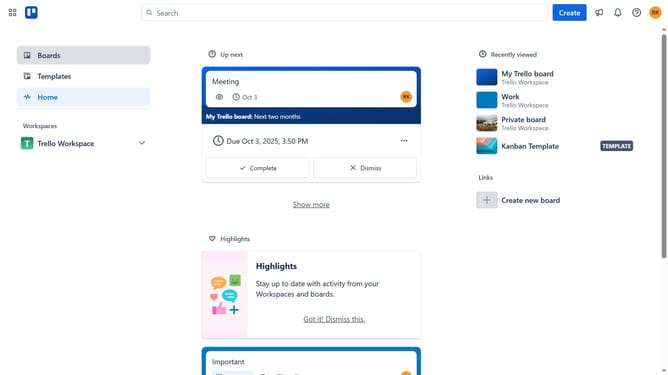
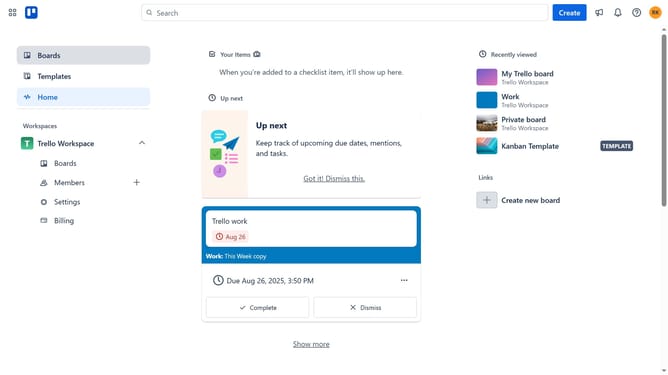
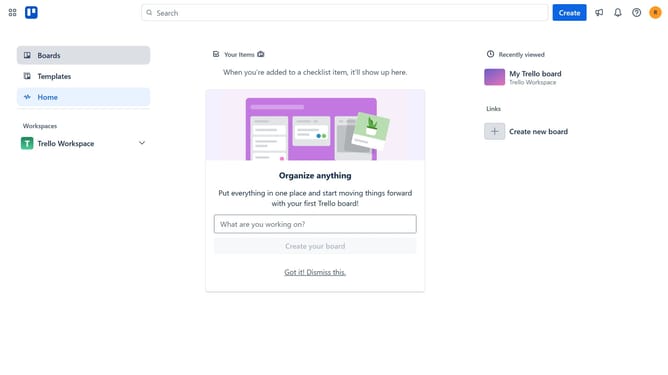
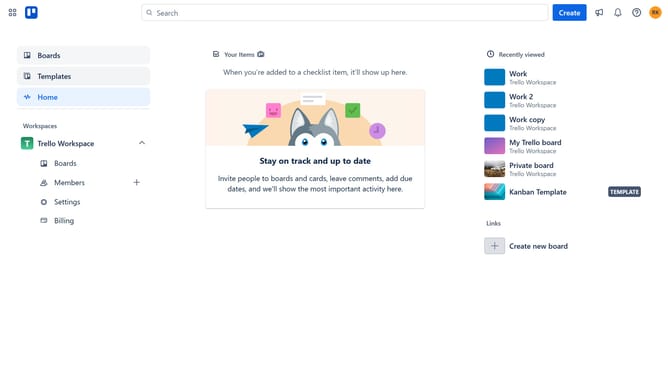
- First click on the "Boards" item in the left sidebar
- Then click a board in the main content area
- Click on the menu button ("...") in the top right corner of the board
- Select the "Power-Ups" option from the dropdown menu
- Click on the "Communication & collaboration" category in the left sidebar of the Power-Ups window
- Click on the "Communication & collaboration" category in the left sidebar of the Power-Ups window
- Finally click the "Add" button on the "Last Seen" Power-Up card in the confirmation dialog page to install it
Why should you add last seen power-up in Trello
Trello is a flexible platform that empowers teams to organize tasks and collaborate efficiently.
Adding the Last Seen power-up in Trello enhances transparency by showing when collaborators last engaged with your board.
This feature greatly improves communication within teams by providing insights into members' activity. By understanding when team members were last active, it's easier to manage expectations and timelines.
Overall, the Last Seen power-up ensures a more informed collaboration experience, keeping everyone in the loop.
Last update