How to add featureing power-up in Trello
Here is how to add featureing power-up in trello
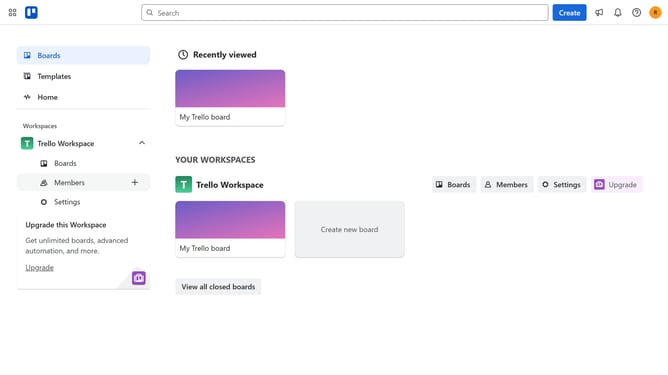
- First click on the "Boards" option in the left sidebar
- Then click a board in the workspace area
- Click on the "Board" tab in the bottom navigation menu
- Click on the "More" menu (three dots) button in the top-right corner
- Select "Power-Ups" option from the dropdown menu
- Scroll down in the board utilities list
- Click on "Add" button under the Featuring power-up
- Finally click the "Add" button in the confirmation dialog to install the power-up
Why should you add featureing power-up in Trello
Trello is an intuitive project management tool designed to enhance team productivity through visual collaboration.
Adding feature-enhancing power-ups in Trello boosts its functionality, allowing for a more customized workflow to suit specific project needs.
These power-ups integrate third-party applications or add new capabilities directly within Trello, streamlining processes and fostering seamless teamwork.
Utilizing these features leads to enhanced efficiency, ensuring tasks are managed effectively and goals are achieved promptly.
Last update