How to filter overdue cards in Trello
Here is how to filter overdue cards in trello
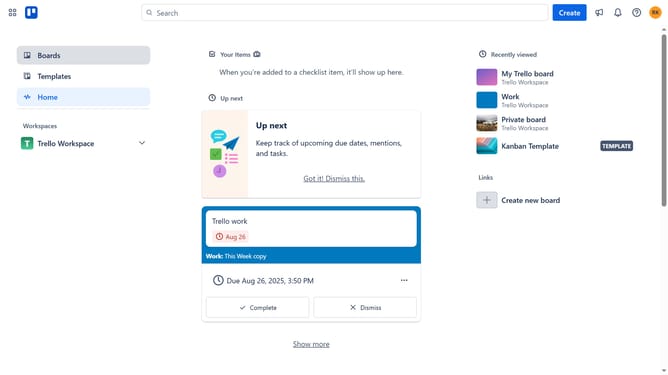
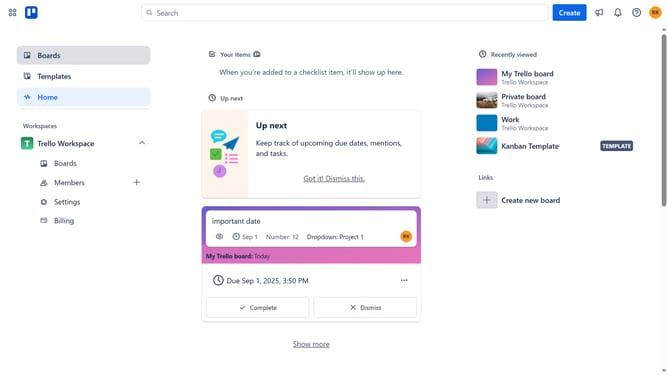
- First click on the "Boards" option in the left sidebar navigation
- Then click on a board the workspace section
- Next click on the "Filter" icon in the board's top toolbar
- Finally click the checkbox next to "Overdue" in the filter list to show all overdue cards
Why should you filter overdue cards in Trello
Trello is a visual collaboration tool that empowers you to organize tasks and projects neatly.
Filtering overdue cards in Trello is a feature designed to enhance your productivity by keeping you focused on what's most important.
By honing in on overdue tasks, you can prioritize your workflow efficiently, ensuring that no crucial deadlines are overlooked.
This feature not only streamlines task management but also helps maintain clear team communication, ultimately driving collective success.
Last update