How to add external share power-up in Trello
Here is how to add external share power-up in trello
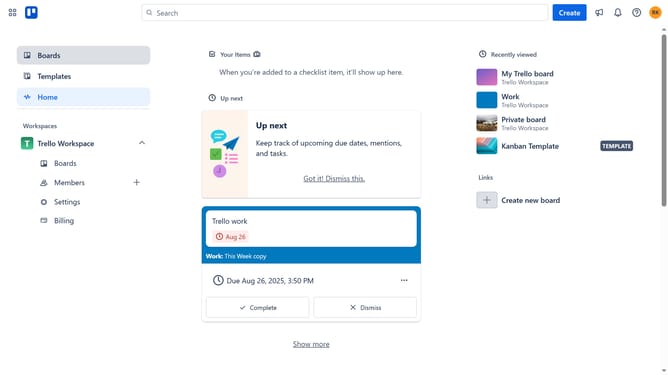
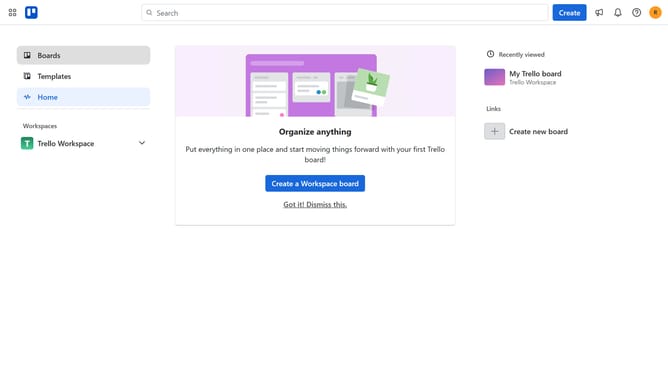
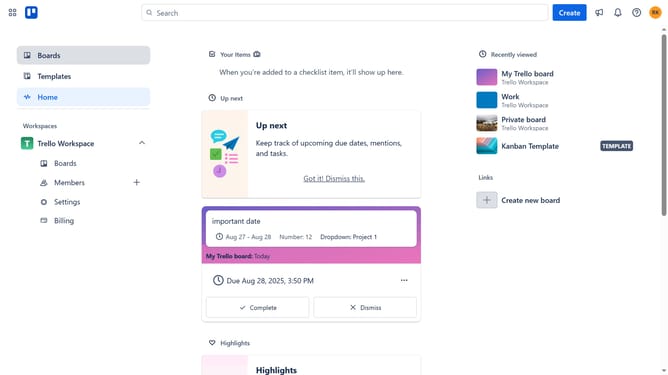
- First click on the "Boards" option in the left sidebar
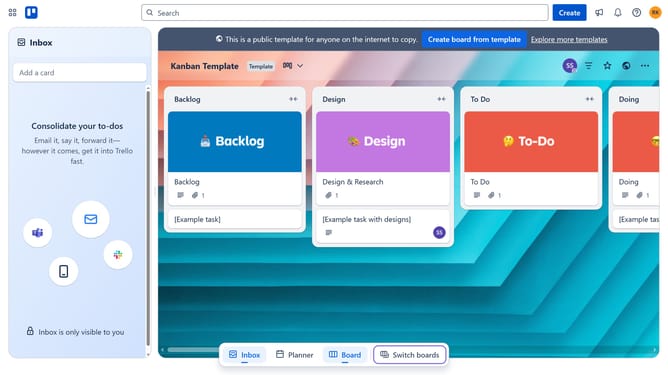
- Then click a board in the workspace section
- Next click the "More" menu button (three dots) in the top-right corner of the board
- Then click on "Power-Ups" option in the dropdown menu
- In the Power-Ups menu, click on "Communication & collaboration" category in the left sidebar
- Then click on the "Add" button under "External Share - Tiny Power-Ups Club"
- Finally click the "Add" button in the confirmation dialog to install the Power-Up
Why should you add external share power-up in Trello
Trello is a dynamic project management tool designed to streamline task organization and collaboration.
The external share power-up in Trello enhances the platform by enabling users to seamlessly share boards or cards with individuals outside their organization. By using this feature, you can efficiently extend your team's collaboration sphere and ensure that stakeholders remain informed.
This power-up offers the convenience of effortlessly providing updates to clients and partners, improving communication and fostering transparency in project management.
Last update