How to add personas power-up in Trello
Here is how to add personas power-up in trello
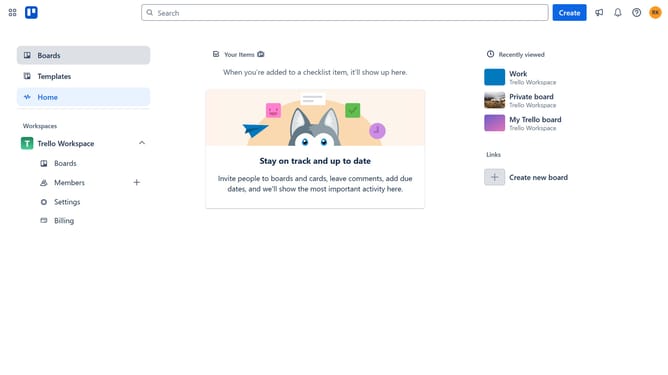
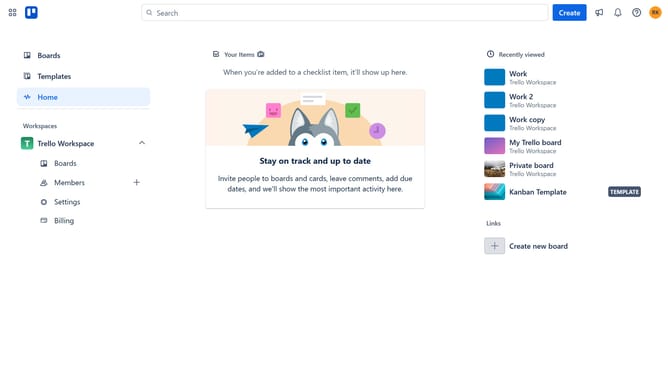
- First click on "Home" in the left sidebar
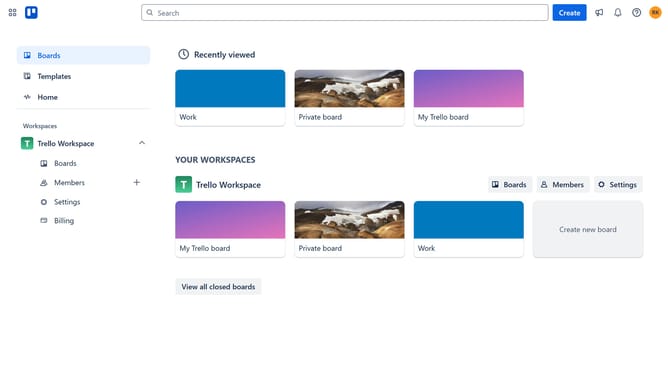
- Then click a board in the main workspace area
- Click the "More options" (three dots) button in the top-right corner of the board
- Select "Power-Ups" from the dropdown menu
- Scroll down in the power-ups menu
- Click on "Marketing & social media" category in the left sidebar
- Click "Add" button next to the "Personas" Power-Up
- Finally click the "Add" button in the confirmation dialog to install the Power-Up
Why should you add personas power-up in Trello
Trello is a versatile platform designed to streamline project management and task collaboration.
By integrating the Personas Power-Up in Trello, users can effortlessly add a personal touch to their projects. This feature facilitates a deeper understanding of target audiences through the creation of detailed user personas.
Incorporating personas enhances team alignment and fosters empathy, which leads to more user-centered strategies and solutions.
Embracing this power-up can significantly boost team communication and project outcomes, ensuring shared goals are met effectively.
Last update