How to add jira power-up in Trello
Here is how to add jira power-up in trello
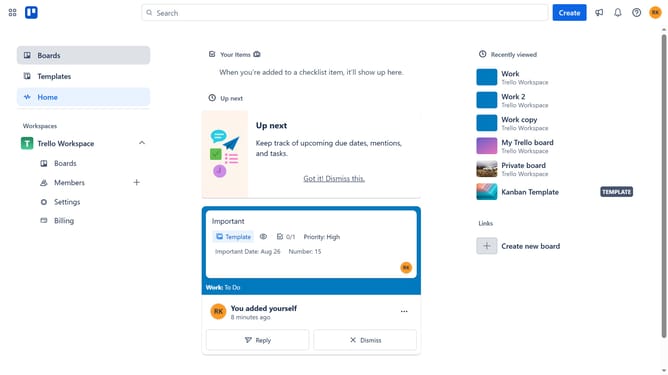
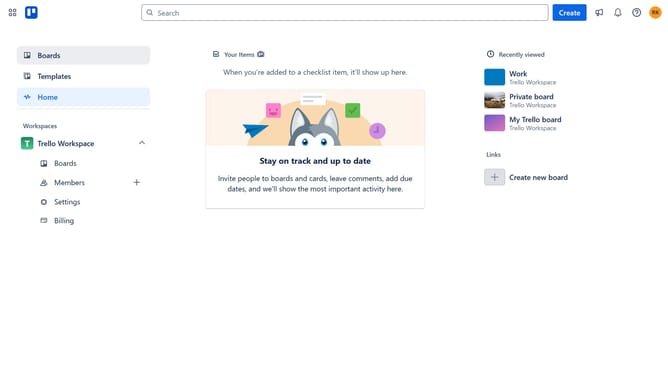
- First click on the "Boards" option in the left sidebar menu
- Then click a board in the workspace area
- Next click on the "more" menu (three dots) button in the top-right corner of the board
- Then click on the "Power-Ups" option in the dropdown menu
- In the Power-Ups menu, click on the "Developer tools" category in the left sidebar
- Finally click "Add" under the "Jira" power-up to install it
Why should you add jira power-up in Trello
Trello is a versatile tool for organizing tasks and projects across visually appealing boards.
Integrating the Jira Power-Up in Trello enhances the ability to manage software development tasks by seamlessly connecting your projects with Jira.
This feature bridges the gap between task management and agile development, streamlining communication and ensuring that everything stays on track.
Ultimately, adding the Jira Power-Up empowers teams to achieve higher efficiency and transparency in their workflow.
Last update