How to add calendar activity in Trello
Here is how to add calendar activity in trello
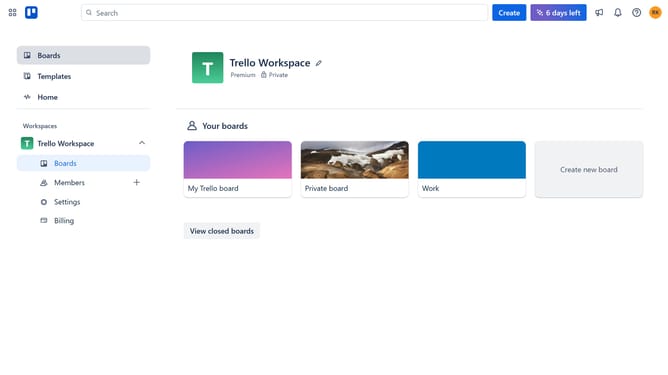
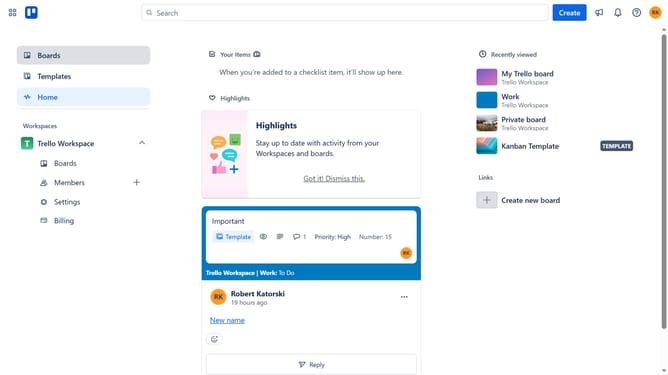
- First click on the "Boards" option in the left sidebar menu
- Then click a board in the workspace section
- Next click on the "More" (three dots) menu button in the top-right corner of the board
- Click on "Power-Ups" option in the dropdown menu
- Select "Analytics & reporting" category from the left sidebar
- Click on the "Add" button next to "Activity Calendar" power-up
- Review the permissions and click "Add" button in the confirmation dialog
- Finally click "Authorize with Trello" button in the welcome popup
Why should you add calendar activity in Trello
Trello is a versatile project management tool that simplifies organizing and tracking tasks through an intuitive card and board system.
One compelling feature is the ability to add calendar activity, allowing users to visualize scheduled tasks and deadlines seamlessly within the platform.
Integrating calendar activities in Trello enhances productivity by offering a clear overview of project timelines, ensuring tasks are prioritized and resources managed efficiently.
This functionality supports a cohesive workflow, making collaboration smoother and keeping teams aligned with project goals effortlessly.
Last update