How to add calendar, timeline, time tracking by planyway in Trello
Here is how to add calendar, timeline, time tracking by planyway in trello
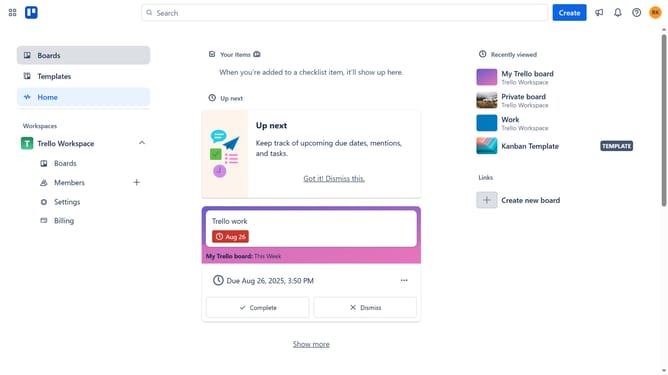
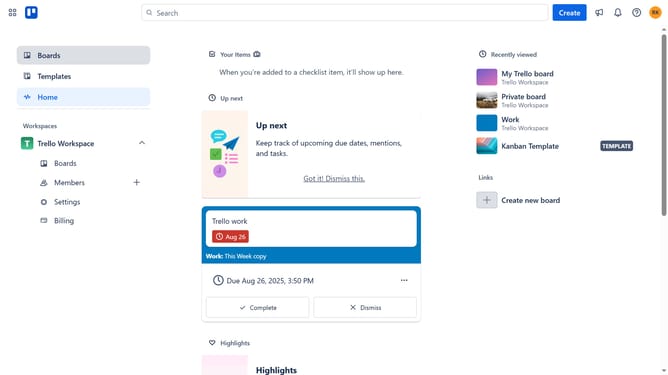
- First click on the "Boards" button in the left sidebar
- Then click a board in the workspace section
- Next click on the "More options" button (three dots) in the top-right corner of the board
- Then click on "Power-Ups" option in the dropdown menu
- Next click on "Analytics & reporting" category in the Power-Ups menu
- Then click on the "Add" button under the "Calendar, Timeline, Time Tracking by Planyway" power-up
- Finally click on the "Add" button in the power-up details dialog
Why should you add calendar, timeline, time tracking by planyway in Trello
Trello is a versatile tool designed to streamline project management through intuitive boards and cards.
By integrating Planyway with Trello, users unlock powerful features like calendar, timeline, and time tracking, enhancing project visibility. This addition transforms Trello into a robust scheduling platform, allowing teams to visualize tasks and deadlines efficiently.
These features foster better planning, ensuring that projects stay on track. With improved visibility and organization, teams can maintain productivity and meet deadlines effortlessly.
Last update