How to add activity timer power-up in Trello
Here is how to add activity timer power-up in trello
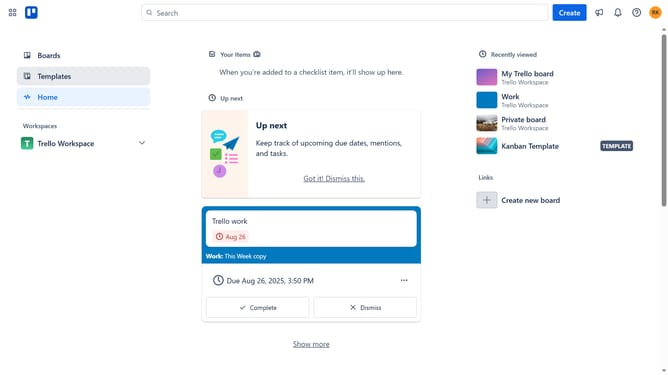
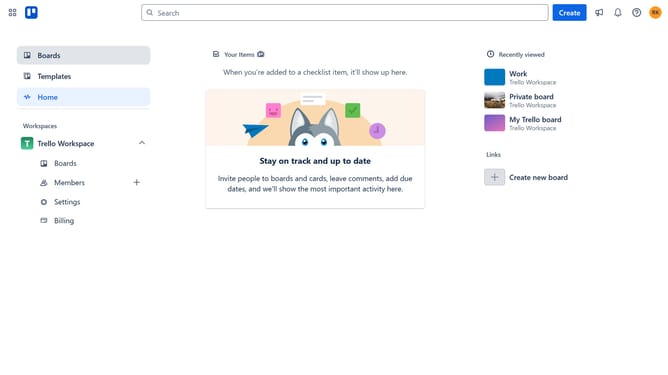
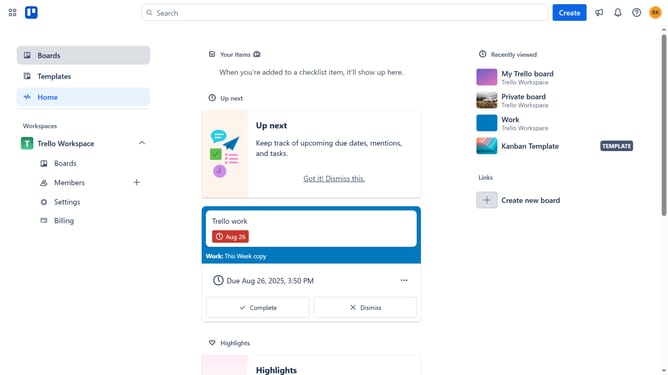
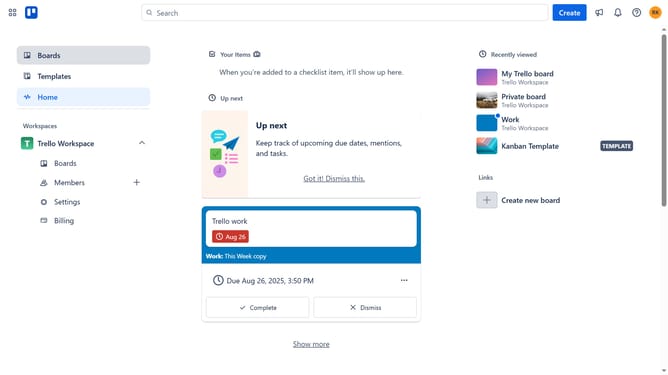
- First click on the "Boards" option in the left sidebar menu
- Next click a board in the workspace area
- Then click on the "More" menu button (three dots) in the top-right corner
- Next click on the "Power-Ups" option in the dropdown menu
- Then click "Board utilities" option in the left sidebar
- Next click the "Add" button under the "Activity timer" power-up
- Finally click the "Add" button for the Activity timer Power-Up in the details page to install it
Why should you add activity timer power-up in Trello
Trello is a versatile project management tool that helps teams organize tasks visually.
The Activity Timer Power-Up in Trello allows users to track time spent on tasks effortlessly. By integrating this feature, teams can enhance productivity through effective time management.
Utilizing the Activity Timer Power-Up offers transparency in workflow and assists in prioritizing work, ensuring better planning and efficiency.
Last update