How to add devboardsync by kryl solutions power-up in Trello
Here is how to add devboardsync by kryl solutions power-up in trello
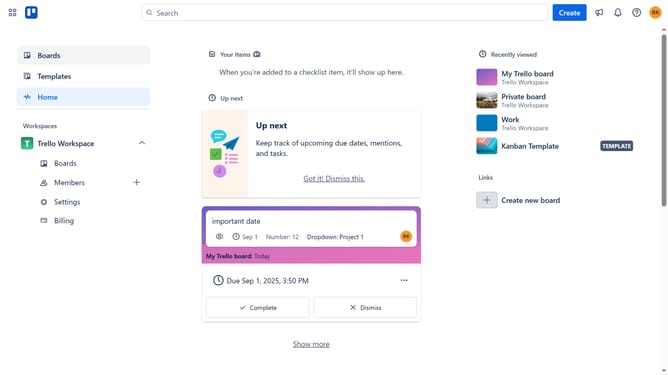
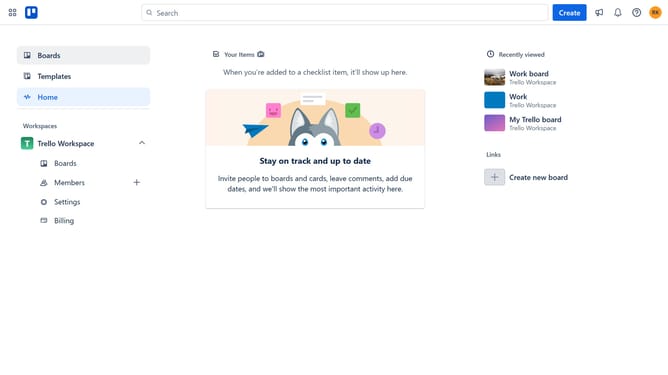
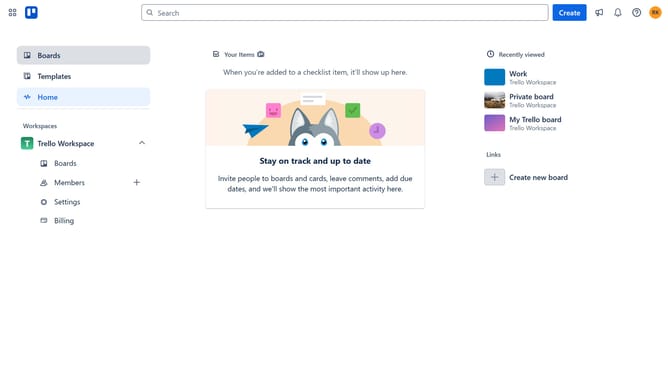
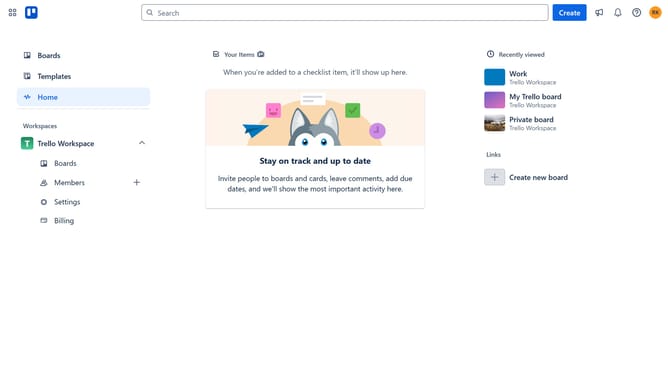
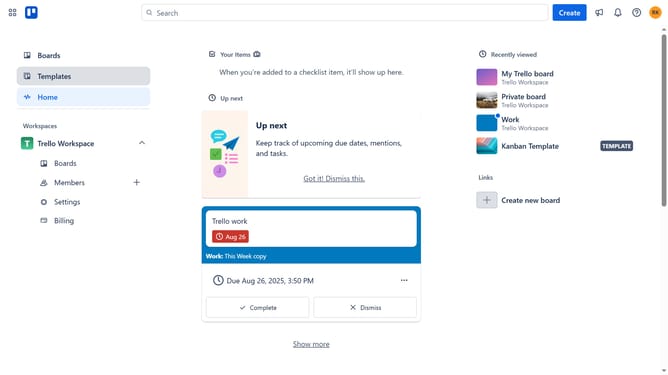
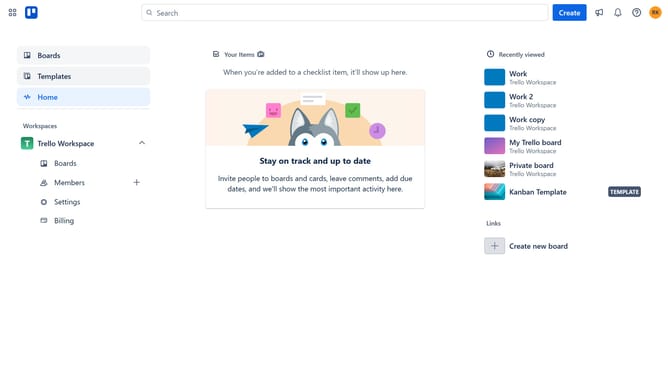
- First click on the "Boards" option in the left sidebar menu
- Then click a board in the workspace area
- Click on the "More" button (three dots) in the top-right corner of the board
- Select "Power-Ups" from the dropdown menu
- Click on "Developer tools" category in the left sidebar of the Power-Ups window
- Click on the "Add" button under the DevBoardSync by Kryl Solutions power-up
- Finally click the "Add" button in the confirmation dialog to install the power-up
Why should you add devboardsync by kryl solutions power-up in Trello
Trello is a versatile project management tool designed to help teams organize and prioritize tasks seamlessly.
By integrating the devboardsync by Kryl Solutions power-up, users can effortlessly synchronize Trello with their development boards, enhancing workflow efficiency.
This feature empowers teams by providing real-time updates, minimizing manual data entry, and ensuring that all team members are aligned with project progress.
Embracing this power-up means reduced errors and increased productivity, which are crucial for successful project outcomes.
Last update