How to create a private board in Trello
Here is how to create a private board in trello
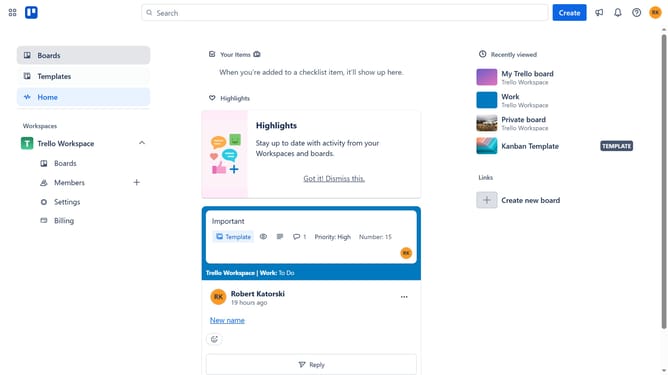
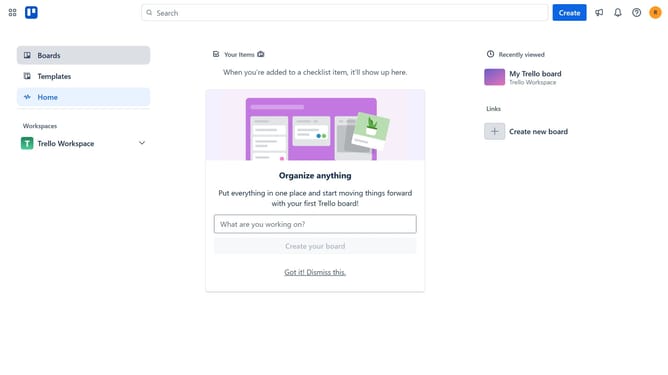
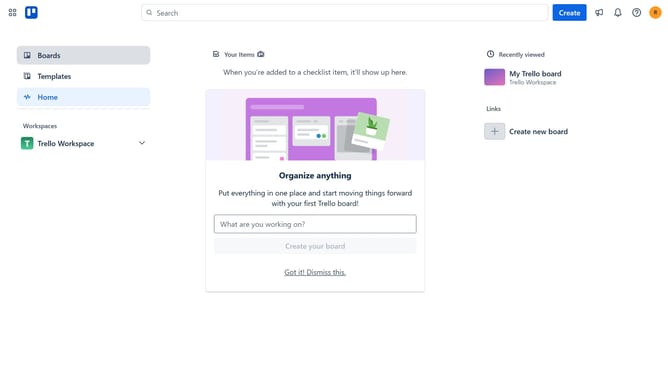
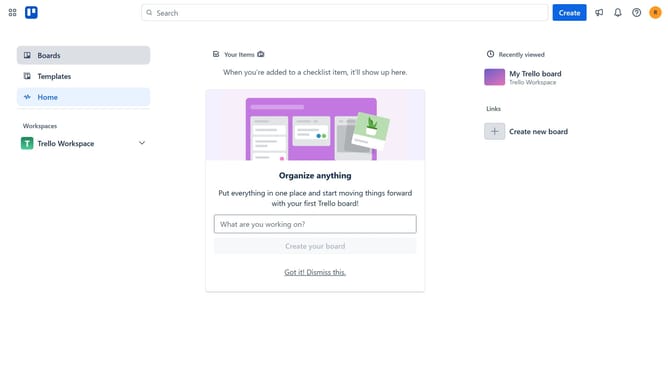
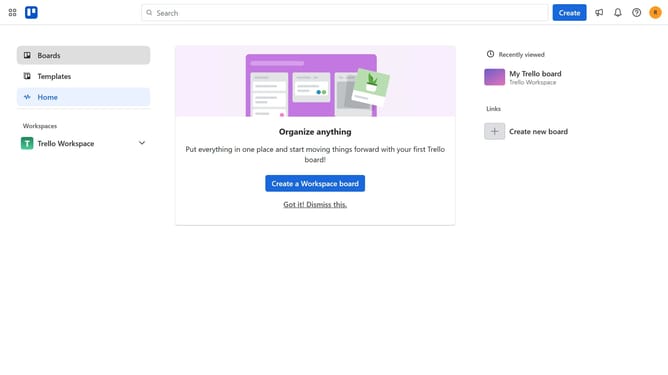
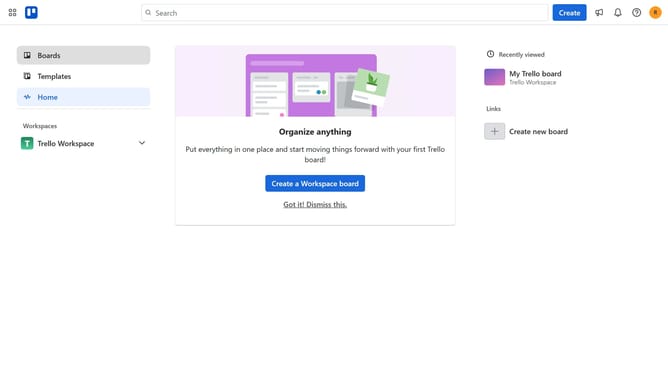
- First click on the "Boards" option in the left sidebar
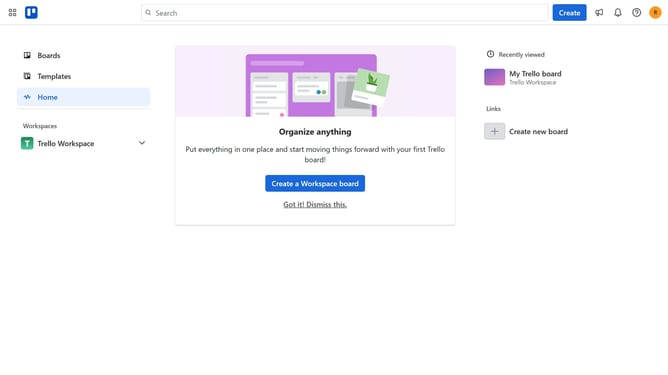
- Then click on the "Create new board" button in the workspace area
- Click on the board title input field and type your desired name for the board
- Click on the visibility dropdown menu to change board visibility
- Select "Private" option from the visibility dropdown list
- Finally click "Create" to create your private board
Why should you create a private board in Trello
Trello is an intuitive project management tool designed to streamline collaboration and organization.
Creating a private board in Trello ensures your projects remain confidential, adding a layer of security and exclusivity.
This feature is perfect for teams needing to protect sensitive information or individuals wanting to manage personal tasks without external distractions.
By utilizing private boards, you enhance focus and maintain control over who sees your work, improving efficiency and safeguarding valuable insights.
Last update